
Guardian Creation
While returning players have the option to import existing characters, new players (or those looking for a fresh start) must build their first Guardian from the ground up.
Guardian Class
If you’re creating a new Guardian, the first thing you must do is select one of three distinct Classes.
Titan
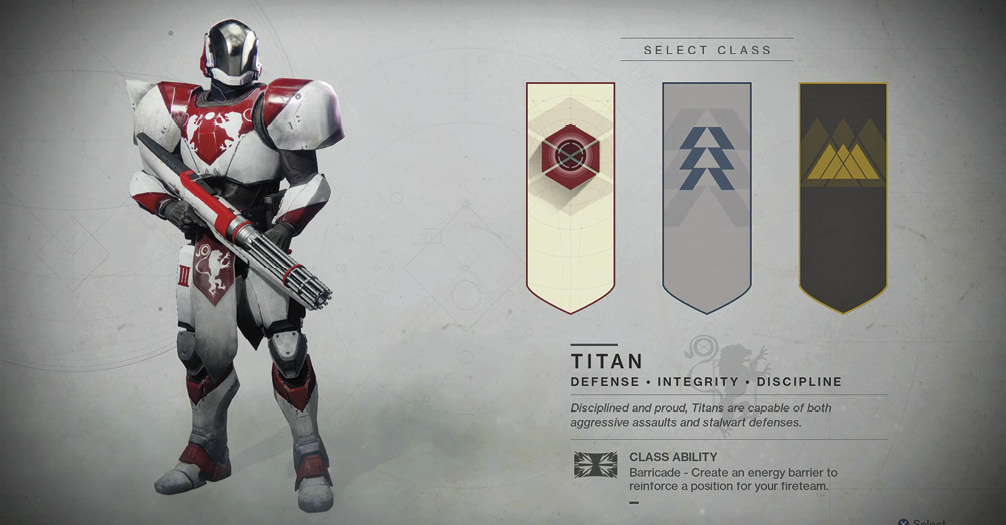
Disciplined and proud, Titans are capable of both aggressive assaults and stalwart defenses. Their Class Ability is Barricade, an energy barrier to reinforce a position for your fireteam. They are seen as the “tanks” of Destiny—geared to absorb or deflect damage that might otherwise harm their allies. They use punching in melee combat. Through armor specifically designed for Titans, expect to have impressive Resilience, at the cost of Mobility. This is a good choice for both the beginner and seasoned player. Their Guardian Mentor is Commander Zavala.
Hunter
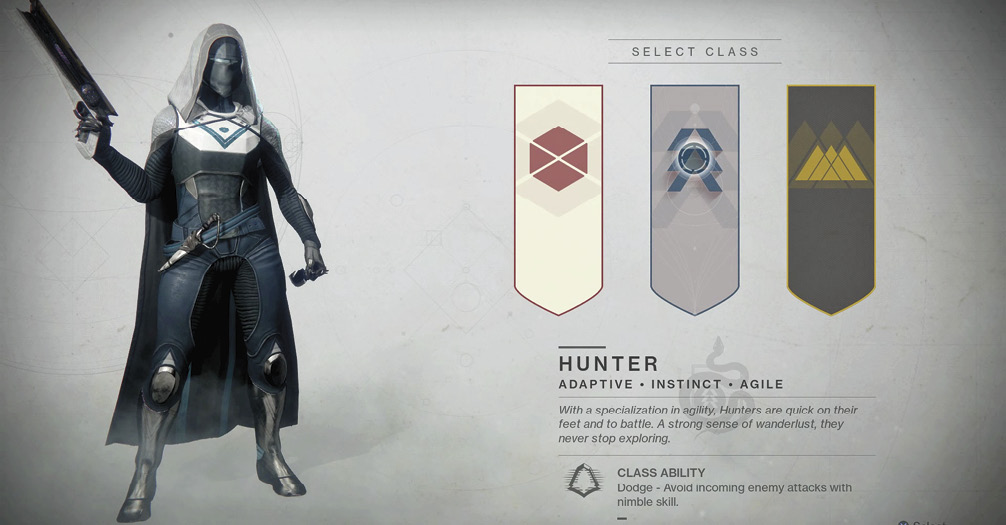
With a specialization in agility, Hunters are quick on their feet and to battle. Their strong sense of wanderlust means they never stop exploring. Their Class Ability is Dodge, avoiding enemy attacks with nimble skill. If you prioritize Mobility over Resilience and Recovery, then choose this Guardian. They use knives in melee combat, and through use of Abilities, they attempt to perfect stealthy short- and long-range attacks to take down foes. Their Guardian Mentor is Cayde-6.
Warlock
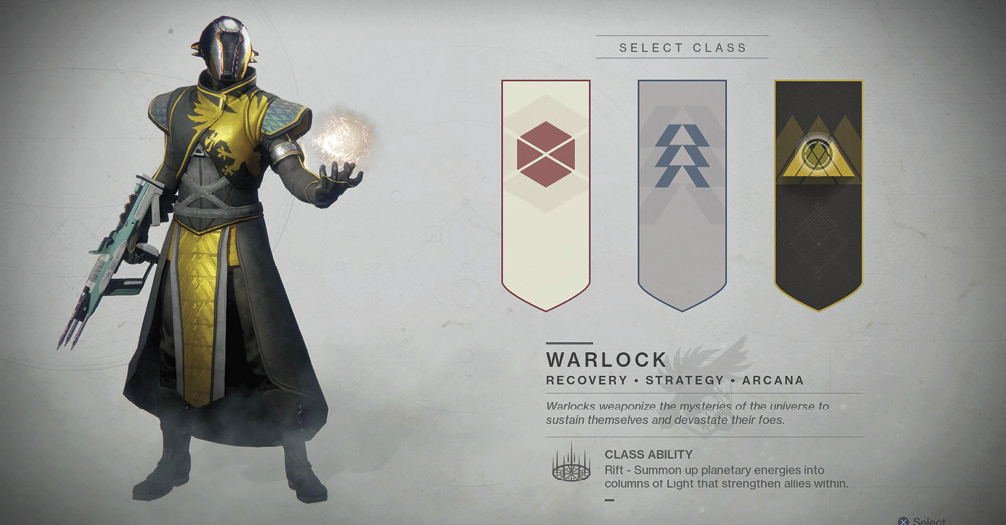
Warlocks weaponized the mysteries of the universe to sustain themselves and devastate their foes. Their Class Ability is Rift, allowing you to summon Columns of Light that strengthen allies within. They melee strike with a push and tend to favor Recovery over Mobility or Resilience. They’re capable of outstanding group support, but they’re formidable warriors in their own right. Their Movement Modes are the most difficult to time correctly, but arguably give the most maneuverability once mastered. Their Guardian Mentor is Ikora Rey.
Guardian Races
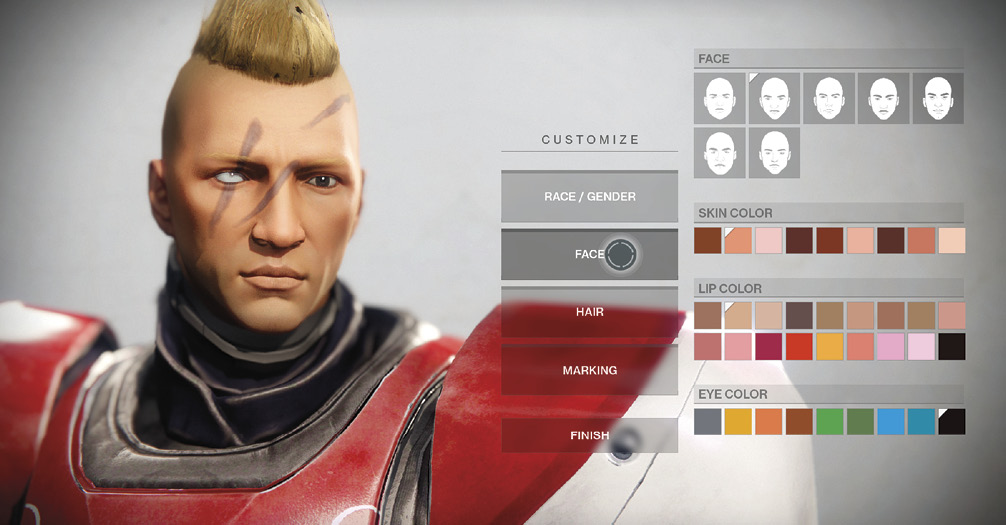
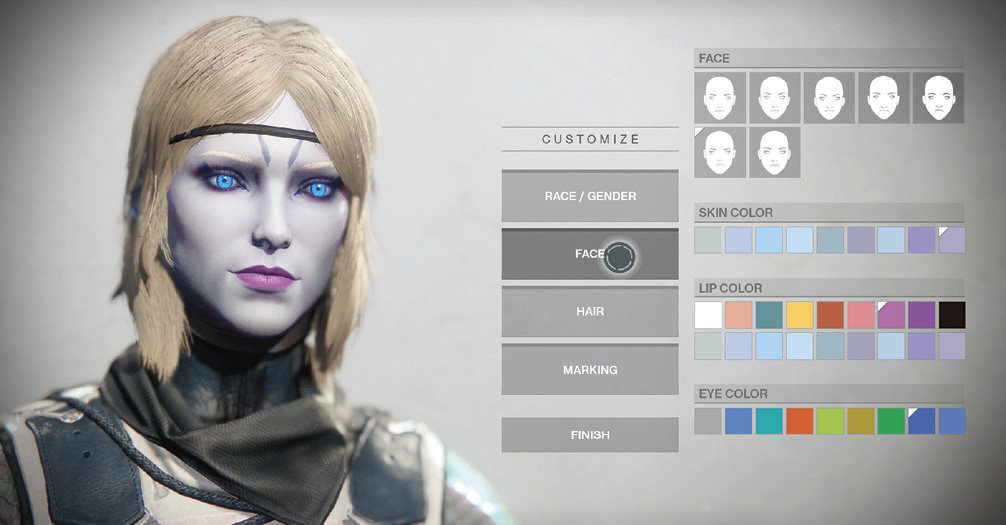
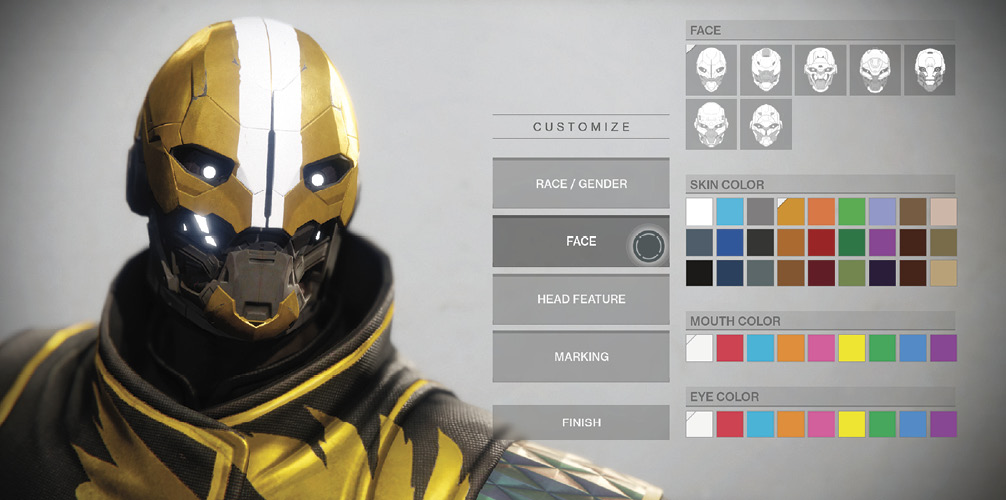
You then pick your race and gender. These have no impact on your performance, but they do determine your cosmetic options and your Guardian’s default emotes. You can change your face (along with skin, mouth, and eye color), change your hair (or head feature, with color change), and add markings to your character.
Human
Awoken
Exo
Main Menus
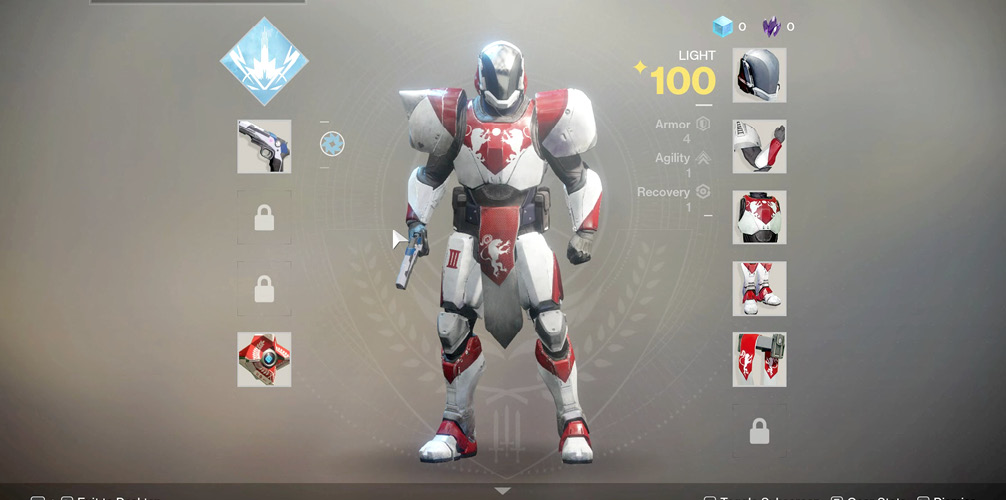
Once your character is created, you can cycle through the five main menus available to you. Here’s a brief description of each menu:
Clan: This menu allows you to create or join a clan if you want to be social, help newer Guardians find their feet, or plan Campaign Missions, Strikes, or other activities with groups of like-minded individuals.
Character: Used with the most frequency, this menu shows your level, Subclass, your weaponry (Kinetic, Energy, and Power weapons), your Ghost, your Power Level, any funds you have, your armor sections, any Emotes, and vehicles. Click any of the boxes for additional details.
Inventory: This shows the entire collection of items you have stored in a vault (found in either of the Social Sectors), which can be shared between your characters.
Settings: Tweak with any and all game features here. Note that one of them allows you to wear a helmet at all times. If you need to fiddle with your sound, controls, visual elements, or accessibility settings, head here.
At this point, you begin your first three Campaign Missions. Once the true threat of the Cabal Red Legion has been assessed, you begin anew as part of Earth’s resistance. You have one overriding goal: to build up your Guardian to become the very pinnacle of battle-hardened prowess.