
Watch Dogs 2 Guide Training Part 5: World And Activities
Activity: ScoutX
After completing the first Main Operation, check your smartphone for the ScoutX app, and use it to take the best possible pictures of yourself near the Bay Area’s most famous landmarks. Visit landmarks to gain Followers and rewards for the Camera app.
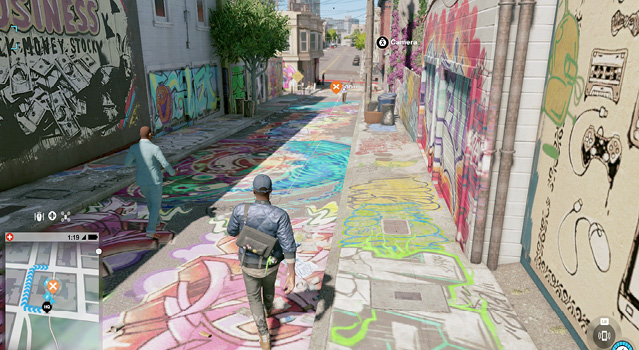
Scouting for Landmarks: Simply check your app’s Home tab, which shows the landmarks by your current location, from nearest to farthest, along with the Followers you gain by taking a picture of the landmark. Select the landmark to place a Nudle Maps waypoint.
When you’re there, your minimap tells you and allows you to quickly access your camera. Now take a selfie with the landmark. If you’ve done this correctly, the ScoutX app updates to reflect this. If you haven’t, adjust your selfie shot until you do.
News Feed: This keeps track of all the ScoutX landmarks your friends and DedSec teammates have found. Check out what they’re saying about your pictures, too. You’ll post here automatically when you’re successful. The camera also saves each picture too.
Rewards: There are 57 SocutX landmarks to find (37 are buildings or murals, and 20 are people), and locating a certain number of them allows you to make a new gesture during future selfies, as detailed in the table:
ScoutX Rewards
| Landmark Selfies Taken | Gesture Reward |
|---|---|
| 3 | Smiley |
| 10 | Surfs up! |
| 15 | Dayum! |
| 20 | Smooth Operator |
| 30 | Hey, girl! |
| 40 | WTF |
| 50 | Waterworks |