Watch Dogs 2 Guide Training Part 1: Navigation And Driving
Driving
Basic Maneuvers
Camera (Vehicle)
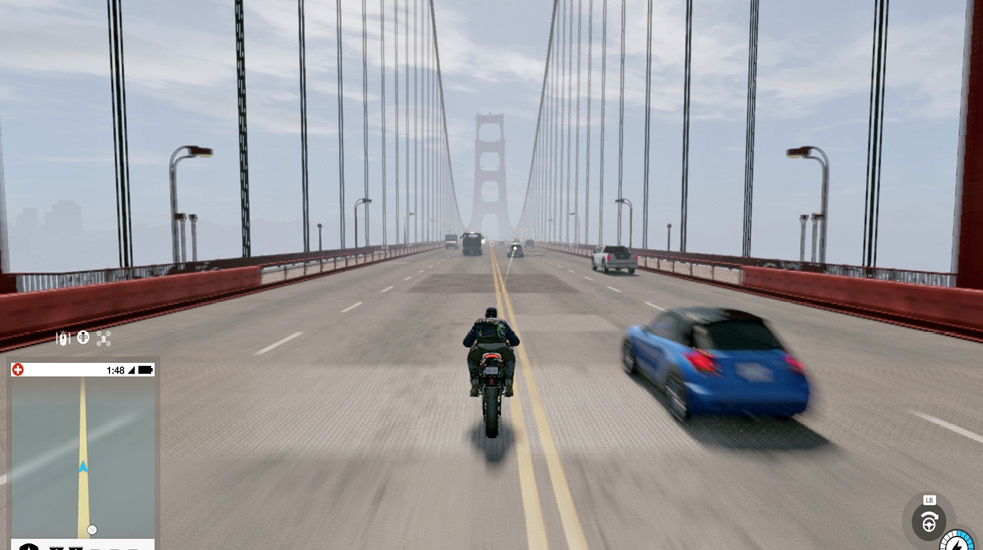
You can pan around your vehicle, but the camera usually pivots automatically to a view behind you if you place the camera directly behind the vehicle. Use the camera to check side roads (as shown) and the streets behind you for enemies, or check areas of interest (like hackable scenery or waypoints).
Do you want the camera behind you? Then simply pull down on the camera function and the view rights itself, behind your vehicle.
Entering and Exiting a Vehicle
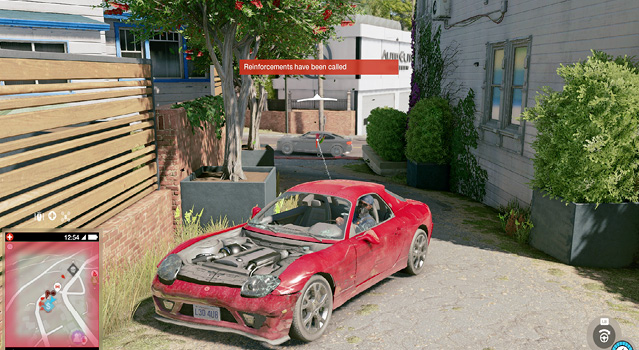
To begin with, any vehicle you don’t own (using the Car on Demand app) must be broken into, usually by a window jimmy (if you’re not in combat), a window break (if you’re in combat), or a leap into or onto the vehicle (if it’s a convertible or motorbike). This takes a few seconds and can cause pedestrians to spot you and call in the theft to the police. It’s best to simply drive away rather than stop and deal with any bystanders. Research the Hijacker ability to quicken this vehicle-entering process.
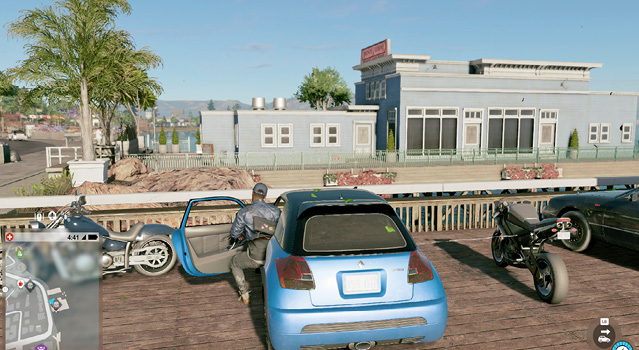
When exiting, remember that you don’t need to be stationary to leave a vehicle; you can jump out at great speed or to prevent an imminent death. But usually it isn’t wise to drive into a river or oncoming traffic unless you have the skill to avoid an accident (unless you’re causing one for the sake of completing an objective). You suffer damage from a medium-speed exit or higher.
Looking Back
Although your controls are seemingly reversed if you’re looking from the hood of your vehicle back at the road behind you (while pressing the right thumbstick), quick glances using this button are extremely helpful; they are instant (unlike manually moving the camera around) and enable you to see foes chasing you and the distance they are behind you. You can still set up traps using hackable infrastructure in this view too.
Accelerating
This causes you to turn less sharply if you have your pedal to the floor, compared to releasing the gas when taking a corner. You can technically keep accelerating, brake at a corner without letting go of the gas, release the brake, and start accelerating again without missing any “acceleration time.”
It’s usually better to ease off the accelerator before making quick adjustment turns at high speed; otherwise you may lose control.
Handbraking
This is also known as the e-brake; use this when cornering if you want to make a more pronounced swerve. You will skid out slightly. Every vehicle is different, and the speed at which you turn and e-brake also affects where you end up, as does the quality of road underneath (expect to skid wildly if you’re on grass or dirt). The weather conditions do not affect your stability. Practice using the vehicles you drive most often, but once you’re adept, you can try all manner of advanced maneuvers, like J-turns, donuts, and precision cornering without hitting anything!
Braking
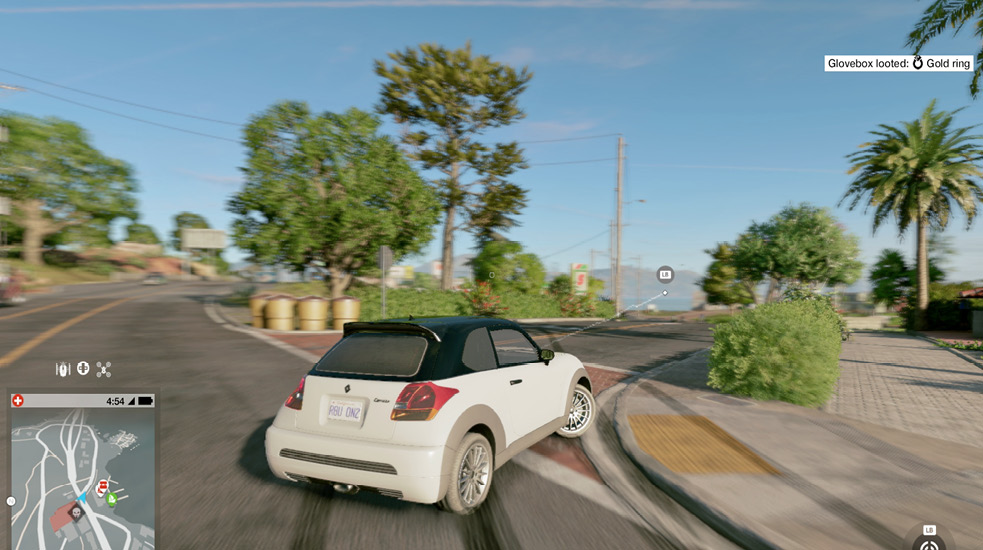
Obviously, you brake when you wish to stop or slow for a corner, and the amount of pressure on the trigger results in a leisurely or abrupt slowdown. But if you’re worried about hitting pedestrians, need to come to a complete stop, don’t know the area, or want to ensure accuracy as you reach a narrow or enclosed area, tap on the brakes.
Reversing
Keep your finger down on this trigger, and after your vehicle stops, it begins to reverse. Don’t wait for the camera to drift to a new position; use the Look Back button so you can instantly see what’s behind you. Use reverse to get out of a dead end or other tight spot or if you overshoot a side street or alley you desperately want to reach. You can also use it to ram vehicles following you, if there’s an advantage in doing so.
Radio and Media Player
Remember you can check your phone view (bottom-left screen) as well as open and control the Media Player (once you purchase it). Want to switch off all music, including the radio? Then switch “Game Options > Settings > Audio and Language > Autoplay Music in Car” to off.
Driving: Aiming and Shooting
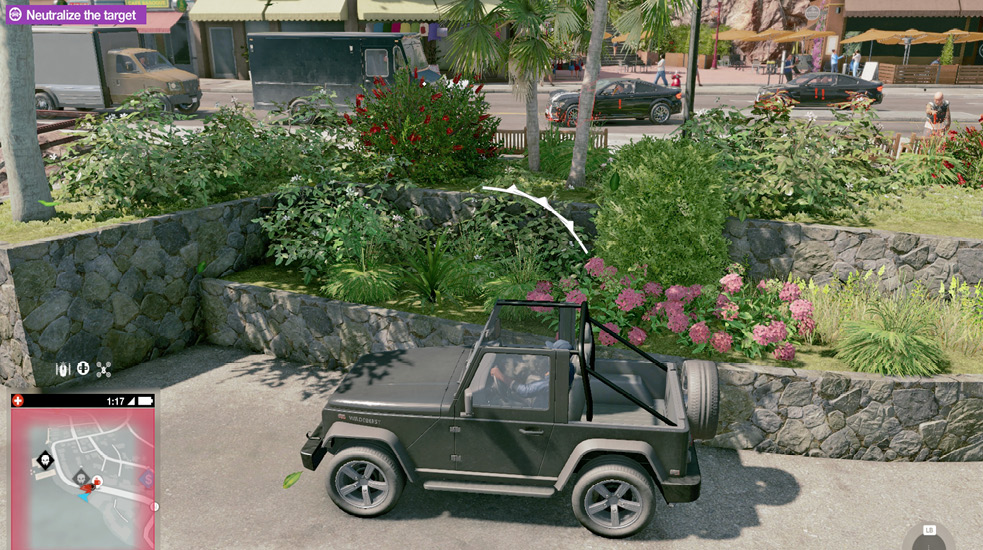
Just like when you’re on foot, you can access the Weapon Wheel inventory, choose a weapon, and draw it while inside your vehicle. Then you can use it while you’re in a vehicle (notice the appearance of a target marker), which compromises stealth. Cops can certainly see you using a weapon in the same way as they spot you while you’re on foot. Since you’re driving a vehicle, don’t expect the same type of competency while aiming and firing, but using weapons while driving can quickly remove foes, burst tires, or take down explosive objects when hacking fails. It’s also useful if you’re a passenger in a car with a co-op buddy. Remember to put away the weapon if you’re attempting a more stealthy driving plan. Need to see the weapon you’re holding while driving? Try the Interior View.
Driving Stealthily
If you’re attempting to flee one or more hostiles (such as the police), stealth driving is extremely useful. There are more specific techniques listed later in this chapter, but as a general rule, you should first break the enemy line of sight (so your minimap has you “escaping” and in yellow). Then stop your vehicle and hide in it; notice the small blue radius around your vehicle—if a foe moves into this radius, you’ll be spotted. Wait for this misunderstanding to all blow over. Then restart your vehicle and leave the vicinity of your previous, violent actions.
Cycling the Camera
Don’t overlook this useful and wildly entertaining camera function! There are four camera angles you can cycle through, usually by hitting down on your D-pad.
Intermediate Maneuvers: Driving
Boosting (Engine Override)
If you’ve purchased the Engine Override hack from the ./Research tree, you can trigger a burst of speed in a vehicle at the expense of your Botnet Resources. This is an incredibly useful ability, which works with any vehicle, as it substantially increases top speed and enables you to reach destinations much more quickly, reach enemy vehicles, and boost over large ramped jumps. Tactical knowledge for this ability and how to remotely control vehicles is detailed in the ./Research section of this chapter.
J-Turning
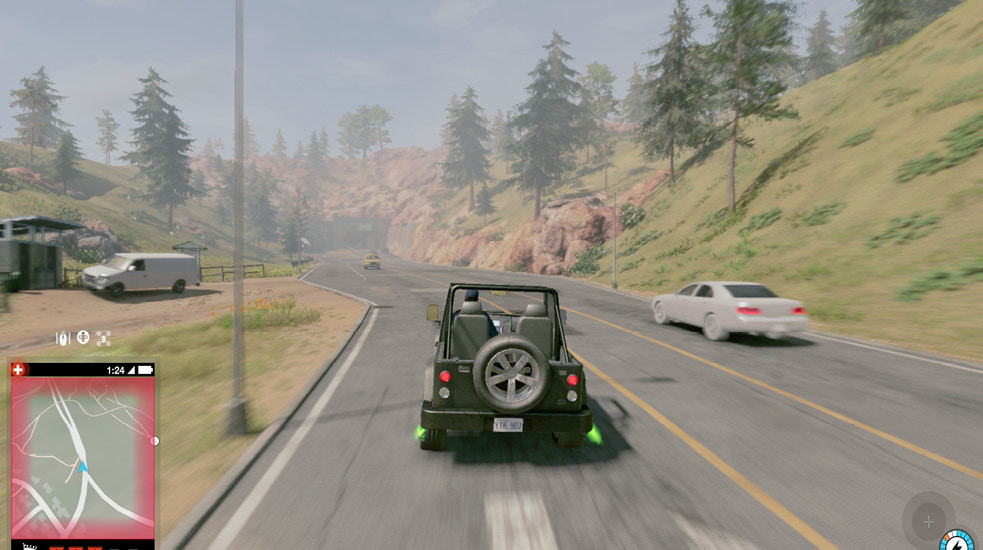
J-turns involve reversing at speed, turning tightly while handbraking, and then accelerating strongly in the direction you want to go—usually 90 or 180 degrees from the direction you started in. Try it!
Lane-Splitting
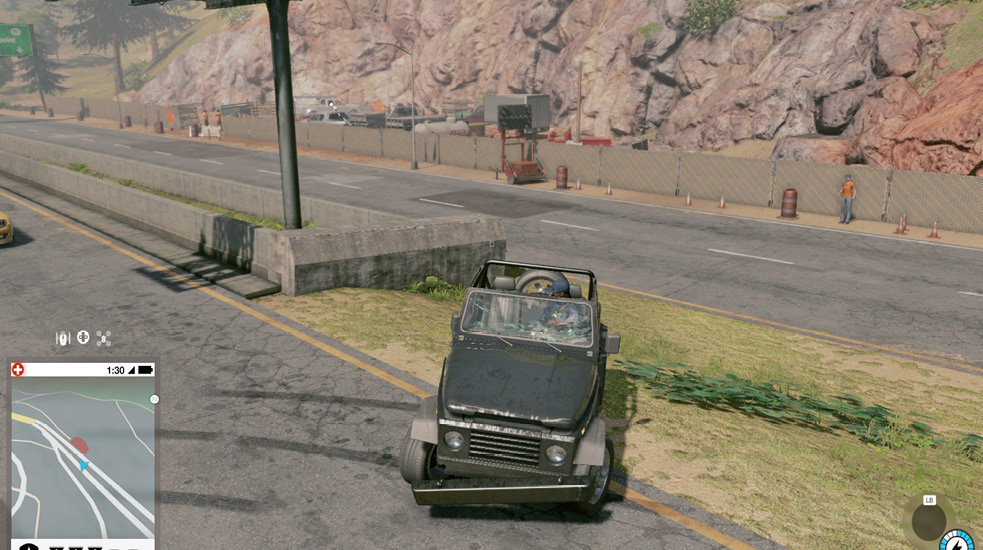
If you’re driving at speed, ignore lane discipline. On two-lane roads, stay in the middle, as there’s less chance of hitting a car heading the same way. On four-lane roads, stay in the middle of the road or between the oncoming traffic; you can usually squeeze through. This is known as lane-splitting. Bikes are particularly adept at this.