
Battlefield 3 Premium Guide Essentials Primer
What's New in Battlefield 3?
Welcome to the official game guide for Battlefield 3. If you’re a veteran of Wake Island, Karkand, Verdun, or Arica Harbor, you know why we’re starting with multiplayer. While the new single-player campaign offers a great story and plenty of memorable moments, it’s only a small part of Battlefield 3. The multiplayer experience is the other part.
Playing against others and working together as a team with members of your squad adds an entirely new dimension of intensity and fun. Plus, earning new ranks and unlocks is incredibly addictive, making hours melt away. So before jumping into a multiplayer match, make sure you’ve set aside plenty of free time. After all, who needs sleep?
What's New?
If you’re a grizzled Battlefield veteran, then you can jump online now and feel right at home among the whizzing bullets and exploding shells. But before rushing into action, here’s a quick summary of the some of the new features and gameplay mechanics.
Loadout Customization
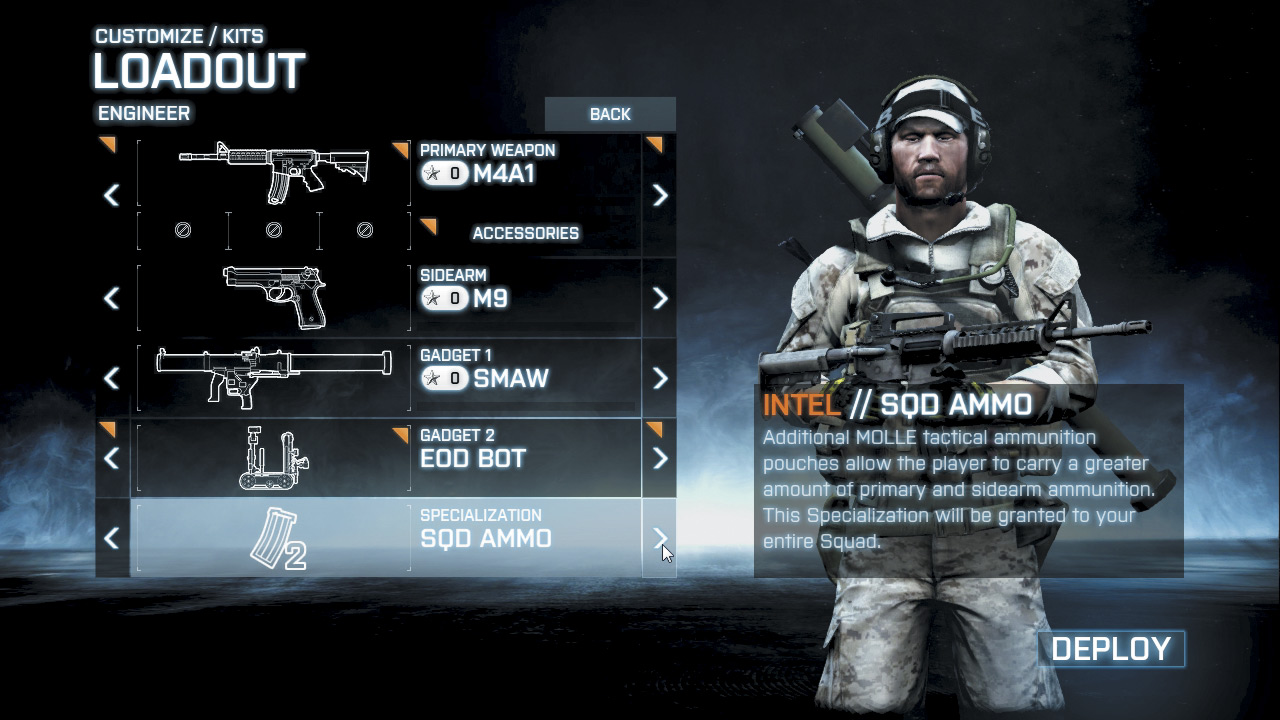
While veteran Battlefield players are accustomed to being rewarded with new weapons and gear as they progress through their multiplayer career, there has never before been so many customization options available. Each class, weapon, and vehicle has its own unlock progression, allowing you to unlock a variety of upgrades, accessories, gadgets, and specializations. When choosing your soldier’s loadout, you can choose a primary weapon, a sidearm, up to two gadgets, and a specialization.
Taking customization even deeper, each primary weapon can be outfitted with a scope, as well as primary and secondary attachments. You can even choose loadouts for vehicles, selecting from a mix of unlocked upgrades, gadgets, and weapons. The more you play, the more unlocks you acquire. So don’t forget to visit the loadout screen to make adjustments that best fit your style of play and the current needs of your team.
Prone
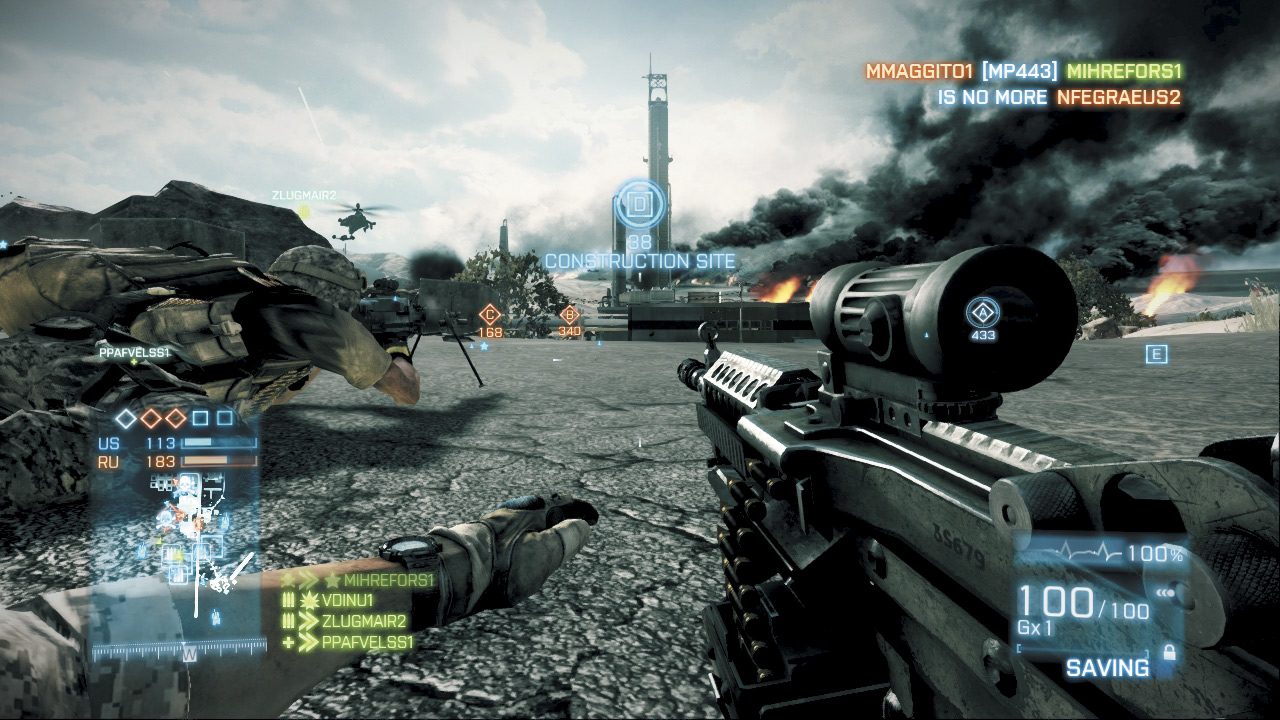
Okay, this really isn’t a new feature. But it’s back by popular demand and it really changes the pace of the game, especially if you’re used to the Bad Company series. By lying prone you not only make yourself a smaller target, but you also greatly increase the accuracy and stability of your weapon, particularly when using a Bipod. Bipods are deployed automatically when you zoom in, either if you are prone or if you kneel/stand by a suitable surface, such as a pile of rubble, sand bags, or a windowsill. The ability to go prone also makes it much easier to conceal yourself within high grass and shrubs, making it extremely difficult for opponents to spot you. To better conceal your position, consider equipping a Suppressor or Flash Suppressor to minimize muzzle flash.
Suppression
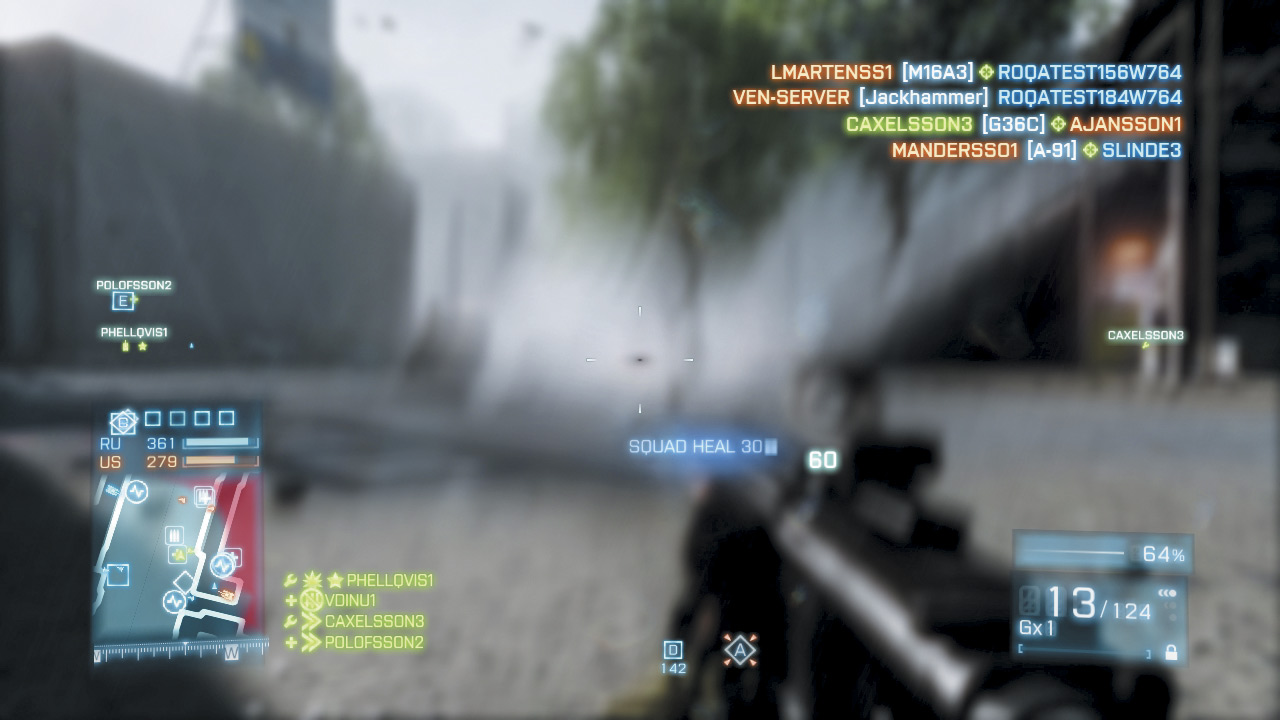
The new suppression system will definitely make you think twice before exposing yourself to incoming fire. If incoming rounds hit you or strike anywhere close by, you become suppressed. When you’re suppressed, your vision is blurred and your weapon accuracy is greatly diminished. However, the effects of suppression pass quickly if you get out of the line of fire and seek cover. The new suppression mechanic can work in your favor, too. Even if you don’t have a clear shot at an opponent, open fire in an attempt to suppress them.
Any class or weapon is capable of suppressing, but the support kit’s light machine guns are the most effective. The large magazine capacities of these weapons allow you to lay down sustained heavy fire, which is ideal for keeping an opponent’s head down. Each player has an invisible suppression radius around them. Simply landing rounds within this small radius suppresses the target. A suppressed player has decreased accuracy, so you can actually make your enemies less efficient soldiers by suppressing them. The new Suppression Assist score (50 points) is awarded if a teammate kills an opponent you’ve suppressed.
Vehicle Damage
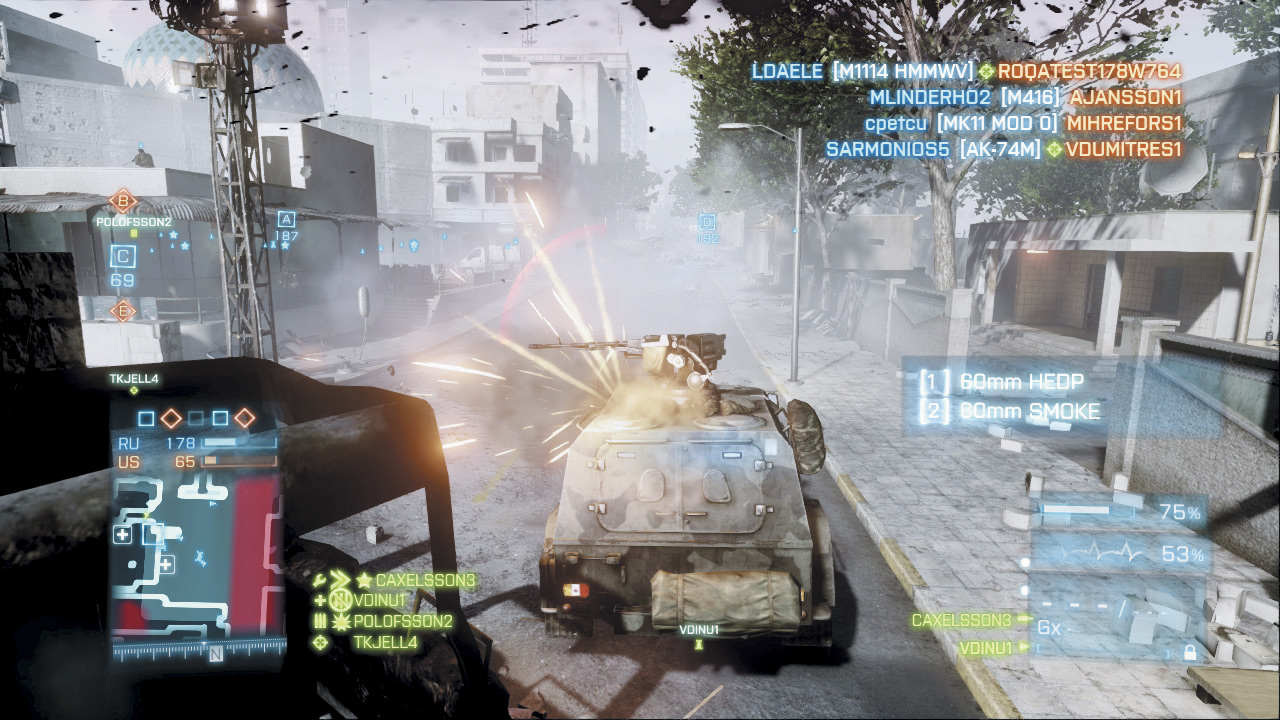
In Battlefield 3, vehicle damage has been completely overhauled. Now, if a vehicle takes light damage, it will slowly repair its armor assuming the vehicle stays out of danger and avoids taking damage for several seconds. However, if a vehicle takes heavy damage, it catches fire and becomes disabled. At this point, vehicle speed and mobility are greatly reduced, but the weapons still function—the loss of speed and control is extremely dangerous when piloting a jet or chopper. While disabled, a vehicle’s armor slowly declines until it eventually explodes.
A disabled ground vehicle can be repaired only by engineers. Jets and helicopters in flight have the benefit of deploying the Fire Extinguisher upgrade to put out the flames and restore control. As a result of these changes, destroying vehicles outright is much more difficult; you must disable a vehicle before it can be destroyed. Meanwhile, the crew of a disabled vehicle have a critical choice to make: Do they stay with the burning vehicle and try to score more kills? Or do they bail out and attempt to find cover before their ride explodes?
Revival Decline
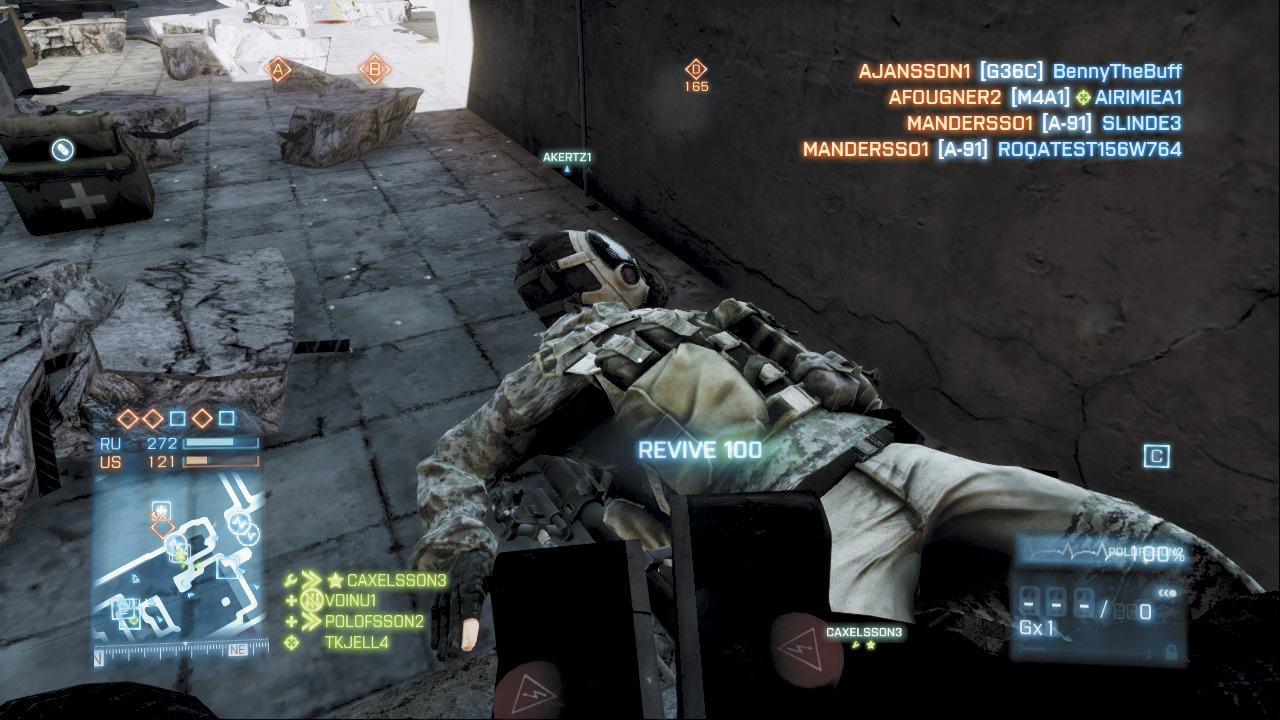
The ever-popular defibrillator returns, this time as part of the assault kit. Reviving fallen teammates with the defibrillator remains a great way to keep your squad and teammates alive while scoring some big points for yourself. But this time, the soldier you revive has a choice. They can either rejoin the action or return to the spawn screen and deploy from a new location. This allows fallen troops to avoid being revived in a hot spot only to get killed as soon as they come back to life. Regardless of the decision made, the soldier who performed the revive still gets the standard Revive (100 points) or Squad Revive (110 points) score. But if a revive is declined, the team loses a ticket instead of being refunded one.
Jets
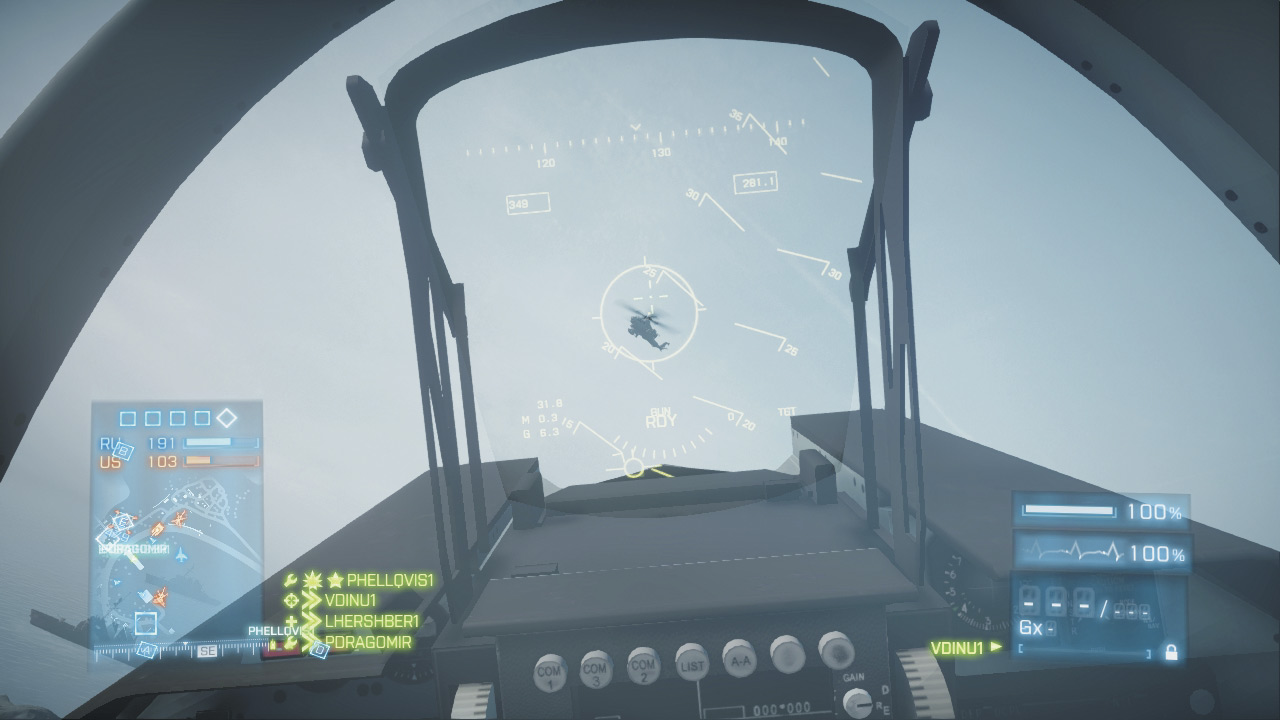
Like the ability to drop prone, jets aren’t new to the Battlefield series. But they’re back, adding a new layer of intensity to the conflict. Initially, jets are equipped with only a cannon that's useful for performing strafing runs and shooting down enemy aircraft. Like all the vehicles, jets have their own reward progression; you unlock more powerful air-to-air and air-to-ground weapons including heat-seeking missiles, Rocket Pods, and Guided Missiles. So choose your weapons carefully based on your team’s needs.
If they need help knocking out tanks, choose Rocket Pods or Guided Missiles. If your team is constantly being harassed by enemy helicopters or jets, choose Heat Seekers to shoot down these threats. Veterans will be happy to know that all aircraft (jets and helicopters) have their own spawn points. So instead of lingering on a runway waiting for a jet to spawn, simply hold in the spawn screen and spawn directly into the pilot’s seat when a jet or helicopter is available.
Squad Leader
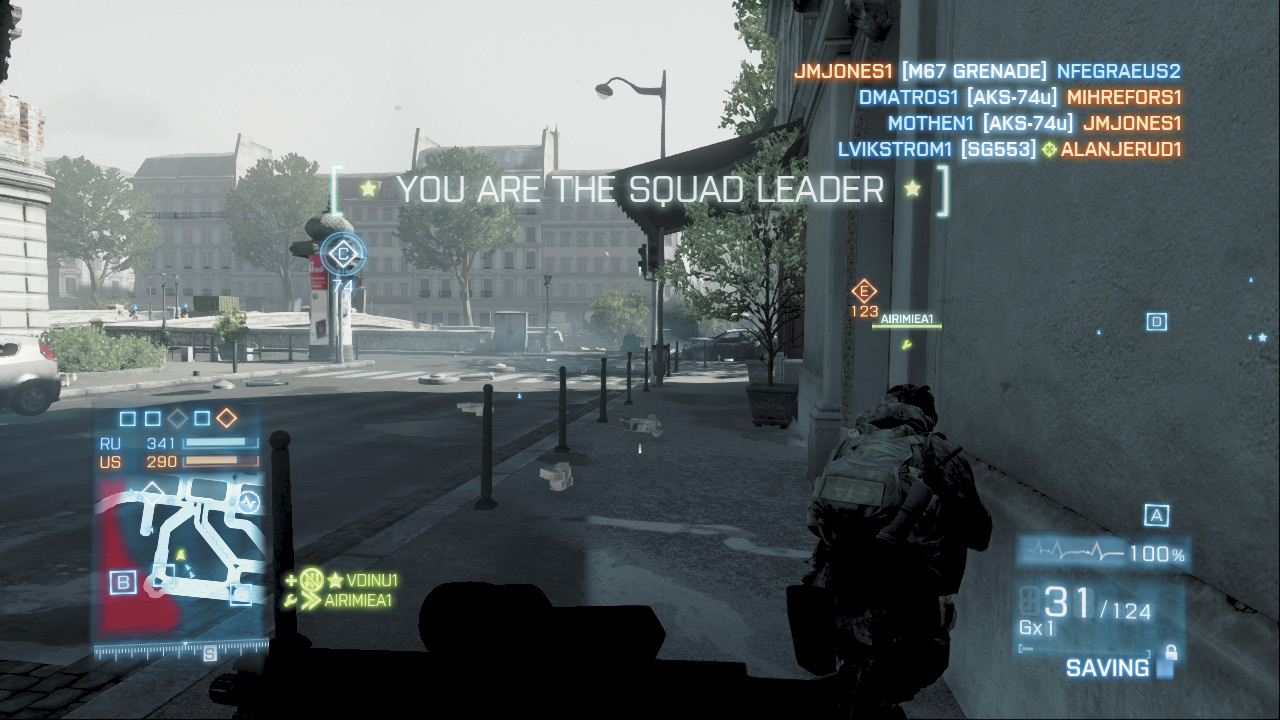
Each squad now has one squad leader who is tasked with issuing attack and defend orders. Squad leaders are either the creators of a squad, or are assigned at random and are the only squad members who can issue orders. When you’ve been selected as the squad leader, a message appears on the screen informing you of your new job.
Your name also appears at the top of the squad list on the left side of the HUD and is marked with a star icon. As squad leader, you can better direct your squad by placing attack or defend orders on control points and M-COM stations. Once an order has been placed at a location, any kills that occur within a wide radius of the given order results in points for both you and your squad. It’s a simple mechanic, but it’s a great way to keep your squad focused on one location.