
Battlefield 3 Premium Guide Essentials Basics
Combat
While moving about the battlefield is a major part of gameplay, the sole purpose of movement is to place yourself in a position where you can use your weapons to engage and eliminate the enemy. You have access to different types of weapons. However, the controls for using these weapons are fairly common.
Spotting Targets
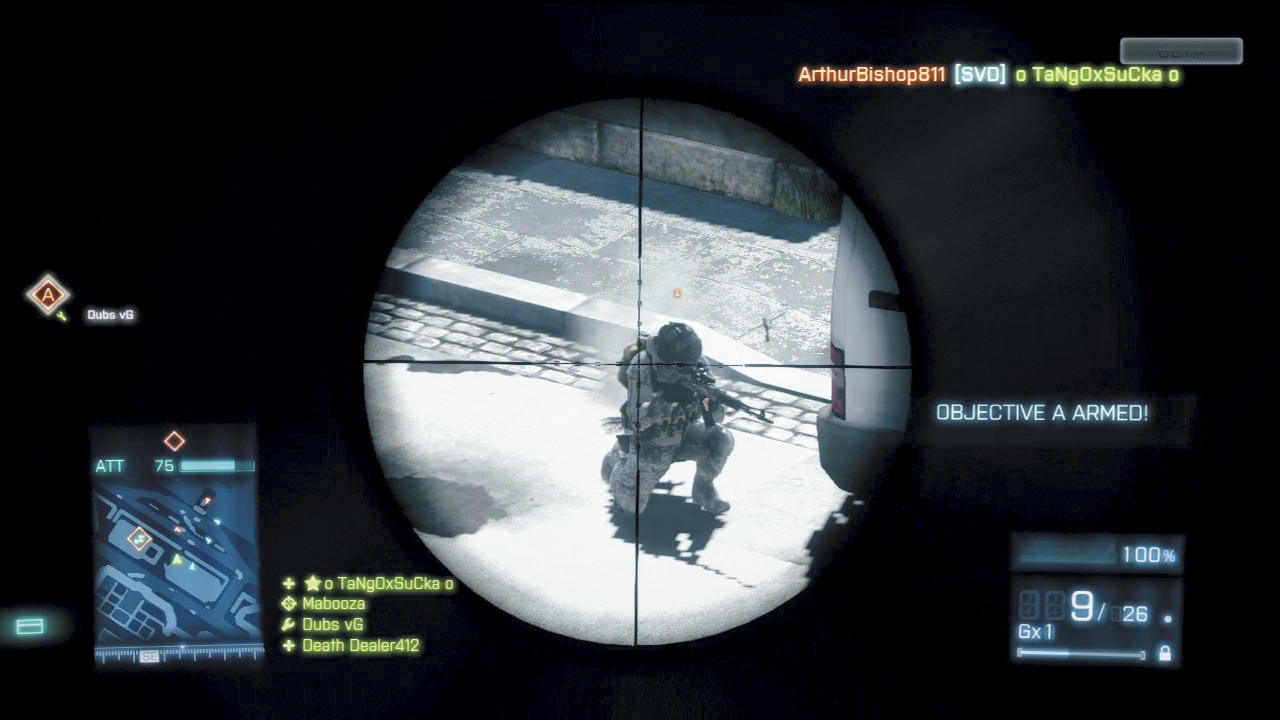
Always spot a target before opening fire to alert your teammates of an enemy’s presence.
Before you attack your first enemy, you must first learn how to spot them. When you have an enemy player or vehicle in your sight, press the spot button/key to highlight it for your team. This places a red icon on the HUD and minimap, showing your entire team where the enemy unit is.
Enemy infantry show up as red triangle icons while vehicles are represented by red vehicle icons. Targets only remain spotted for approximately five seconds, but that’s usually more than enough time for your team to take notice of the threat. Also, once the icon disappears, you can spot the target again as long as you’ve maintained a line of sight.
If a teammate kills the target you tagged, you earn a Spot Bonus worth 10 points. So consider playing as recon with a high-powered scope and simply spot enemy units for your team. Even if you don’t fire a shot, you can still rack up a decent score.
Knife
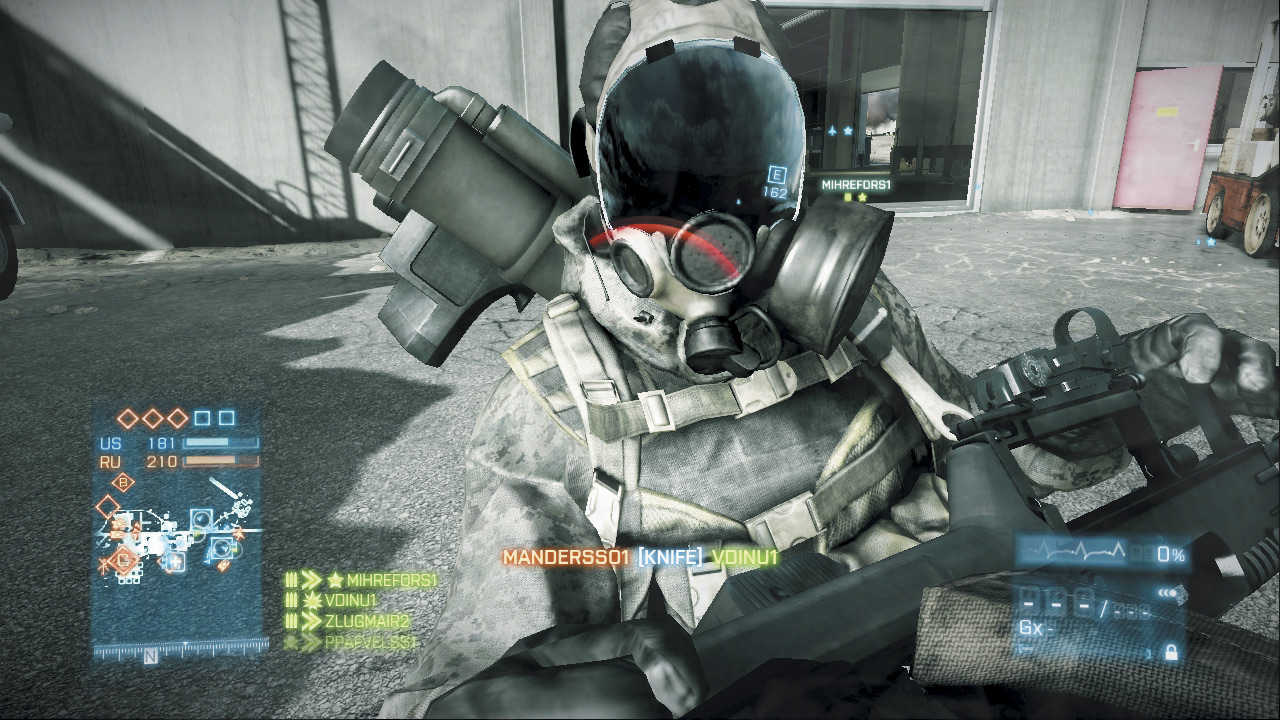
Ouch! Turn around periodically to avoid getting knifed in the back.
The knife is a standard-issue weapon available to all players, regardless of their class or rank. When approaching an enemy from behind you can kill them instantly by attacking with the knife. But if you attack an enemy head-on, it now takes at least two swipes with the knife to score a kill from the front—a new gameplay mechanic introduced in Battlefield 3.
So if an enemy is looking in your direction, think twice before attempting a knife kill. Chances are they’ll shoot you in the face before you can get within striking range. Instead, always look for opportunities to flank and sneak up behind unsuspecting opponents and knife them from behind. In Battlefield 3, it specifically takes a stealth kill from behind to grab another player's dog tag, where in earlier games a front knife kill would suffice.
Dog tags are now more private (as they are somewhat customizable) and therefore even harder to grab. In addition to scoring stealthy kills, the knife is also great for slicing through chain link fences and other obstacles.
Firearms
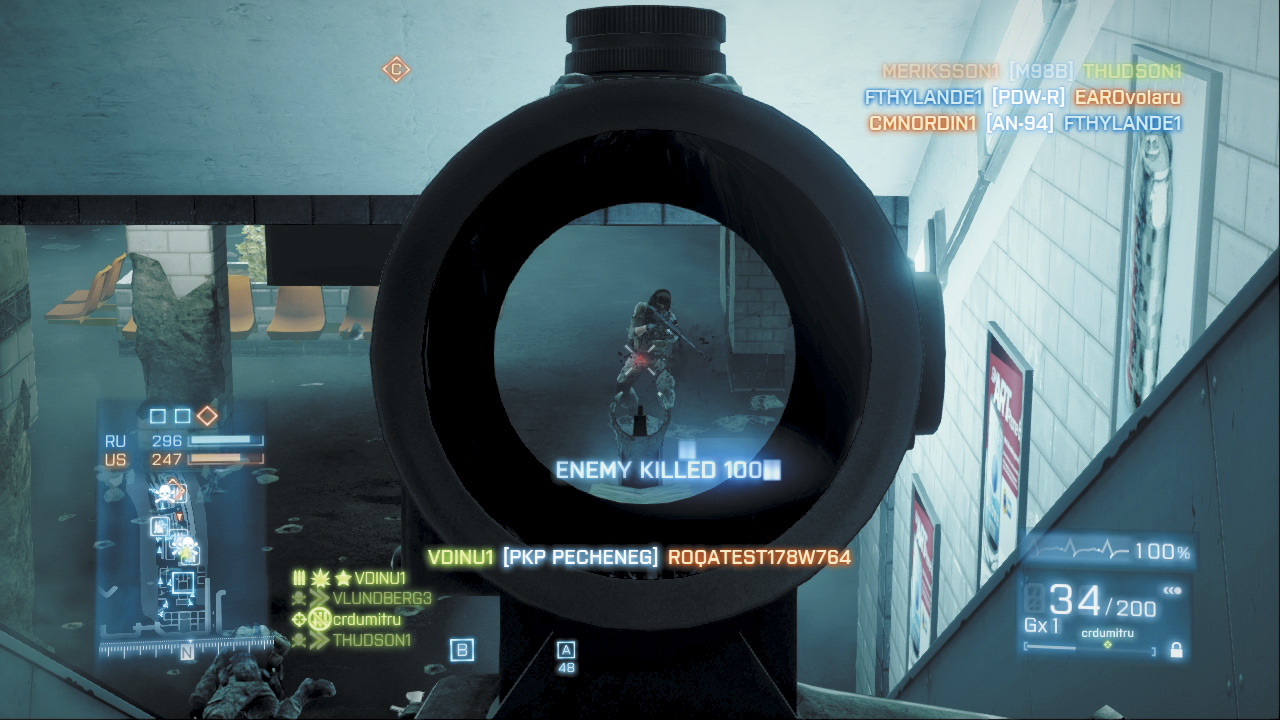
A subtle bloom animation appears at the center of the reticle, scope, or ironsight when your bullets strike your target.
As mentioned earlier, the reticle in the center of the screen is your aiming point for using weapons. Most of the weapons you use are direct fire, meaning that the projectile you fire travels in a basically straight line from your weapon to the target. Using these weapons is simple. Place the reticle directly over the target and then press the fire button.
For semiautomatic or single-shot weapons such as pistols, shotguns, and sniper rifles, each time you press the fire button/key, you fire a single round. However, for automatic weapons such as submachine guns, assault rifles, and light machine guns, the weapons will continue to shoot as you hold down the fire button/key until they run out of ammo. Most weapons in Battlefield 3 have selectable fire modes, allowing you to choose from single-shot, burst, and automatic modes.
So experiment with each weapon’s fire modes in an effort to increase accuracy and reduce recoil. When firing automatic weapons, the longer the burst, the less accurate your fire. Therefore, to maintain greater accuracy and still put a lot of lead on target, fire in short bursts.
You are more likely to kill your target, especially at medium to long range, with a few accurate rounds rather than by spraying an entire magazine over a wide area. If recoil is still a problem, consider switching to burst or single-shot mode.
Ironsights and Scopes
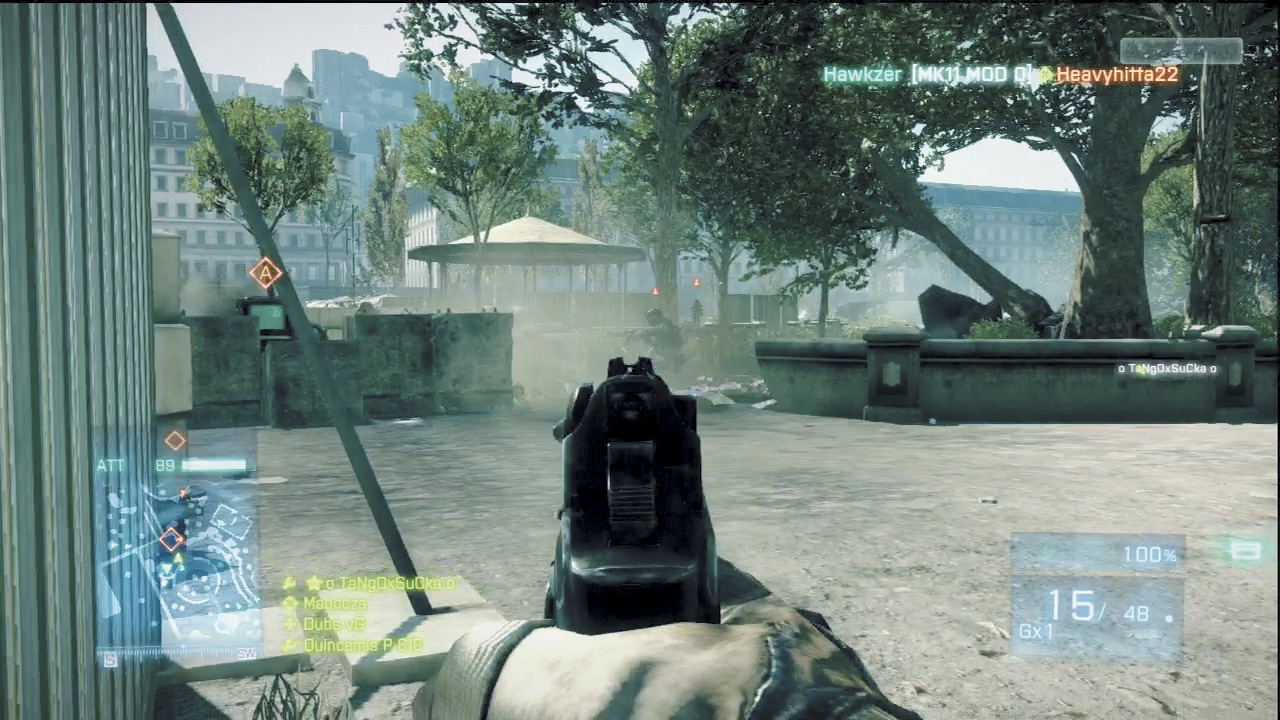
The reticle disappears when aiming through ironsights or a scope, but the bloom animation still appears when hitting a target.
When you fire a weapon using the reticle to aim, you are essentially firing from the hip, with the butt of your weapon in the crook of your arm. This is not very accurate and should be used only at close range. To increase your accuracy, press the zoom button/key.
This will bring up the ironsight view, where you are actually looking through the weapon’s sight to aim. The butt of the weapon is brought up to your shoulder to give you greater accuracy. If your weapon is equipped with a scope, the zoom button/key will provide a view through the scope rather than ironsight. It is a good idea to get in the habit of pressing the zoom button to bring up your ironsight before firing.
This is not only more accurate, but it also provides a zoomed-in view of the target. To further increase accuracy, crouch or drop prone and remain stationary while firing. When peering through high-powered scopes, there is noticeable sway that makes it difficult to aim. You can temporarily reduce this sway by holding your breath—hold down the sprint button/key. But this lasts only for a few seconds. You can completely eliminate scope sway by using a Bipod.
Grenades
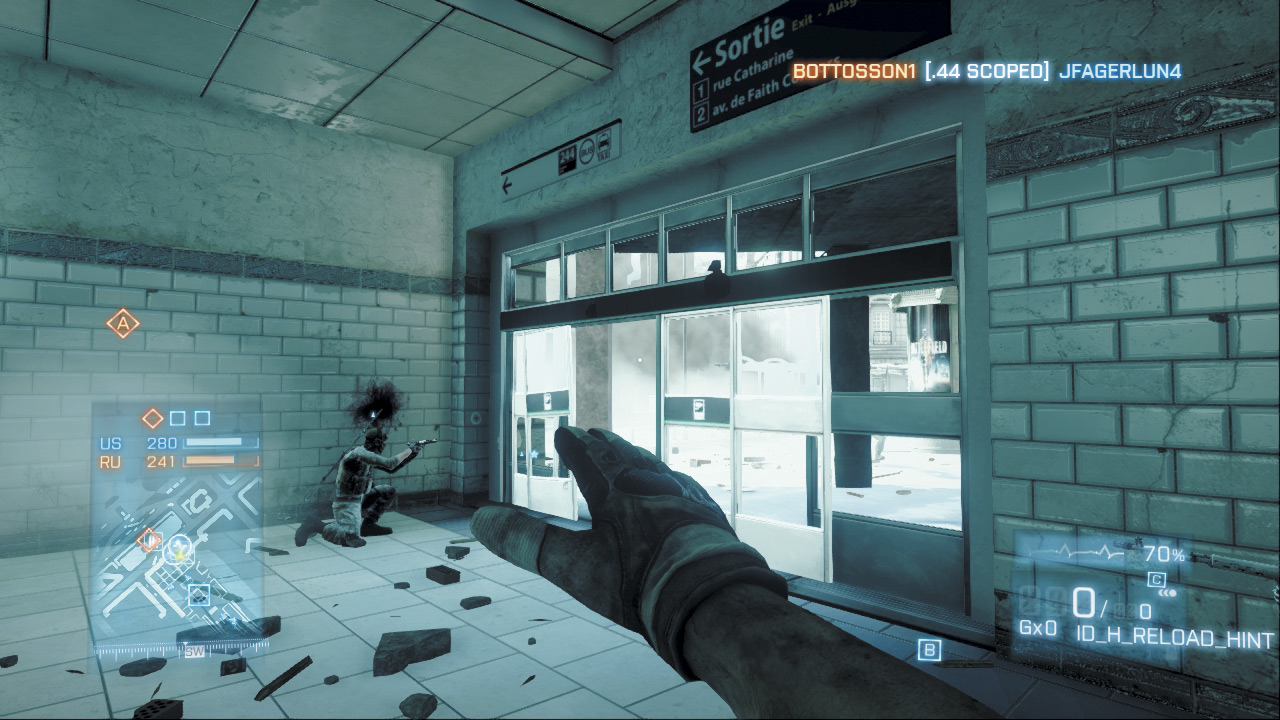
If you suspect an opponent is hiding in a building or other confined space, toss a grenade inside before entering.
Grenades require a bit more skill to use effectively since they are either thrown or launched. Unlike a bullet or rocket that travels in a straight line, grenades travel in a parabolic arc due to their lower speed and the effect of gravity.
In the case of a grenade launcher, the farther away you are from the target, the higher you need to aim. That is why the reticle for a grenade launcher has several horizontal line aiming points. For a short-range shot, use the top line.
The farther away your target is, use the lower lines. By using a lower aiming point, you are essentially aiming the weapon up higher to lob the grenade toward the target.
Hand grenades work a bit differently. They are thrown rather than launched and you don’t get a separate reticle for aiming. Instead, use your weapon’s reticle to best judge where you want to throw a grenade.
One press of the grenade button/key causes the grenade to be thrown, which is shown as a orange flashing icon on the HUD. But hand grenades have limited range, so you may need to aim high to get them near your intended target—the farther your target, the higher you should aim your throw. When using grenades, it is important to understand how they work.
Rifle grenades fired from a launcher explode on impact. Hand grenades, in contrast, have a five-second fuse. As a result, you can bounce hand grenades around corners or roll them down inclines. Like your own grenades, enemy grenades show up as flashing orange icons on the HUD.
So if you see one of these flashing icons nearby, sprint in the opposite direction before it explodes.
Vehicles
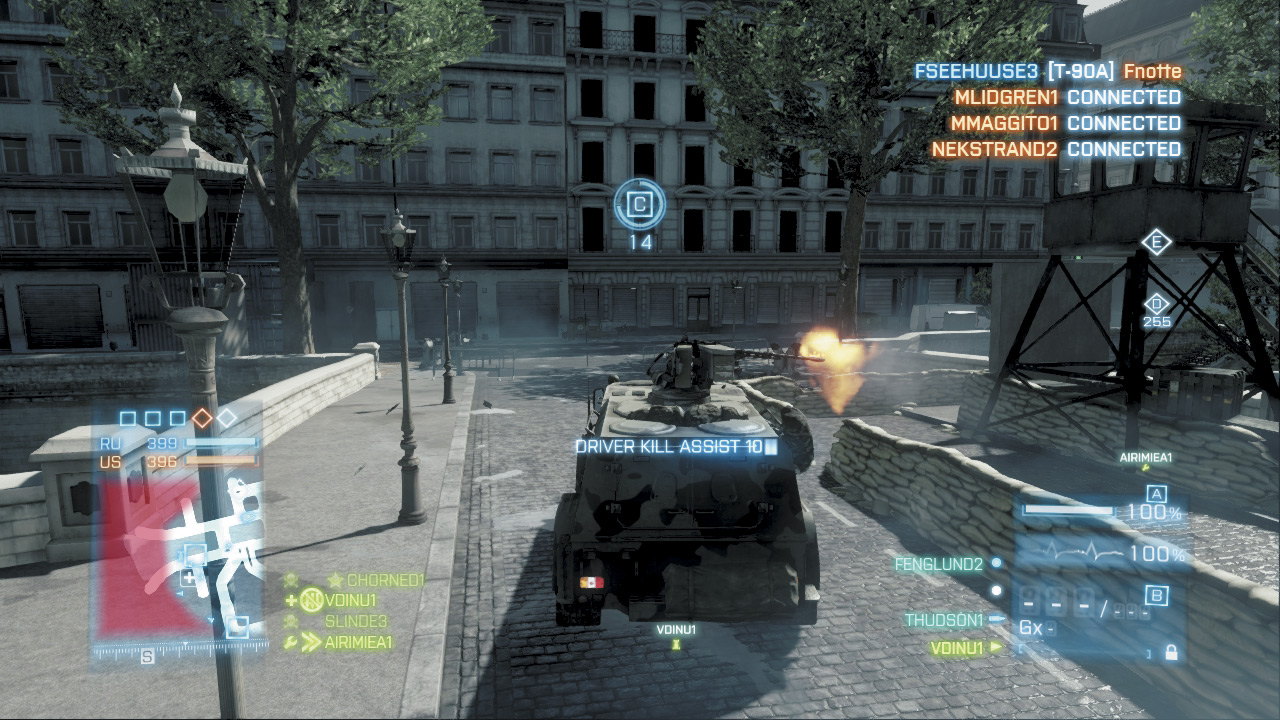
When driving a vehicle, consider slowing or stopping while your passengers are targeting enemies—you get points if they score a kill.
The maps in Battlefield 3 are massive. It can take a while to walk them on foot. Therefore, use vehicles to get around. There are several types of vehicles in the game, yet they all are driven with similar controls.
All vehicles have more than one seat. When you get into an empty vehicle, you are placed in the driver’s seat by default. However, you can move to another position inside the vehicle with the press of a button/key, cycling through all seats until you find the seat you want.
The driver has control of a vehicle’s movement and, in the tanks and IFVs, also controls the vehicle’s turret-mounted main weapon. Most vehicles even have gunner and passenger positions, allowing teammates to man other vehicle-mounted weapons.
So make sure all crew positions are filled before leaving a base or deployment area. For more information on the various types of vehicles in the game, see the Vehicles chapter.
Kill Cam
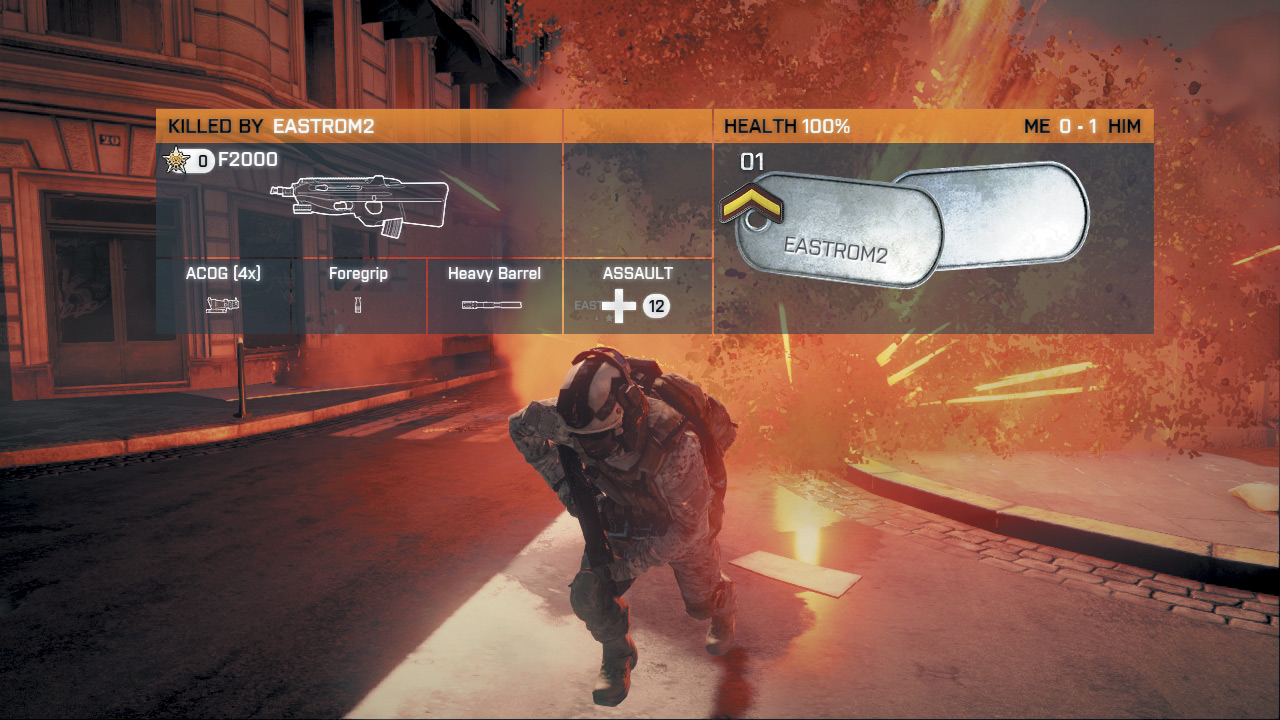
Every time you die you get a brief glimpse of your killer through the kill cam. This screen appears briefly immediately after your death, providing a shot of the player who killed you as well as their name, rank, health, kit, weapon, specialization, and dog tags.
The kill cam also shows any kit, weapon, or vehicle service stars your killer has obtained. It may seem like a a frivolous feature, but the kill cam has larger implications for how the game is played. Snipers can no longer camp one spot and kill from an undisclosed location throughout the entire match.
Through the kill cam, victims can see approximately where an enemy player is camping and exact revenge once they respawn. So make a habit of moving frequently, or else you’re likely to find one of your angry victims sneaking up behind you with a knife.