
Tales of Xillia 2 Guide 1 Game System Game System
Linked Artes
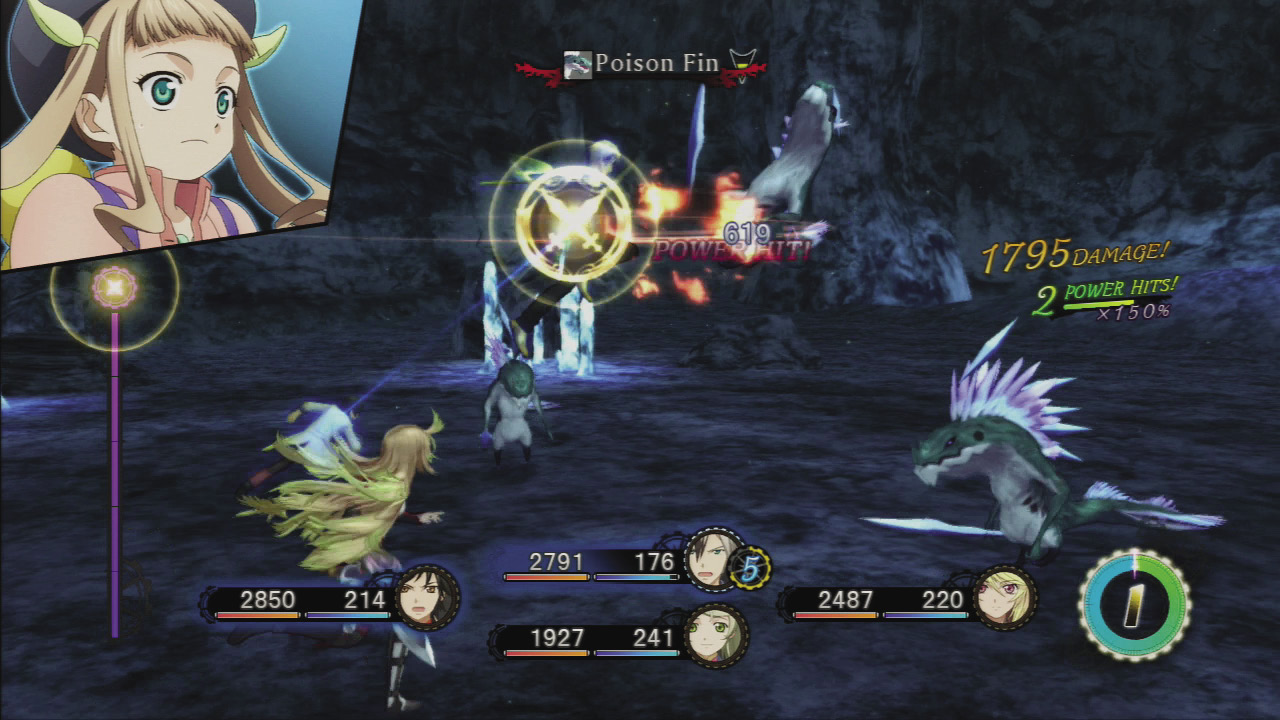
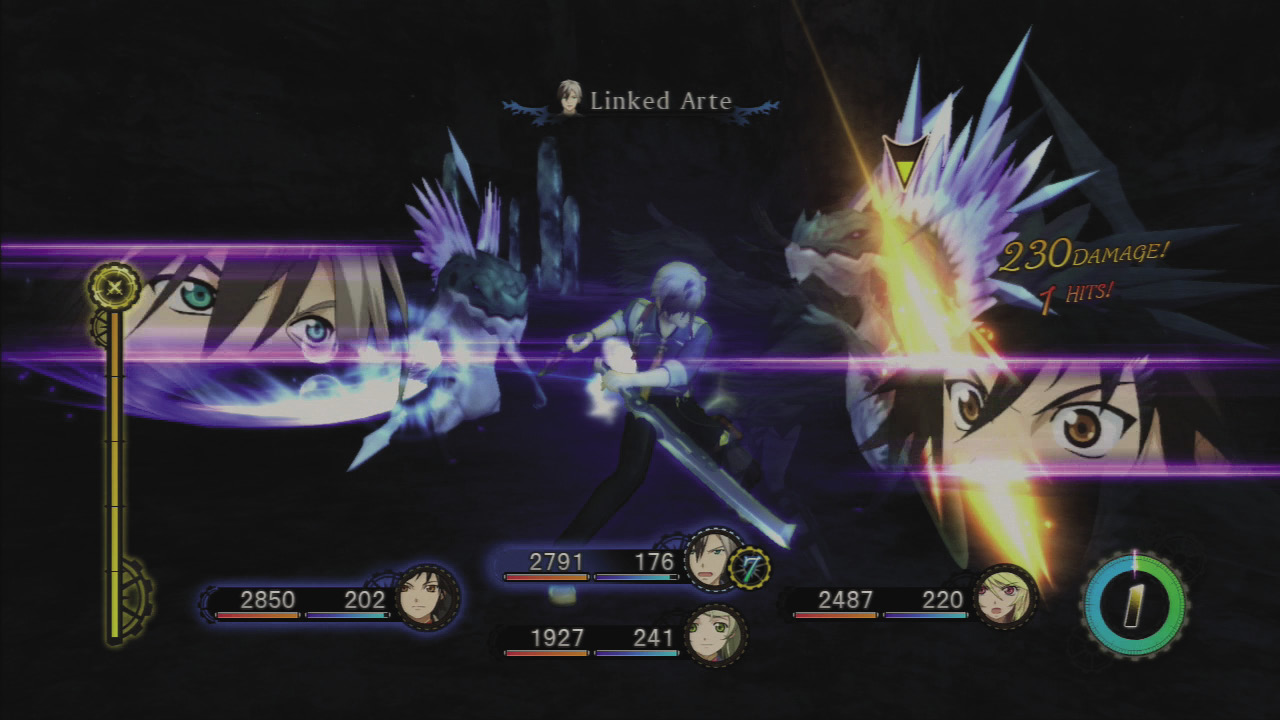
How the Linked Artes Gauge Works
When linked, the gauge fills with every hit, so multi-hit attacks and area-effect spells fill it more quickly. It only fills when the attacking character is linked, but linked party members fill it too. The gauge is divided into five segments and you can use one Linked Arte per area. When one area is full, you must use a Linked Arte before the next segment can start filling. An icon may appear when you use an arte while linked. This is your cue to press  to active the Linked Arte. When all five segments are filled, you can enter Over Limit.
Fill Your Linked Artes Gauge with Support Abilities
When your linked partner uses support abilities, it will greatly fill your Linked Artes Gauge.
- Jude, Leia, and Gaius fill it 200 points.
- Milla, Alvin, Elize, and Rowen fill it 100 points.
- Muzét fills it 2 points.
- Ludger fills it by however much the character he’s mirroring would fill it.
Common Linked Artes and Unique Linked Artes
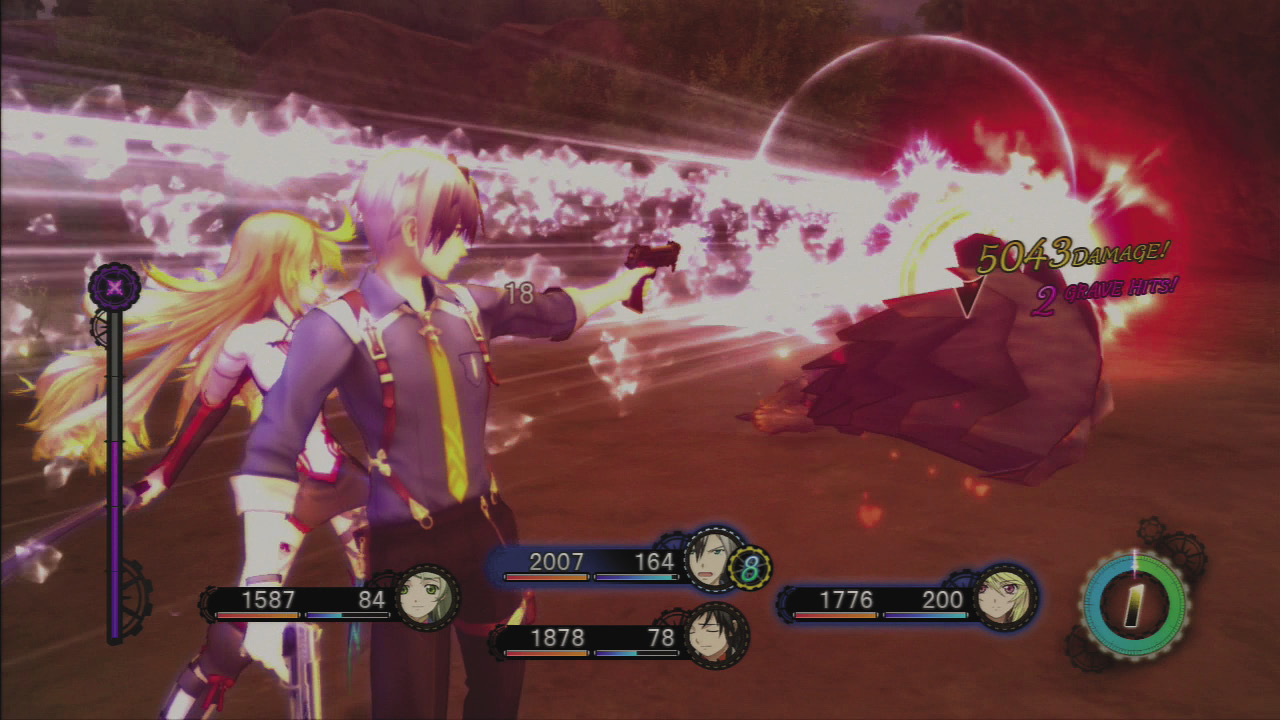
There are two kinds of Linked Artes. Unique Linked Artes are a combination of two specific artes, and have unique names. Linked Artes that are not based on specific artes are common Linked Artes. For example, if Ludger uses arte A and Jude uses arte A, they can combine to form the Linked Arte A-Linked Arte. But if Ludger uses arte B instead, that doesn’t have a corresponding arte from Jude, so they’ll use the Link Charge common Linked Arte instead. Common Linked Artes have four types: Cannon (projectile), Pillar (bashing), Charge (lunging), and Edge (sweeping area effect). The type you use will depend on your linked partner. The letter at the beginning denotes its elemental type (F for Fire, A for Water, W for Wind, E for Earth, L for Light, S for Dark). This is determined by the pairing of characters who use it. Ludger has different common artes for all of his weapons.
Boosting Linked Arte Power
Linked Artes gain in power when triggered off of using powerful artes, because the power of the original arte is added to the power of the Linked Arte.
Performing Combos with Linked Artes Chains
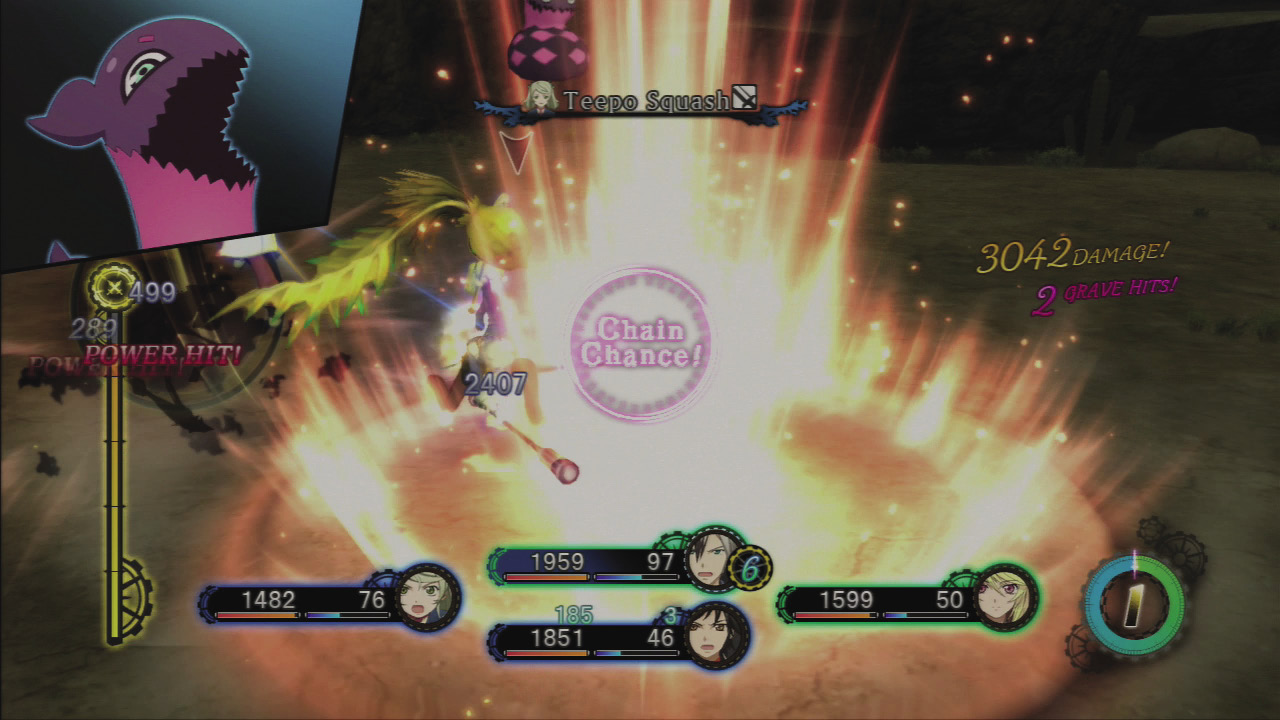
- Use a Linked Artes chain by performing a second arte that can be turned into a Linked Arte immediately after a previous Linked Arte.
- You can continue to chain them for as long as time remains—subsequent Linked Artes in a Linked Artes chain do not consume a region of your Linked Artes Gauge.
- For long chains, avoid using artes with a casting time, as they may break the chain.
- You can’t use the same Linked Arte twice in a chain, but you can change your linked partner in the middle of a chain to maintain the chain with different Linked Artes.
- Changing Ludger’s weapon is another way to give you a fresh variety of Linked Artes.
- You CAN perform a common Linked Arte with the same name as one you’ve performed previously if it’s with a different partner.