
Tales of Xillia 2 Guide 1 Game System Game System
Combat Basics
Battle Difficulty Greatly Changes Difficulty
The System Options menu lets you change the Battle Difficulty. Battle Difficulty affects enemy stats, the speed at which your item gauge refills, and more.
Change Due to BATTLE DIFFICULTY
| Stats | BATTLE DIFFICULTY | |||||
|---|---|---|---|---|---|---|
| Easy | Normal | MODERATE | Hard | Unknown | ||
| Enemy Stats *1 | HP | 0.7x (0.8x) | 1.0x | 1.5x (1.2x) | 2.0x (1.5x) | 3.0x (2.0x) |
| Other Stats ** | 0.7x (0.7x) | 1.0x | 1.5x (1.2x) | 2.0x (1.5x) | 3.0x (2.0x) | |
| AC | +0(-1) | +0 | +0 | +1 | +2 | |
| Weakness-Exploiting Damage Bonuses | When you hit a new element | +7% | +10% | +15% | +25% | +40% |
| Bonus for hitting all 9 elements | +35% | +50% | +75% | +125% | +200% | |
| Time for Item Gauge to Refill | 2 sec | 4 sec | 5 sec | 6 sec | 7 sec | |
| Bonus Experience *** | 0.5x | 1.0x | 1.5x | 2.0x | 4.0x | |
*: Multipliers in parentheses apply to bosses
**: The ten base stats
***: Modifiers applied to the bonus EXP in the battle result screen
Normal Battles vs. Boss Battles
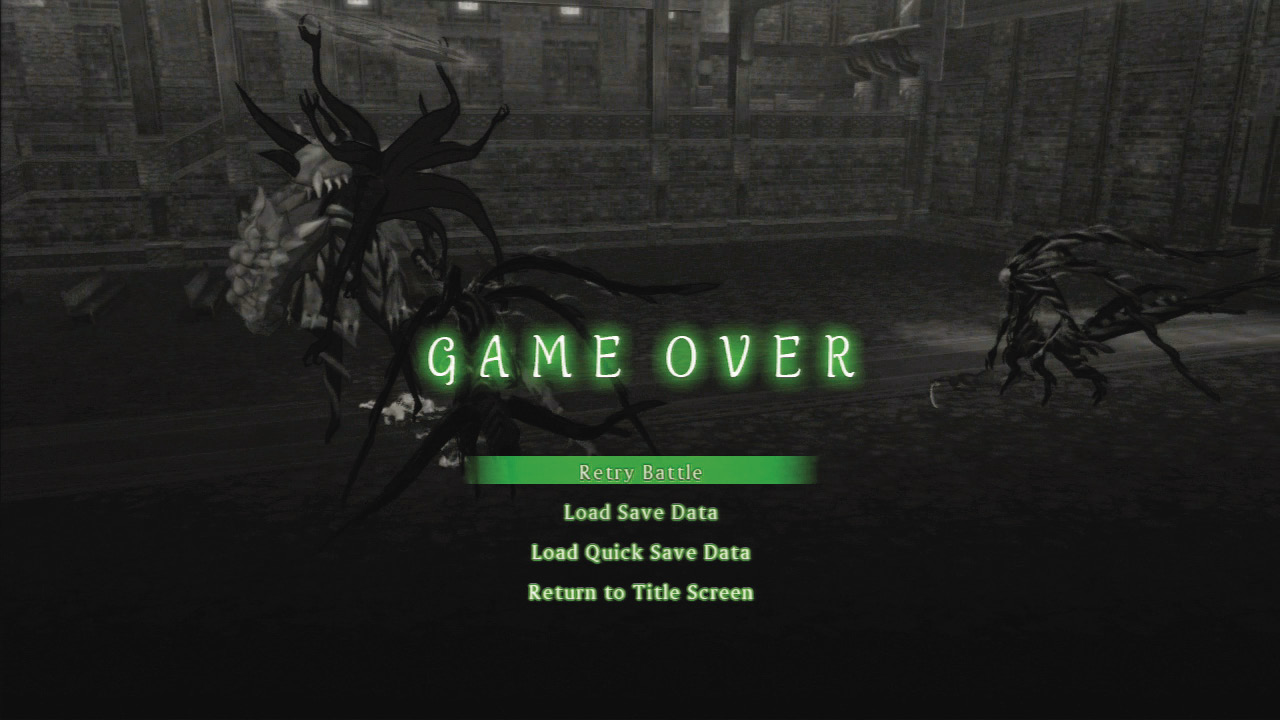
Normal battles are triggered when you run into a foe. Boss battles occur as parts of events. If you fail a boss battle, you can retry instead of returning to the last save point. The retry battle option starts you at the menu screen so you can prepare for the battle, and returns all items you used in the battle. You can also retry against Elite Monsters.
Starting Battles Indicators
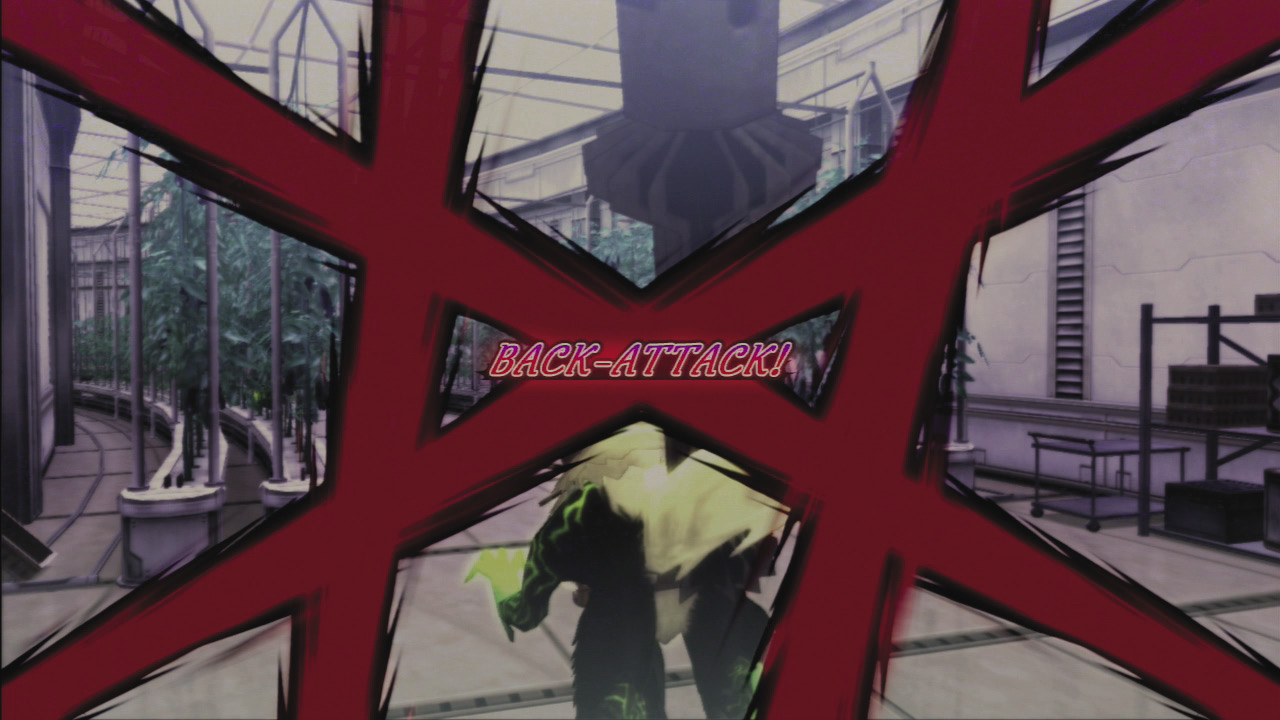
You can gain an advantage by sneaking up on foes and attacking from behind. This will trigger an Advantageous Encounter and is a big boost in battle. Likewise enemies can attack you from behind to achieve a Back-Attack Encounter where you are surrounded by foes.
When a ! appears over a foe’s head, he has noticed you and will chase you for a certain distance. Some enemies (15%) are randomly angry and will be able to notice you from twice as far away. The color of the bars that appear before the battle indicate the type of encounter.
- Back-Attack Encounter (red): An enemy attacks you from behind or while you’re running. You begin surrounded by foes.
- Advantageous Encounter (blue): You start the battle by touching an enemy from behind (this won’t work while you’re running). You begin behind the enemy’s back and the enemies take damage equal to 20% of their max HP.
- Advantage-Plus Encounter (light blue): You attack from behind AND the enemy hasn’t noticed you. At the start of the fight the enemies take damage equal to half their max HP and are stunned.
- Encounter Link (purple): When you attack an enemy and other enemies are nearby, they’ll attack as soon as the first battle is completed.
Using the Battle Menu
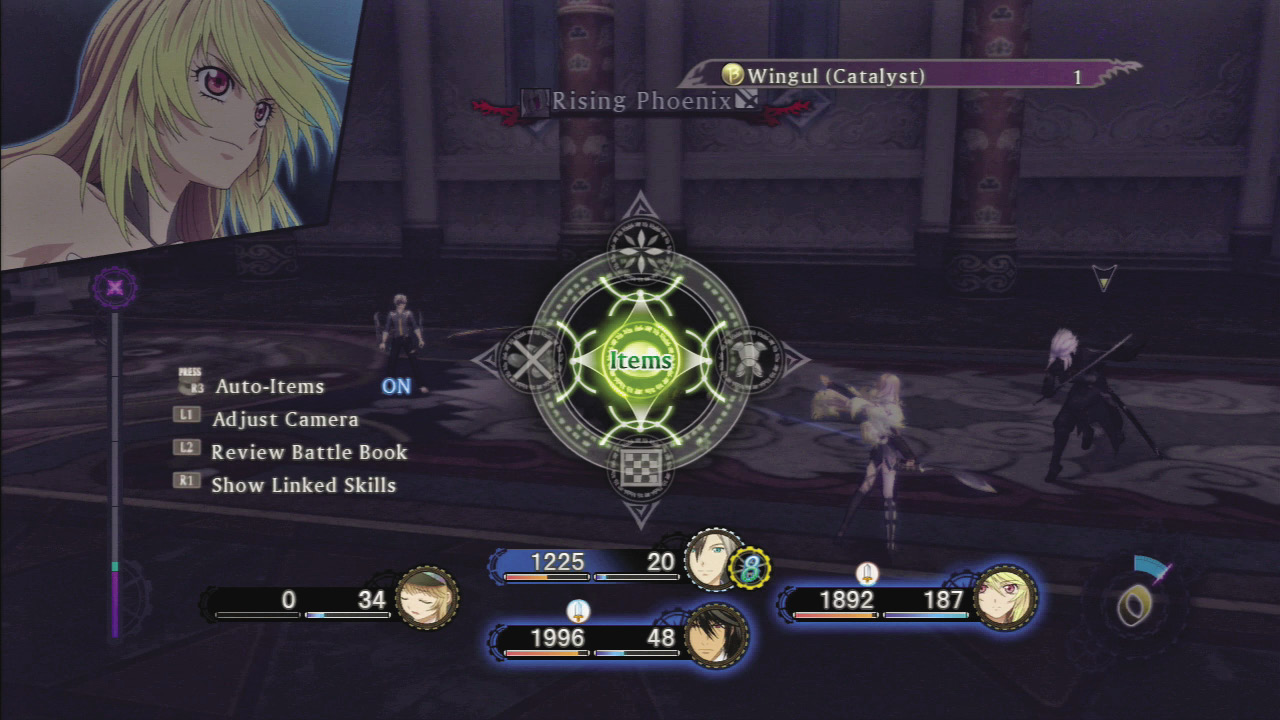
Press  to open the menu. You can use it to set artes and equipment just like when you’re outside of combat, but you can’t change your extractor or set skills. You have the following options:
BATTLE MENU
| Command | Description | |
|---|---|---|
 |
Items | Using an item in combat is a life saving move. |
 |
Artes | Change a character’s artes, control mode, or order an ally to use a certain arte. |
 |
Equip | Change equipment, but not attachments and appearance items. |
 |
Strategy | Change allies’ tactics and Auto-Items settings. However, you can’t change their formations during combat. |
 |
Escape | Flee from combat |
Confirm Linked Artes with Link Partner
Select the Artes menu and your character in the Battle menu to see all of the Linked Artes your character has with the currently linked partner.
Escaping from Battle
Select Escape from the Battle menu and the escape gauge will appear. The length of the gauge is based on the difference in Agility between you and your foes. When it fills you can escape from the battle. If you want to cancel, select Escape again.
Critical Hits
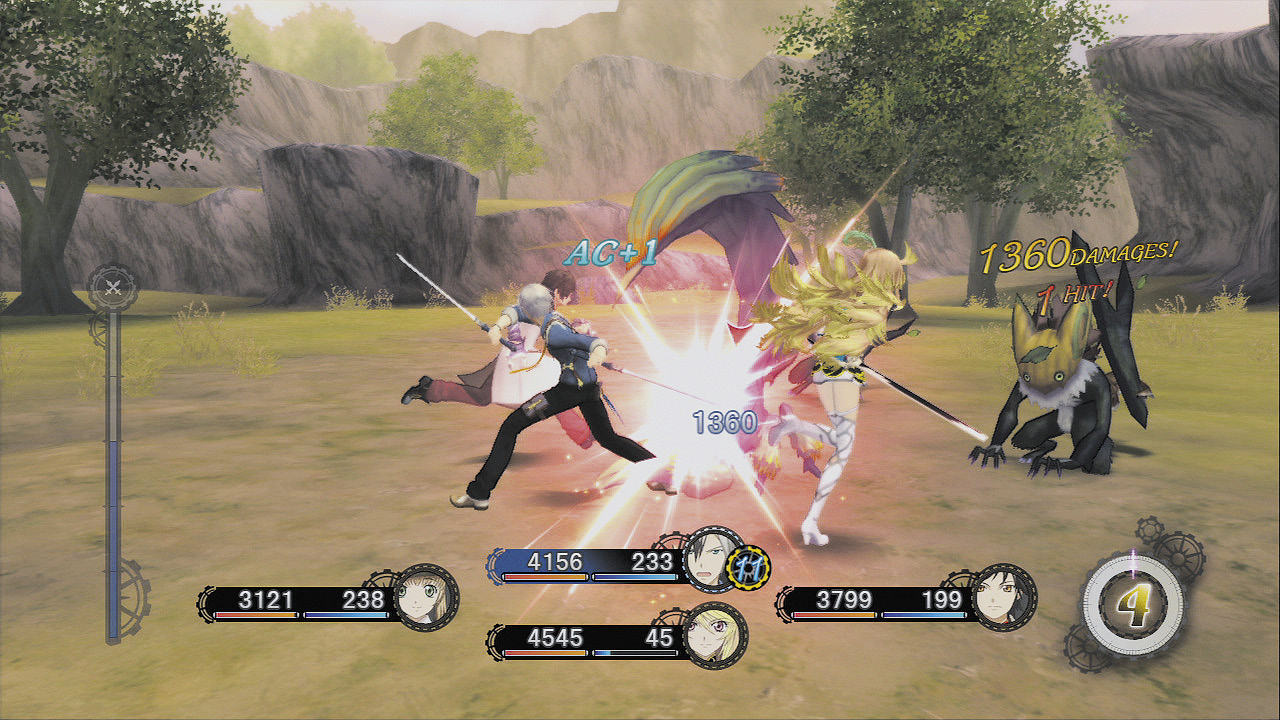
Criticals deal 50% more damage than usual and replenish 1 AC. The odds of a successful critical hit are based on Dexterity. Attacking from behind makes them more likely (adding 4% to whatever percent odds you had of performing one).
Perform Combos for Big Damage
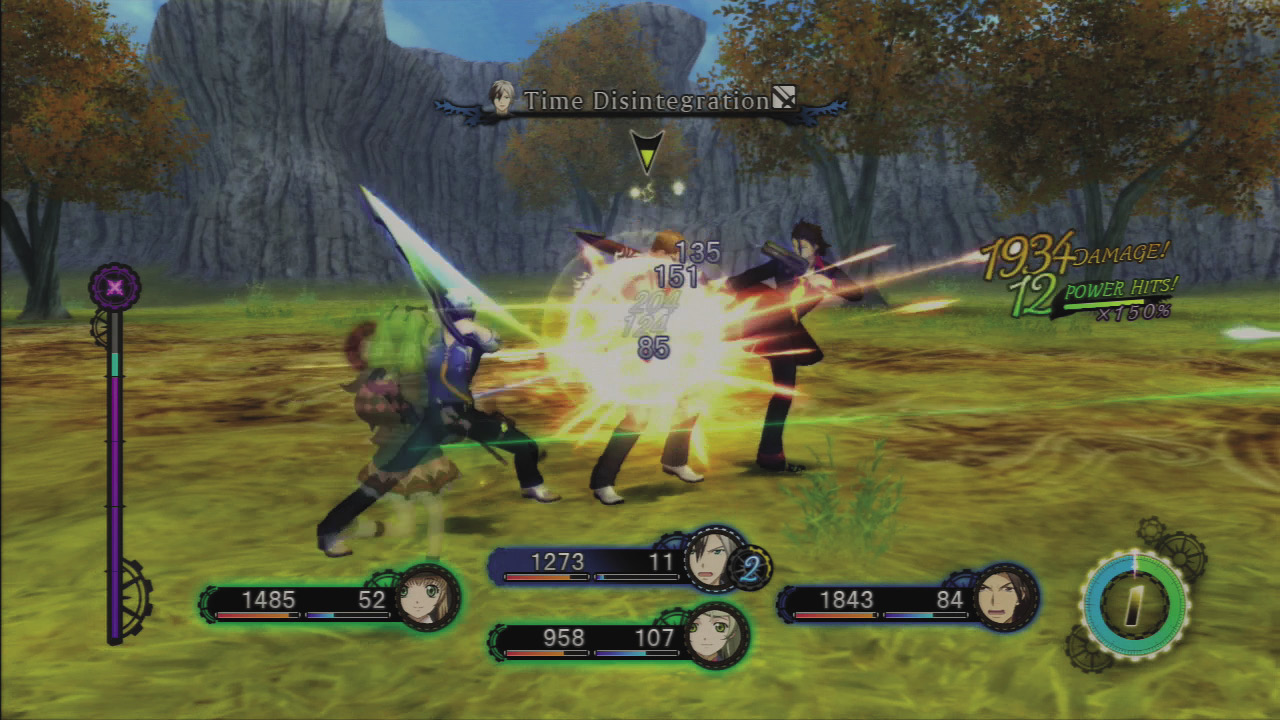
When you land an attack, your foe will generally be momentarily staggered, leaving them defenseless and giving you a chance to continue attacking and to perform a combo. You can generally continue your combo until you run out of AC, but you may be able to use a quick arte after finishing the combo that will open up an opportunity to continue it.
Combo Key Points
|
Counting Combo Hits
Note that the combo counter records every hit that connects with an enemy, but as far as mechanics that require a certain combo count go, only the number of attacks matter. So each action that costs 1 AC counts as one piece of a combo, no matter how many hits it deals.
Knockdowns Get Progressively Harder
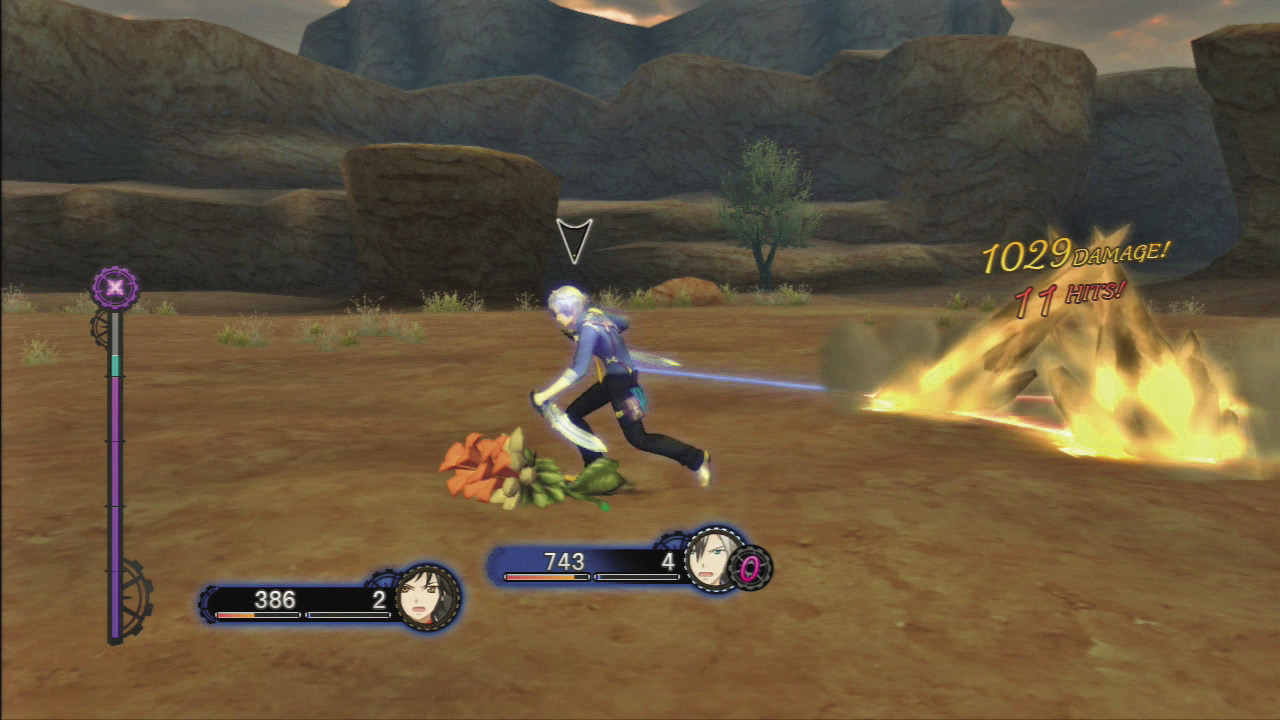
Some attacks have a knockdown property that sends foes away and down, giving you an opportunity to recover AC and continue your combos. However, hits against knocked down foes only deal 20% of the usual amount of damage, and when the foe gets up, your combo is over. Also, each time you knock down a foe, it gets harder to knock them down again—although in time this will revert to the normal chance of knockdowns.
Foe’s Iron Stance
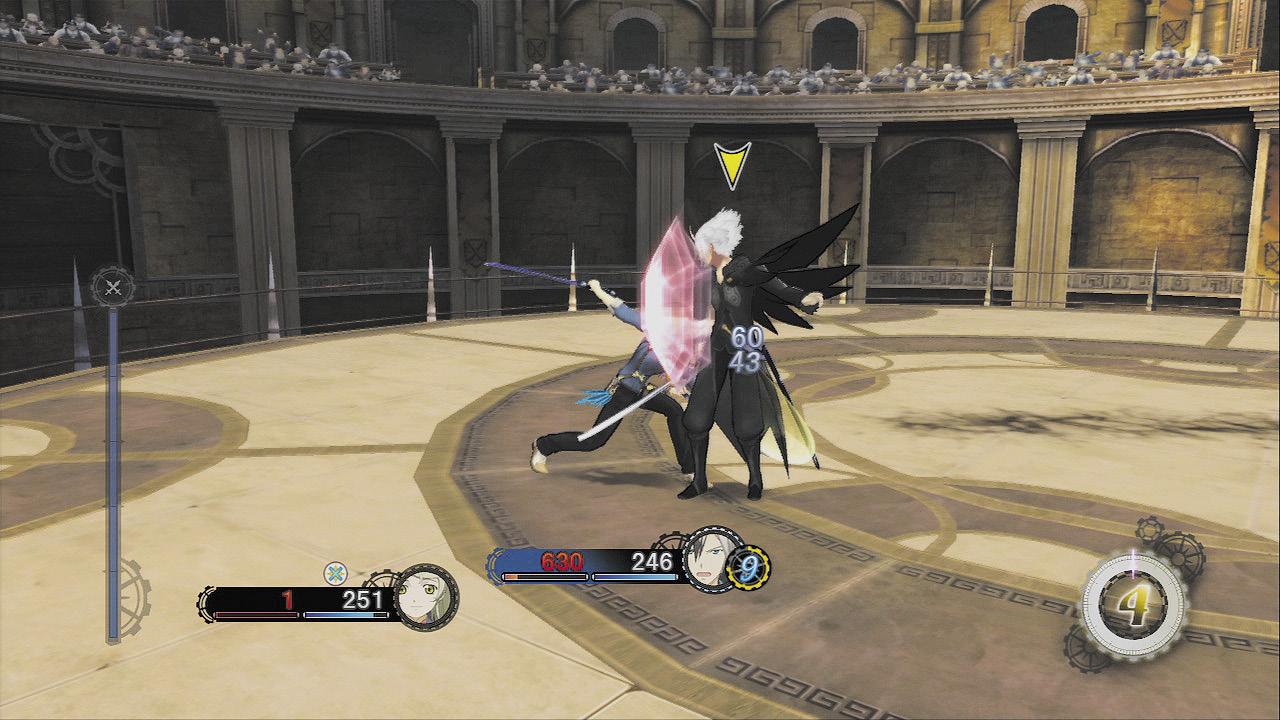
Foes with an Iron Stance don’t get staggered when they’re hit, leaving players with no choice but to punch through their guard with continuous attacks. When the guard is close to breaking, the shield-shaped hit spark will change from blue to red, letting you know to ready your big attack. (Your foe will be momentarily defenseless when his Iron Stance breaks.) Some foes can deliver counterattacks when you attack their Iron Stance; when you see a blue ! appear over their heads, cease attacking and block the impending counterattack. Some foes also have a special property where their Iron Stance level does not decline during Over Limit.
Breaking Through Iron Stances
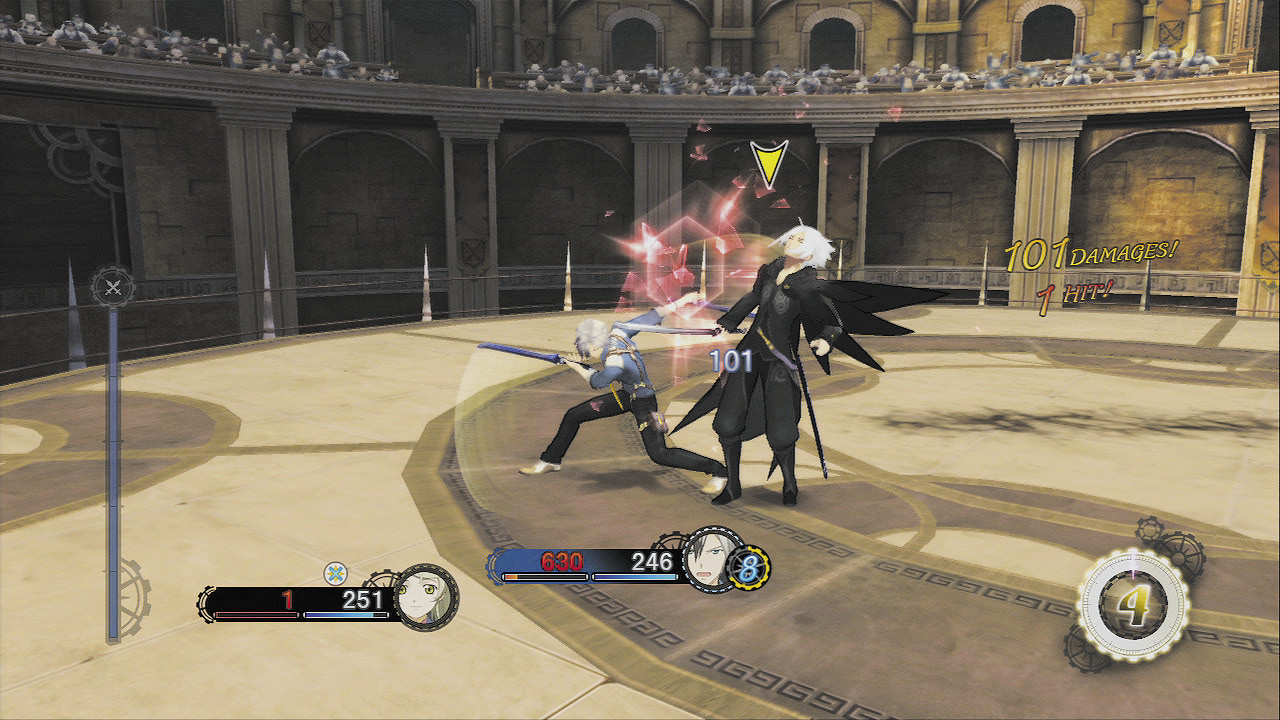
Each enemy has a hidden Iron Stance stat that declines as it takes damage, and the Iron Stance breaks when it hits 0. However, some attacks have a special “break” property that makes them far more effective at shattering Iron Stances (although, if the attack is of a damage type that the foe is resistant to, the attack won’t do anything at all). Whatever attack you’re using, you can cut through Iron Stances 50% faster by attacking from behind. A broken Iron Stance leaves the target defenseless for one to three seconds, and then the Iron Stance returns, although at 50% of its previous level. It then heals back up with time if you cease attacking it. Normal guarding works the same way; if an enemy breaks your guard because you guarded too frequently or it used a break attack, you will be unable to guard for up to five seconds. After that, your guard strength will return at half its previous level, and then heal back up with time.
Combat Rewards
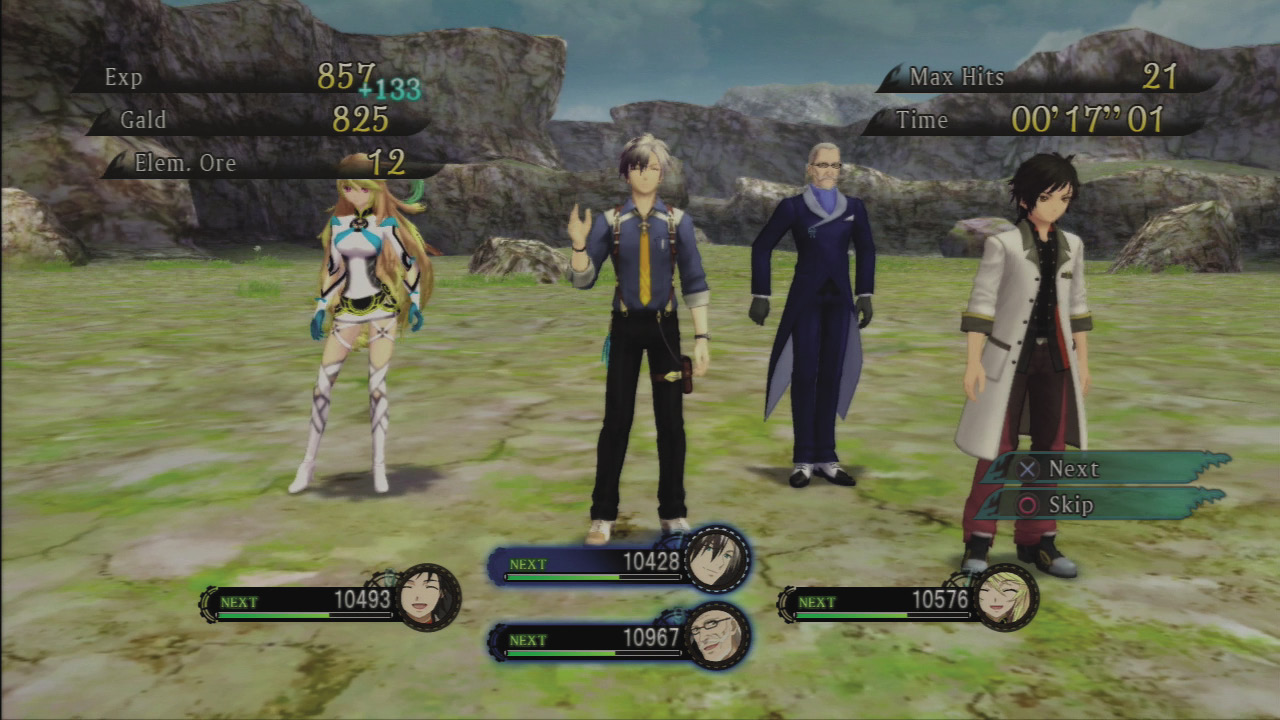
After winning a battle, a result screen will list your battle stats as well as the rewards. You can greatly increase these rewards by performing combos or using certain foods.
Victory Screen Results
| Category | Description |
|---|---|
| EXP | A set amount based on the foes you defeated, modified by their levels |
| Gald | A set amount based on the foes you defeated |
| Elemental Ore | Automatically absorbed by your party members’ Allium Orbs |
| Max Hits | You get an EXP bonus based on the highest combo you performed (in terms of hits, not actions) |
| Time | You get bonus EXP for ending battles quickly |
| Bonus | Additional bonus EXP |
| Items | Random enemy drops |
How EXP Is Calculated
Experience is acquired after a combat victory and is denoted as basic and bonus amount. Characters that do not participate in battle also earn experience bonuses.
Bonus EXP
|