Welcome to Rapture, visitor! You undoubtedly have lots of questions about this mysterious place, so this handy guide has been put together to help get you up and running. This chapter is designed to work as a supplement to the user’s manual that accompanied your ticket to Rapture. You’ll find the answers to basic questions about life (and survival) in Rapture in the following pages, as well as a number of helpful tips for getting around.
Controls
Bioshock utilizes an intuitive control interface that maps weaponry to the character’s right hand (and therefore right controller buttons) and plasmid use to the character’s left hand (and left controller buttons). The following table shows the default control setup for the game.
Action
Playstation
Xbox
PC
Movement
L3 Stick
Left Thumbstick
W, A, S, D Keys
Look/Aim
R3 Stick
Right Thumbstick
Mouse Movement
Reload
Square Button
X Button
R Key
Jump
Triangle Button
Y Button
Spacebar
Use First Aid
Circle Button
B Button
F Key
Interact
X Button
A Button
E Key
Fire Weapon
R2 Button
R Trigger
Left Mouse Button
Switch Weapon
R1 Button (hold for selection redial)
R Bumper (hold for selection radial)
1,2,3,4,5,6,7,8 Keys / Mouse Wheel Up/Down
Toggle Zoom
R3 Button
Right Thumbstick Button
Z Key
Fire Plasmid
L2 Button
L Trigger
Left Mouse Button
Switch Plasmid
L1 Button
L Bumper (hold for selection radial)
F1-F6 / Mouse
Toggle Crouch
L3 Button
Left Thumbstick Button
C Key
Switch Ammo Type
D-Pad
D-Pad
Mouse Wheel Click, Q Key
Status Menu & Map
Touch Pad
Back Button
M Key
Pause Menu
Options Button
Start Button
P Key
PC ONLY: Weapon / Plasmid Toggle = Shift Key. Weapon / Plasmid Toggle = Right Mouse Button.
Weapon use
You’ll find a complete guide to all of the weapon types, ammunition, and weapons upgrades in the “Arm Yourself” chapter.
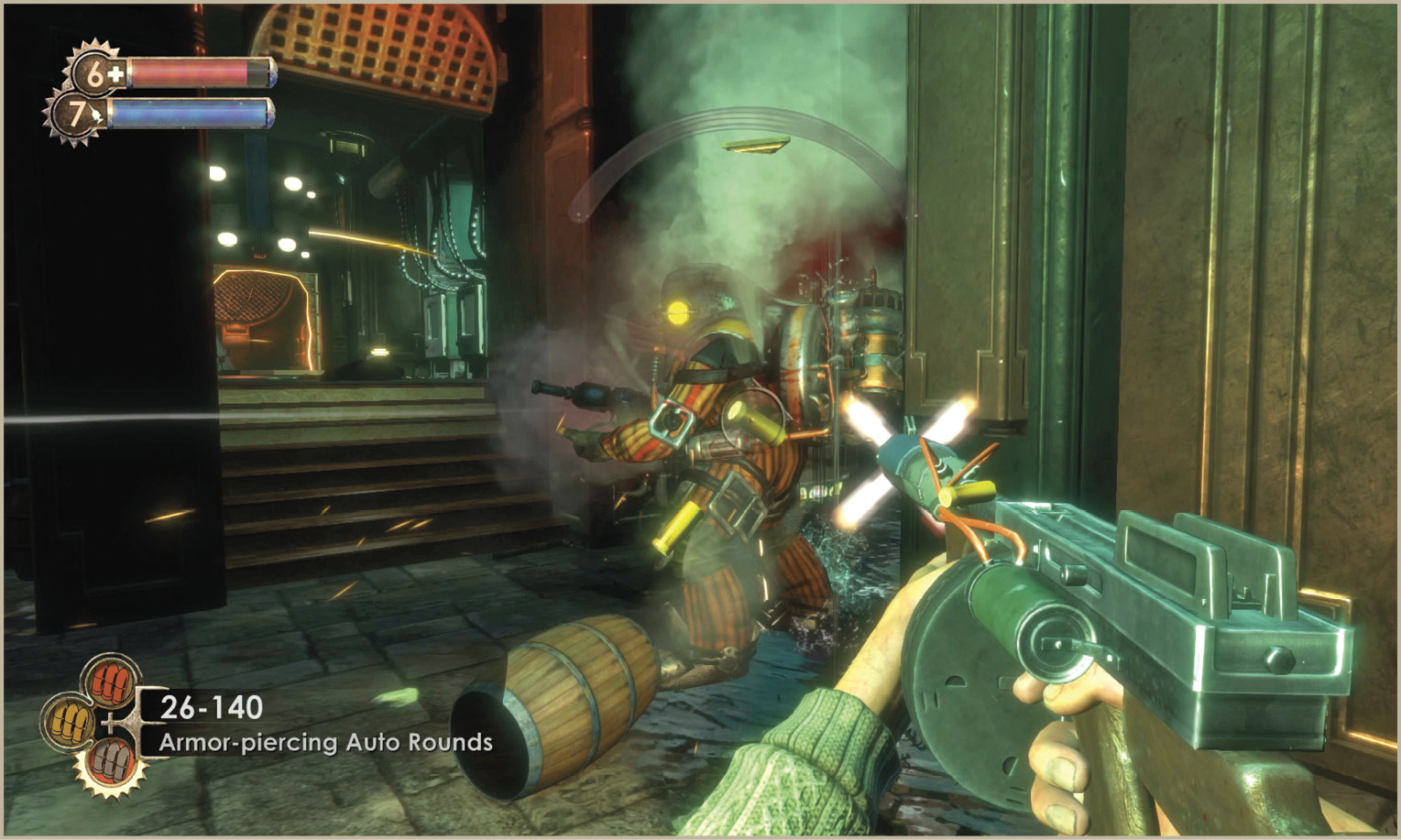
Bioshock, at heart, is a first-person shooter which means that you’ll be using a lot of different weapons and squeezing off thousands of rounds of ammunition by the time you reach the end of the game. Throughout this journey there are several tips you need to keep in mind.
Plasmid use
The “Evolve Today” chapter includes a complete guide to the locations and effects of each and every plasmid and tonic in the game.
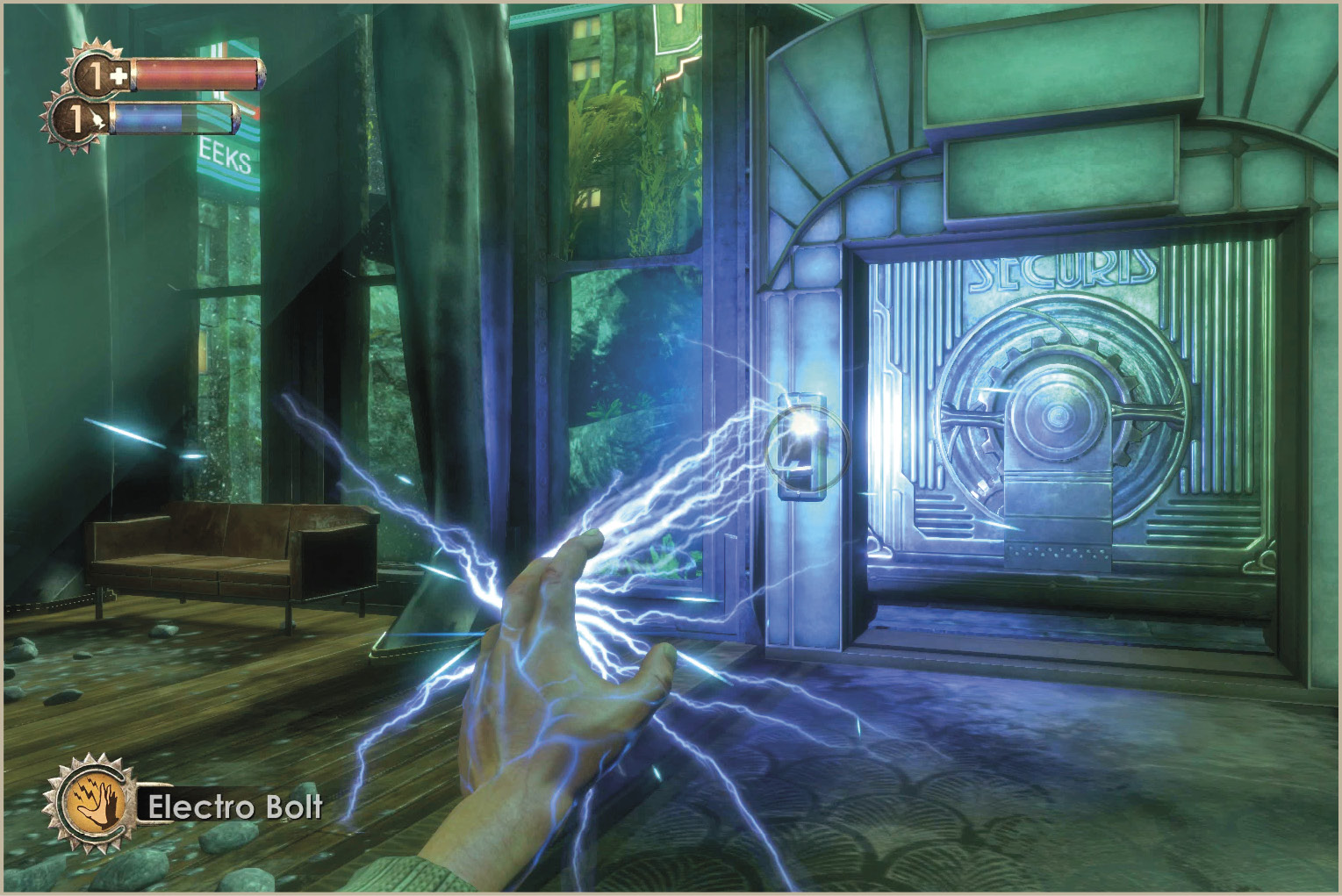
It didn’t take long for the scientists of Rapture to uncover a species of sea slug with incredible healing capabilities and turn it into what is known as Adam. Thanks to Adam, it was possible to create a host of genetic modifications in the form of plasmids (active) and tonics (passive) that improve oneself in a number of desirable—and often violent—ways.
Exploration
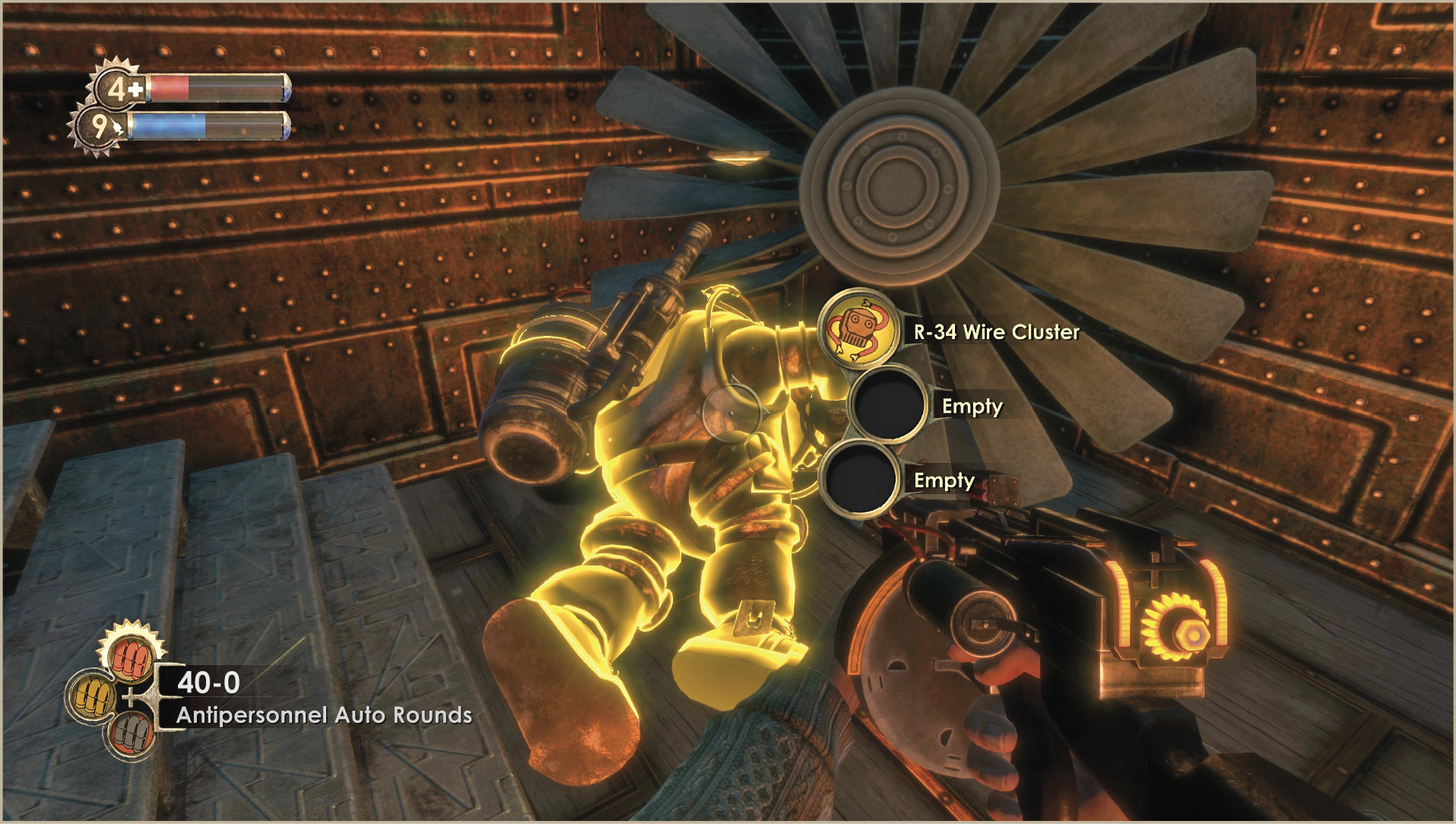
Although the previous tips may lead you to believe that your time in Rapture will be spent in a never-ending firefight, that’s not necessarily the case. In addition to combat, you will have to excel in puzzle solving, navigation, and general exploration of the city as well. With so many hazards lurking around every bend, it’s important to have a solid understanding of what it takes to make it out alive.