
Watch Dogs Guide ONLINE MISSIONS
_DECRYPTION // GENERAL TACTICS
Now that you know the basics, here are some general tactics to be aware of when trying to hold on to that decrypting file.
// Stealing AND KEEPING the Key File
There are some specific methods of gaining advantages over the opposition while gathering decryption data, most of which applies to team matches. Hints appear in the bottom left of your screen to coax you into helping your file carrier. Here’s what they mean and what you can do to strengthen your position during a match:
/// Wireless Theft
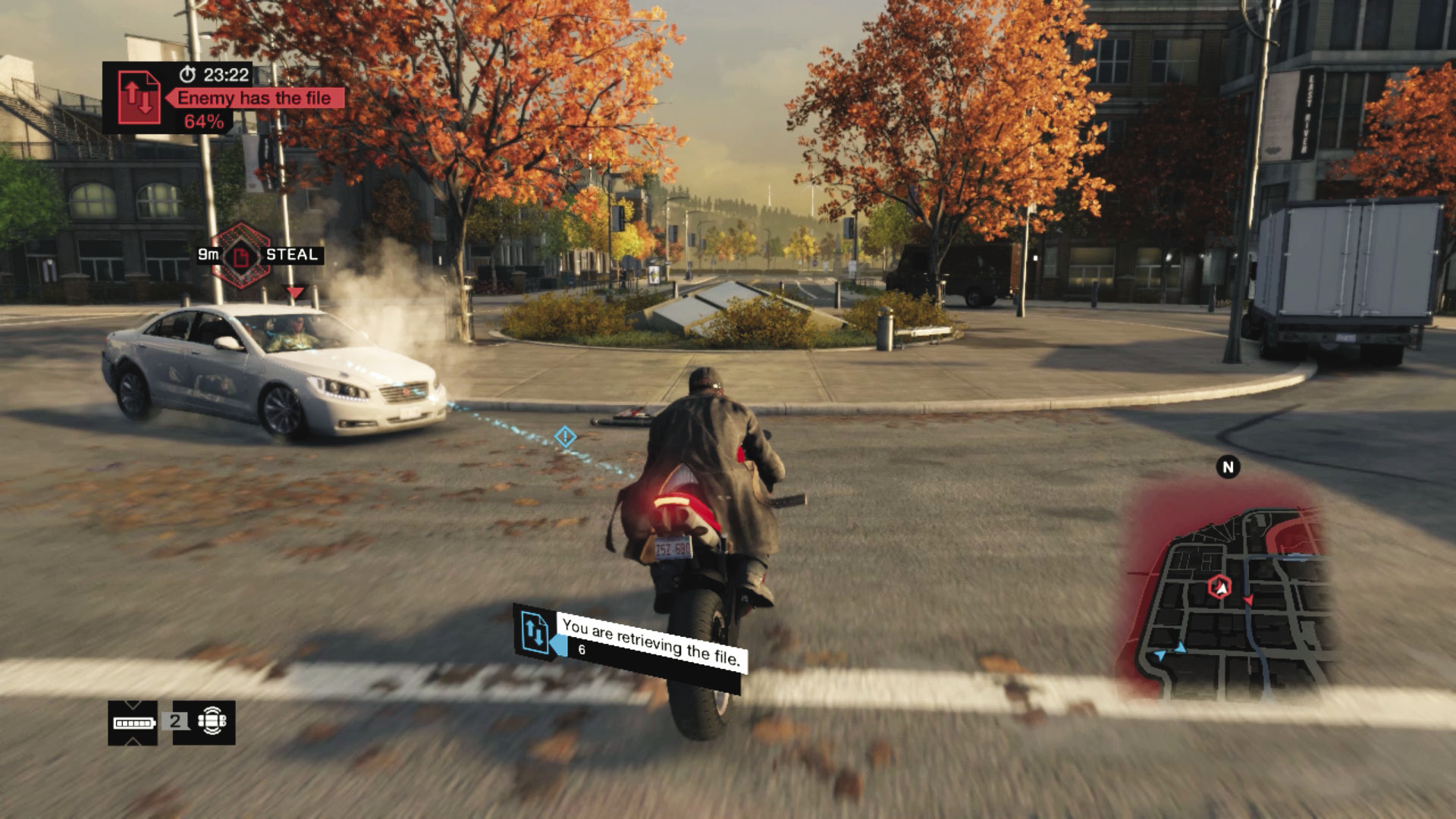
Don’t have the key file? Then head toward its location (either static or carried by a foe), and as you near (within 50 meters if the file carrier is in a vehicle, or 25 meters if the file carrier is on foot, or the file has been dropped or not picked up yet), the decryption percentage stops and you automatically begin to steal the data. The time this takes varies depending on how far away you are and how many teammates are helping with the theft.
Get as many teammates as close to the file as possible to steal it quickly. Once the key file has been retrieved (from the ground or the enemy carrier), you have a ten-second “firewall” where you can’t be hacked, allowing escape.
If you’re attempting to defend against wireless theft, there are two simple rules to follow: (1) Get as far away from the enemies as possible, and (2) use superior firepower to remove the threats as quickly as possible. Definitely use Jam Coms; before you start the theft to pause the decryption. If you or your teammate has the file and an enemy is stealing the file, use this tool.
/// Decryption Boosting
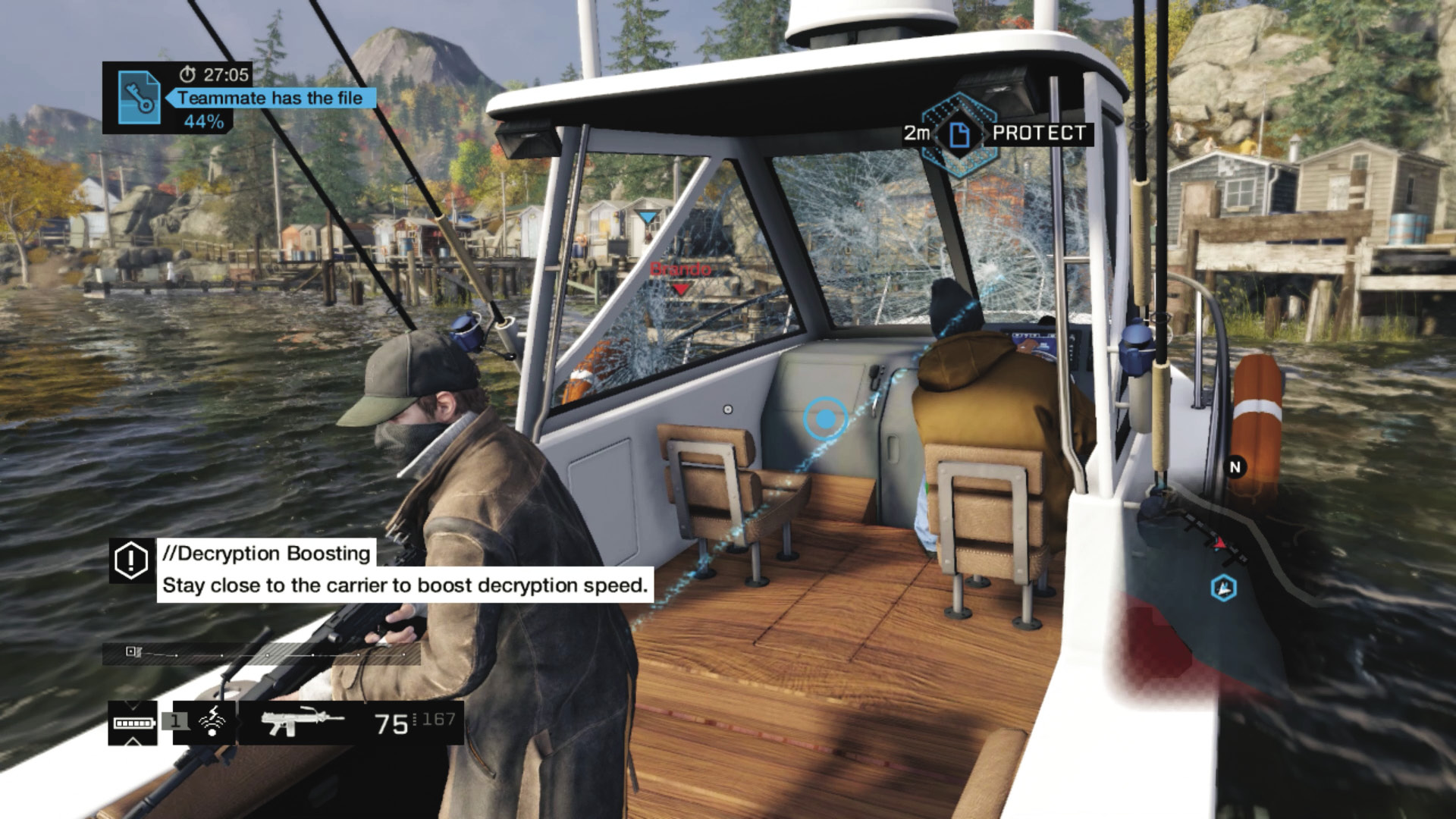
Have the key file? Then (in team contracts) seek out your other teammates in order to boost the decryption speed. Riding near or with them in a vehicle is a great way to easily boost. But in general, get as close to the key file as possible with as many teammates as possible. Repel enemy threats at a distance. Don’t use Jam Coms. If you’re attempting to stop decryption boosting, engage the enemy immediately, ideally focusing on the file carrier. Use Jam Coms.
/// INITIAL KEY INTERCEPTION (FIREWALL ACTIVE)
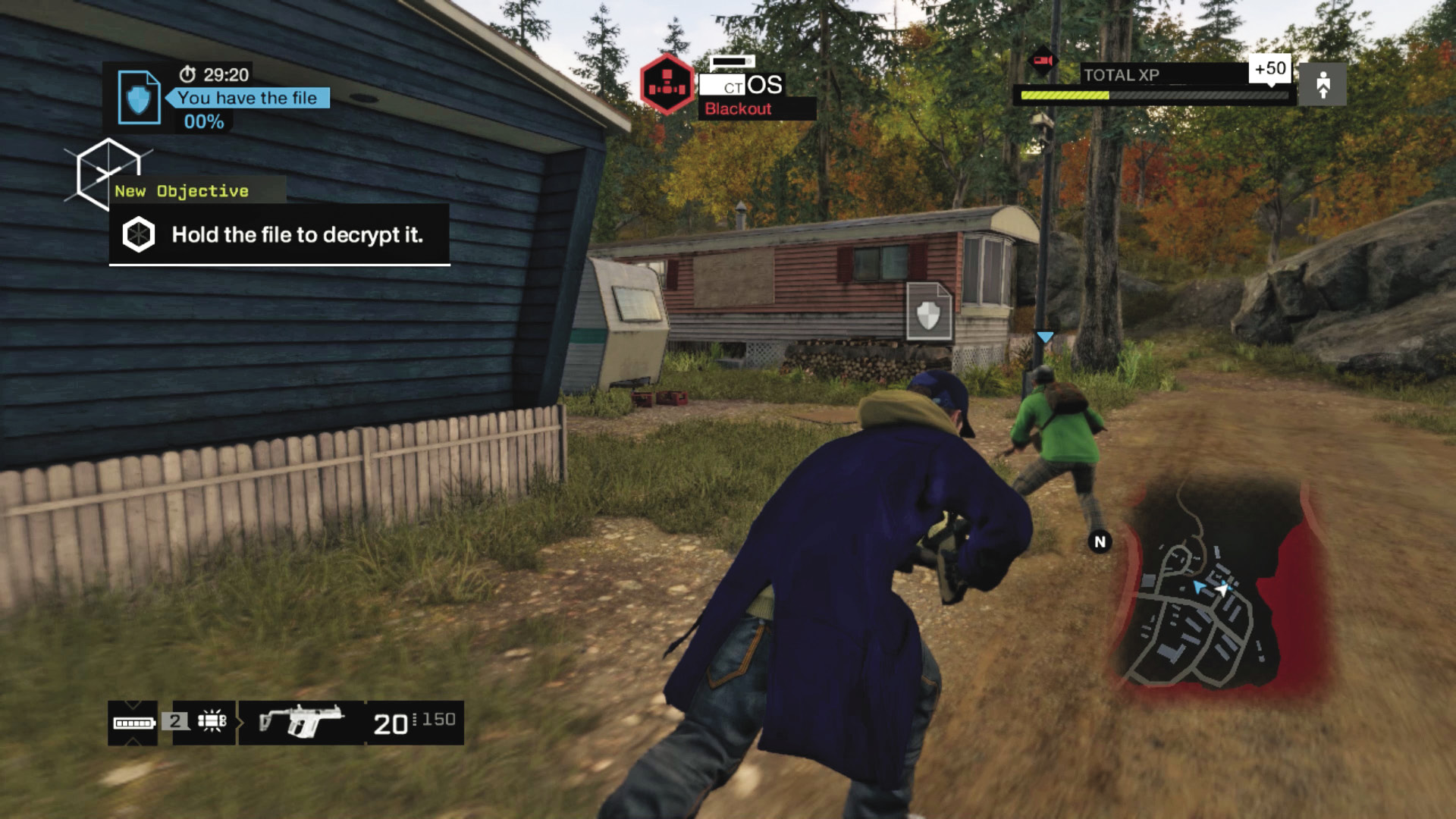
Whenever you, your team, or an enemy picks up the key file, a temporary “Firewall Active” message appears. This lasts for 10 seconds and stops rivals from executing wireless thefts or utilizing Jam Coms. Use this small window of opportunity, and flee from pursuers, set up traps, or move to cover. Those chasing the file carrier shouldn’t try particularly brazen or dangerous charges at a foe during this time, until wireless theft is back and available.
/// Infrastructure Hacks
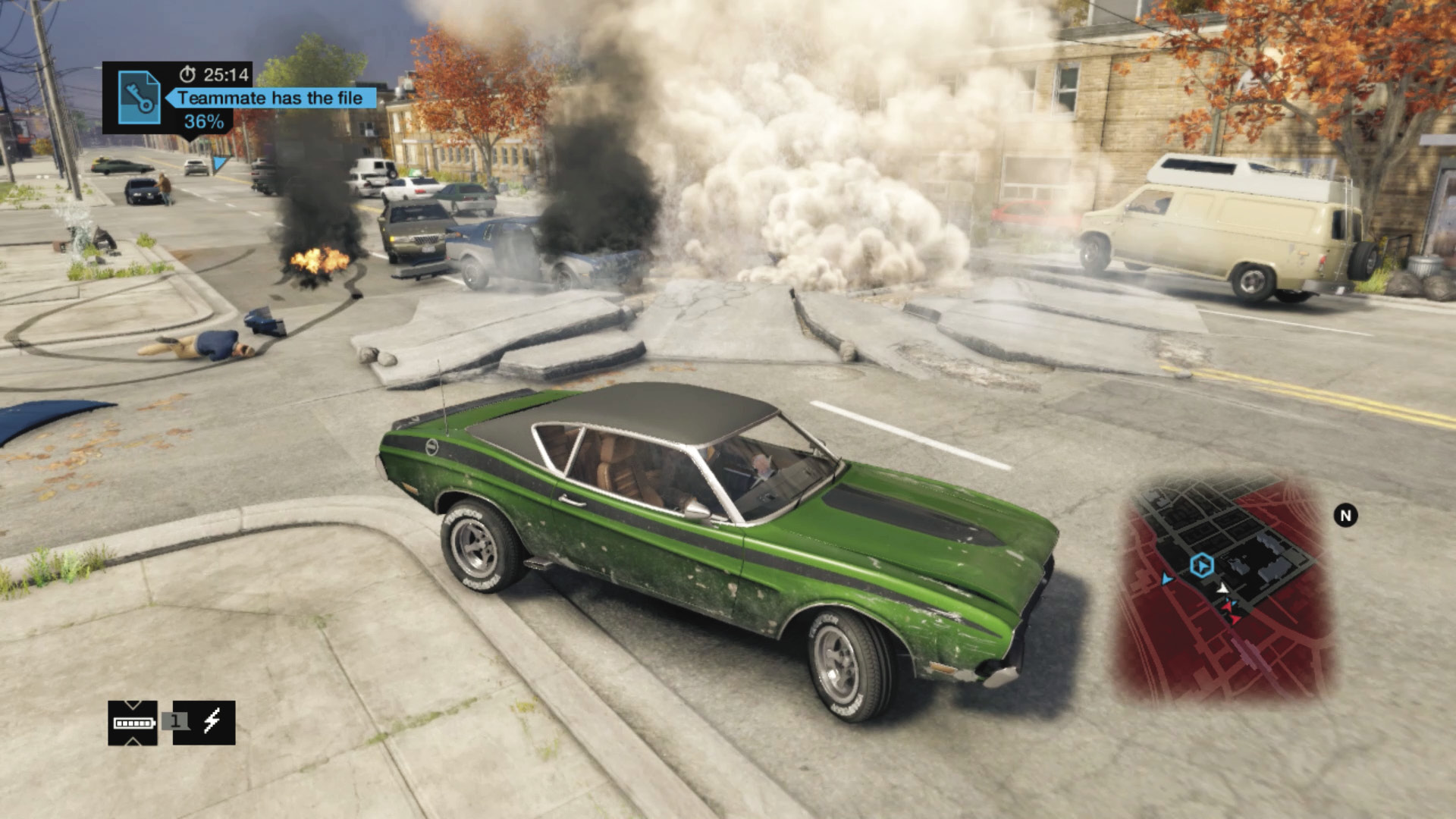
All of the available infrastructure hacks, from gates to garages, to junction boxes and protectors, to blockers and steam pipes, are available during Decryption contracts. Use such blockades or explosive areas to aid in retrieving and keeping the key file; use the strategies you learned during the single-player game. Use bollards to block foes pursuing you. Blow a steam pipe to really annoy (and destroy). Or set up ambushes with thrown grenades close to a junction box for additional explosions.
/// Blackout
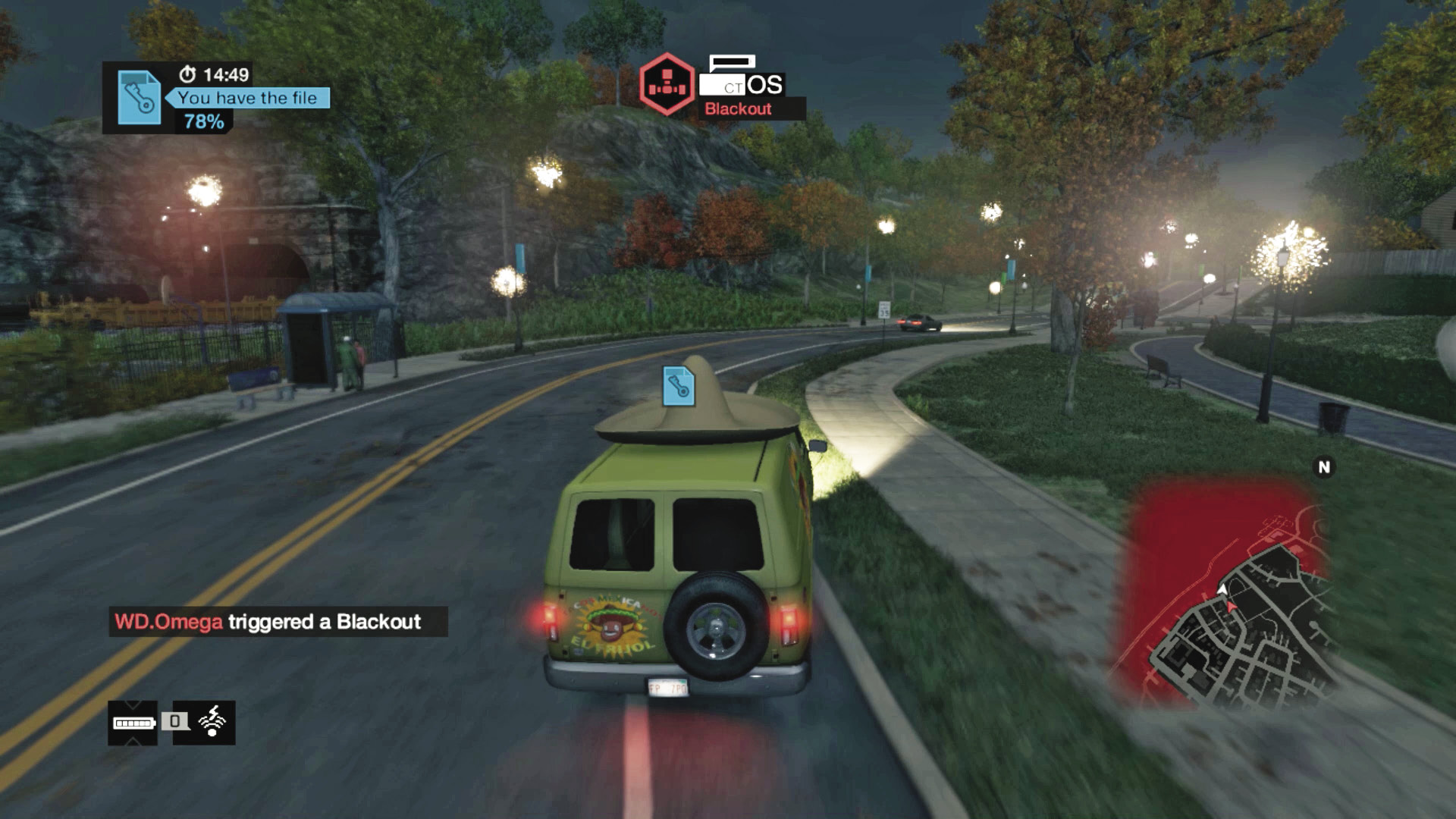
This tool works in exactly the same manner as it does during single-player games; it prevents the use of infrastructure hacks. This doesn’t have quite the potency during Decryption contracts (as many occur during daylight hours, and rivals can see your name and arrow even in the dark), but it becomes more useful during chases (whether you’re racing toward a file carrier or are fleeing with the file). Try the following:
File Carrier: Flee from the enemy, through a section of town with infrastructure, such as a garage or a gate, passing through the opening, before closing it behind you and then executing a Blackout, blocking your pursuer!
Pursuer: Chase the file carrier, toward a section of town with infrastructure such as a garage or a gate. When you see your foe attempt to open one, execute a Blackout, hopefully blocking them and allowing you to catch up.
/// Jam Coms
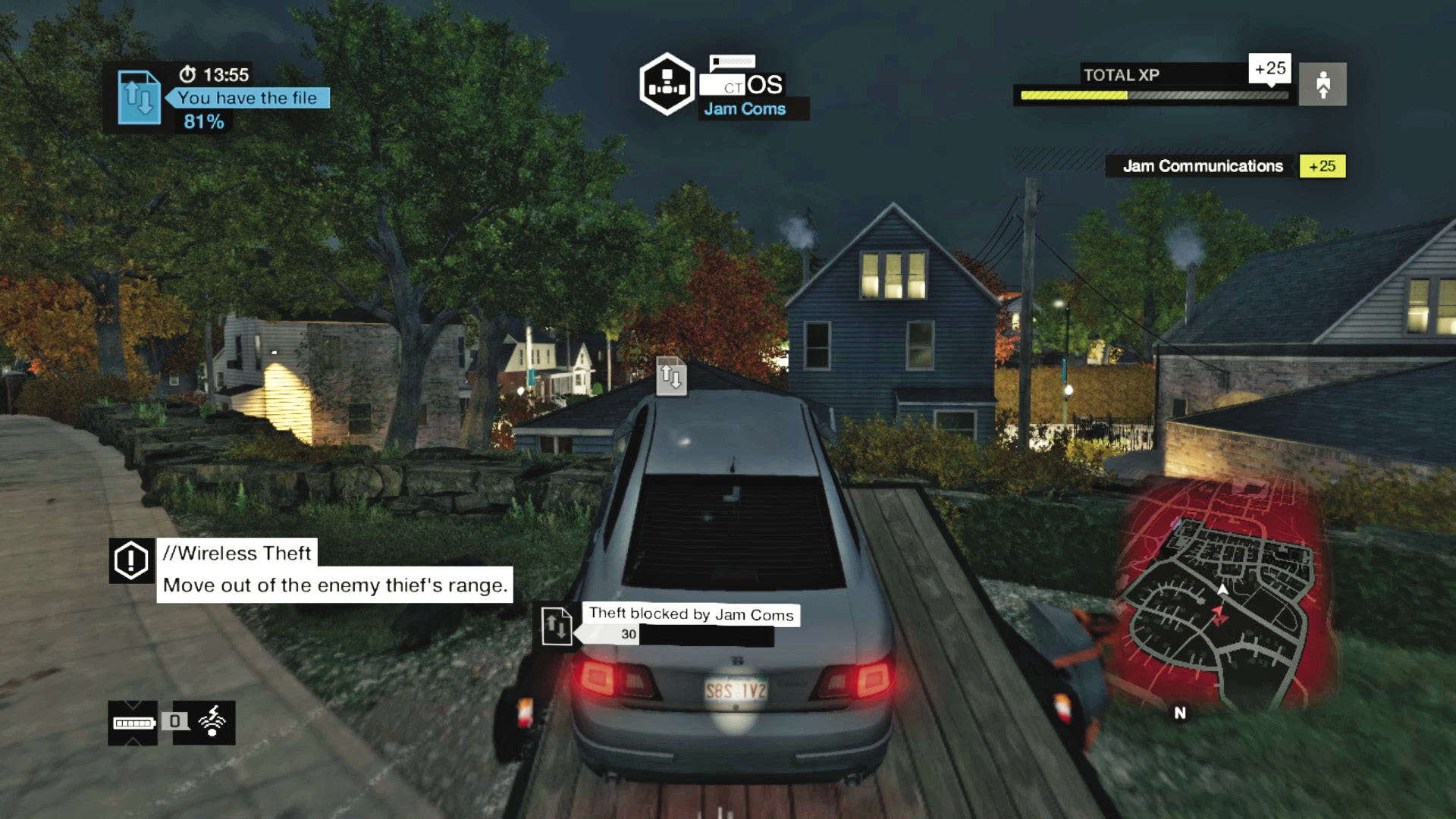
When the situation calls for it, you (and any teammate) can use Jam Coms, which has a special unique property during Decryption contracts: it stalls the download for 20 seconds (or 30 if you have the Notoriety skill Jam Coms Boost). There are important ways to use this tool properly and not waste it:
- Enemy Use:If you or a teammate has the file and it is decrypting, enemies can use Jam Coms to pause the decrypting for 20 (30) seconds.
- Team Use:If you or your teammate has the file and an enemy is stealing it wirelessly, you can use Jam Coms to pause the wireless theft for 20 (30) seconds.
- Wasted Use I:Jam Coms has no function when the file has just been acquired and is in a firewall state.
- Wasted Use II:Nothing happens if you use Jam Coms and the carrier is more than 100 meters away.
- Wasted Use III:Nothing happens if you use Jam Coms when you or your teammate is performing a wireless theft.
It is vitally important that you utilize this tool properly, as this can afford you the extra time to reach a file carrier and defeat them. It is also useful to use just prior to the file decryption reaching 100%; try to attempt this during the latter stages of a contract to stall your opponents’ victory.
Make sure you and your teammates use Jam Coms at every possible opportunity; don’t let it sit in your Weapon Wheel when there’s a decryption ticking up to 100%!