Mobile Gaming Guide — Tips, Tricks, and Strategies for Today's Hottest Mobile Games Neko Atsume: Kitty Collector
Kitty Activity
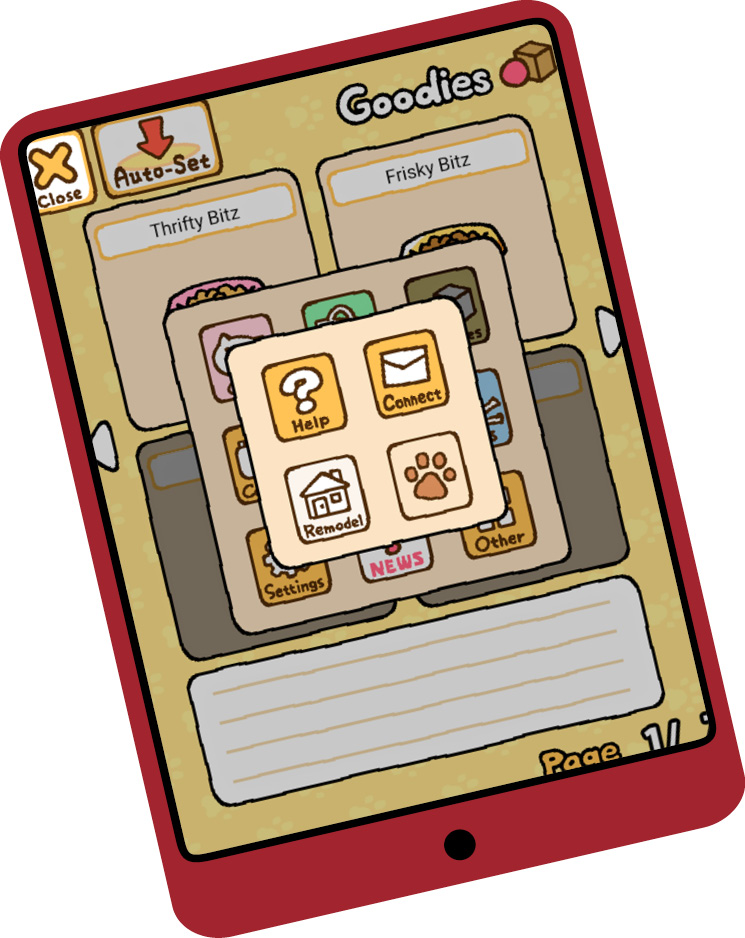
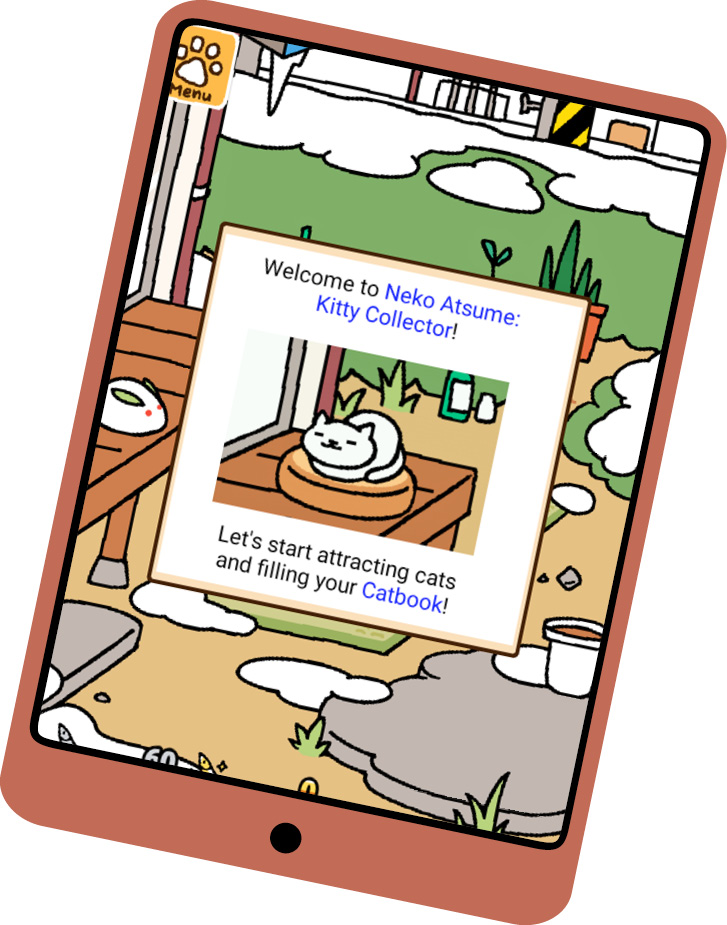
The menu (paw print in the top left) is where you do most of your work. Tap the button to bring up the following options: Cats, Shop, Goodies, Camera, Yard, Gifts, Settings, News, Other.
Cats
The Cats button brings up three options: Catbook, Album, Mementos.
Catbook
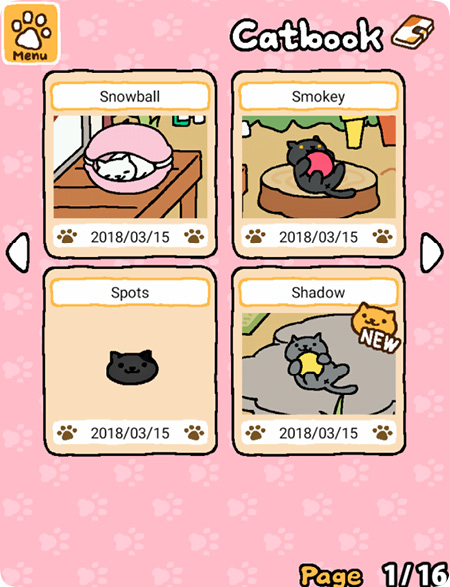
The Catbook tracks the cats of Neko Atsume. Question marks mean the cat hasn’t visited your yard. A cat’s name on display with a face on a solid background means the cat has visited your yard but does not have a Best Shot selected in its album. You can change a cat’s name in its Catbook entry. Touch the nameplate at the top of the entry, then enter a new name.
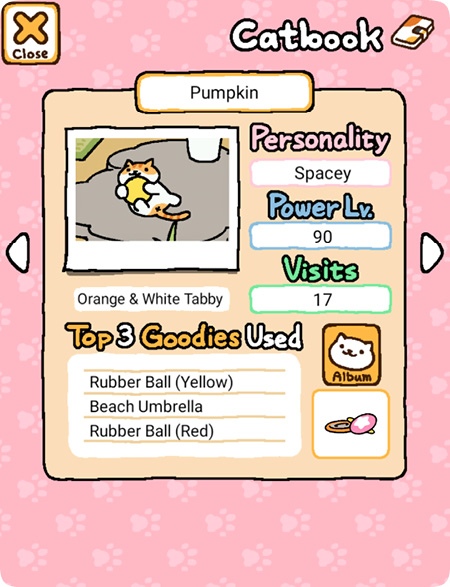
Touch on a cat’s entry to learn its personality and power level (neither impacts gameplay), as well as the number of visits to your yard and the top three goodies used during its visits. Take note of the goodies if you’d like to encourage a specific cat to visit again.
Album
Your Album is the collection of pictures taken with the Camera. You begin with an empty album (with 72 free slots) that can be used to store any photo you take. New albums (with 18 free slots) appear each time you photograph a new cat. To set a cat’s BEST SHOT, tap twice on a photograph in that cat’s album. If you fill an album, you can add additional pages for a price.
Mementos
Mementos are gifts from the cats that visit. Each cat offers a unique memento, but there’s no set way to earn them. Just keep enticing cats to visit your yard and they’ll leave it for you. Eventually
Shop
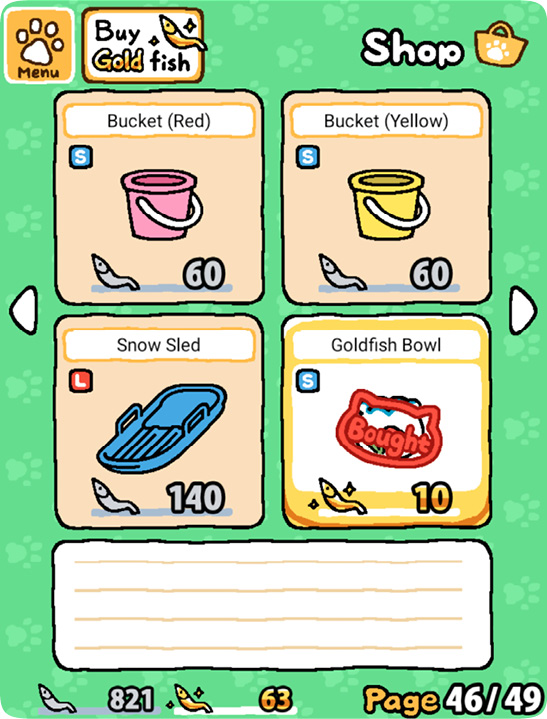
The cats that visit your yard leave behind fishy gifts that are spent in the game’s shop. Select Shop in the menu to exchange fish and gold fish, as well as to purchase food, goodies, and even a yard expansion. To access the items purchased in the shop, open up the menu again and touch Goodies.
With the exception of food, goodies only need to be purchased once. After they’re purchased, you’re free to swap goodies in and out of your yard.
Goodies with an S in a blue box are small and take up a single space in your yard. An L in a red box means the goody is large and takes up two spaces, which limits where the goody can be placed.
Goodies
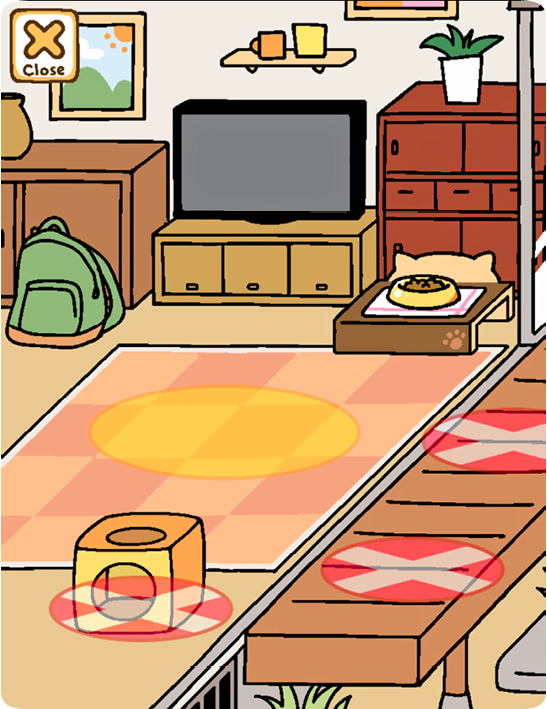
The Goodies option brings up a list of the items you’ve already purchased. Categories of goodies include food, balls, boxes, beds (an aluminum bowl appears in the bed category because…cats), furniture, tunnels, and toys. Use this option to place them in your yard. Your yard has five distinct locations, but only one can accommodate a large goody.
Food
Food appears under the Goodies menu but has a dedicated spot in your yard. Food is the only item that has a shelf life in your yard (it lasts indefinitely before you place it). Thrifty Bitz (the free food) remains in the bowl for eight hours. Frisky Bitz (the only food purchased with Fish) lasts six hours. The four types of food bought with gold fish all last three hours. You can save on food by buying in bulk.
Camera
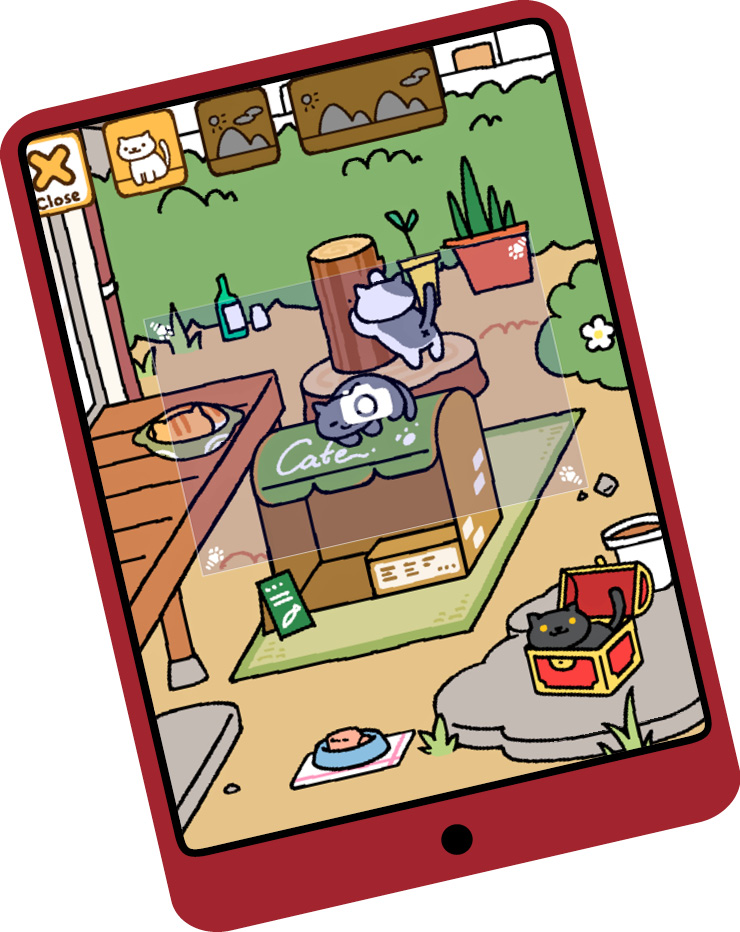
The camera has two options, located at the top of the screen. The default option is to take a picture of an area of the screen and save it to an album. The second option allows you to save a snapshot of the game to your device (these shots won’t appear in an album).
You aren’t required to use the camera at any point, but it’s the only way to get custom pictures of the cats as they visit your yard.
Yard
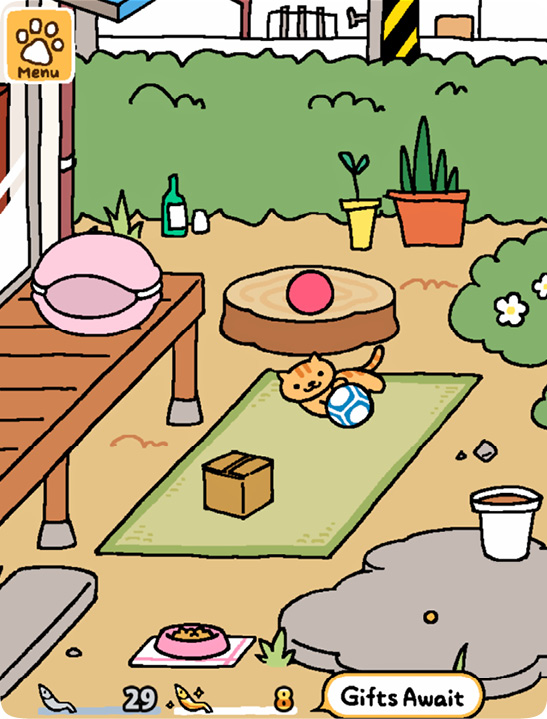
This button returns you to the yard view. There are five goody spots total, but remember that large goodies take up two spots.
In the yard view, touching a cat takes you directly to its Catbook entry. Touch a food bowl to bring up a refill screen. The status bar under the food shows how much food remains in the bowl.
Gifts
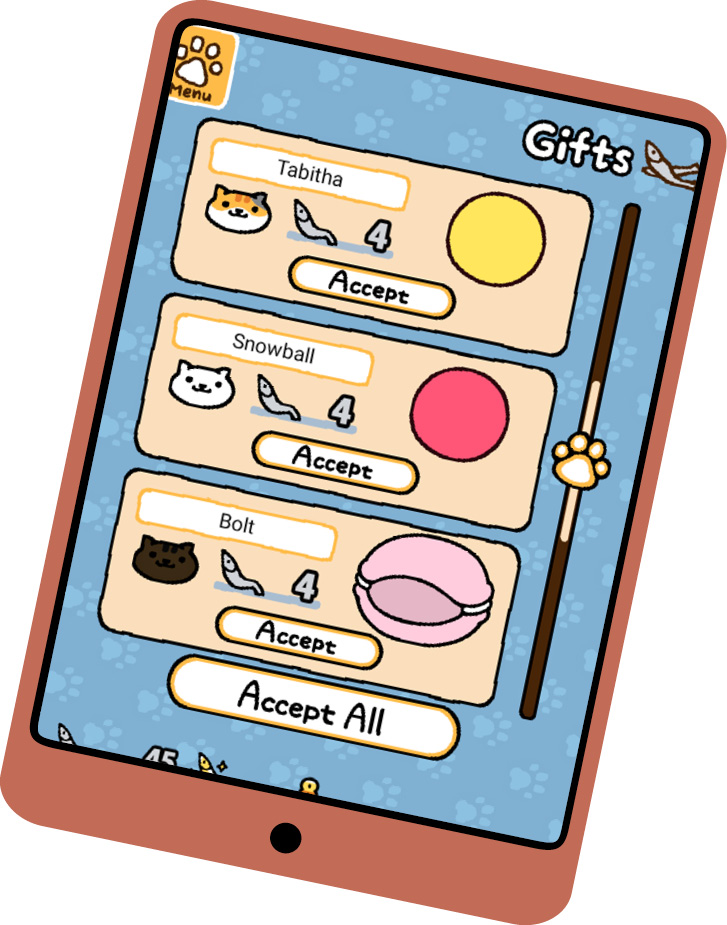
To claim the fish left behind by visitors, you can either select Gifts in the menu window or touch the Gifts Await prompt when it appears near the bottom of he screen.
News
There are web links under News, but the main attraction is the daily password, which is entered under the Other menu. A new password appears at the same time each day.
Other
The two initial options under Other are Help (an in-game manual) and Connect. Select Connect to input the daily password, submit feedback, and view the official game FAQs (they open in a browser). The Remodel option appears after you purchase the yard expansion.