Mobile Gaming Guide — Tips, Tricks, and Strategies for Today's Hottest Mobile Games Modern Combat 4: Zero Hour
Preparation

If you’re playing for the first time, there are some initial tips to try before facing foes in either Campaign or Multiplayer:
How Sensitive Are You?
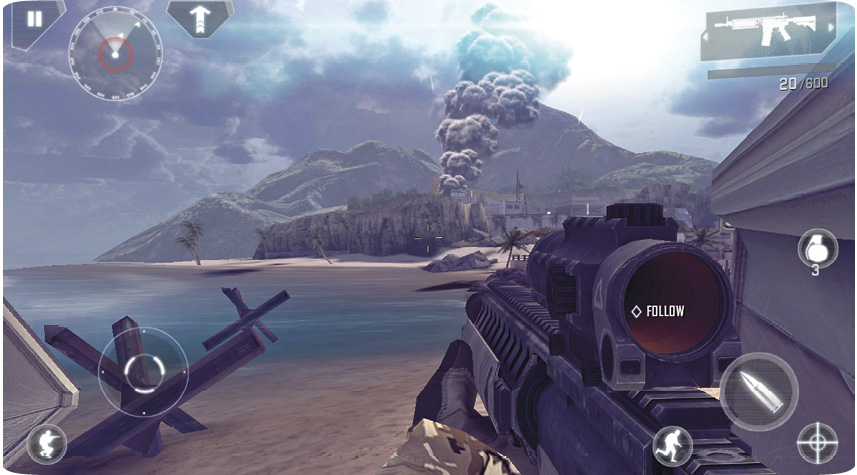
Don’t overlook the Sensitivity slider in the Controls menu; it allows you to increase or decrease how rapidly your movements are conveyed from screen to in-game. If you’re having trouble making accurate movements to aim at a foe’s head, think about tweaking the sensitivity. If your controls are sluggish and you aren’t aiming at an enemy fast enough, increase the sensitivity. If you’re overcompensating or exhibiting an aim that’s too “twitchy,” try decreasing the sensitivity. Don’t just ramp the sensitivity up to maximum thinking that’s how the pros do it!
The Aim Game: Turn It Off!
Aim Assist can be found in the Settings menu, and there are reasons to play this game with and without this feature. The biggest reason to switch this off is that it helps you train for Multiplayer matches, where (unless you’re playing a Custom match) all your enemies use manual aiming anyway. Don’t rely on this crutch, as you’ll be outclassed by human foes once you finish the Campaign mode. With the practice of manually aiming at foes in Campaign, transferring this skill to Multiplayer becomes much easier. Practice makes perfect!
The Aim Game: Turn It On!
Or, if you want to accrue more points at a quicker rate throughout Campaign mode, keep Aim Assist on. Aim Assist automatically tracks the enemy nearest to your location and allows for quicker takedowns, easier headshots, and faster gameplay, and keeps you alive longer. To gather bonuses (including Credits) at a more rapid rate, it’s more straightforward if to just do the firing, rather than worry about the aiming too. But don’t be surprised if you’re outclassed when facing foes in Multiplayer!
Gunning with the Gyroscope
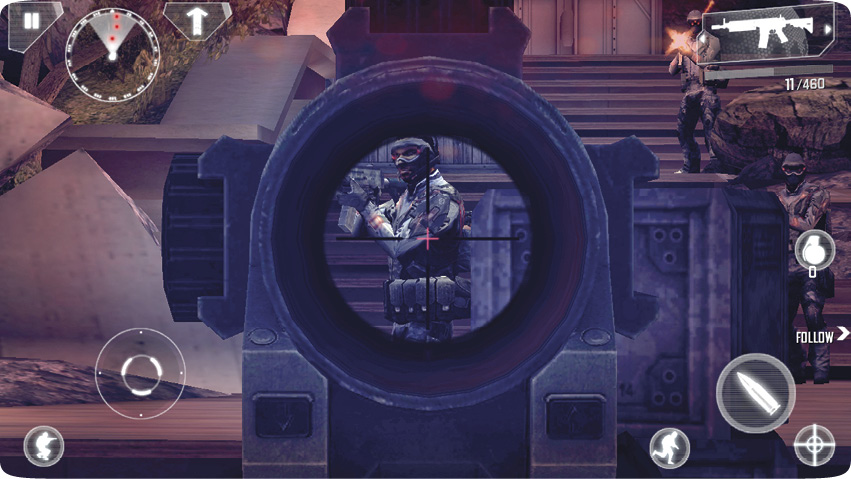
It’s also worth fiddling with the Gyroscope in the Controls menu, turning it on and adjusting the sensitivity to your satisfaction, as it makes pistol and shotgun attacks a little easier to land. It also helps when you’re aiming down your weapon sights.
Change the Grenade Button
The default location of the Grenade button can cause you to inadvertently press it during particularly vicious combat. Minimize accidental carnage by changing the button to a spot where you don’t keep accidentally pressing it.
A Sound Strategy
Check the Sounds menu, and turn off the Music while turning up the Sound FX. This way, you can more easily hear enemy movements, distant firing or footsteps, and other effects to pinpoint where they are and act accordingly. The sooner you hear a foe (sometimes before visual contact is made), the quicker you can take them down.