Mobile Gaming Guide — Tips, Tricks, and Strategies for Today's Hottest Mobile Games Minecraft
Basic Controls
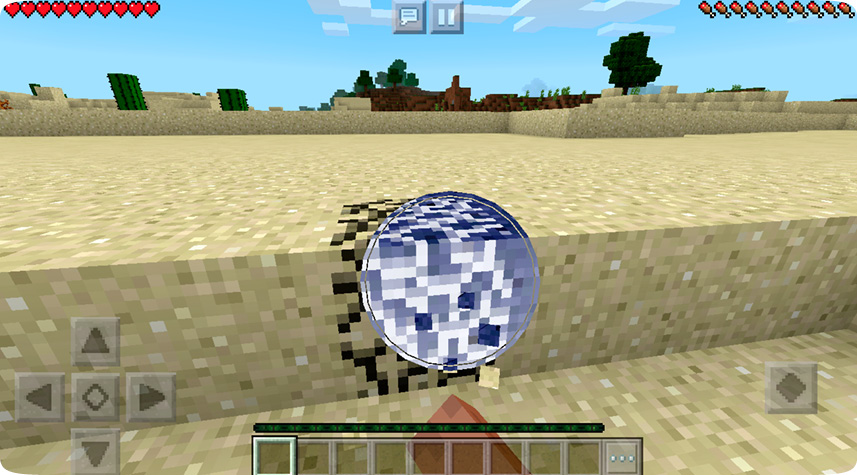
• To walk around, locate the arrows on the left side of the screen. Once you have hold of the arrows, drag and hold in the direction you want to go.
• To sprint, double-tap the Up arrow and hold.
• To look around, place your finger on the screen and turn it in the direction you wish to look.
• To jump, tap the button in the bottom right of the screen.
• To place/attack/harvest, tap the screen on the block you wish to interact with.
• To mine/break, hold the screen on the block you wish to interact with.
• To crouch, double-tap the button in the middle of the moving arrows. Crouching prevents you from falling off the block you’re currently standing on.