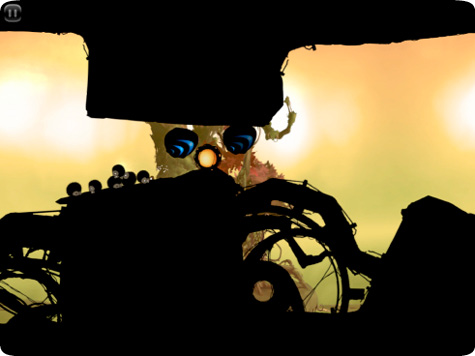
Mobile Gaming Guide — Tips, Tricks, and Strategies for Today's Hottest Mobile Games Badland
Flap to the Finish
One command controls Clony and other characters: Tap or hold your finger on the screen and they flap their wings. Each flap propels them upward and forward.
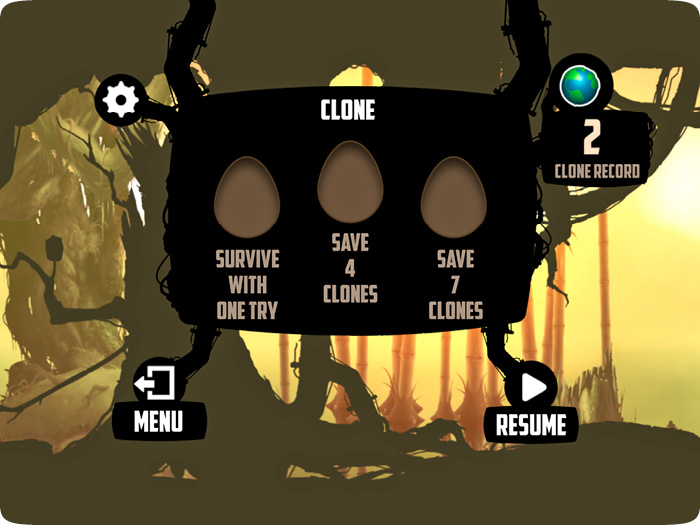
Your initial goal on every level is to reach the end. The game offers three missions per level. Completing missions and saving clones unlocks achievements.
The Environment
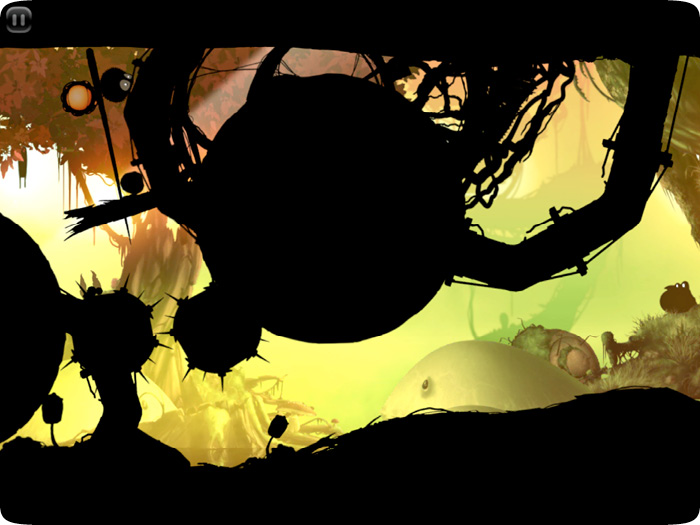
The easy control scheme is there to balance out the difficult navigation necessary to reach the end of every level. Despite the vivid backdrop of the game, your path is entirely in shadow. There are few visual cues to indicate how solid, how movable, or how deadly the objects lining your path are.
Spinning blades may slice up Clony or flick him in a different direction. Thin pieces of environment may yield when pressure is applied, or they may require lifting from below. Long stretches of thick pipes will have one section that gives way when enough weight lands on it. All you have to guide you through each level is experience earned through trial and error and the certainty that there’s at least one way to get past every puzzle.
Clones
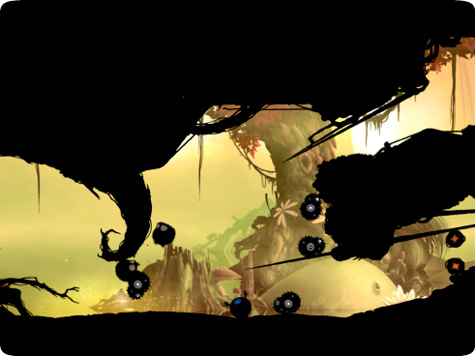
Clones are part power-up and part bonus life, and they come in two varieties: single (spawns one clone) and super (spawns 10 clones). When your character approaches one, a copy of the character pops up and reacts to your command exactly like the original. Clones often appear in groups, so you may be in control of five or six or 10 copies of your character simultaneously. The number of clones is a good indication of the difficulty of the path ahead.
Any copy of your character that reaches the end counts as clearing the level, whether it’s a clone or what you started with. Saving clones serves mission requirements on some levels, and saving an increasing number of clones is required to unlock additional levels.
Power-ups
Small shapes with glowing bits are almost always power-ups. You don’t always need to reach a power-up, because they will come to you. Power-ups are drawn to your character and clones, and will even track them through walls. The effect of any power-up absorbed by a clone is spread to every copy on the screen.
There are five pairs of power-ups in addition to the clone and super clone. There are two power-ups each for roll (clockwise or counterclockwise motion), size (increase or decrease size), speed (faster or slower clones), and time (speed up or slow down the passage of time). The cling power-up allows clones to stick safely to surfaces briefly (even spinning fans), while the bounce power-up provides a rebound effect when a clone comes into contact with anything.