Mobile Gaming Guide — Tips, Tricks, and Strategies for Today's Hottest Mobile Games AVP: Evolution
What You Need to Know
Gameplay
As an alien, you are tasked with fighting colonial marines as well as destroying the super predators to free your species from slavery. As a Jungle Hunter predator, you must eliminate the alien queen to prevent the super predators from annihilating your clan.
The game features finishing moves and character upgrades via ability enhancements and armor and weapon unlockables. The 19 campaign missions and 12 side missions can be played in either Normal or Hard mode.
Controls
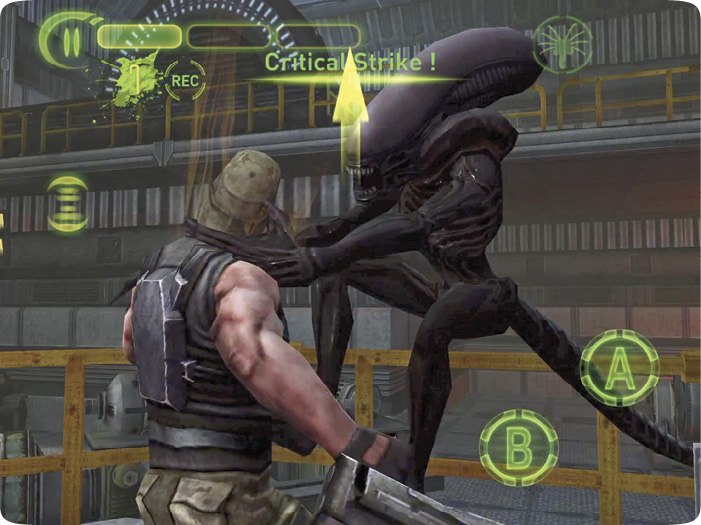
A joystick appears on-screen when you touch your thumb on the left side of the screen. Use this to control character movement. For more precise control, aim the camera by sliding your right thumb on the right side of the screen. Together you can manage a good amount of control over your character. The on-screen A and B buttons control attack and block, respectively. The following actions are available using the on-screen controls:
• Movement
• Attack/fatalities
• Switching weapons
• Sense (xenomorph)
• Facehugger call (xenomorph)
• Plasma energy (predator)
• Cloak (predator)
• Alien vision (predator)
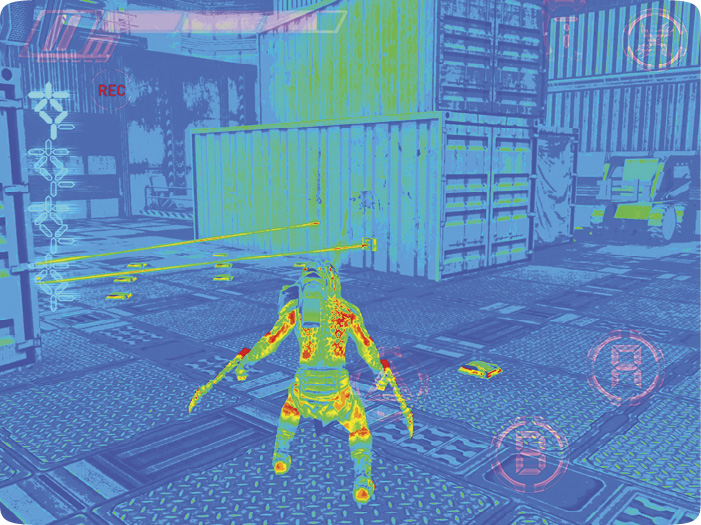
• Thermal vision (predator)
Predator Moves
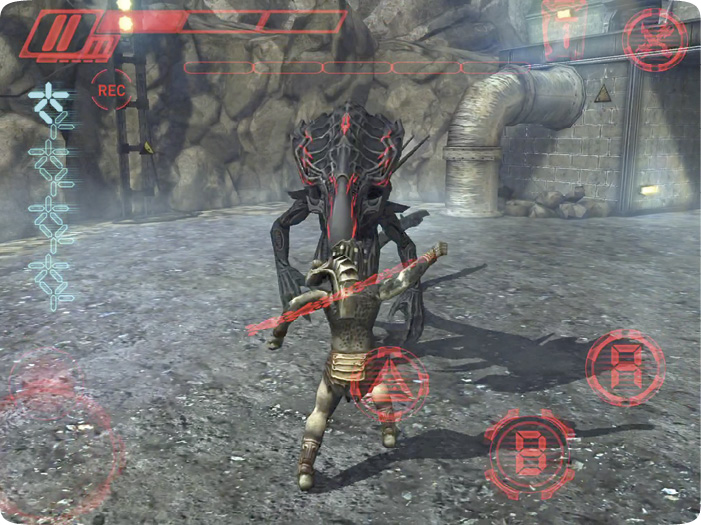
The predator has three view types. These are accessed by tapping on the T at the top right corner. Thermal vision, for example, allows you to see trip mines. The predator can switch weapons by pressing the weapon toggle icon in the top right corner and then selecting one of the weapon icons to the left and bottom of the weapon toggle.