
Halo 5: Guardians Guide Multiplayer Getting Started
Movement
Moving your Spartan around the battlefield is simple, especially if you’ve played the earlier installments or other first-person shooters. When standing upright, your Spartan runs, which is ideal for getting around areas where threats are minimal. While crouched, you move slower. However, since you are lower, you make a smaller target for opponents to hit and you can more easily duck behind cover. When advancing against an enemy position, it is best to move while crouched, as it is harder for the enemy to detect you. Weapon accuracy is also increased while crouched. So when engaging distant targets, make a habit of dropping to a knee before firing a shot.
Sprint and Spartan Charge
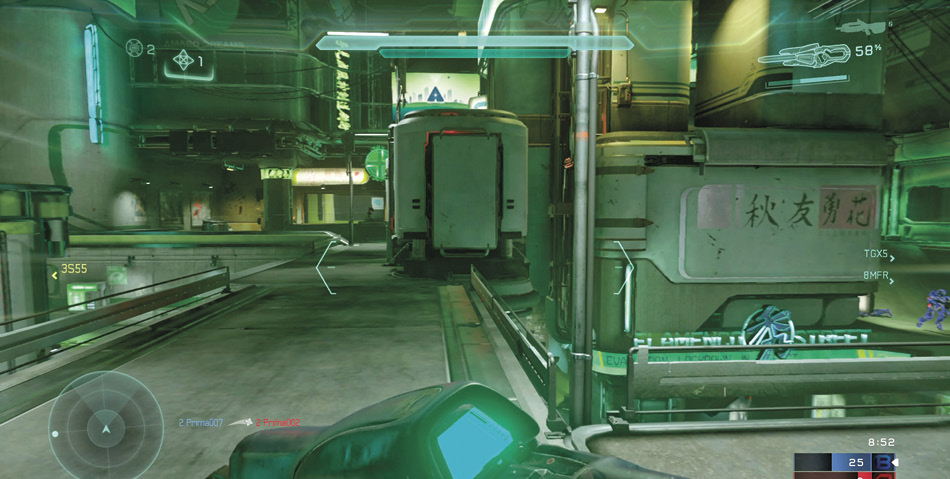
Sprinting comes with some drawbacks—you can’t fire your weapon and your shields won’t recharge.
At times, it is better to move fast, by sprinting. Spartans now have unlimited sprint ability. But there are some drawbacks. You can’t fire weapons while sprinting, but you are much more difficult for the enemy to hit. Also, your shields won’t regenerate during a sprint—consider sprinting to cover to allow your shields to recharge. Sprint when you have to cross a dangerously open piece of ground, dashing from one position of cover to another. But avoid sprinting in tight confined spaces where you’re likely to encounter enemy Spartans.
If you happen to encounter an opponent at close range while sprinting, perform a melee strike to initiate a Spartan Charge—the bracket icons flanking the reticle indicate when a Spartan Charge can be performed. The Spartan Charge activates your Thruster Pack, allowing you to deliver a devastating, linear shoulder bash. A properly aligned Spartan Charge can take out an opponent’s shields. Or if the opponent is already weak, a Spartan Charge can finish them off.
Jump and Clamber
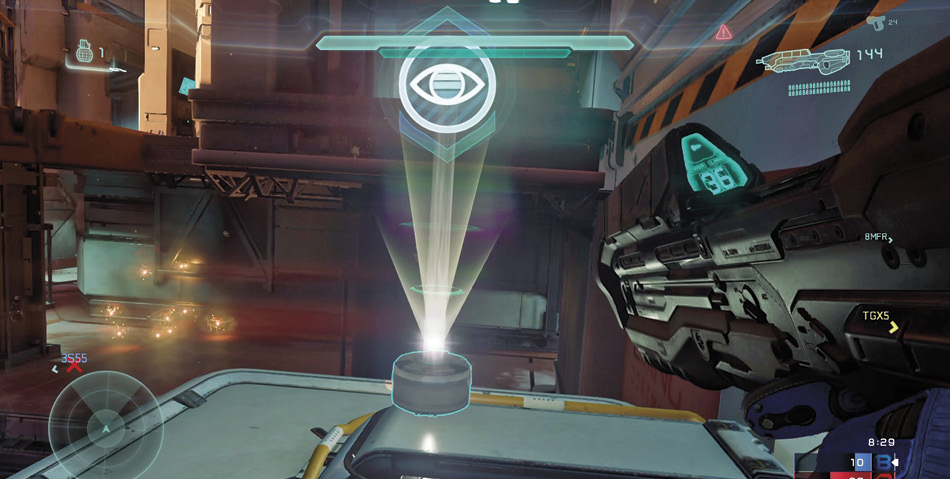
Jumping and clambering are often required to reach certain ledges and platforms, like the Overshield Hatch on The Rig.
Jumping in Halo remains largely unchanged over previous installments. But if you’re new to the game, getting used to a Spartan’s impressive jump ability can take some practice. Compared to other shooters, jumping feels a bit “floaty” in Halo, given the distance Spartans can cover and the relatively slow rate of descent. The smooth mechanics of jumping allow for greater tactical opportunities—feel free to open fire and toss grenades while flying through the air.
While standard jumps are adequate for reaching some ledges and other elevated platforms, the ability to clamber allows Spartans to reach new heights with ease. While jumping toward a ledge, press the Jump button as you make contact to perform a clamber—your Spartan will reach out, grasp the ledge, and pull themselves up. Clambering only takes a fraction of a second, but it leaves you vulnerable—you can’t fire your weapon or throw a grenade during the clamber animation. Still, this is a very minor drawback.
Thrust
The Thruster Pack is a new addition to Halo 5: Guardians. But don’t confuse it for a jetpack. This device delivers a sudden burst of speed, giving Spartans the ability to rapidly thrust in any direction, which is ideal for evading enemy attacks. While moving, press the Thrust button to activate the Thruster Pack—you’ll automatically boost in the direction you’re currently moving. For best results, thrust laterally during engagements to evade incoming fire. Thrusting can also allow you to pull off some impressive jumps. At the apex of your jump, thrust to push your Spartan farther through the air.
The Thruster Pack cannot be activated continuously. It must recharge after each activation, taking approximately four seconds. A red triangle icon (with an exclamation point) appears in the top right corner of the HUD when the Thruster Pack is recharging. When this icon disappears, the Thruster Pack is back online.
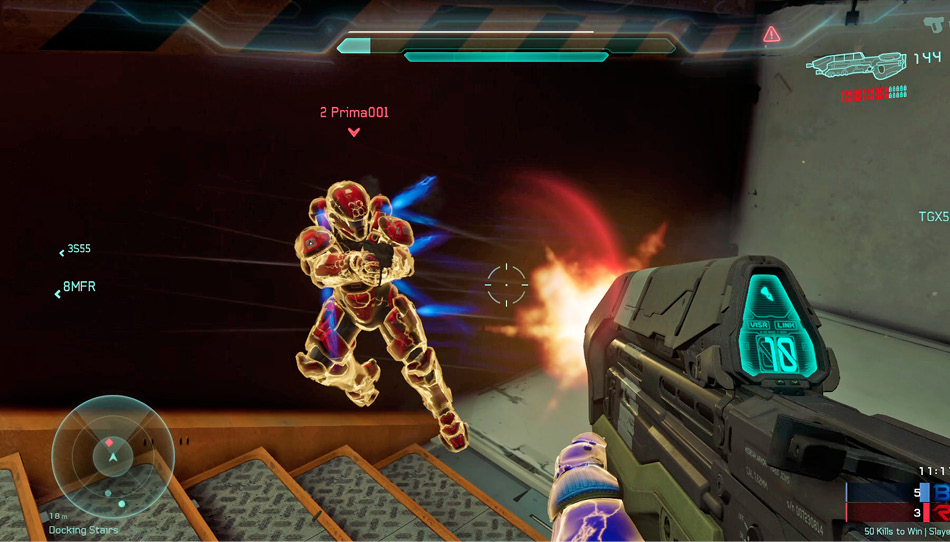
Thrusting laterally is a great way to evade incoming fire.
Ground Pound
Gaining a height advantage isn’t beneficial only for ranged attacks. You can now use elevated positions to perform devastating Ground Pound attacks. At the apex of a jump, press and hold down the Melee button to initiate a Ground Pound. This causes the camera to pull out to a third-person view as a large white reticle appears on the ground below—this is your point of impact. While you hold down the Melee button, your Spartan remains floating in the air for a limited time, so pick a target area quickly before you’re shot out of the air. When you release the button, your Spartan thrusts toward the ground, impacting the target zone with a thunderous concussive force. Damage dealt by Ground Pounds varies, based on your height prior to impact—the higher you are when initiating the attack, the more damage you’ll inflict. While this is novel and extremely satisfying, don’t get distracted by trying to score Ground Pound kills. If you see an opportunity, go for it, but never force it—there are usually more effective ways to take down your opponents that don’t require you to surrender the high ground.
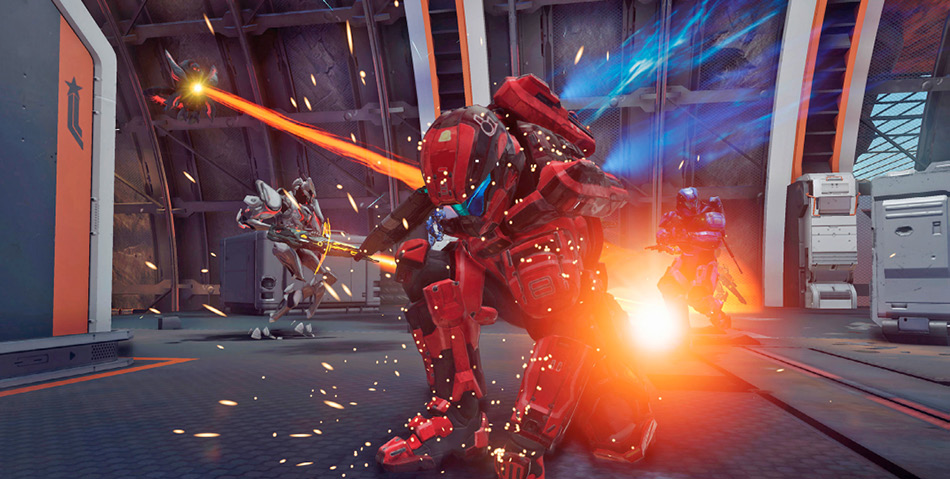
A Thruster Pack-assisted Ground Pound is a great way to surprise opponents from above.