
Assassin's Creed Syndicate Guide The Essentials
Combat
For most Assassins open combat is the last resort. However, sometimes combat is the best or only course of action!
Attacking
Press  /
/  to attack, and then continually press / to perform combos.
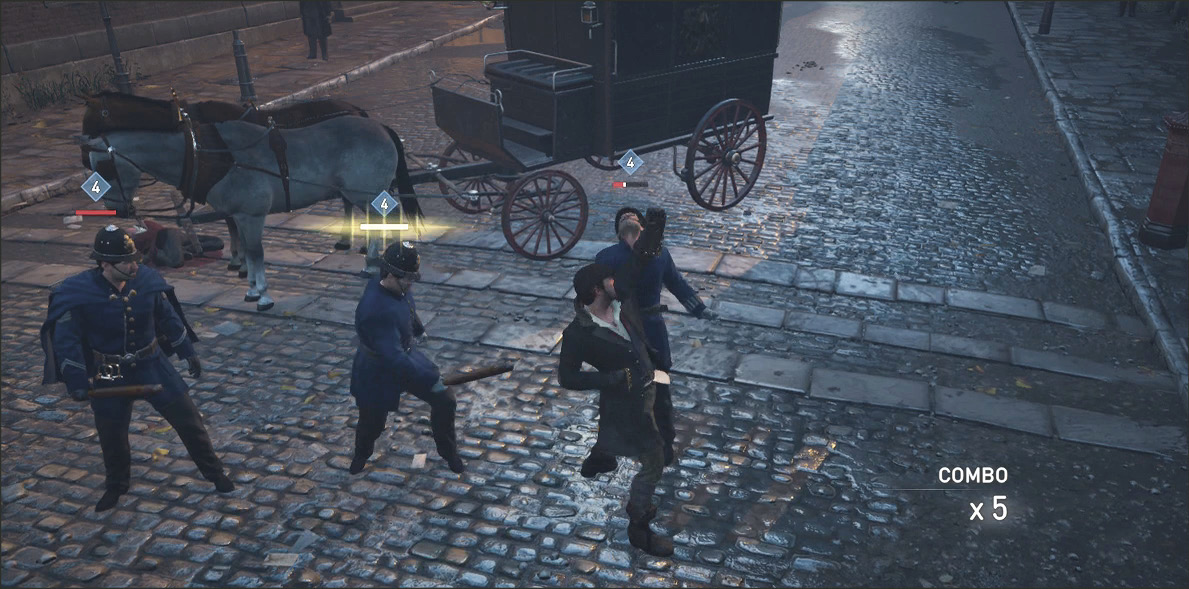
Counter Attacks
When you see an enemy’s health bar light up, press  /
/  to counter incoming melee attacks.
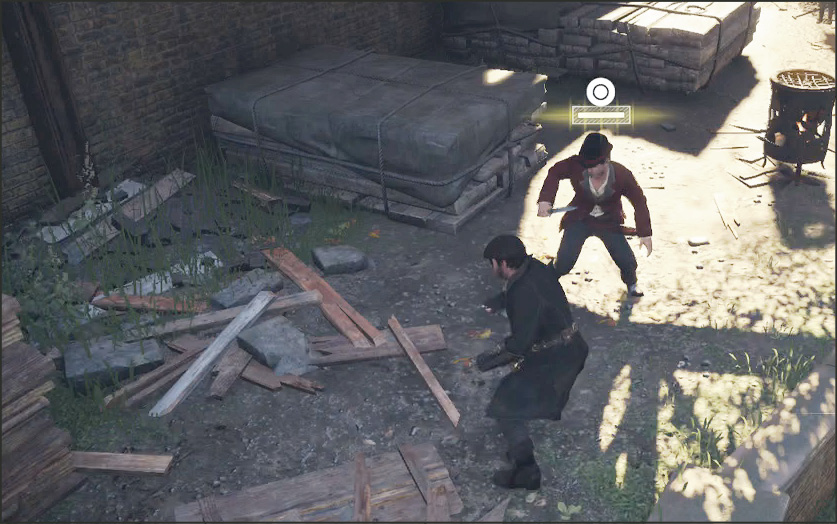
Counter Shot
Press  /
/  to shoot enemies before they shoot you! Counter Shots can be performed when the / appears above the player. If you have no ammunition, a dodge is performed instead.
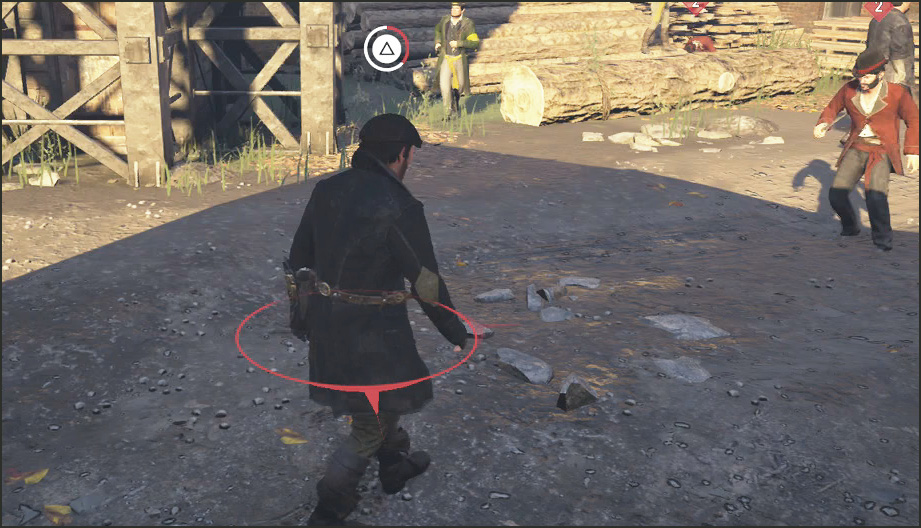
Break Defense
Press  /
/  to break the defense of an enemy in a blocking or counter stance, making them vulnerable to melee attacks.
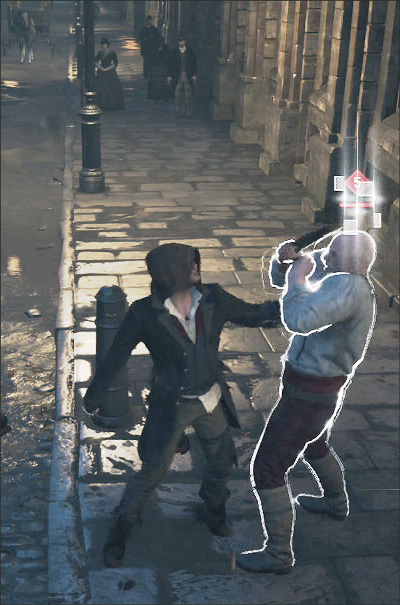
Stun
Press  / to stun an enemy and daze them for several seconds.
Quick Shot
Press / with a throwing knife or gun equipped to perform a quick shot. Quick Shots can be used during combat or as a way to initiate combat. If you are planning to open combat with a quick shot, it is a much better option to aim your weapon for a critical hit instead.
Comboing
Practicing combos makes you much better at fighting multiple enemies. The key to maintaining your combo meter is managing enemy attacks and using the right type of counter.
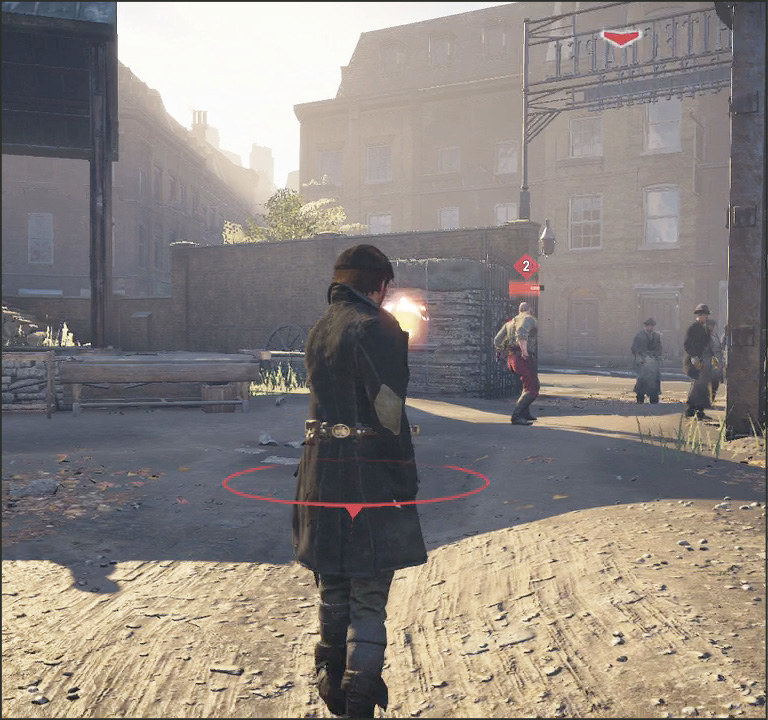
Tool Combo
During combat, press / to use a tool (such as throwing knives or a pistol) in combat without breaking your combo. This is useful for quickly lowering an enemy’s health, or attacking multiple enemies at once.
Combo Breaker
Failing to counter an enemy’s first attack may open you up to being hit by a combo. Press  /
/  at the right time to deflect each attack in the combo. The enemy’s health bar flashes at each opportunity.
Unstoppable Combos
Some unique enemies can perform unstoppable combos. Press / at the right time to deflect each attack in the combo. If you succeed in deflecting every attack, you strike them back.
Target Switching Bonus
Attacking a different target in a combo results in a 25% increase in damage for the first attack on that target. Because of this, switching between targets is often a good strategy to not only prevent them from attacking, but also get them all to the near death state where you can perform a multi-kill.
Multi-Kill
Once an enemy is near death, marked by a flashing health bar and struggling to stand, press / to finish them. If there are multiple enemies near death in close proximity, you automatically perform a multi-kill, granting you bonus XP.