
Call of Duty: Infinite Warfare Guide Multiplayer Basic Training
HUD
Using your HUD for information in combat is critical to your survival, and the better you get at reading it quickly and using the information it gives you, the more effective you will be in combat.
Minimap
Your minimap is extremely important, and one of the primary means of locating not just enemies, but the entire enemy team.
If you know where your team is, you know where the enemy is not, so if you don’t see your minimap lighting up with enemy contacts, it’s often possible to predict exactly where the enemy team is moving, or holed up defending.
The minimap shows friendly players at all times, and displays enemies as red dots when they discharge an unsuppressed firearm.
There are quite a few loadout items that can affect the minimap, displaying extra information on it, typically revealing enemies for you. Likewise, there are defensive tools such as the Counter UAV, Ghost and Hardwired perks, or the Suppressor that can be used to keep yourself off enemy radar.
Remember that if you are using an unsuppressed weapon, you are lit up on the minimap every time you fire it, so be very aware of this danger when fighting in close proximity to the enemy team.
It’s possible to deliberately use an unsuppressed weapon to lure enemies to your location, but this is a dangerous tactic, so be ready for multiple engagements and stay mobile after firing to confuse enemies pursuing you.
Death Markers
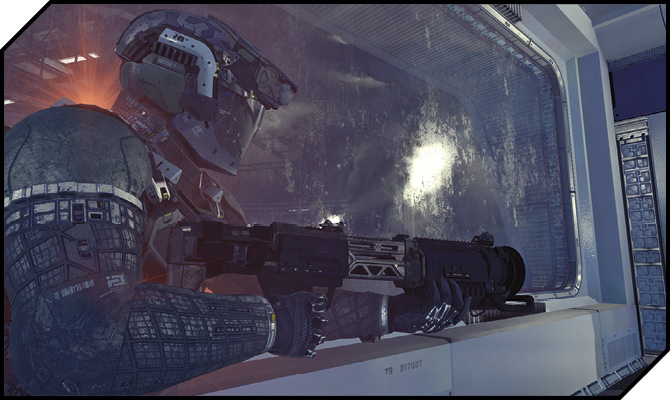
Death markers appear on your HUD where a teammate dies. You can use these to get a sense of where the enemy team is fighting yours, even if you don’t spot any blips on your minimap.
Likewise, remember that the enemy team can see these markers whenever you kill one of their players as well.
Always, always assume that a second (and possibly third and fourth, depending on how close you are to their spawn) player is coming to investigate a fallen teammate.
Health
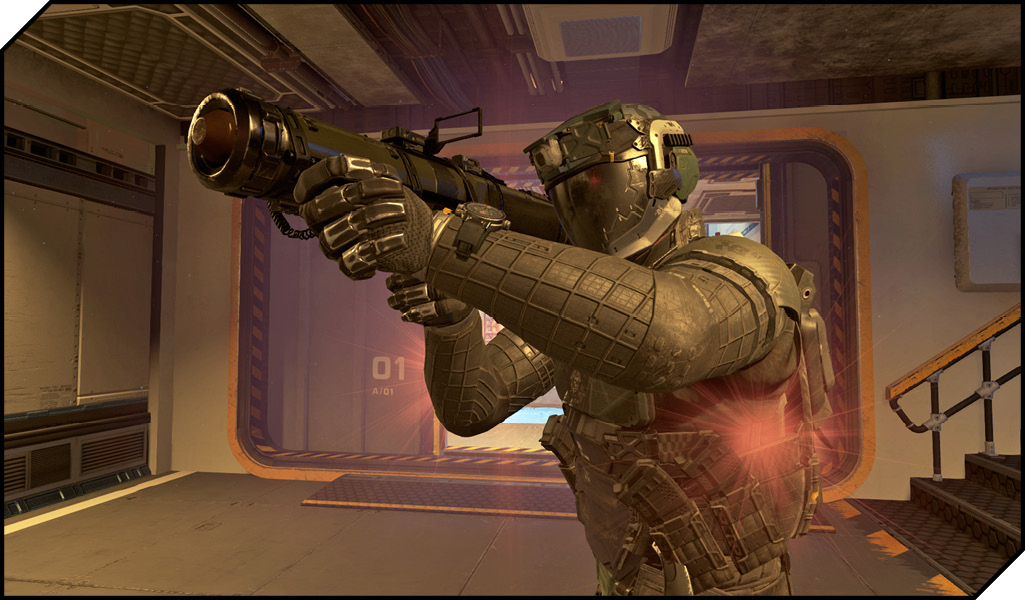
You can see enemy healthbars whenever you aim at them, allowing you to see how close to death a target is (or how lucky an escaping enemy was).
Killcam
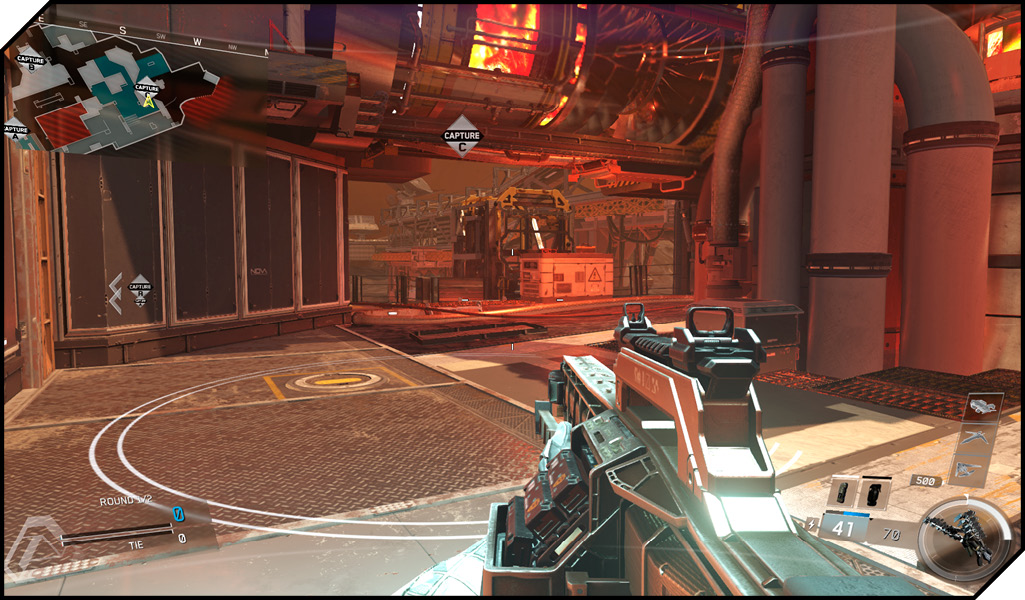
When you are killed in combat, in non-Hardcore modes, you are given a killcam view that shows the last several seconds of gameplay from the perspective of your killer.
Additionally, the killcam shows exactly what killed you, if you died from bullets, how many shots, and how many players were shooting you.
Remember when you’re watching a killcam, if it felt like a particularly infuriating death, that you’re still dealing with the realities of Internet gameplay, and the killcam is never going to be fully accurate from your perspective.
Chalk up a death to getting into a poor situation in the first place, learn what you can from the killcam, and move on.
If you’re a new player, killcams from players who are topping the scoreboards can be helpful, as they’ll show you playstyle, places they tend to move and wait, and what loadout they’re using.
Hitmarkers
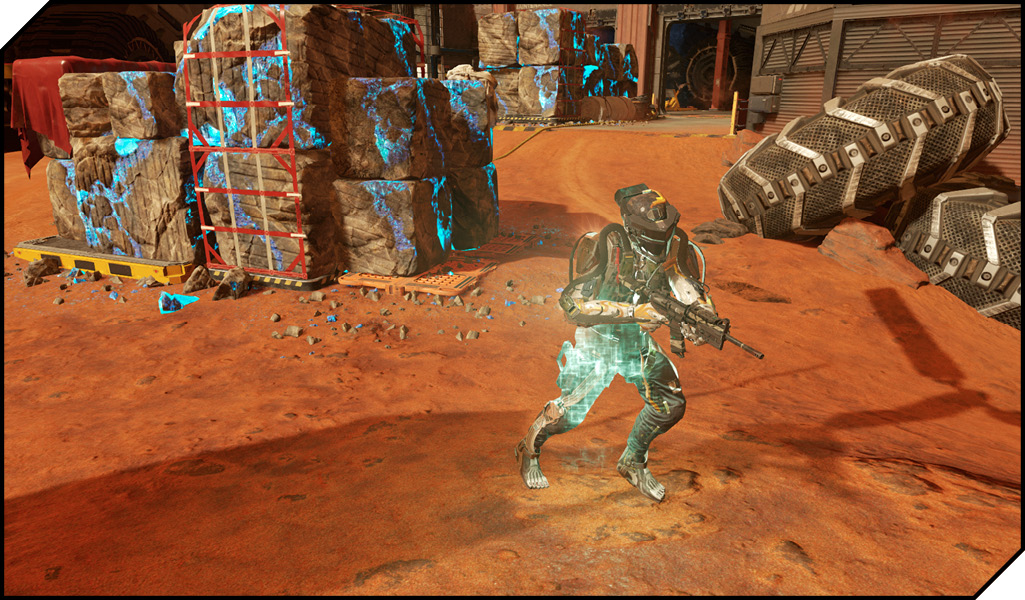
Hitting another player causes your crosshairs to flare briefly, and plays a distinctive audio cue.
You can use hitmarkers to confirm hits on other players when shooting at distant targets, through walls, or even tossing a grenade into a room.
Some loadout options can improve your hit-recognition abilities by outlining targets that are hit with bullets or equipment, or triggering a radar ping from a downed enemy, giving you an informational edge in combat.