
The Legend of Zelda Majora's Mask 3D Guide How to Play
Basic Actions
This chapter’s all about the basics, and you can’t get any more basic than the following actions.
Working the Camera
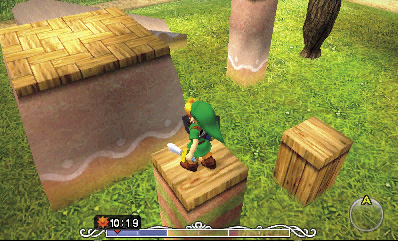
Controlling your view of the action is important. The camera mainly stays behind Link, but you can press  to center it behind him at any time. This helps you line up for tricky jumps and such. You can also press and hold
  , then move the 3DS to look around at Link’s surroundings. Tap the View button in the top-left corner of the Touch Screen to switch to a first-person view that lets you see the world through Link’s eyes.
Walking and Running
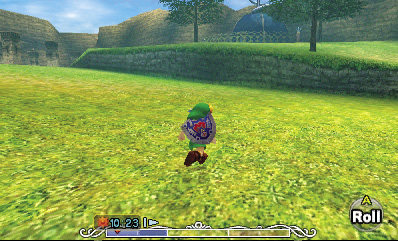
Use Circle Pad to move Link around. The more pressure you apply to Circle Pad, the faster Link runs. Press lightly on Circle Pad to make Link walk slowly instead of running.
Jumping
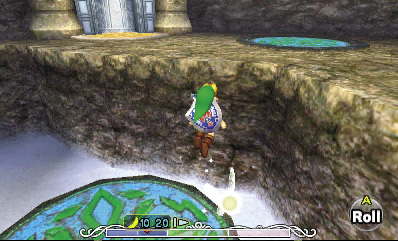
Run off the edge of any ledge or platform, and Link automatically jumps out as far as he can. Just keep running with Circle Pad to make Link jump—no other buttons are necessary. If the next ledge or platform is too far for Link to land on, he might be able to grab its edge and pull himself up. If Link misses a jump and then falls, he can suffer a bit of damage, depending on how far he falls.
Rolling
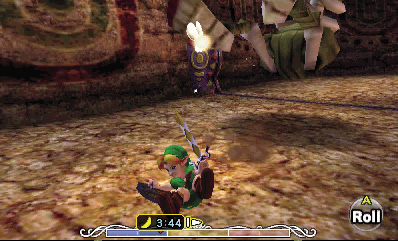
Press  while running to make Link curl up and roll. This swift move increases Link’s speed for a moment and makes him tougher to hit. Link can also break certain objects (like wooden crates) by rolling into them. Try rolling into trees to knock down treats.
Climbing
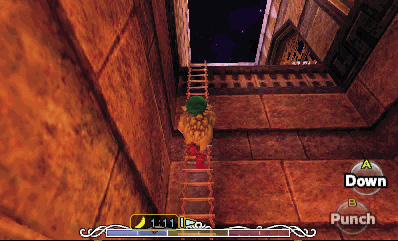
Sometimes Link needs to reach higher ground. He can do this by climbing ladders. It’s pretty basic; just move Link toward a ladder to make him start climbing. Link can also climb down ladders if you slowly walk him toward an edge with a ladder leading downward.
Grabbing and Moving Objects
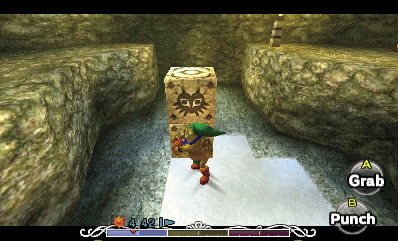
In order to solve certain puzzles, Link must grab certain objects and then push or pull them around. Stone blocks are common candidates. Whenever the “Grab” prompt appears when Link stands near an object, press and hold  to make him grab it, then see what you can do with it.
Diving and Swimming
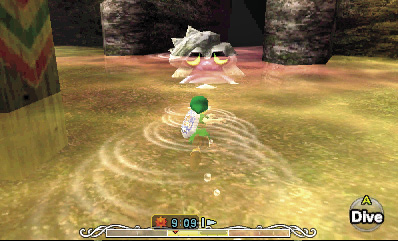
Link’s fondness for water varies with his different forms (more on those in a bit). Depending on his current form, Link can swim on the water’s surface (human or Zora Link), hop across the water’s surface (Deku Link), dive down and explore the watery depths (Zora Link), or sink like a stone and be forced to start over from dry land (Goron Link). Use Circle Pad to move Link around the surface of water. Press  to make human Link dive down a short distance, or to make Zora Link swim faster. Press
  to make Zora Link dive to the bottom and walk around the sea floor.
 -Targeting and Speaking
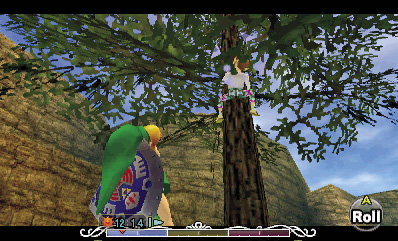
Link’s Fairy companion, Tatl, helps him spot nearby characters and objects of interest. Whenever Tatl flies over to something or someone, press and hold  to lock on to it. This is known as
  -Targeting.
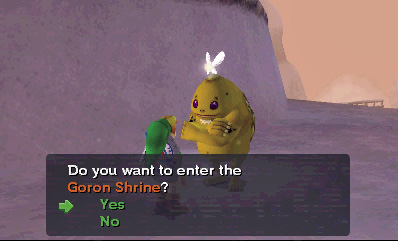
Once you’ve  -Targeted something or someone, see if Link can check the object or speak with the character by pressing
  . Link then either examines the object (reads a sign, for example), or strikes up a conversation with the character. You can also simply approach objects and characters that Tatl has targeted to check them or speak with them without using
  .
.
Using Items
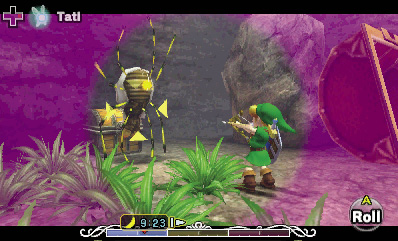
Link would have little hope of overcoming obstacles without the many gadgets and tools he finds during the adventure. All of Link’s most useful tools are kept on the Items subscreen. Tap and slide these items over to the buttons on the right to equip them. Once equipped, Link can pull out an item and use it at a moment’s notice. Each item has its own uses and benefits; see the following “Items and Gear” chapter for details.
Playing Songs
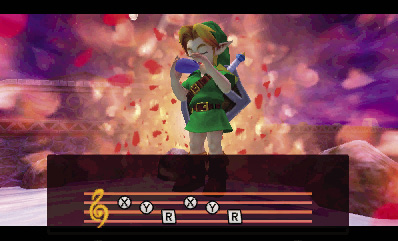
Once he reclaims the Ocarina of Time from the Skull Kid, Link is able to call forth the legendary instrument’s power and play magical melodies for a variety of special benefits. Link must learn each song before he can use it, and all of the songs that Link can learn are listed in the next chapter.
Wearing Masks
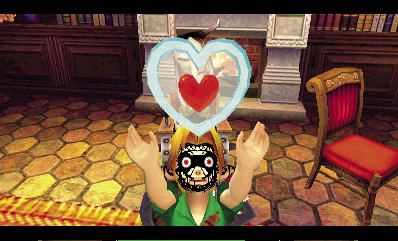
In addition to items and songs, Link must also make use of several mysterious masks as he ventures to save the land from destruction. Link can find up to 24 wearable masks during his adventure, each with its own unique purpose. Like items, masks must be equipped before they can be used. See the following “Items and Gear” chapter for a complete list of masks and their effects.