
Persistence and Progression
One of the most addictive elements of Titanfall is the persistence system. Attaining new levels, unlocks, and Burn Cards keeps players hooked for hours on end, itching to play just one more round. After all, who needs sleep?
Levels
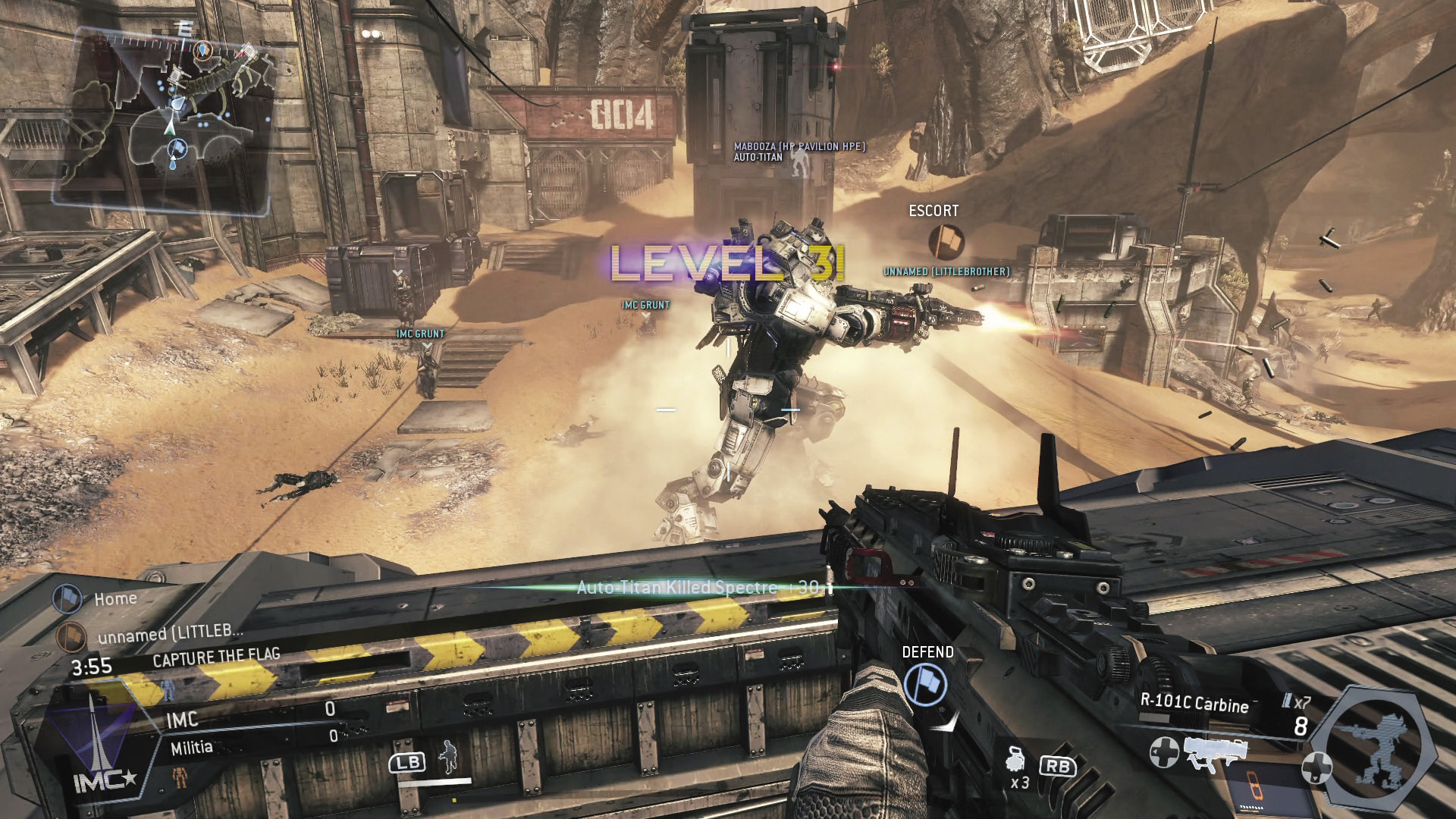
A message appears on screen each time you level up. Customize your Pilot with newly unlocked weapons, abilities, and kits.
In Titanfall, players earn experience points, or XP, by performing a variety of actions including kills, assists, headshots, rodeo attacks, and successful hacks. As XP accumulates over time, players attain new levels—there are 50 levels in all. Leveling up earns Pilots unique rewards, like new weapons and loadout options including Tactical Abilities and kits. So as players level up, they have more options when customizing their Pilot and Titan.
Gen Status
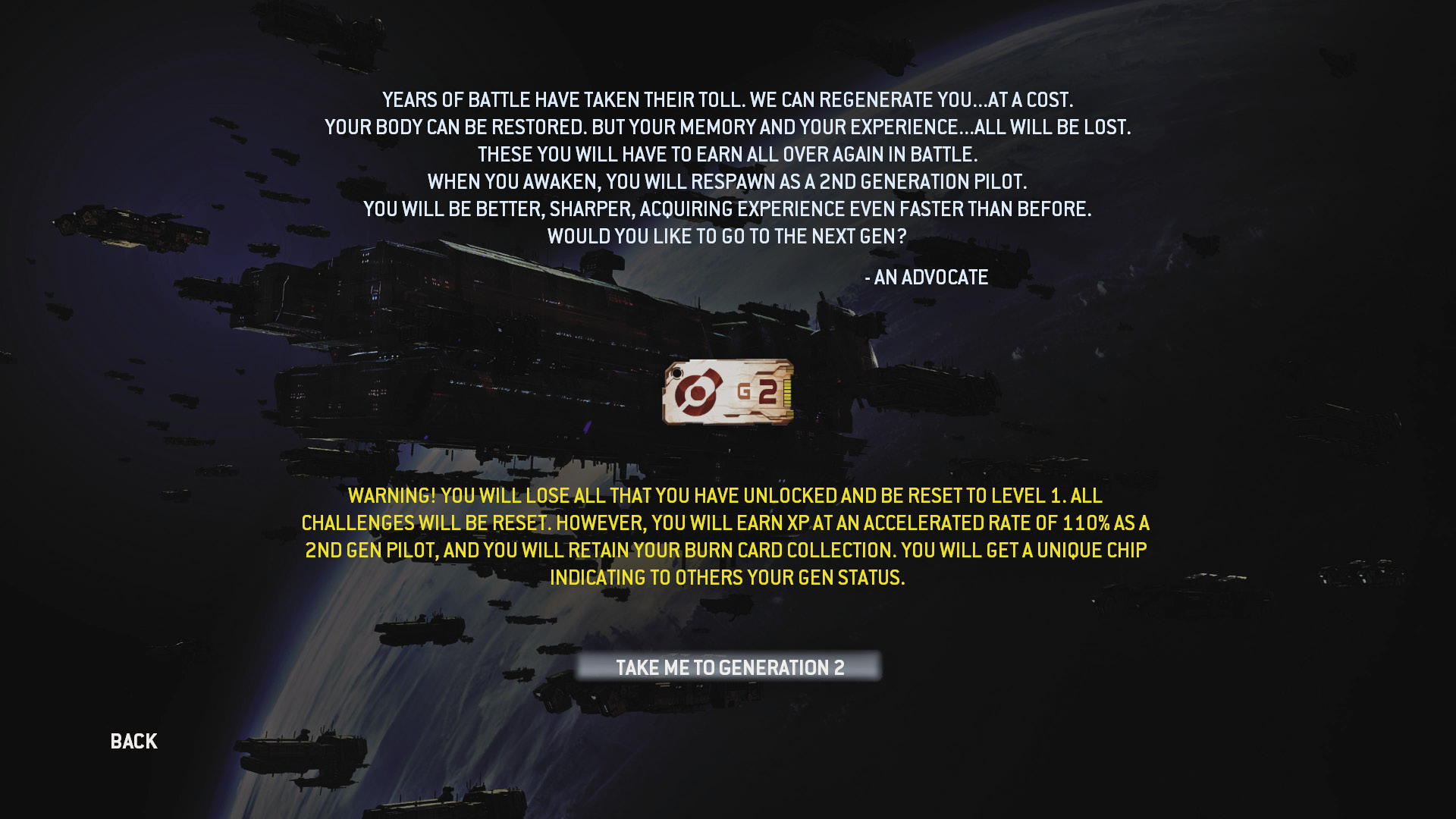
When choosing to Regenerate you essentially start from scratch, losing all levels and unlocks.
Once you reach Level 50 you’re given the option to Regenerate. This essentially resets your stats, removing all experience and unlocks—the only thing you’re allowed to keep are your Burn Cards. So what’s the benefit? Second generation Pilots (and beyond) attain a unique chip icon that appears next to their name on the scoreboard, indicating their elite status—it’s basically bragging rights. If you choose to Regenerate, you become second generation, as indicated by your chip. At that point, everything is reset, and you restart your Pilot career at Level 1. However, you will earn XP at an accelerated rate of 110%, allowing you to level up a bit faster. There are ten Gen levels, each requiring you to advance through 50 levels to complete. Tenth generation, Level 50 is the end of the line, reserved only for the most dedicated Pilots.
Challenges
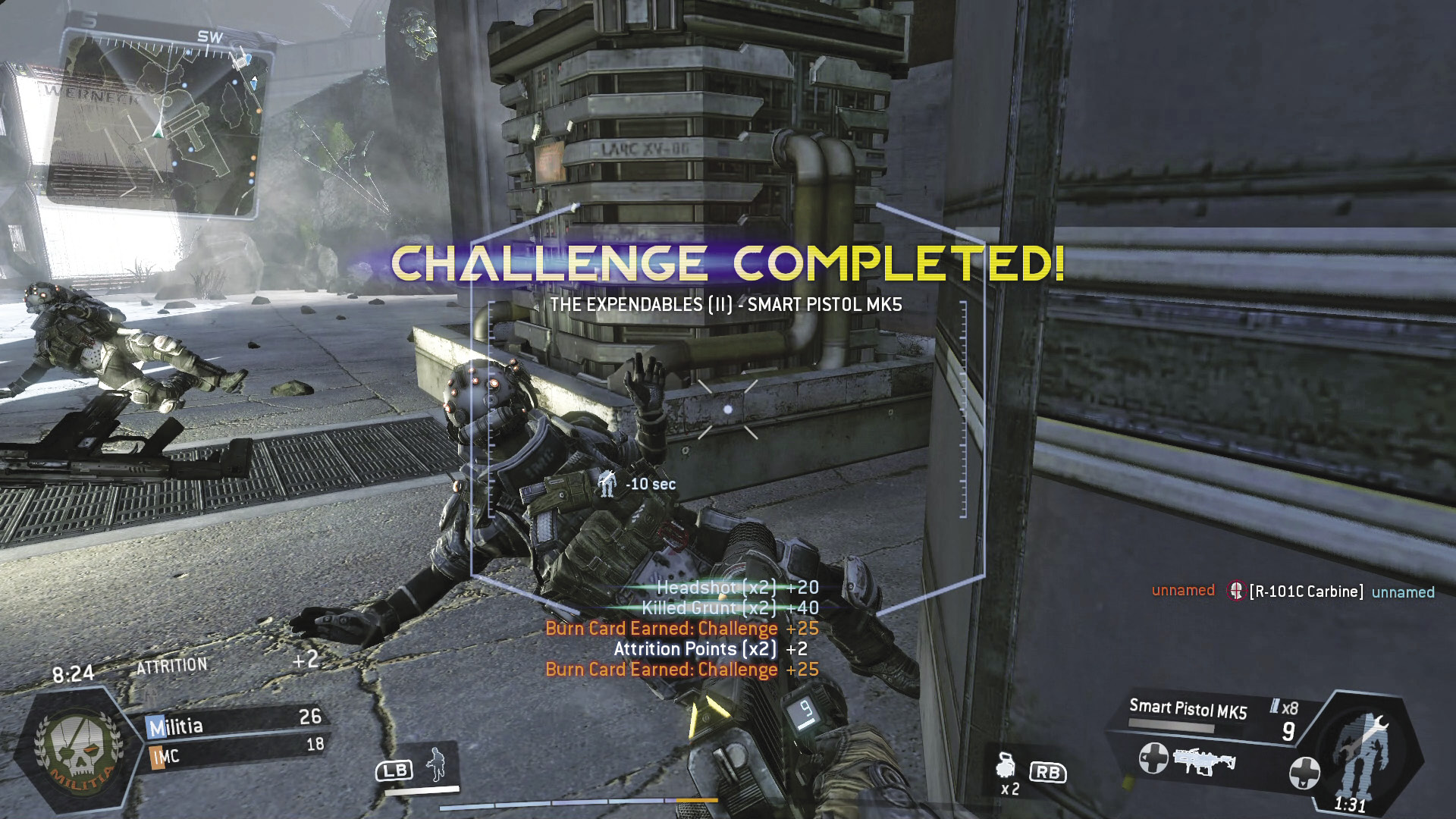
Complete weapon-based challenges to unlock new attachments and mods.
Challenges are optional objectives, rewarding Pilots with bonus XP, Burn Cards, and unlocks for weapons. There are five tiers within each challenge, each tier requiring Pilots to perform a specific number of actions. For example, a tier I challenge may require you to kill ten Pilots with the Smart Pistol MK5 while tier II of the same challenge requires you to kill twenty-five Pilots with the Smart Pistol MK5. Rewards are doled out for the completion of each tier. All challenges can be viewed from the Lobby screen and are divided into eleven major categories. Many challenges are earned naturally through gameplay, but others may require you to perform some obscure actions to complete.
Burn Cards
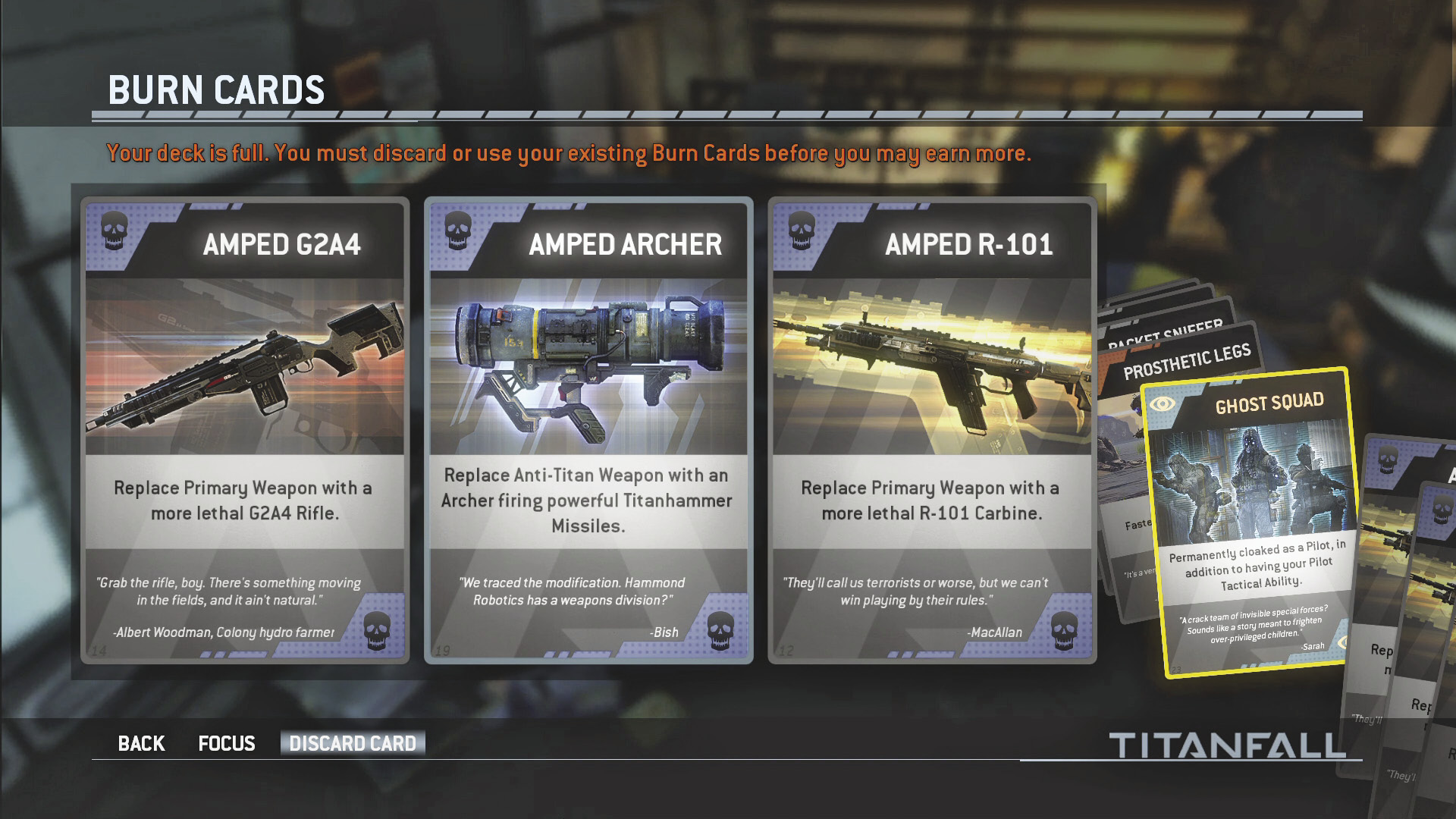
Sort through your deck periodically and discard unwanted cards—you can only hold a maximum of twenty-five cards in your deck.
Burn Cards add a unique layer of strategy and tactical benefits to the game, altering the way Pilots approach each match. Throughout the course of your Pilot career, you’ll accumulate a number of these Burn Cards by completing challenges. Each Burn Card is different, providing a specific benefit when in play. For example, the Ghost Squad Burn Card keeps your Pilot permanently cloaked, even if Cloak isn’t your selected Tactical Ability. Not all Burn Cards are equal, as some provide greater benefits than others. It’s a good idea to sort through your Burn Cards and sort the powerful Burn Cards from the less powerful ones. But don’t get in the habit of hoarding. Your collection of Burn Cards is known as your deck. You can only have a maximum of twenty-five cards in your deck. So if your deck is full and you earn a Burn Card, that new card is simply lost. Either use or discard unwanted cards on a regular basis—take your deck down to about twenty cards before each match, leaving space for new Burn Cards.
Once you’ve acquired some Burn Cards, you’re prompted to select up to three before each match. You can manually change which card is played next during the match, so ordering of the cards isn’t critical. Every Pilot has their own strategy about when in a match a Burn Card should be played. So study the cards in your deck and select three that will benefit your Pilot throughout a match. For instance, the Thin the Ranks Burn Card is a good choice for your first card as it increases XP earned from killing Grunts and reduces your Titan’s build time, helping you get your Titan sooner.
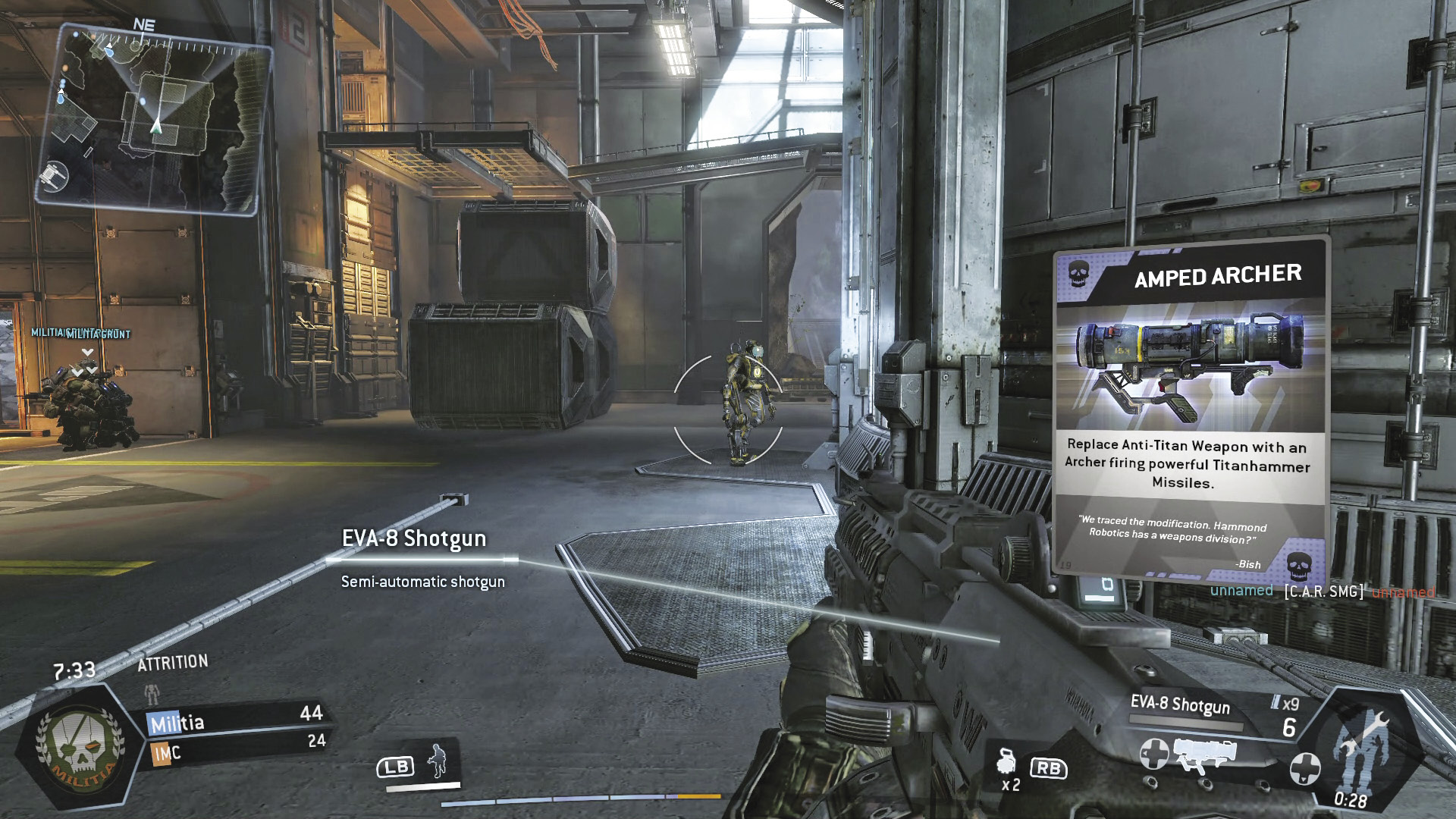
The activated Burn Card appears on the HUD momentarily when you deploy, reminding you of its benefits.
After selecting your three Burn Cards and beginning a match, a Burn Card can be activated before you deploy—this can be done in the dropship. An image of the active Burn Card appears on the HUD for a few seconds when you first deploy or when you spawn. The Burn Card is in play until you die or until the match ends. After dying, you can manually choose which of the two remaining cards is played next. Failing to select a card before respawning will put you back in the match with no active Burn Card. Once all three cards have been played, you must play the remainder of the match without a Burn Card. If you’re not careful, you can waste your Burn Cards quickly by dying. So take into account the value of your activated Burn Card before determining how aggressive you should play.