Sunset Overdrive Official Strategy Guide Sunset City Essentials
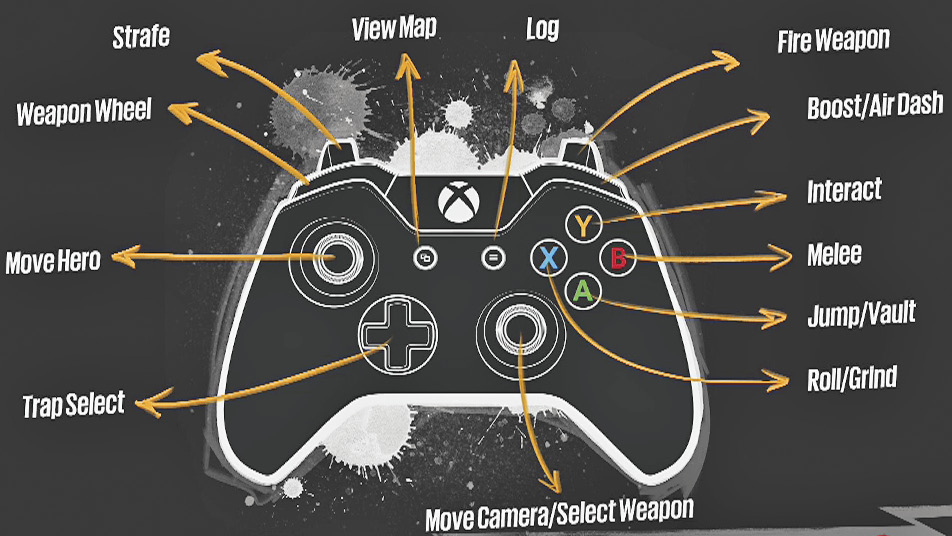
Controls Breakdown
Standing upright on land, your hero is no match for the Overcharge-guzzling OD, the opportunistic Scab looters, or Fizzco’s ruthless bots. But take to the rails and roofs of Sunset City and your hero’s acrobatic mobility will see you through. Sunset Overdrive is a shooter, but it’s a shooter about movement first and shooting second. Its movement-oriented action calls to mind classics like Jet Set Radio and Tony Hawk’s Pro Skater, while at the same time expanding on ideas in Insomniac’s own Ratchet & Clank, as well as other boisterous open-world series like Crackdown and Saints Row.
Basic Movement and Jumping
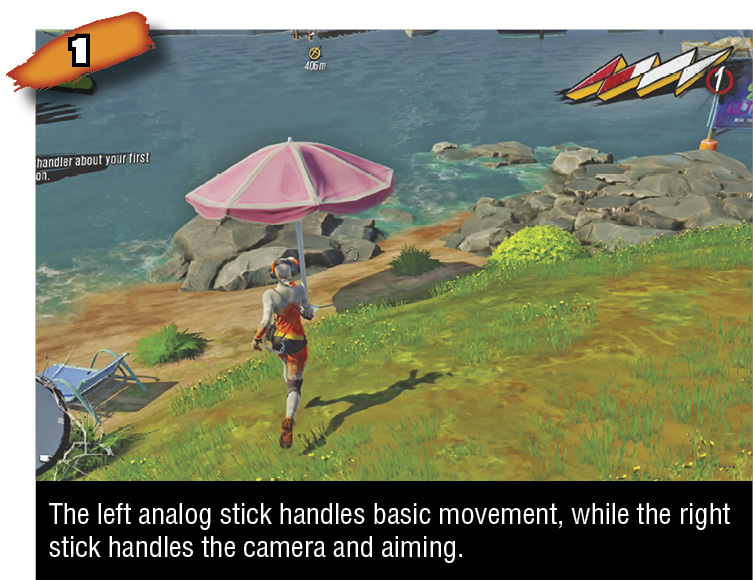
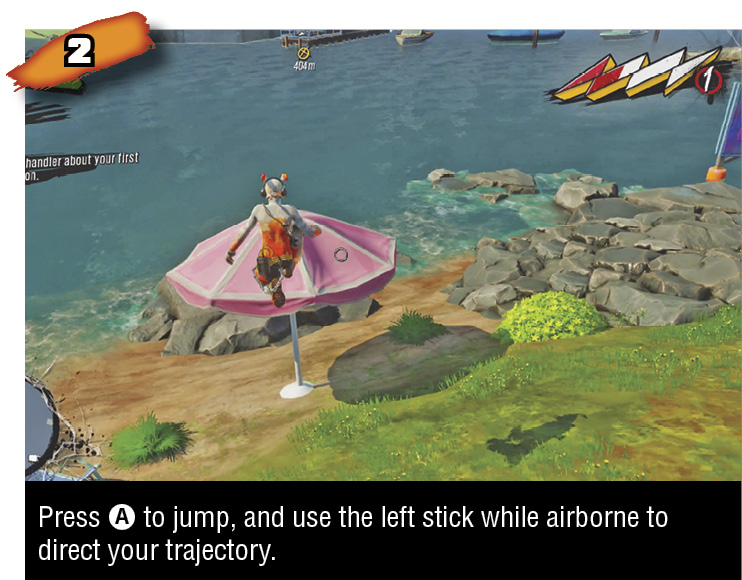
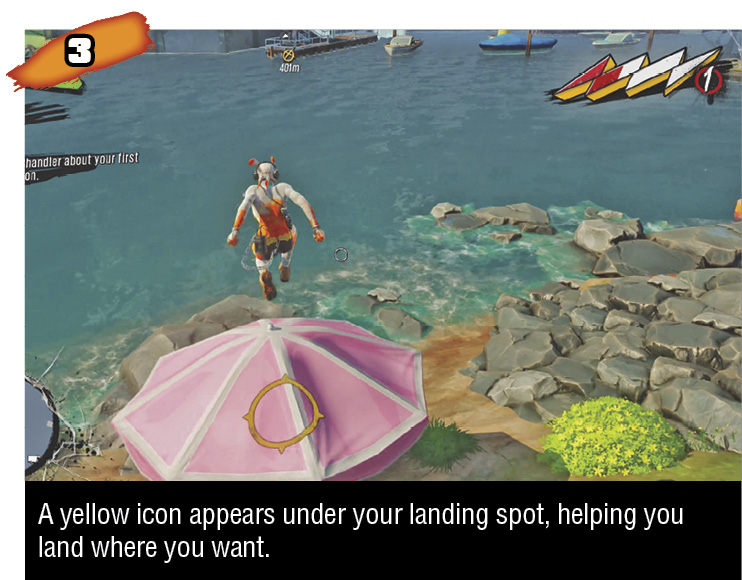
Use the analog thumbsticks to move and look around. The right trigger fires the currently-equipped weapon. The A button makes your hero jump. That’s all pretty standard. While airborne, use the left analog stick to maneuver your hero. Maneuvering with air control can help you choose your landing spot, veer toward a traversable object, or snag a collectible item. While airborne, you can press or hold A to vault over graspable edges, or press X near suitable surfaces to grind, undergrind, pole swing, and wall run.
Wall Jumping (outside of wall run)
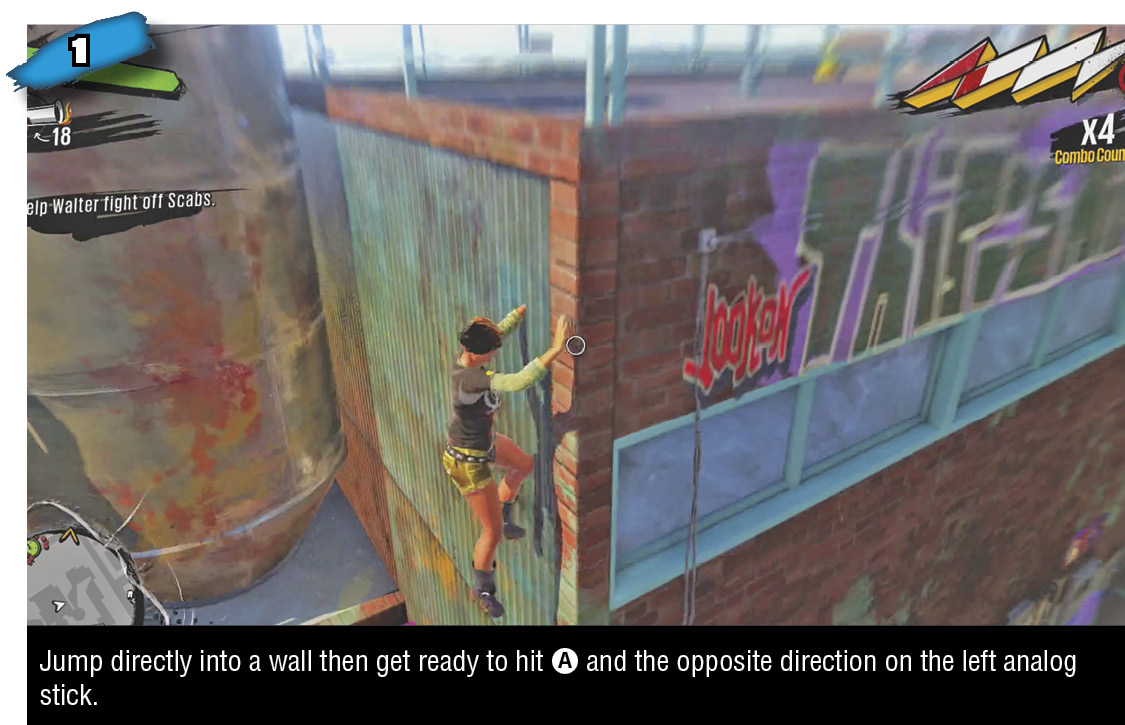
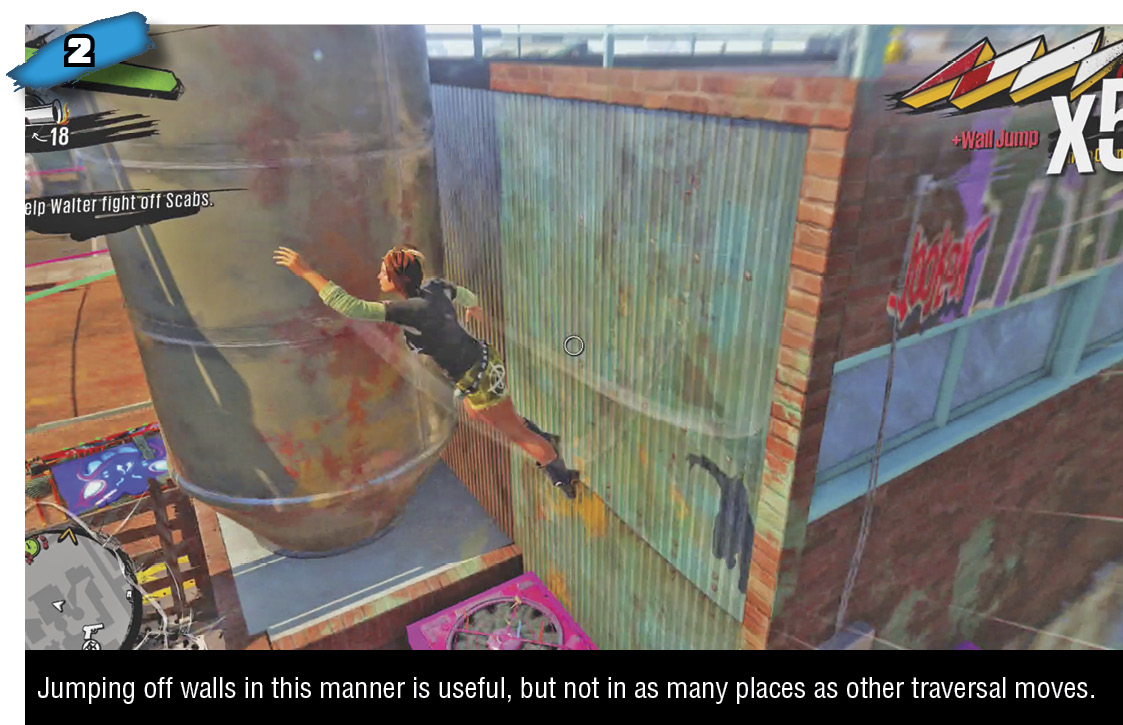
If you jump dead-on into a wall, facing it, you can press the analog stick in the opposite direction plus A to spring off the wall. In places with two walls facing each other relatively close together, like many alleys, you can face one wall and jump up and then jump back and forth between walls all the way up to the buildings’ roofs. Oddly, this doesn’t increase the Combo Counter or build Style if you keep doing it between the same two surfaces. If that’s what you’re after, use wall running wall jumps to climb instead.
Dodge Roll
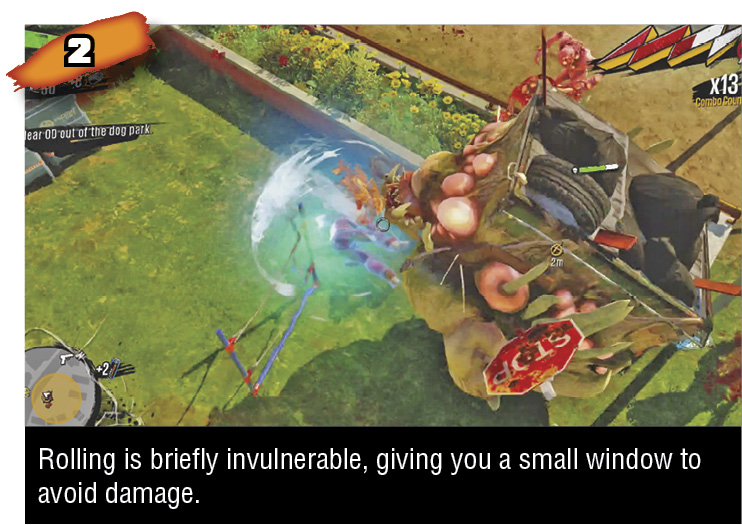
While standing on solid ground, press X plus the left analog stick to dodge roll. This evasive maneuver is briefly invincible. Your hero is much more vulnerable standing on his or her feet than grinding and bouncing across Sunset City, so use the dodge roll to escape encounters on the ground so you can get back to traversal tricks. Some Amps can be equipped that turn dodge roll into an offensive weapon too.
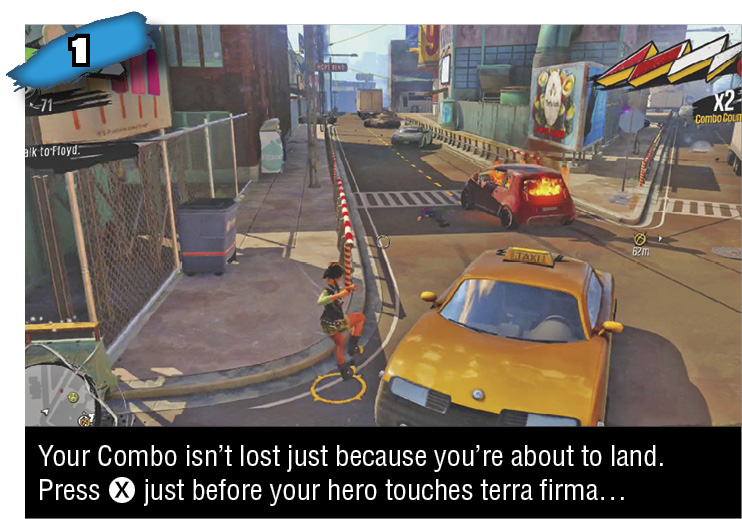
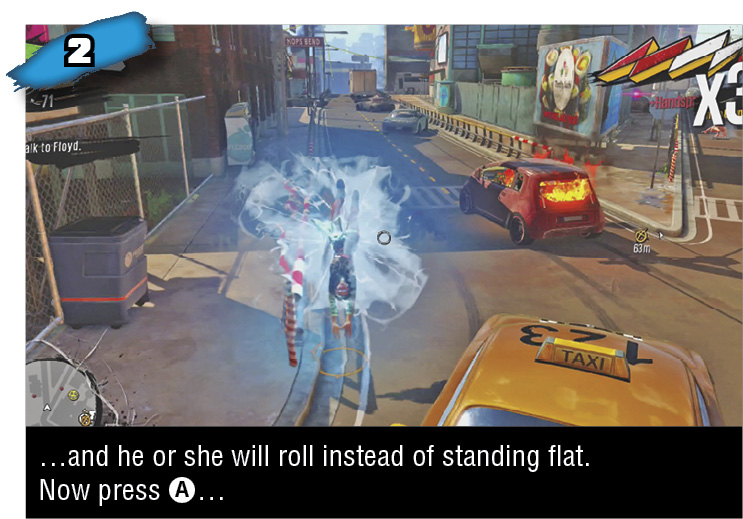
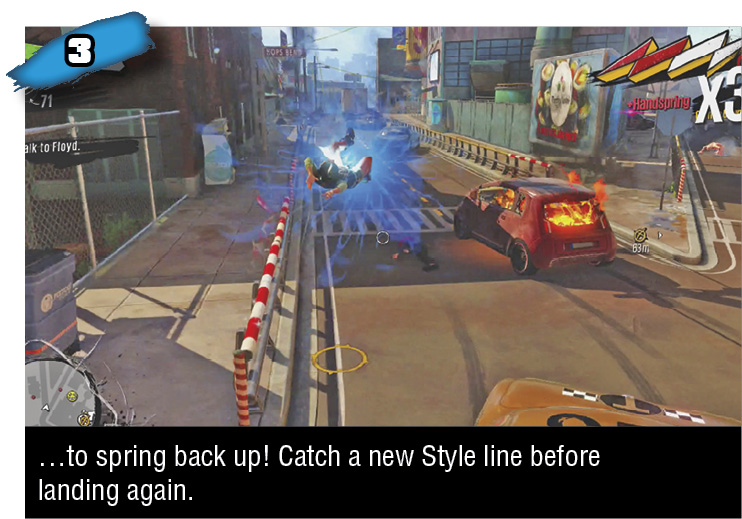
When airborne, like after a jump, you can press X just before landing to dodge roll immediately upon touching down. This can be useful when you realize you’re going to land in a pile of awful stuff, and to enable a handspring jump right back off the ground.
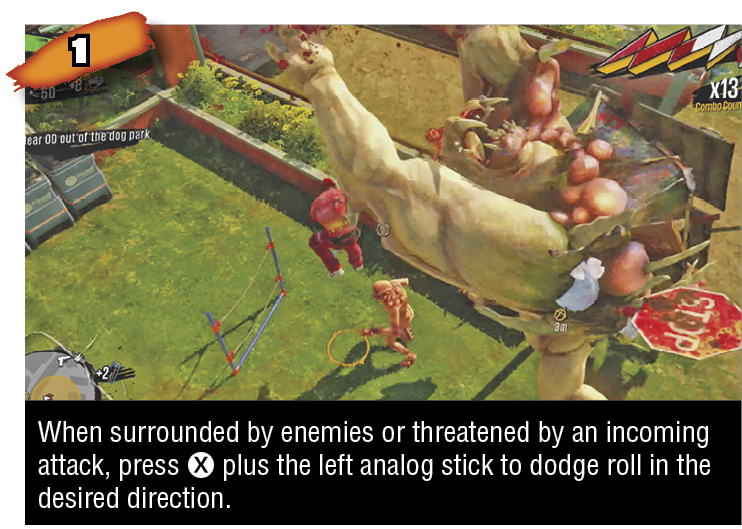
Handspring Jump
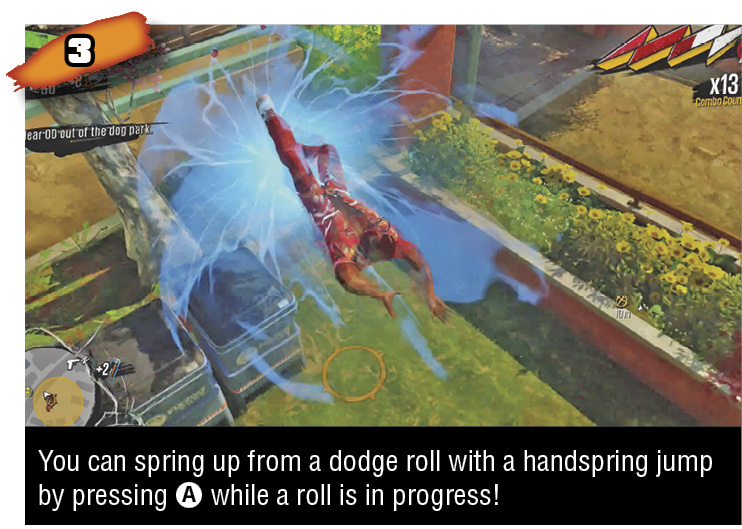
This jump is executed by pressing A while a dodge roll is in progress. You can use this jump to quickly transition from dodging to jumping back to traversal lines, but the primary use of dodge roll into handspring jump is to prolong Style Combos. Your Style Combo Counter increases continually as you kill enemies and complete traversal moves, but it ends if you ever simply run around on the ground, not immediately occupied by killing enemies or performing traversal moves. If you have a Combo Counter going and your hero is about to simply land on flat earth, press X just before landing to dodge roll, then A to handspring jump back off the ground. This preserves your Style Combo, since your hero was never simply walking or running, and gives you a chance to get right back to grinding/bouncing/etc.
A handspring jump counts as a traversal move, so your Combo Counter will go up by 1 with this transition.
Badges? We Don’t Need No Stinkin’ Badges
(Actually, Yes We Do)
Shortly into the adventure, you’ll be able to earn Badges for certain activities. Badges are a kind of currency that goes toward purchasing Overdrives. Overdrives are a different kind of passive bonus than Amps—they’re always on regardless of your Style meter, and they’re more about influencing parameters and less about causing flames or lightning to erupt spontaneously around your hero.
There are Badges for traversal moves, and for killing particular enemy factions or using certain types of weapons. You can equip Overdrives that increase Style gain from certain traversal moves, or increase damage against certain enemies, or increase the capacity of certain weapon types, and so on. After purchasing an Overdrive, you can spend an increasing number of Badges to upgrade it up to four more times, taking it from level 1 to level 5.
For more on Badges and Overdrives, check out the Overdrives section. In a nutshell: the more you do certain stuff, the more Badges you’ll earn for that stuff, which lets you get Overdrives that boost that stuff. A lot of personalizing your gameplay, especially in Chaos Squad multiplayer, comes from how you choose to build Overdrives.
Vault
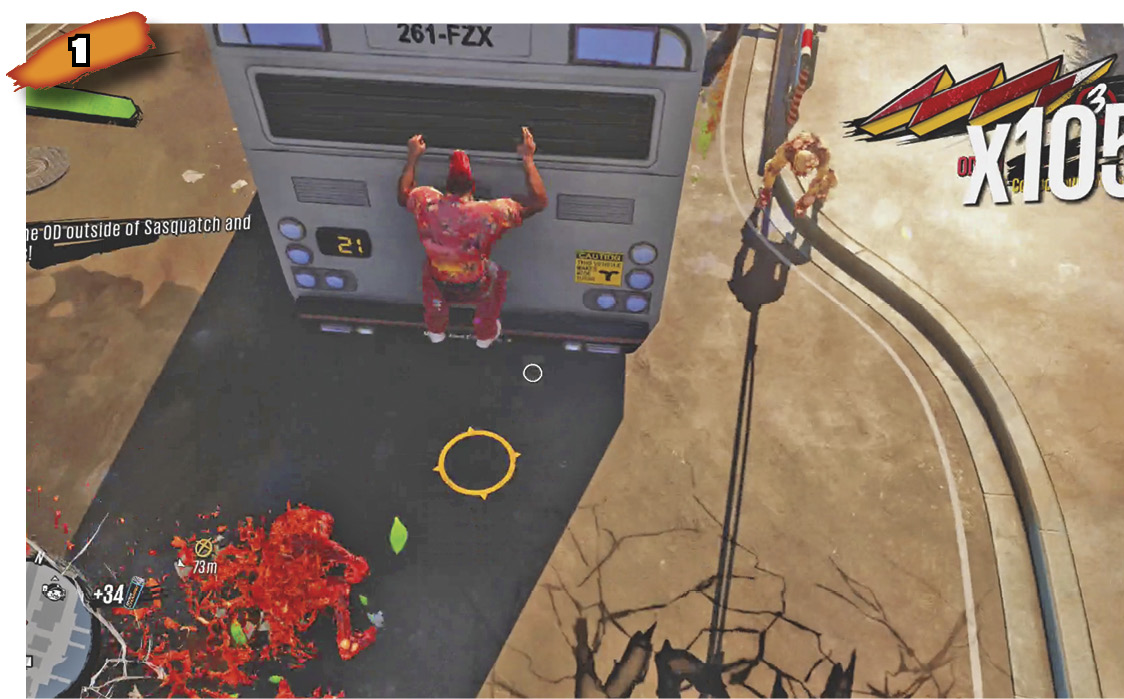
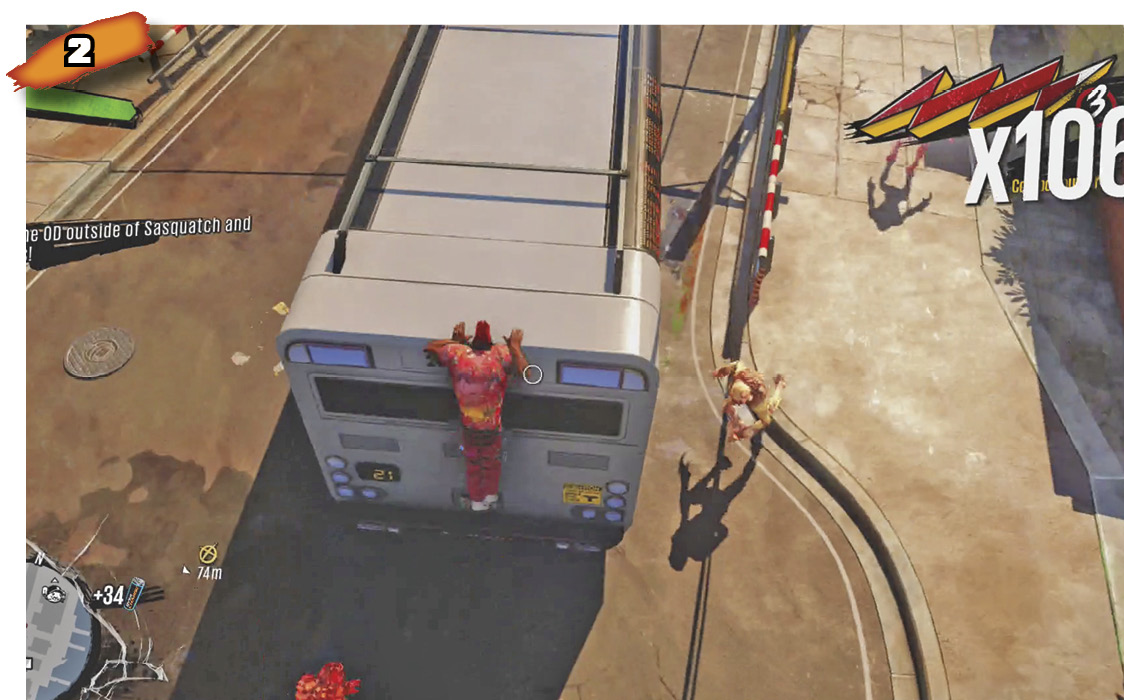
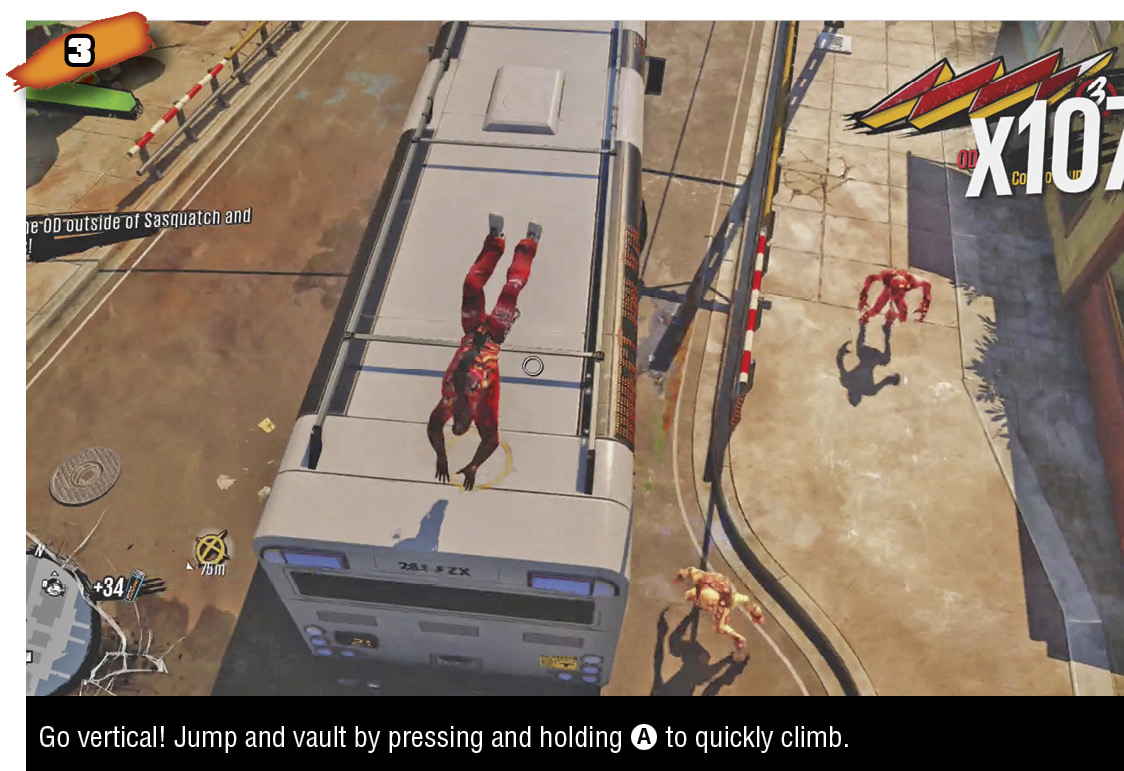
When your hero is airborne just below the lip of a roof (or some other kind of overhang, even approaching a grind-able rail perpendicularly), press or hold A to vault over the top, gaining a little more hang time and height. Many vault-able surfaces are also grind-able, or have some sort of grind-able lip or edge, so you can usually press X just after vaulting to transition directly into a grind along the rail or rooftop edge. Or you can vault and then use left analog stick air control to direct your hero toward something to bounce off of. When traversing Sunset City, use mechanically simple moments like vaulting and bouncing to look for your next traversal while thinking about your general path, and to glance at the mini-map for info about nearby foes.
Being able to hold A to trigger a vault can be very useful, especially if you’re unexpectedly falling from high up, moving the camera around hoping to pass by some hand-hold. Instead of mashing on A hoping to get lucky, just hold it. You can also simply keep holding A after an initial jump and your hero will automatically vault over any suitable flat overhead surface he or she contacts; in spots where there are suitable right-angle edges heading upward like steps (like ascending floors, balconies, and ledges stacked not too far apart), simply hold A to make vault after vault. Many tall buildings are scalable in just this way, by vaulting up balconies, signs, ducts, air vents, and other outcroppings.
Bounce
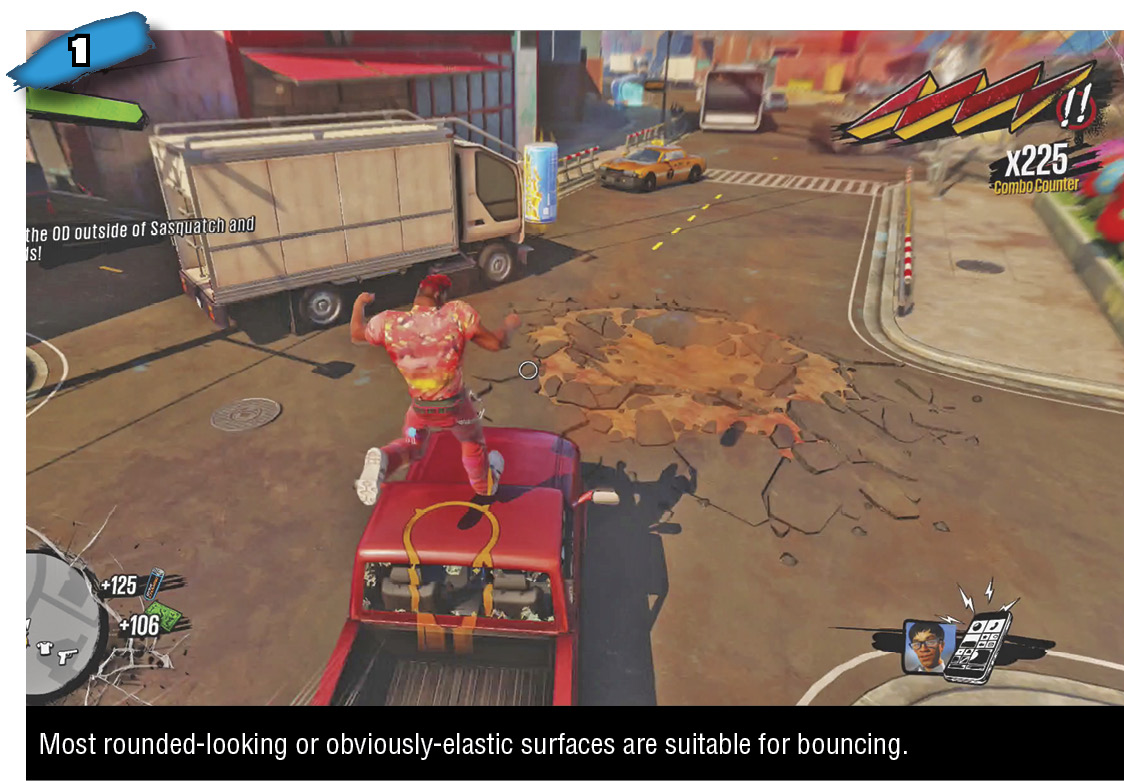
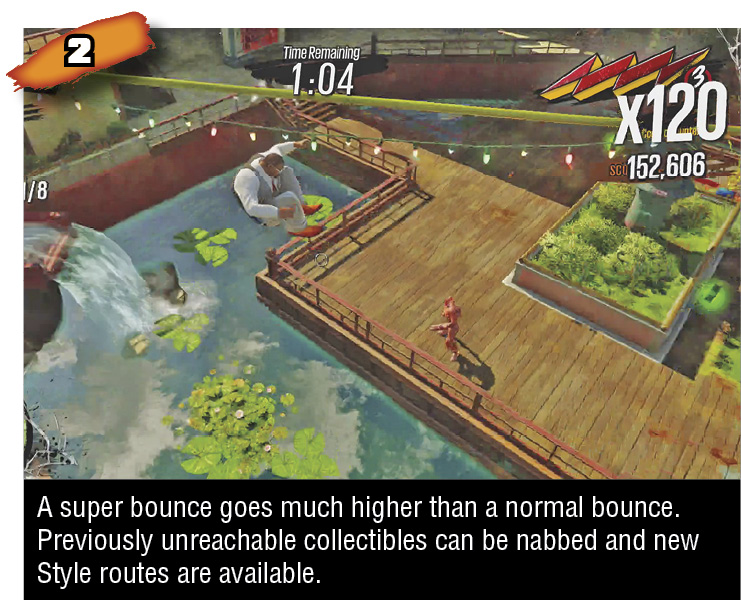
Fall onto certain surfaces with your hero and he or she will bounce to a much greater height than during a normal jump.
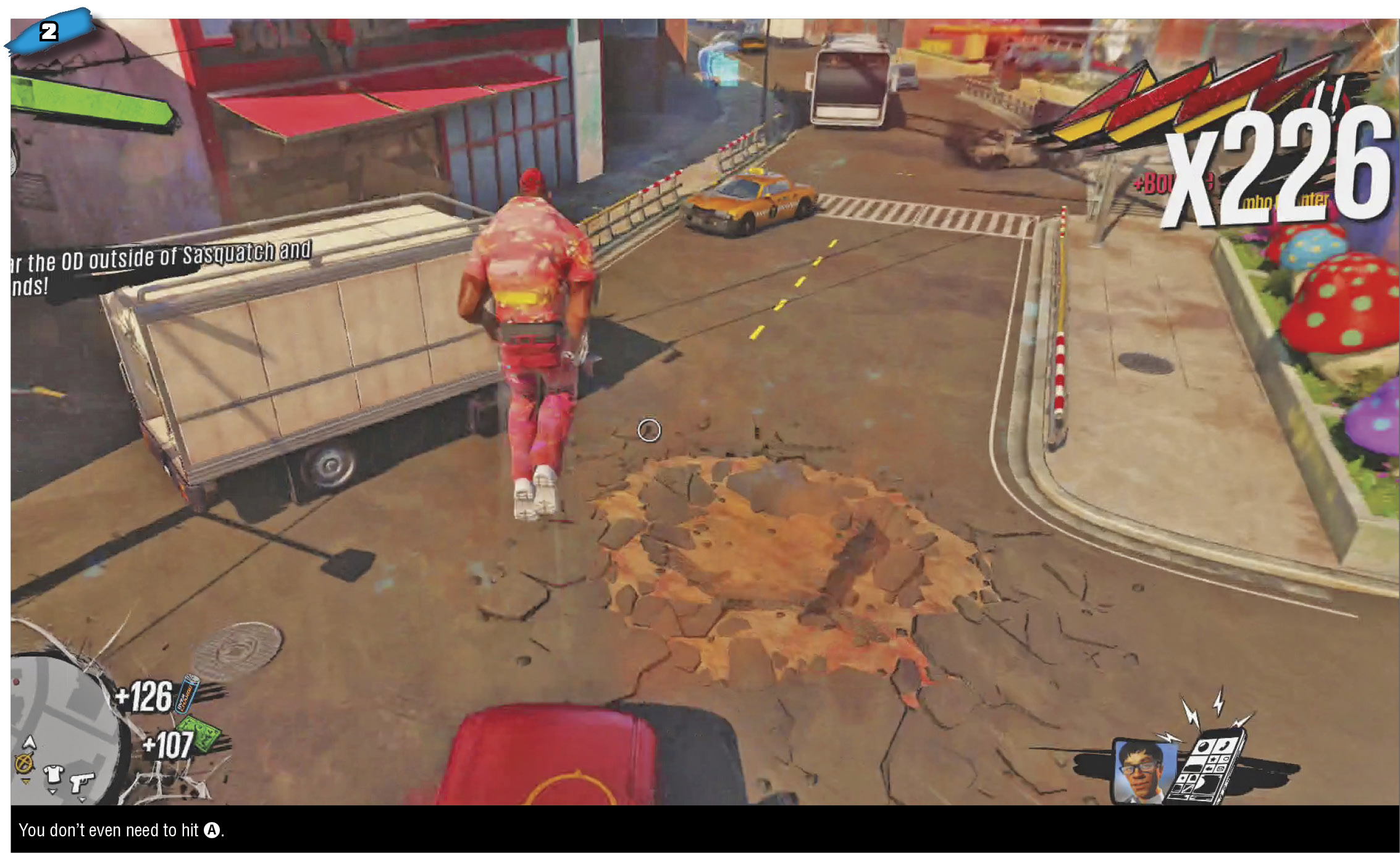
Air vents, abandoned mattresses, geysers, standard-size automobiles, canopied trucks, tarped containers, sky lights, awnings, umbrellas, and other clearly-domed or clearly-elastic surfaces will automatically launch your hero much higher than a normal jump. Decent hang time at the apex of a bounce gives you time to line up several shots at enemies and to plan your next traversal move before landing. After simply grinding continuously, the easiest way to keep a Style Combo going against hordes of enemies is to find several objects you can bounce back and forth between while peppering shots at the enemies scrambling after you below. Since bouncing itself requires no input, you can focus entirely on using left analog stick air control to steer toward the next bounce-ready object while using the right analog stick and right trigger to blow away baddies.
Super Bounce
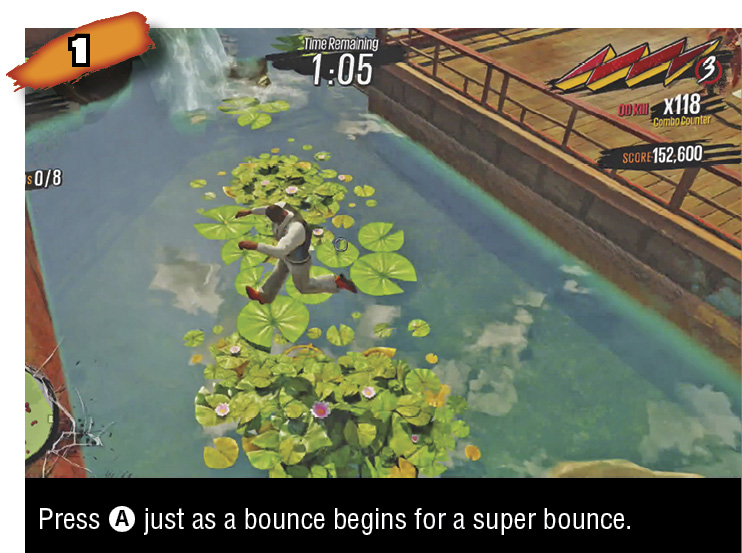
Not too far into the main story of Sunset Overdrive, you’ll earn the ability to super bounce. This is accomplished by pressing A just as your hero lands on a bounce-ready object. A super bounce goes much higher than a regular bounce (shocking, we know), although the initial somersault while traveling upward means you are briefly unable to shoot. This means that super bouncing is more for climbing higher and/or getting out of trouble fast, less for keeping up a Style Combo while firing—that’s what regular bouncing is for.
Grind & Undergrind
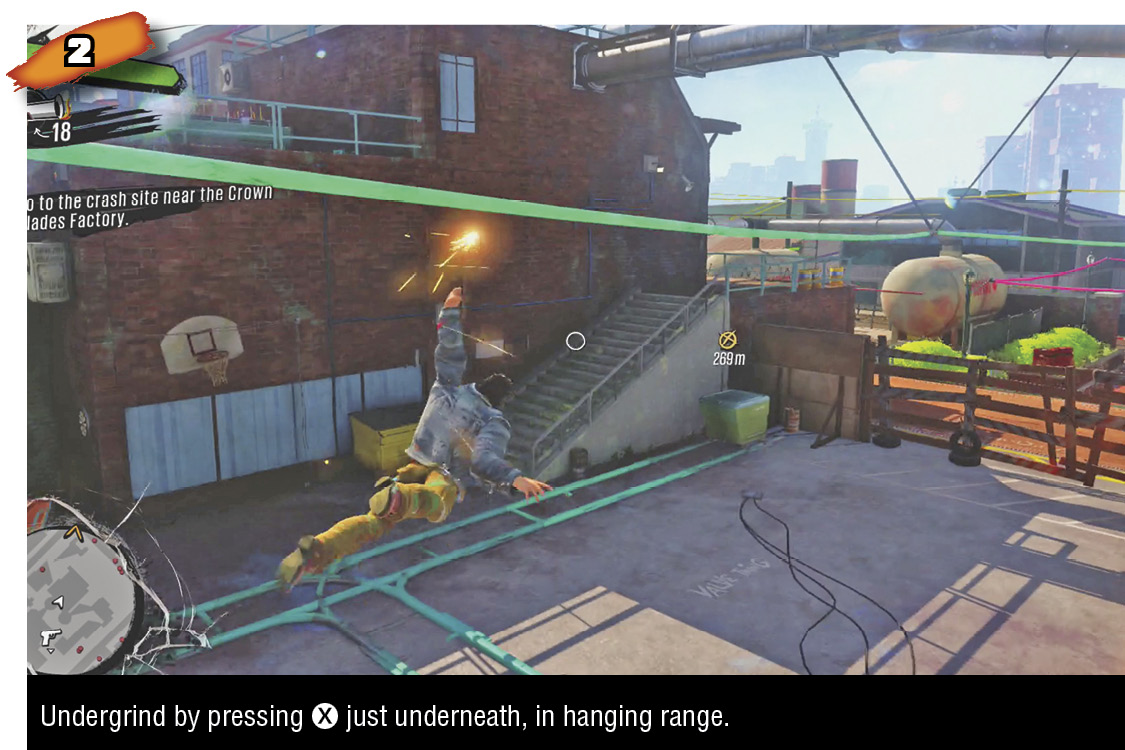
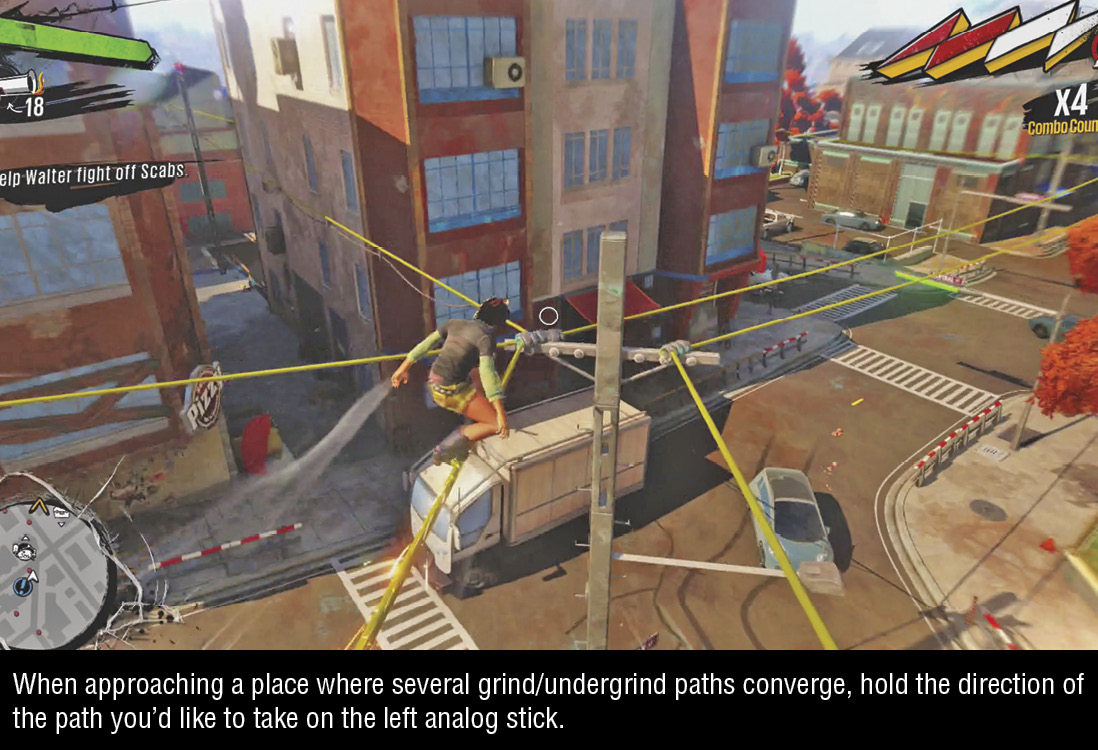
Grinding and undergrinding are the sprinting of Sunset Overdrive. Just about every straight, narrow surface in Sunset City is grind-able. If it isn’t covered in barbed wire, you can probably shred across it. Undergrinding travels the same speed as grinding while hanging under a rail or cable (or whatever) instead of grinding atop it.
To start a grind/undergrind, press X when your hero is airborne, hovering just over (or under) the surface. Sunset City is brimming with opportunity. Rooftop and balcony edges, railings, power lines, pipes, tracks, and more are spread all around, giving you a constant upper hand in combat and allowing rapid traversal paths border to border.
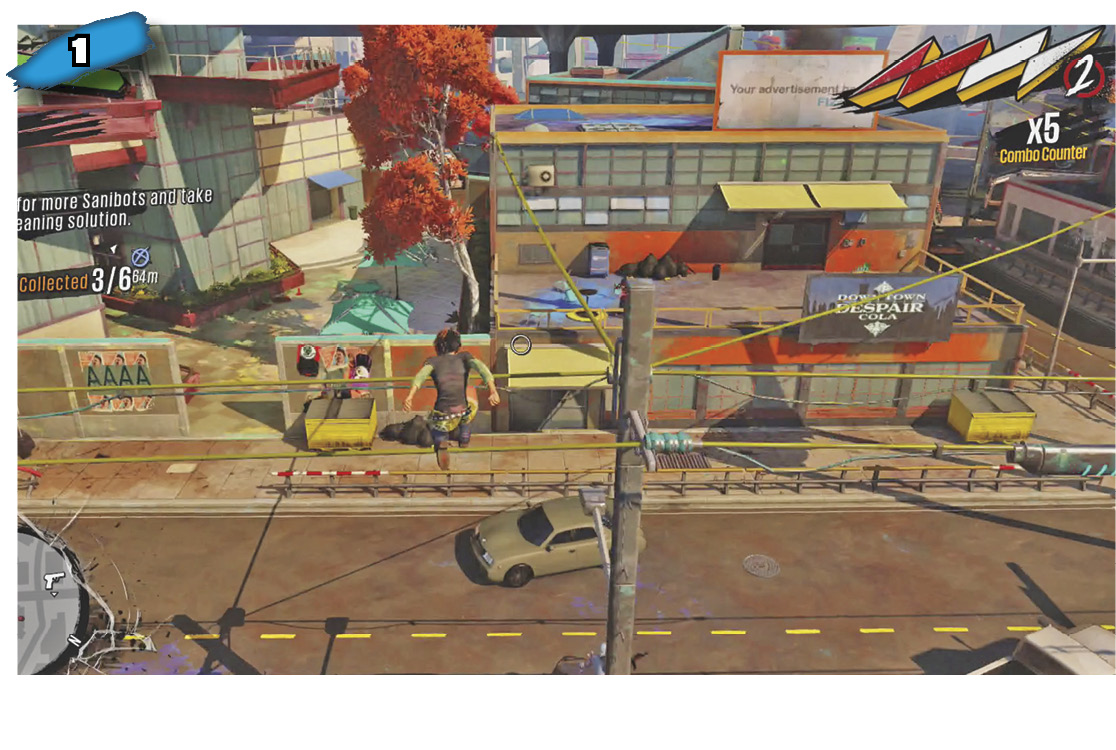
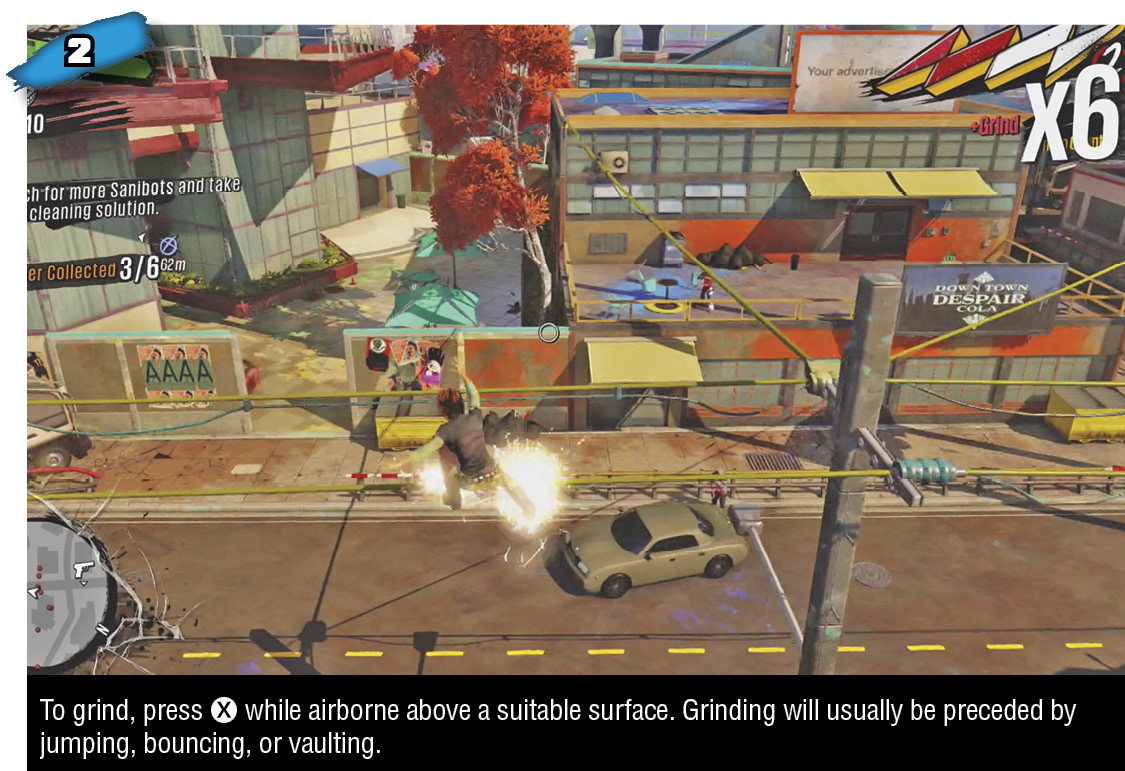
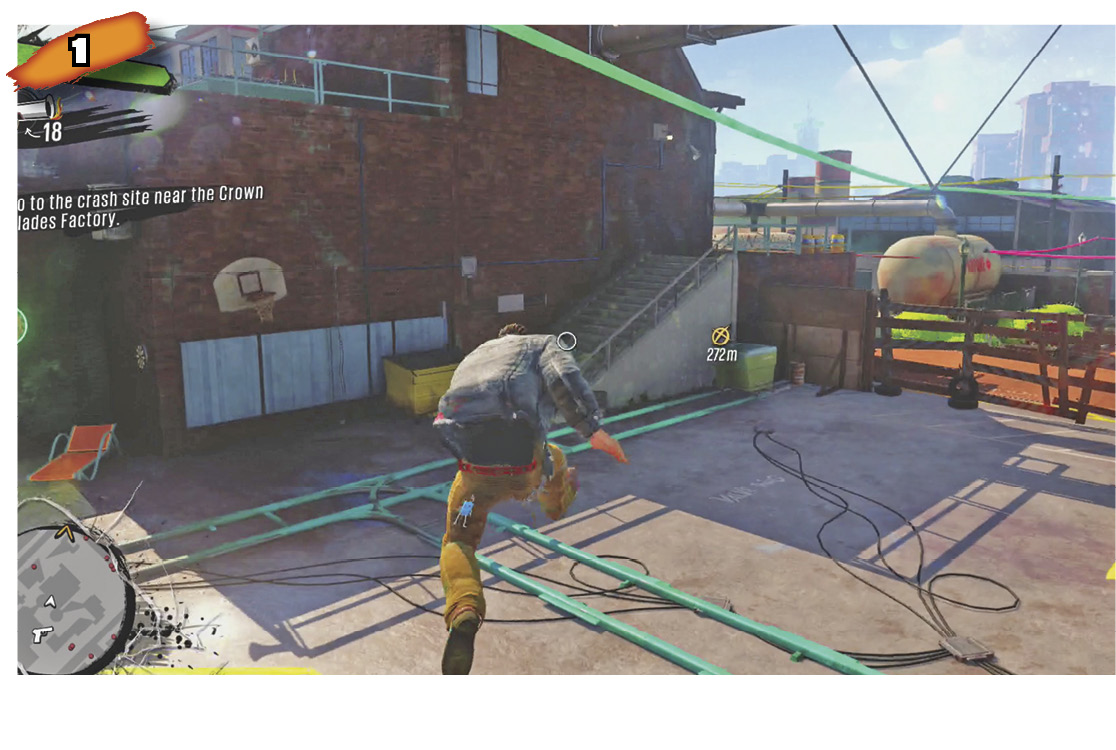
Grinding travels very fast, and even faster if you press RB to boost. Normally, your hero grinds at 8 meters per second. Tap RB once to increase speed 25%, to 10 meters a second; tap RB a second time to boost speed 20% more, to 12 meters a second. Your hero is traveling at max speed after two presses of RB.
To slow down, press and hold LT, which also slows your aiming reticle slightly, enabling more precise aim while cruising along. Of course, you don’t need hold LT to aim and shoot while grinding, and you can even fire after boosting to max speed. No matter the speed, the safest shooting at enemies you’ll do throughout Sunset Overdrive usually comes while grinding/undergrinding rings around hapless pursuers.
If you hit an obstacle at the end of a grinding or undergrinding path, your hero will reverse directions automatically. If the path simply trails off, a fall is inevitable unless you jump (A, just like on the ground) or change direction (X plus left analog stick).
Swapping Grind/Undergrind
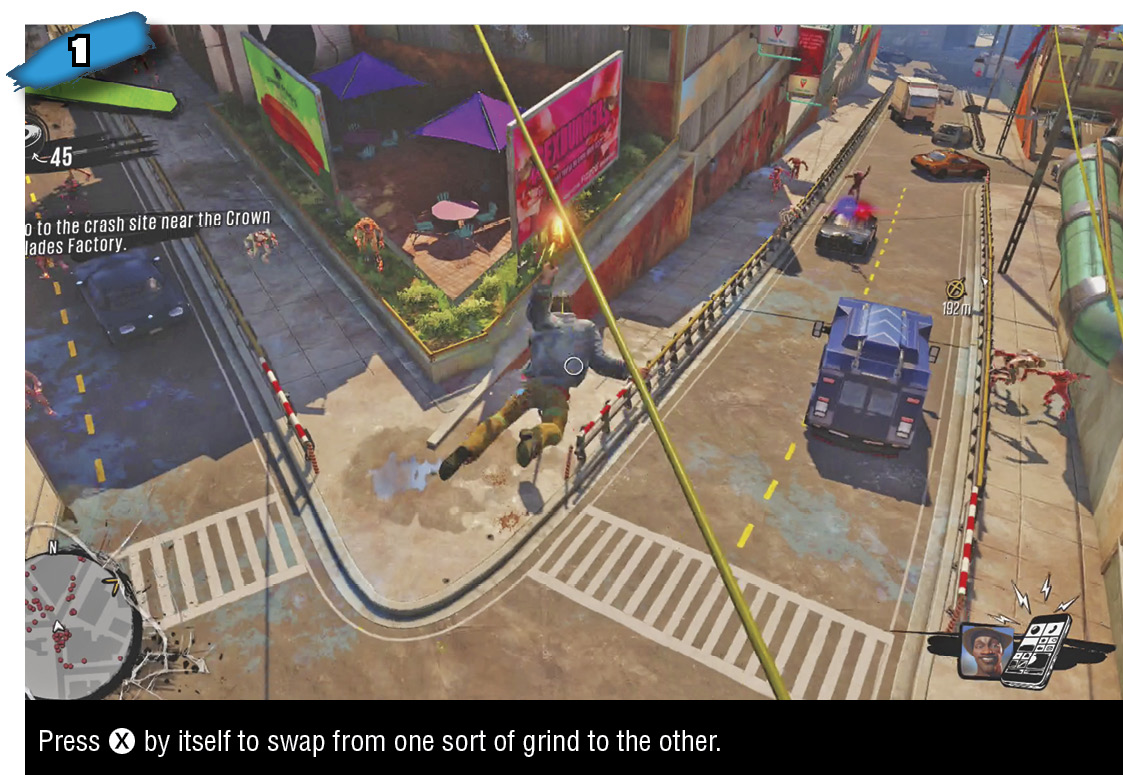
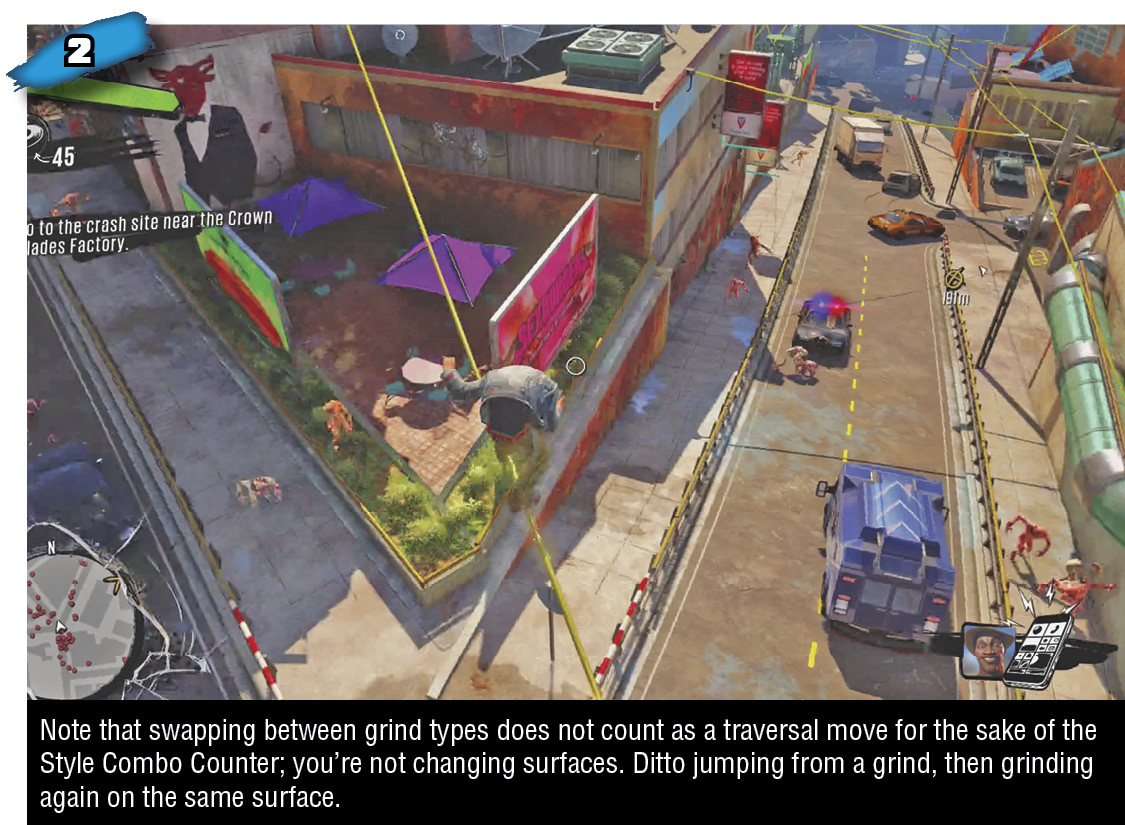
Press X by itself to swap from grinding to undergrinding (or vice versa). You can’t swap freely all the time; you can’t undergrind from a railroad track or fence, and you can’t grind on cables that pass just underneath highways or bridges. It tends to be better to grind, if possible; you’ll get slightly more height advantage in combat, you’ll fall from farther up if knocked off the rail, and standard jumps from grind height naturally have slightly more lift than from undergrind height. Flip jumps from undergrind, on the other hand…
Flip Jumping From Undergrind
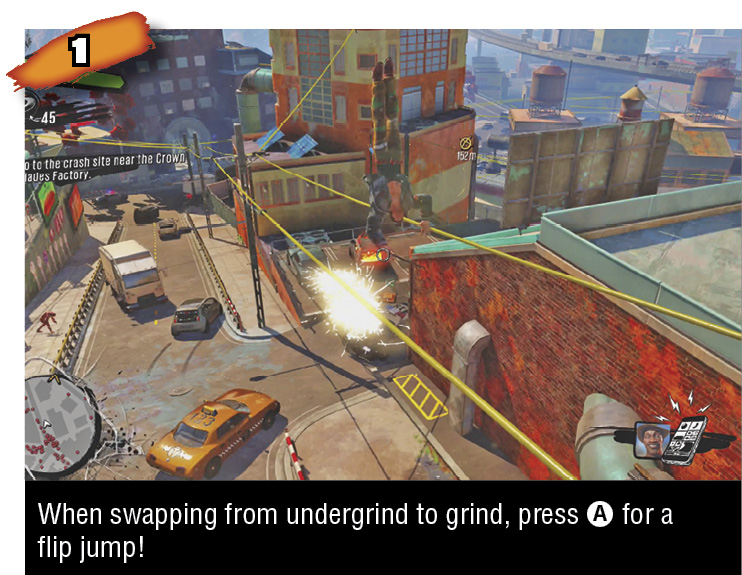
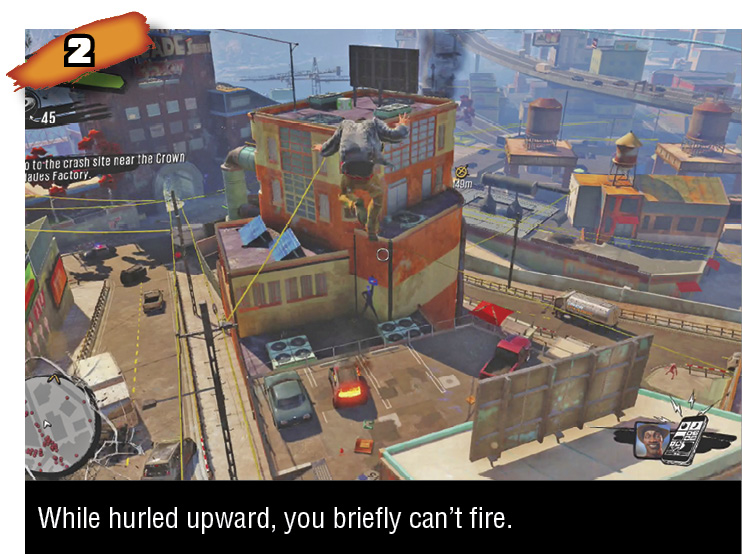
From undergrind, press X to start the swap to grind then immediately press A to somersault upward with a sky-high flip jump. While you won’t get high-flying abilities like super bounce and slam bounce for a while, you can flip jump during an undergrind-to-grind swap right from the get-go.
Changing Grind/Undergrind Direction
While grinding or undergrinding, you can reverse directions with X plus the left analog stick. This is like a dodge roll on a rail since it has invulnerable frames too. You’re briefly unable to fire during this direction change, like during dodge rolls and super bounces.
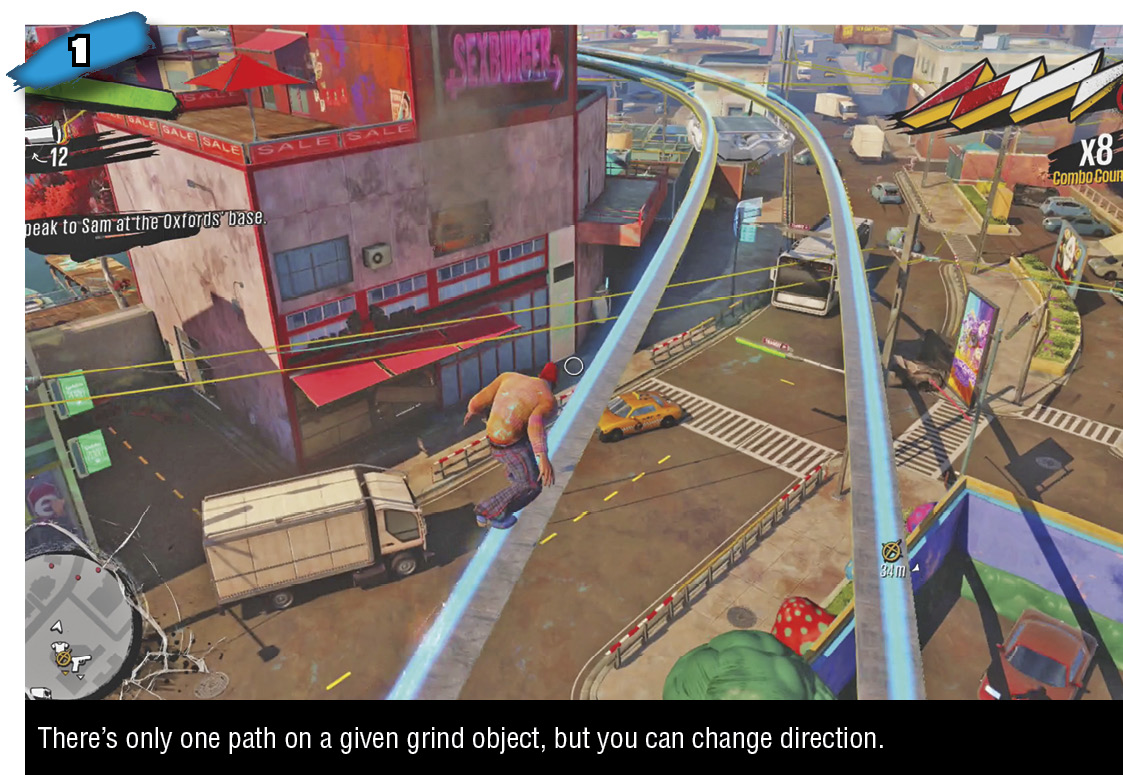
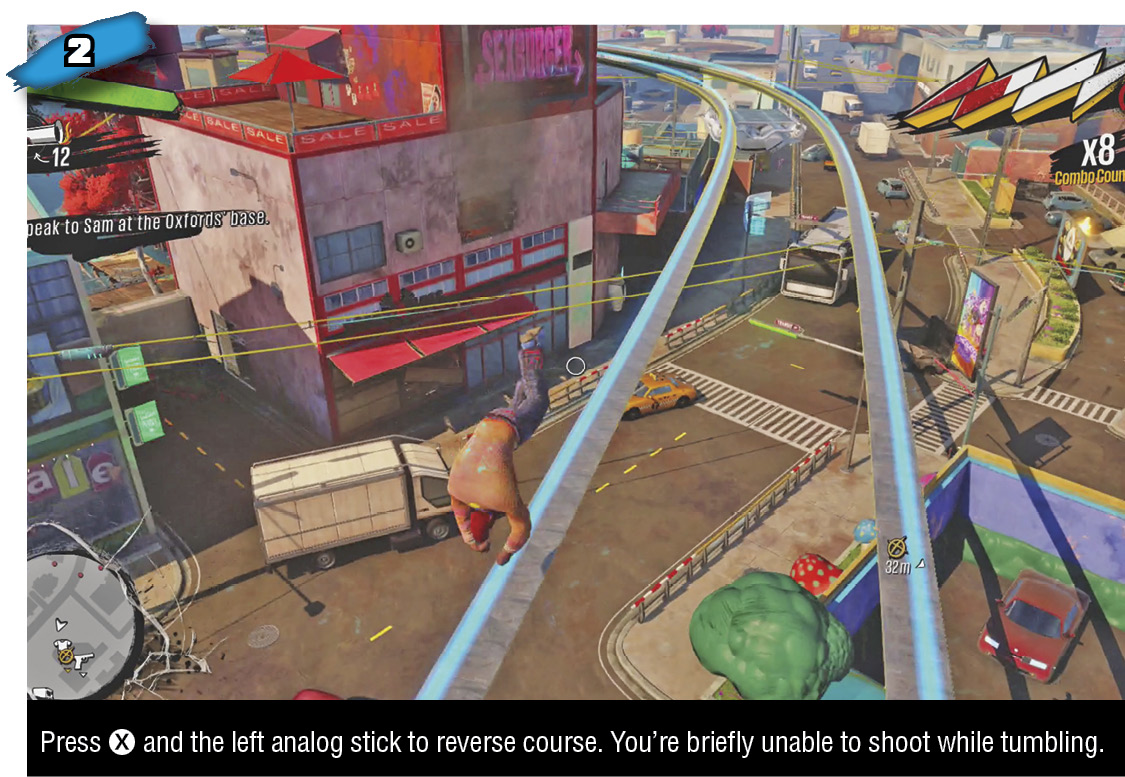
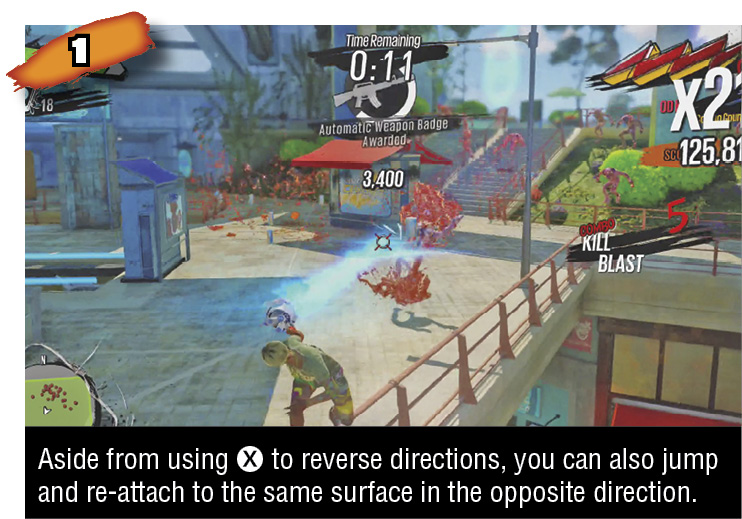
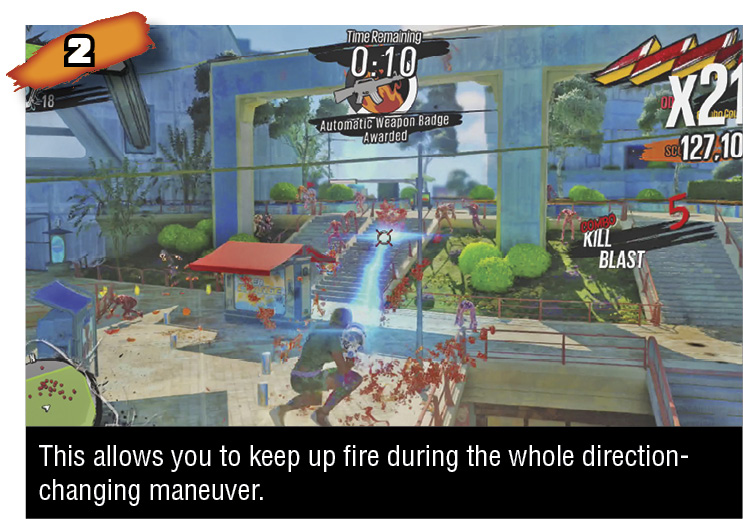
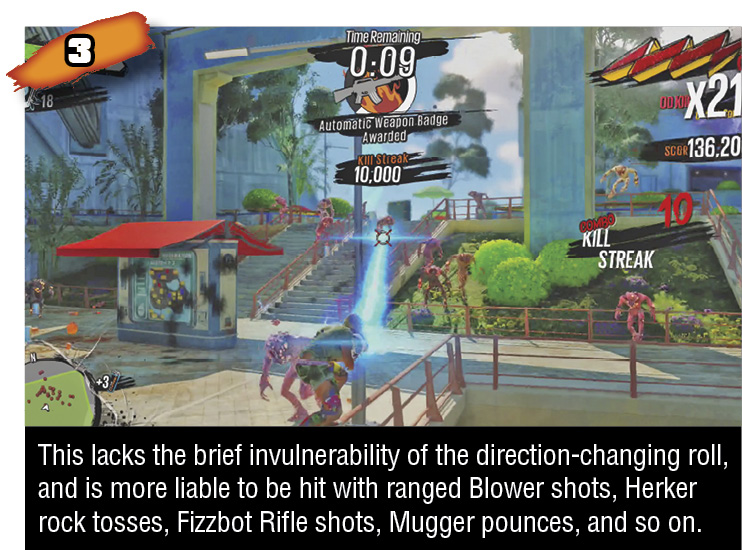
You may prefer to be able to keep firing while you change grind directions, especially if you’re using an automatic weapon rather than a single-shot gun, or a gun that requires prep time, like The Dude. Hold the left analog stick in the opposite direction of your current travel, jump off the grind/undergrind surface, pause a moment in midair (all this while you can aim and fire, if appropriate), then tap X to re-attach.
Keep holding the left analog stick in the new direction you desire during the maneuver, and keep up the gunfire at your enemies while drifting in midair. In this way, you can about-face during a high-speed grind without a break in your damage output. Changing directions in this manner enforces no gap on your firepower; the only disadvantage versus swapping directions with X is that this has no invulnerable period.
Pole Swing
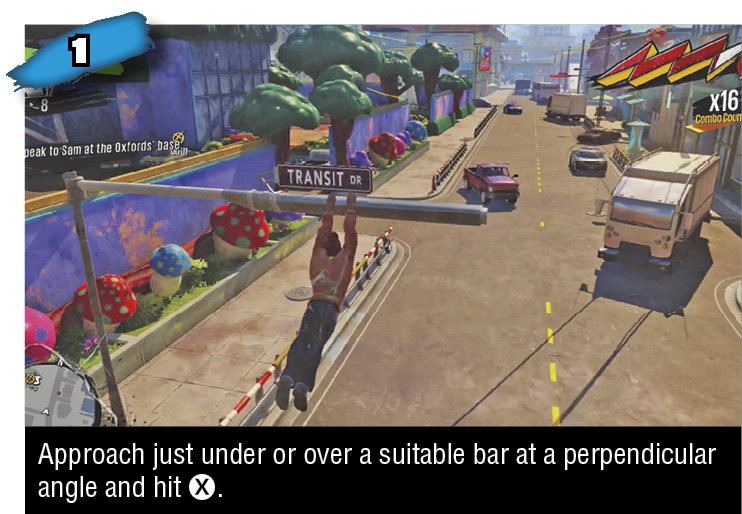
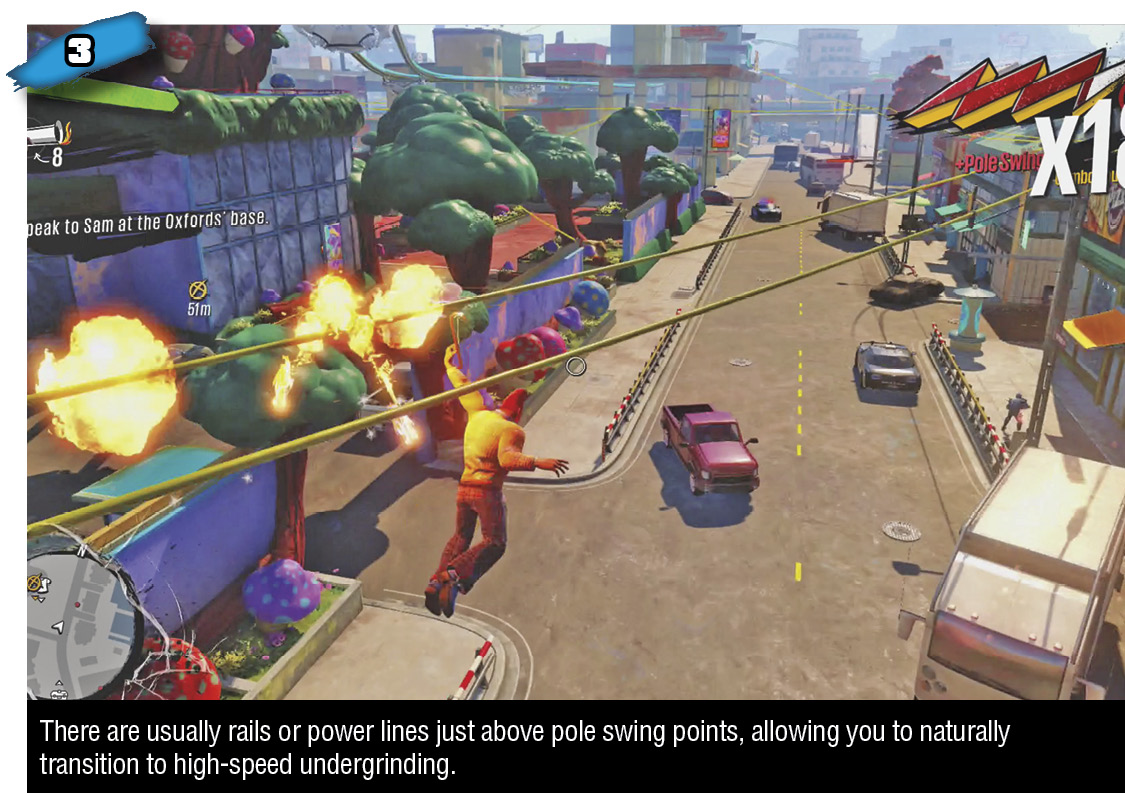
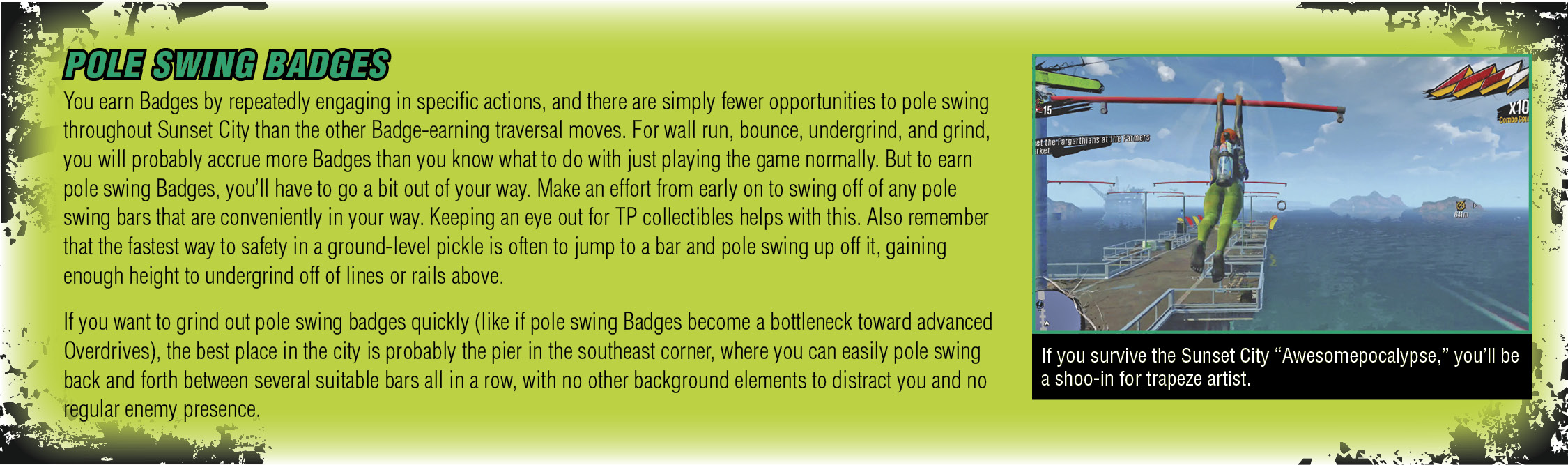
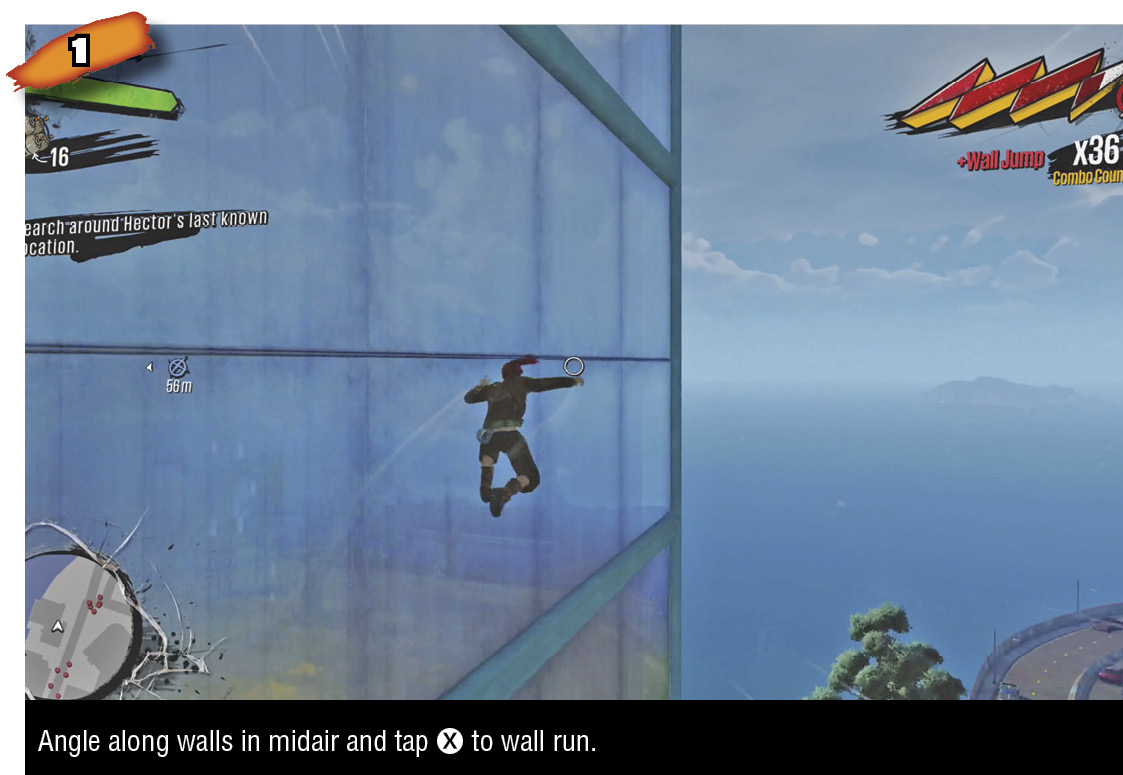
Pole swinging involves using horizontal bars to flip farther upward. If a surface would be suitable for a pull-up, it’s suitable for pole swinging. You’ll usually see short horizontal bars on traffic lights, flag poles, and fixtures alongside tall buildings.
There are two slightly different versions of pole swing: one initiated with X just under a bar, like during undergrinds, and another initiated with X just over a bar, like during grinds. Functionally, they end up doing the same thing, but the different animations and rhythms are worth noting. During either pole swing animation, shooting is briefly restricted.
Wall Run
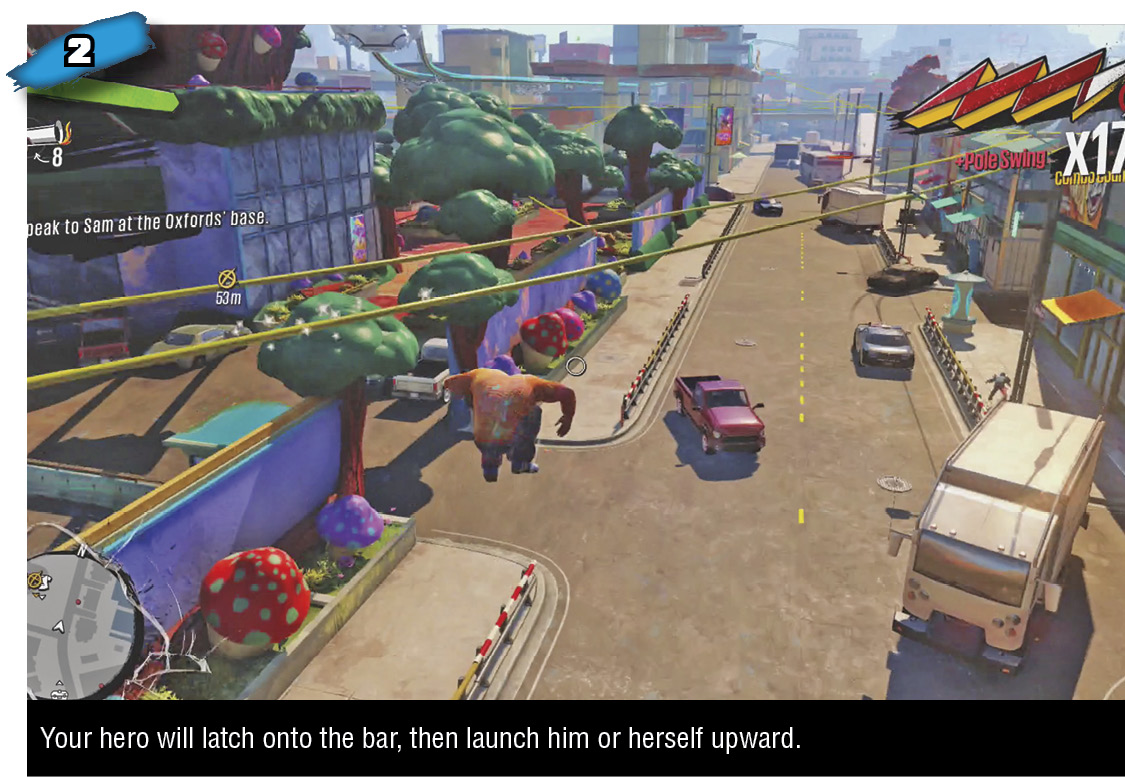
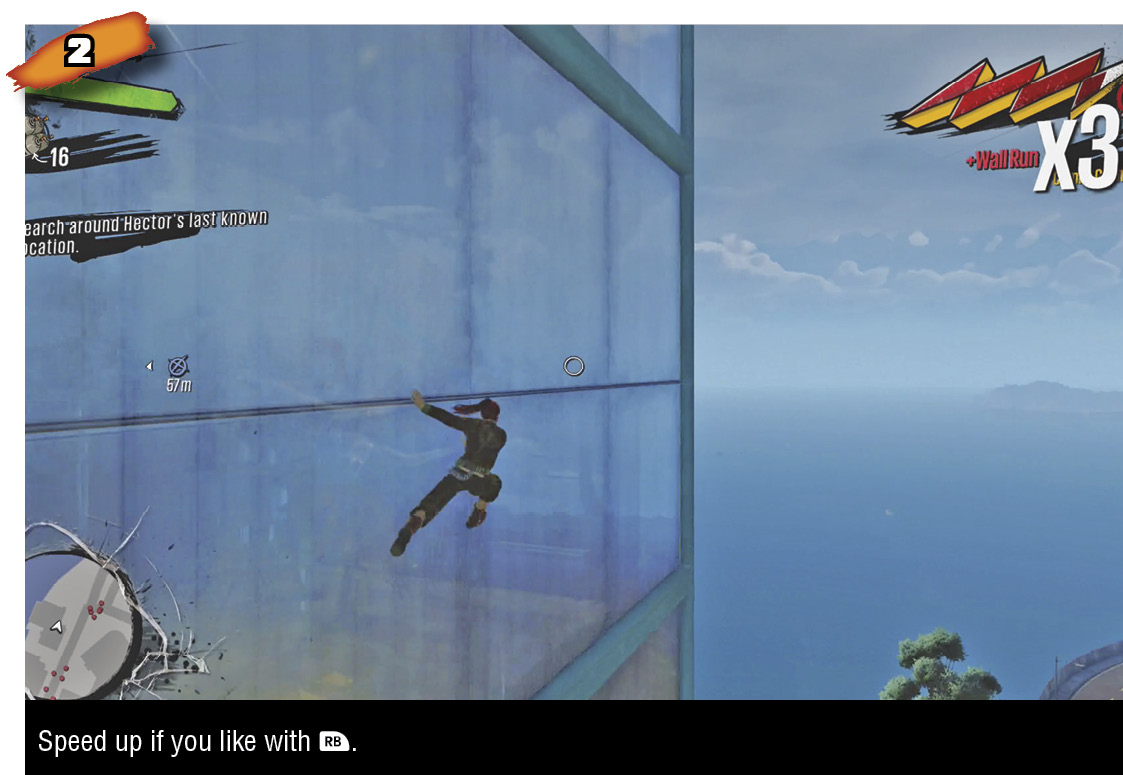
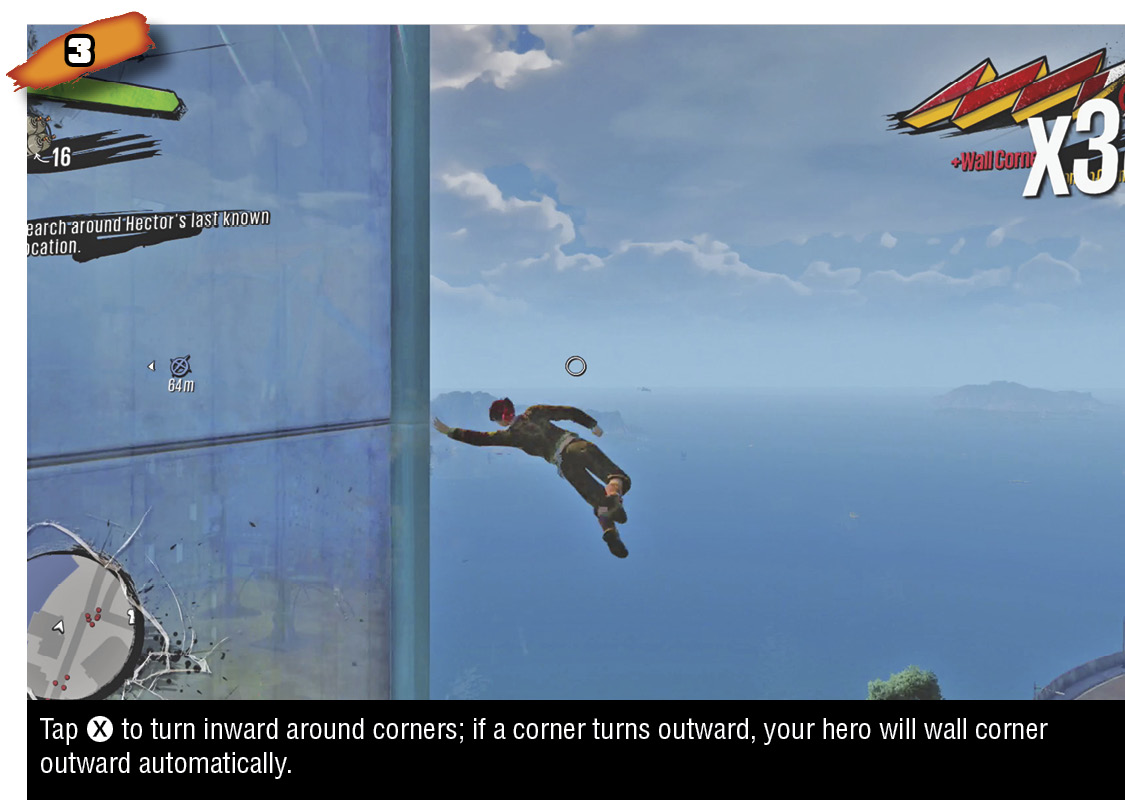
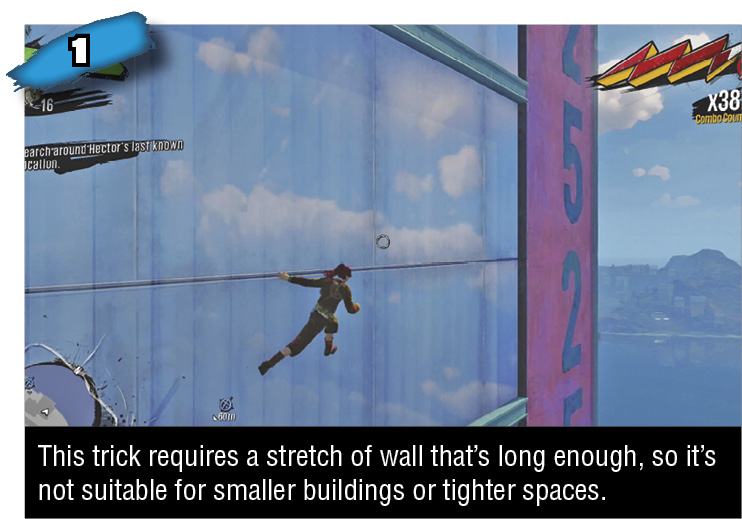
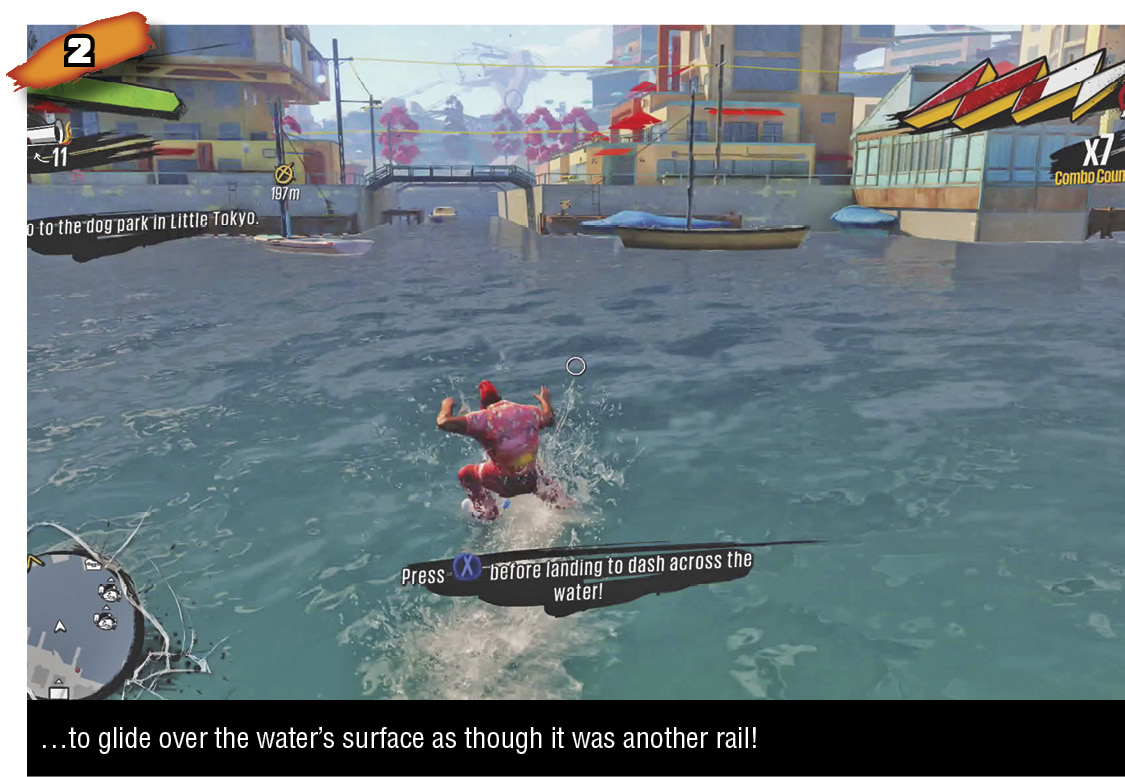
Wall run by tapping X while near a wall, airborne, and angled across the wall’s face. (In other words, not head-on into it.) You need only tap X once and your hero will wall run until either running into some obstacle (like an awning, flagpole, or sign) or meeting a corner. At corners, tap X to ensure your hero will turn them smartly, sticking to the wall. This maneuver is called a wall corner, and it increases the Combo Counter. If you don’t hit X, your hero will just trail off into space along walls that turn inward. The timing is lenient, and you can just double- or triple-tap X while approaching a corner to be sure. To jump off a wall during a wall run, press A; this also increases the Combo Counter.
You can look around freely while wall running, and you can hit RB to speed up, but you cannot shoot or perform melee attacks. You can wall jump and then dive bomb attack, or conceivably wall jump, fire while drifting back toward the wall, then wall run again. But you can’t attack directly from the wall.
Climbing With Wall Run
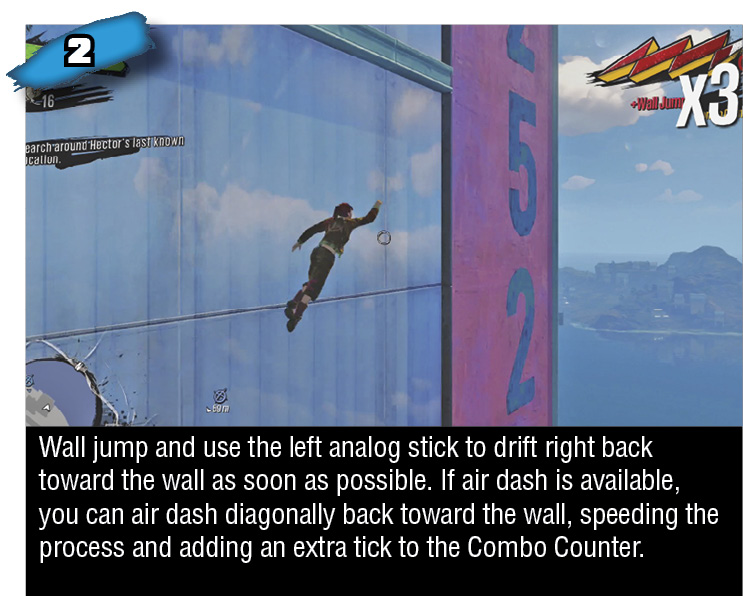
Wall run has a quirk compared to other traversal moves. On one single grind or bounce surface, no number of times re-grinding or re-bouncing will increase the Combo Counter. Yet, along one building you can perform an infinite combo by wall running, wall jumping, and wall corning perpetually up the same walls. As long as you don’t touch terra firma, your Combo Counter will keep going. This gets considerably easier to do once you’ve earned the ability to air dash, which allows more precise redirection in midair, so you can hit walls and initiate wall runs where you want.
Water Dash
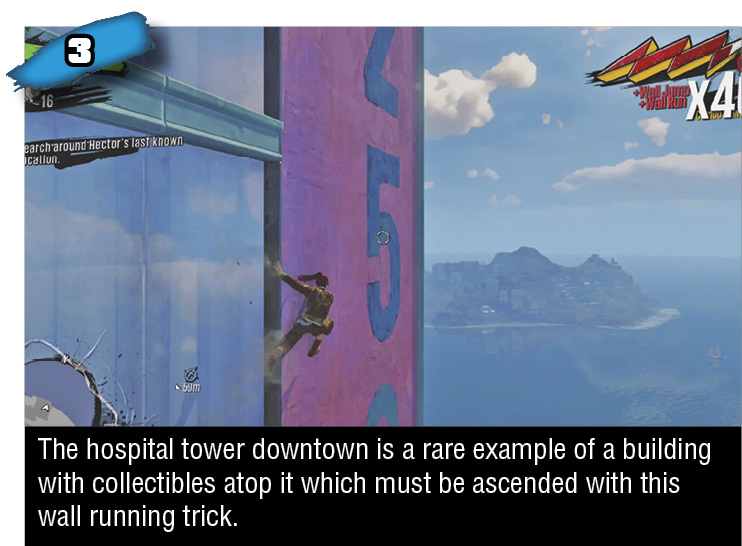
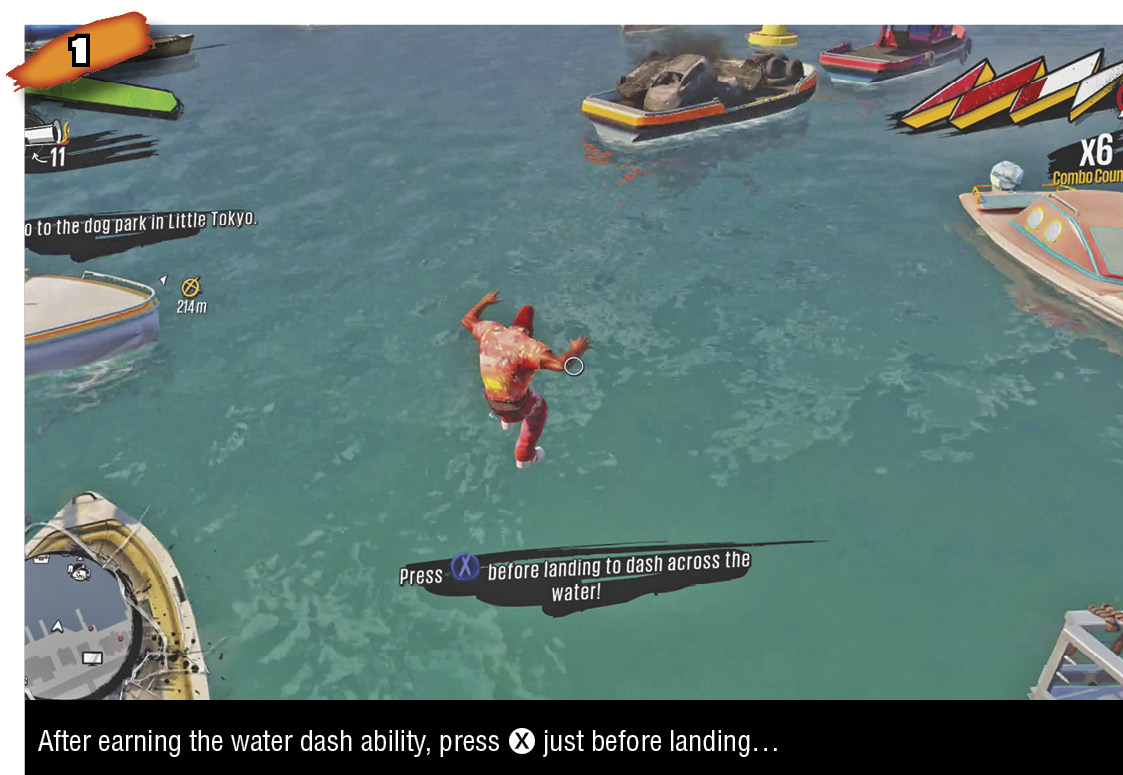
While not initially available, after not too long, you’ll earn the ability to glide along the top of water for a little while after splashing down. Performing a water dash is just like timing a dodge roll to occur right when you land: press X just before splashdown. If successful, your hero will skim the surface of the water rather than pierce into it. You can use the left analog stick to direct this human hydroplaning for a few seconds before your hero loses inertia and sinks into a normal doggy paddle. Leap off the water before that happens and find someplace (usually a boat) to bounce off of.
Air Dash
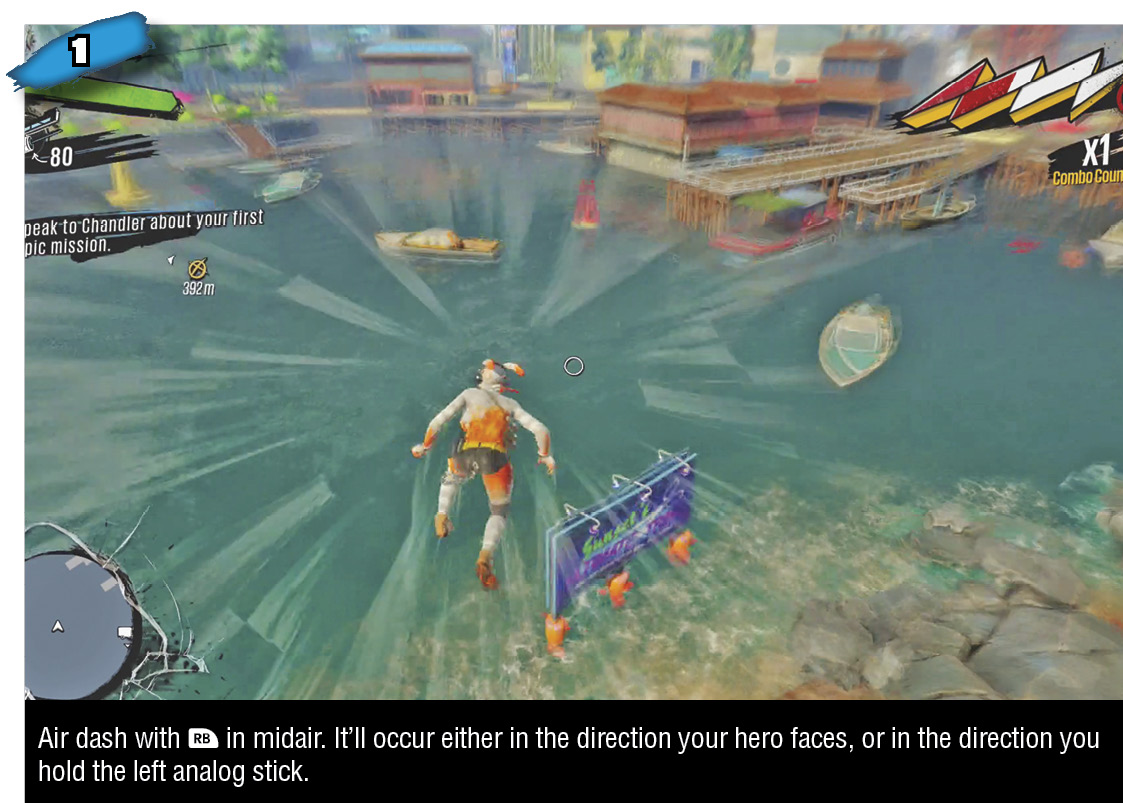
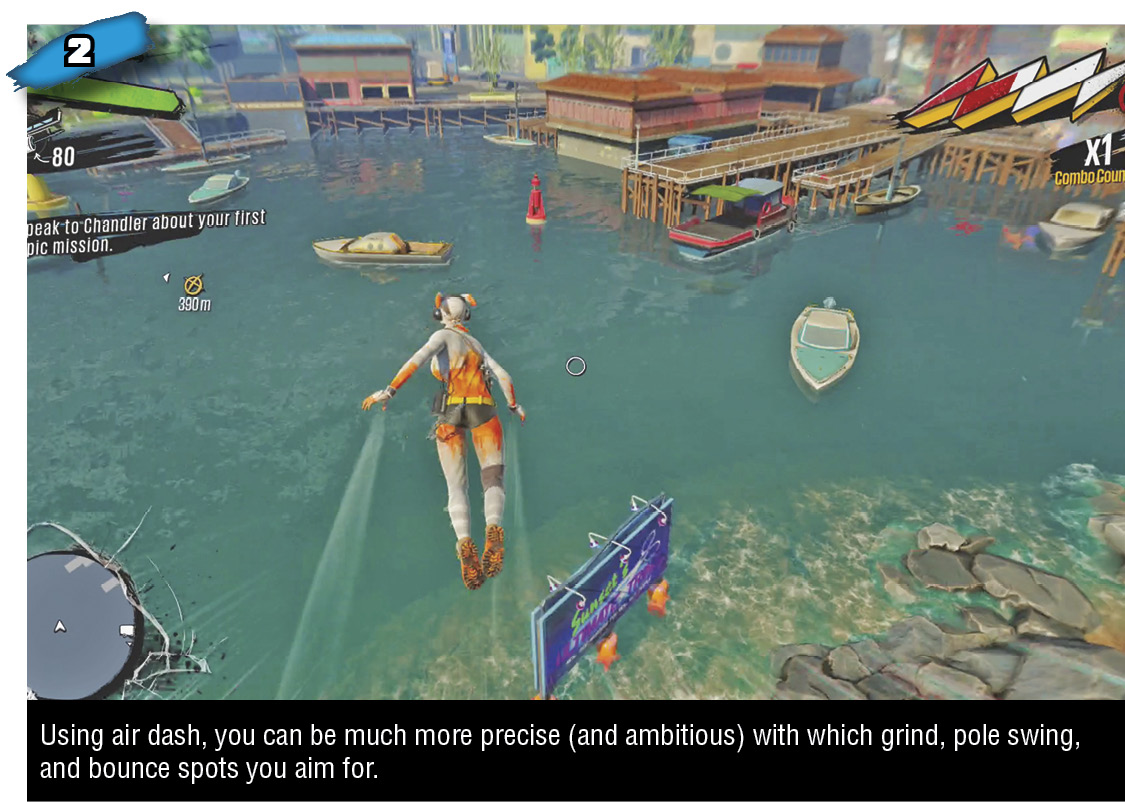
Also not initially available, air dashing greatly increases your air mobility. It’s what it sounds like: your hero surges forward in midair in whichever direction you like, briefly saved from descending by lateral momentum. You can air dash to get a little extra distance toward a grind, bounce, or pole swing spot; to hit a wall at just the right spot for a wall run; and to snare collectibles otherwise just out of reach. In combat, air dash also helps you dodge attacks like Herker stone tosses and Mugger leaps, along with increasing hang time at a jump’s peak. Air dash contributes to the Combo Counter, but not until you land your next traversal. For example, if you jump from solid ground and air dash into a grind, you’ll go from no Combo to a x2 Combo upon grinding.
You can air dash once per voluntary airborne period. That is, if you intentionally jump or bounce into the air, or if you simply step off a building, you can air dash. Crossing Sunset City becomes that much faster and Combos grow that much quicker when you throw air dashes into each intentional airborne period. If you get knocked into the air, either from an explosion on the ground or getting knocked off a grind spot (or whatever), then you cannot air dash.