
Crash Bandicoot N. Sane Trilogy Guide The Basics
Movement
Walking, Running, and Sliding
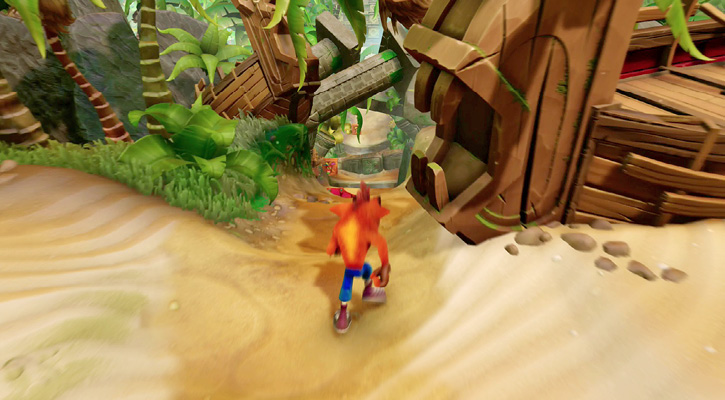
Moving Crash, or Coco, around through the levels is the main activity. Unlike the original game, which just had a D-pad, Crash can now be moved with an analog stick. This gives you much more control. Not only can you choose to move any direction, you can also control Crash’s speed. The farther you press the stick in a given direction, the faster Crash moves. At times you’ll press the stick all the way, such as when running away from pursuers. At other times, when you’re inching toward an edge, a tap on the stick is enough.
When playing Crash Bandicoot 2: Cortex Strikes Back and Crash Bandicoot 3: Warped, you gain more movement options. Pressing the Action button causes Crash to crouch. Use this to duck. If you move while crouched, Crash crawls, which is great for getting into low areas. Crash can also slide to get under obstacles more quickly. Run and press the Action button to begin a slide.
Jumping
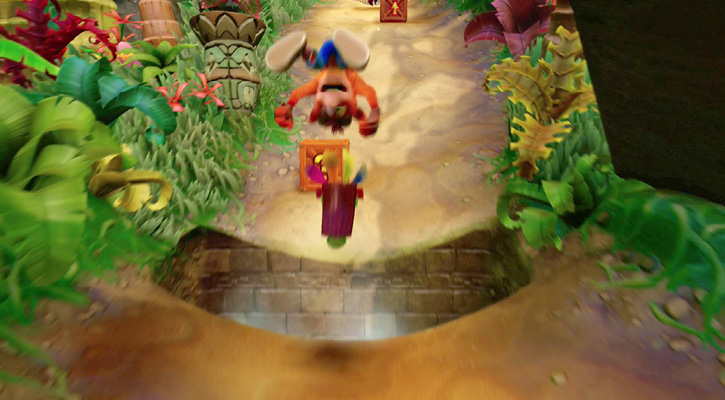
Crash also does a lot of jumping. While jumping is simple—press the Jump button—controlling a jump is more complex. Running and then jumping causes Crash to jump farther. While Crash is in the air, use the analog stick to move so you hit a target or land exactly where you want. The second and third games allow for more advanced jumps. Press the Action button to crouch, then jump for a higher jump. This is great for breaking boxes up high. To jump farther, press the Action button while running to slide, and then while sliding, press the Jump button to cross longer gaps.