
Game of Thrones Guide Essentials The World of Westeros
Options Menu
Check the Options menu for all your needs outside of combat. You can review your inventory, character page, current map, codex entries, and quest log from the menu.
Inventory
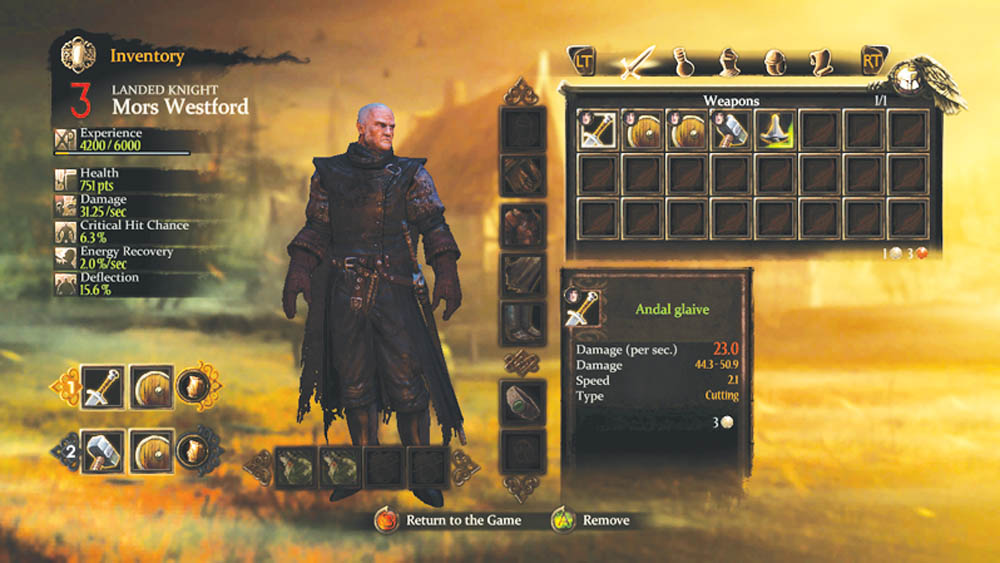
Access your weapons, belt items, armor, jewels, and quest objects on your Inventory page. If you want to alter your equipment, simply click on the desired object and it will be added to your active slot or be swapped with an item already in that slot. A small character portrait in the top left shows you which character has that particular item equipped (if at all). You can also peruse item stats by scrolling over the item, and you can set which weapons you want in your weapon slots or which belt items you want in your flask slots.
Character Page
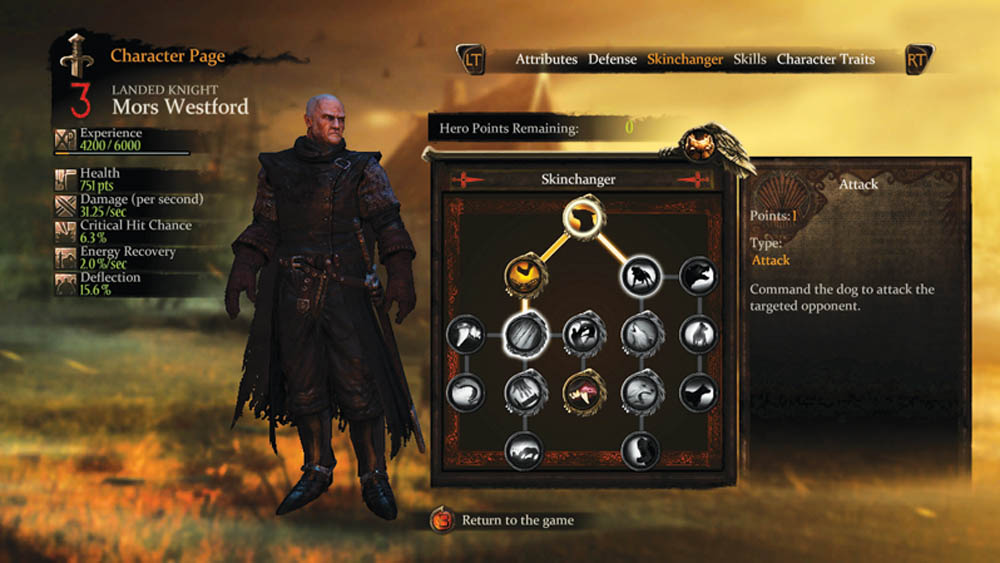
The character page displays your current character’s attributes, stances, special powers, skills, and traits. You can always go here if you want to spend any points you’ve earned from leveling up. You can also see your scores for experience, health, damage (per second), critical hit chance, energy recovery, and deflection. Consider new equipment and purchasing new skills if you want to alter any of these stats.
Map
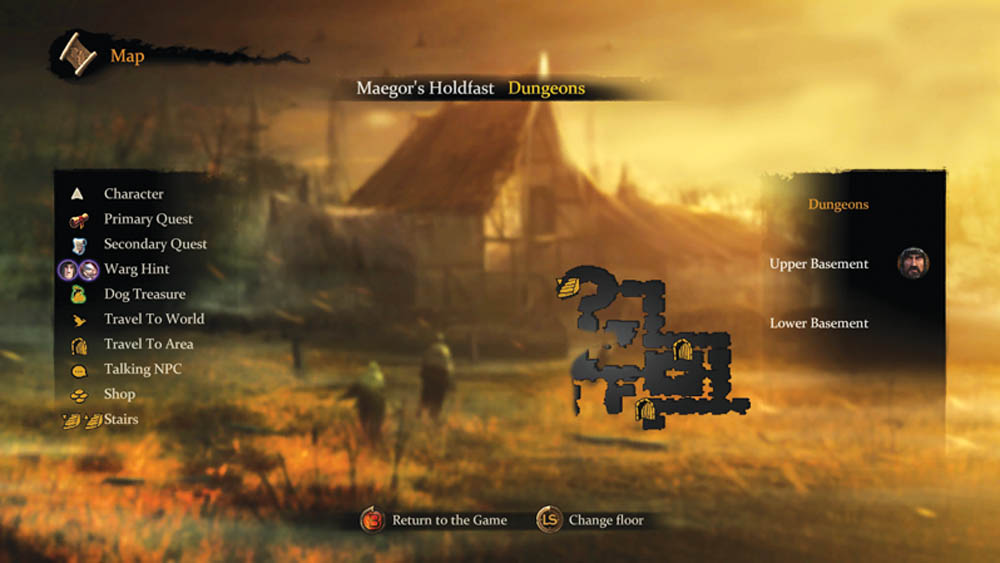
Look at your map often as you navigate unknown areas. It provides invaluable clues to your current whereabouts and quest objectives. If you’re in an area with multiple levels, you’ll see the floors displayed to the map’s right. On the left, you’ll see all the map icons, including primary quest locations, secondary quest locations, Warg hints (if you mark a spot with Mors’s dog), dog treasure (if Mors’s dog locations contain hidden loot), doors, stairs, shops, and talking NPCs (word balloons).
Codex
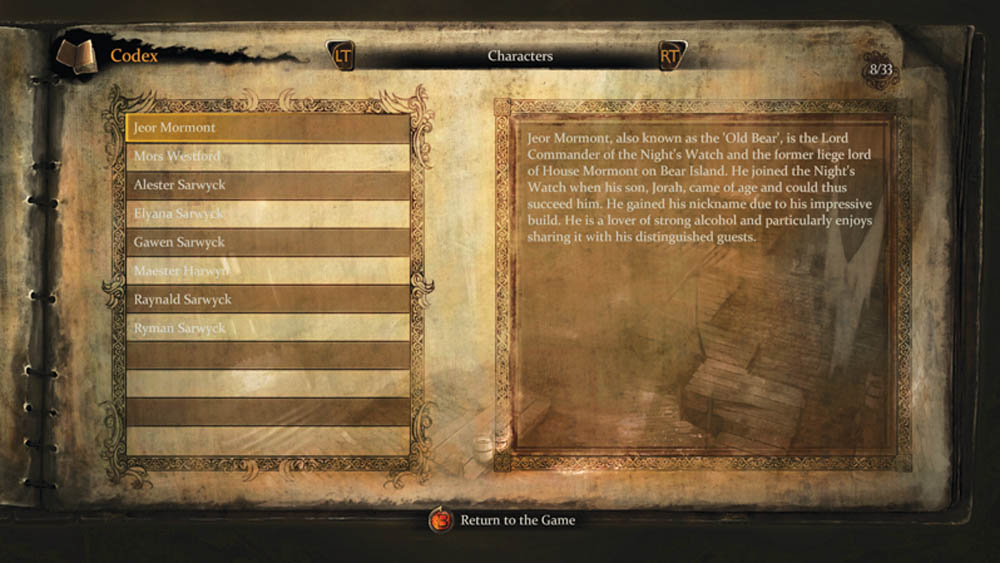
The Codex gives you tons of background story information to fill in the tales of Mors and Alester. Occasionally, you’ll need to read a Codex entry to help you solve a quest (such as a riddle). Some Codex entries trigger automatically when you complete a task or enter a new area. Other Codex entries must be found. Look for a Seal of Knowledge to unlock a Codex entry; after you gain the Codex entry, feel free to sell the Seal of Knowledge for a little more pocket change to spend at the next merchant.
Quest Log
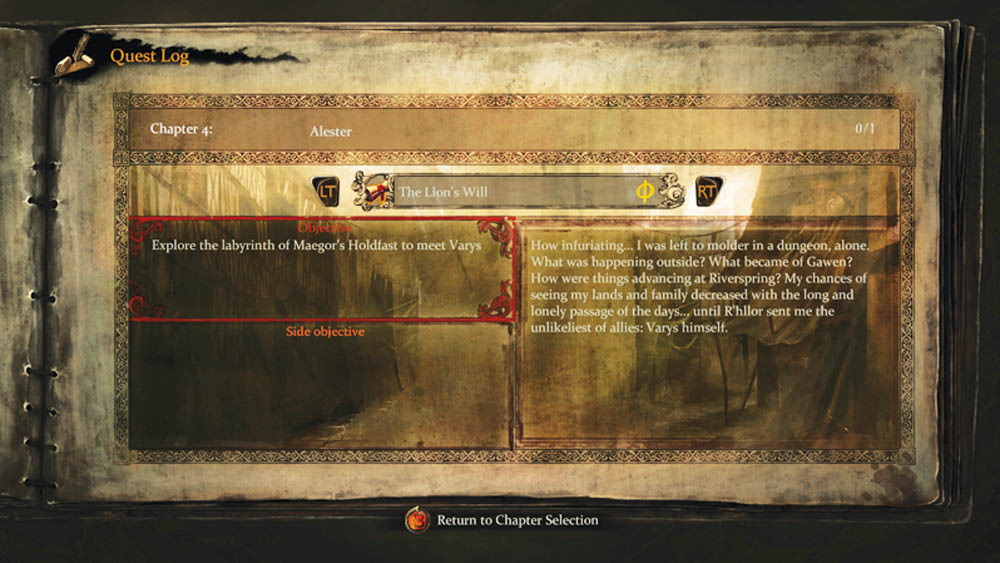
If you want clarification on your active quests, check the Quest Log. It shows you the primary quest and any secondary quest (side quests) that you are on. You can read a quick recap of where you are in the story line to the right, and a list of your current quest objectives are listed to the left.