
Far Cry Primal Guide Surviving the Wild
The Map
The map menu allows you to apply a wide variety of filters to narrow down what you’d like to accomplish in Oros. You also have the ability to set custom Waypoints and Fast Travel from the map.
To zoom in on a point of the map use R2/RT, to zoom out press L2/LT.
Pressing R3 centers the map cursor on the current position of the player.
Fast Travel
Once conquered, Bonfires and Outposts allow Takkar to Fast Travel directly to their location via the map. Open the map and hover over the Fast Travel icon, then press X/A to travel to that area.
Setting a Waypoint
To set a waypoint, hover over any objective or open map area and press X/A. To remove a waypoint press X/A again. The waypoint appears on your mini-map and HUD as a small square with a number showing the distance remaining to the waypoint.
Filters
There are seven different filters on the map, each allowing you to target specific objectives:
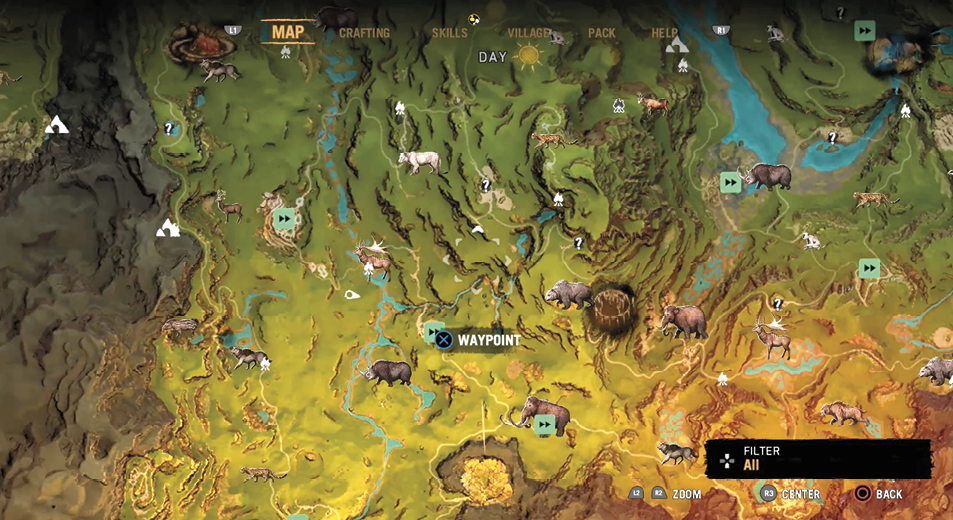
All: This setting does not filter out any objectives, displaying them all at the same time.
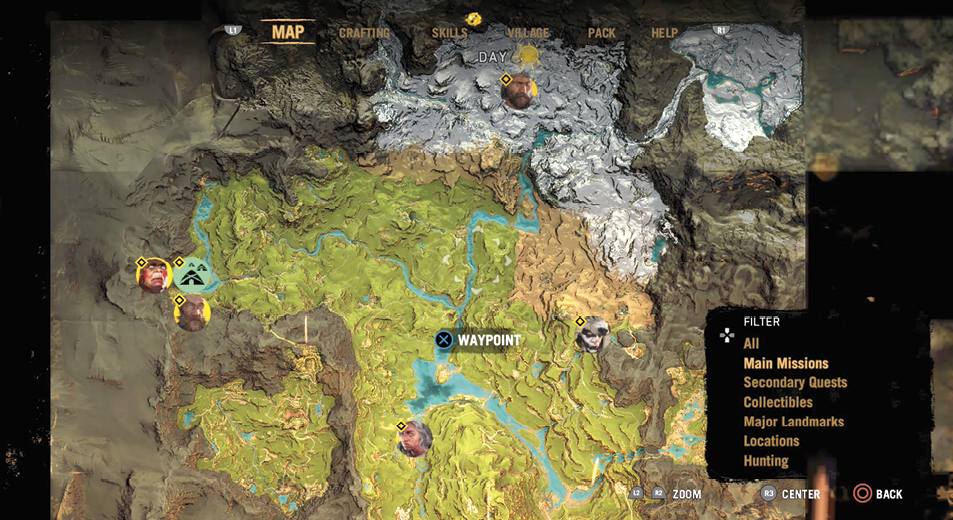
Main Missions: The Main Mission filter allows you to target the missions that progress the main story of the game.
Secondary Quests: These missions are not integral to the progression of the game’s story. This filter is great for finding quick opportunities to level up and gain villagers.
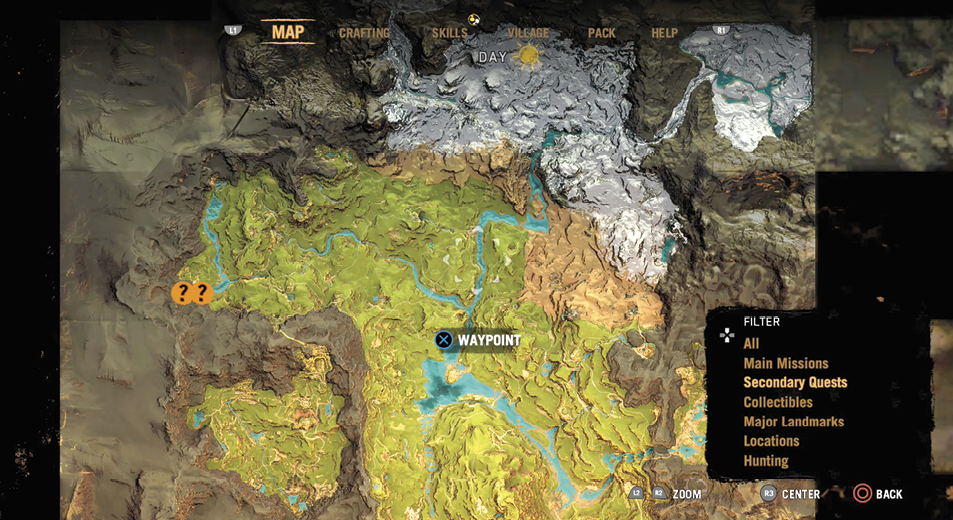
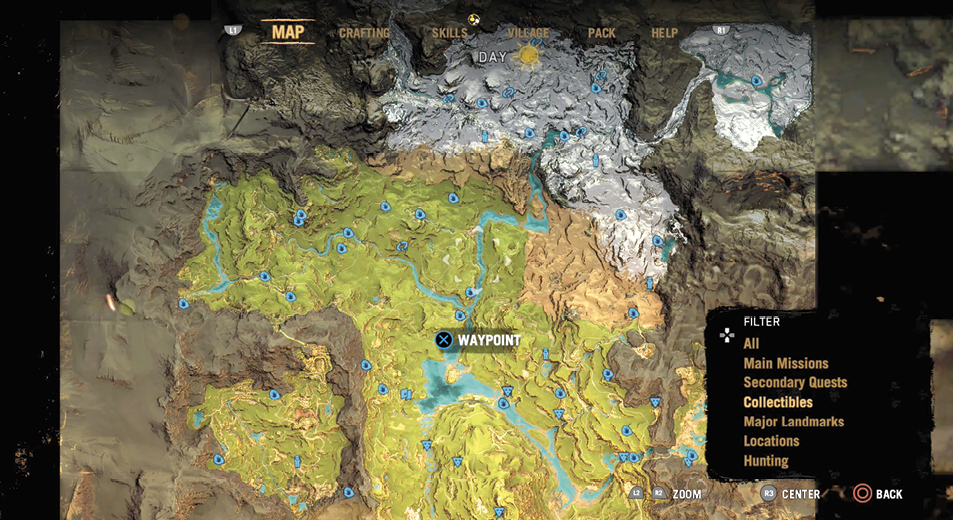
Collectibles: If you’re looking for some easy XP, this filter shows you all the collectibles that you have discovered, but not yet acquired, during your journey through Oros.
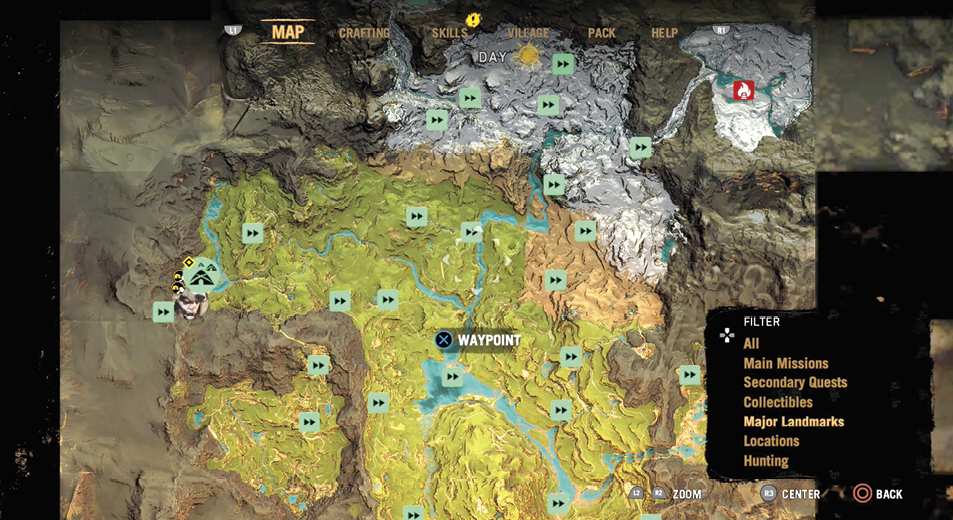
Major Landmarks: The Major Landmarks filter shows the location of all Outposts and Bonfires as well as your home base. This makes it easy to see which Fast Travel locations you have unlocked and which ones you still need to complete.
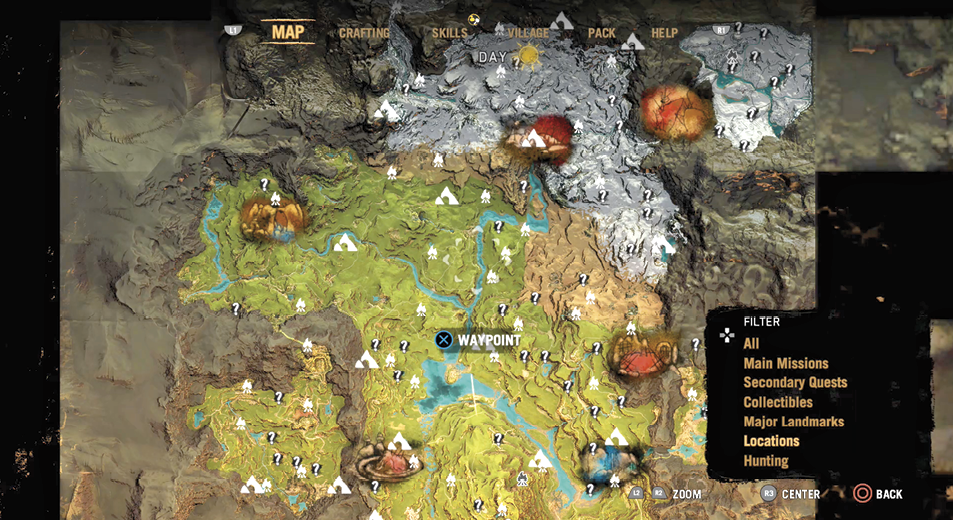
Locations: The Locations filter shows Campfires, Caves, and major Points of Interest. Plotting your route through the locations marked by a ? awards you easy XP as you travel.
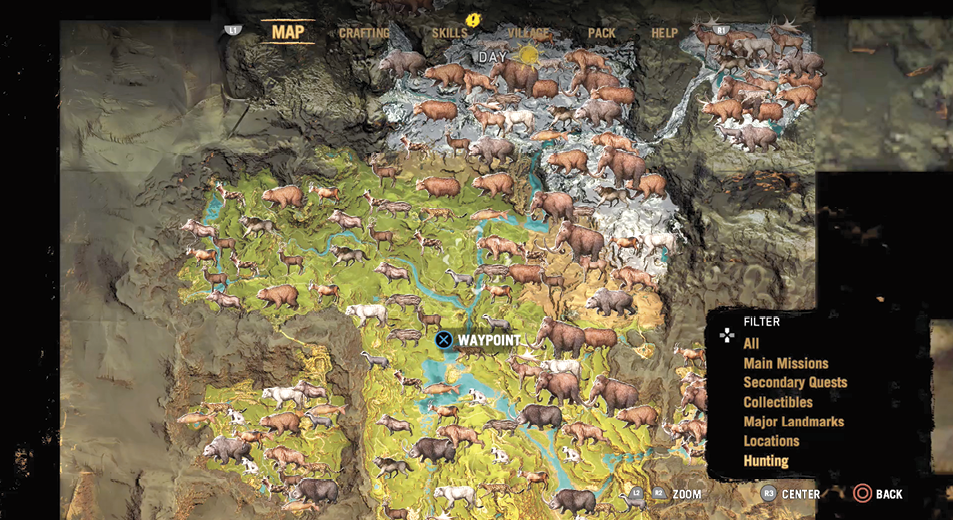
Hunting: The Hunting filter shows the standard locations that each animal is found in. This is great for hunting down a specific type of animal when you need their skin for crafting.