Gears of War 3 Guide Multiplayer
Movement
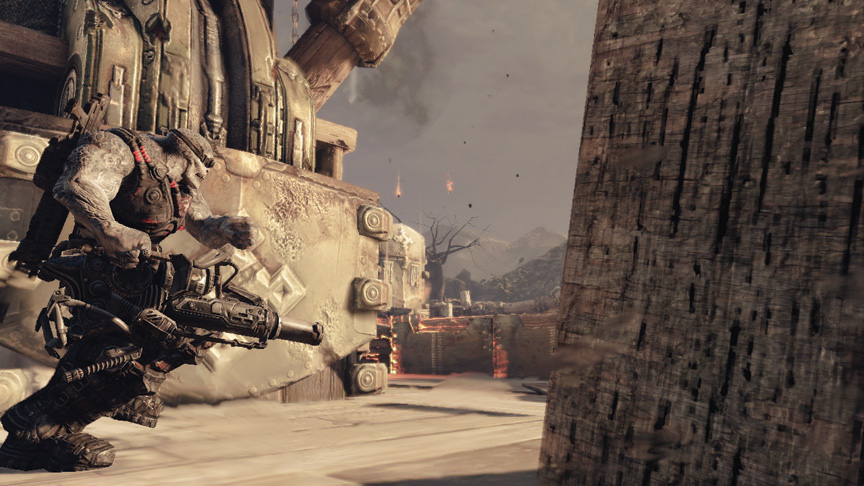
Movement in Gears of War 3 multiplayer is a crucial skill to master. Traversing levels quickly and smoothly is vital for reaching power weapons and objectives at the same time as the enemy team. Your movement skills are also your best defense—and often, offense—when you face off against an opponent.
Movement Basics
By default, you move at a moderate walking speed. This speed isn’t suitable for quickly reaching a target area or evading hostile fire. You have the ability to sprint, dodge, slide to cover, move or sprint along cover, leap over cover, and slip around cover to aid in your movement through a map.
The only time you should be moving at a ‘normal’ walking speed is in close-quarters fights in which you are firing from the hip. Otherwise, you should always move at high speed to present a difficult target and to reach your destination quickly.
Sensitivity
There are three sensitivity settings in Gears of War 3:
- Look Sensitivity: Affects the speed at which you turn when you’re moving normally.
- Target Sensitivity: Affects the speed at which you turn when you hold the Left Trigger and aim.
- Zoom Sensitivity: Affects the speed at which you turn when you hold the Left Trigger and aim while you’re zoomed in.
Before you dive into multiplayer, we recommend bumping all three up as high as they can go, at least for a few experimental rounds. It’s very likely that you’ll find this to be too high or fast at first, particularly for Zoom Sensitivity. However, it’s important to get a feel for what the maximum possible look speed is.
Because sensitivity affects your turn rate, it’s critical in close-quarters battles with shotguns. It also affects the speed at which you can track fast-moving targets while you aim. And it influences how fast you can respond to and evade incoming fire by moving in the safest direction as quickly as possible.
After you experiment with the highest possible sensitivity, drop the sliders down to the levels you find most comfortable. Generally, your Look Sensitivity should always be set higher than the other two settings, followed by your Target Sensitivity, and then your Zoom Sensitivity.
Roadie Run
> Hold the A Button while you’re in the open. Steer with the Analog Stick.
Holding the Run button causes you to enter a Roadie Run, a fast-moving dash in a semi-crouched position to keep your head down. Roadie running has two downsides. The first is that you cannot use your weapon while you’re running. The second is your limited maneuverability.
You cannot turn especially quickly while you’re running forward. This makes you an easy target for enemies in your frontal arc. Whenever you can, try to move at sharp angles if you know you’re going to take fire.
When you move out in the open, you should always roadie run unless you have a very good reason to move at a normal walking pace. Roadie running causes your camera view to jostle, which can slightly limit your awareness of your surroundings. However, running makes you more difficult to hit, and it reduces the time you’re exposed out of cover.
If you run directly into a piece of cover, you automatically assume a cover position next to the object. Note that this is slower than performing a cover slide (see the next section), so try to avoid running into cover if you can slide instead.
Cover Slide
> Tap the A Button while you press the Analog Stick toward a piece of nearby cover.
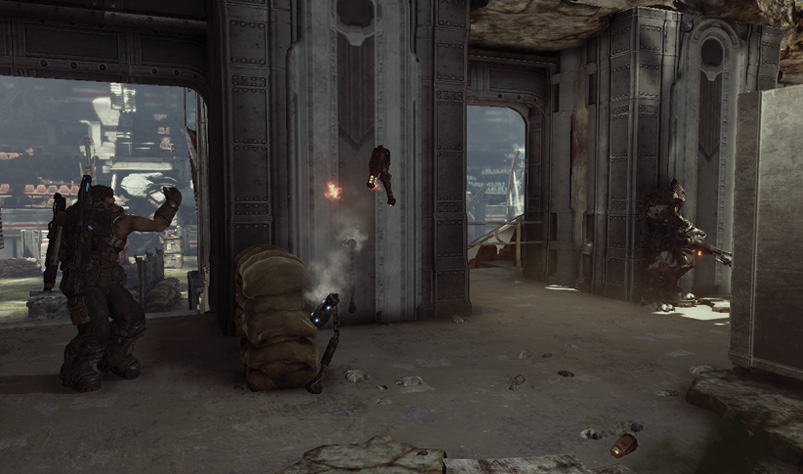
If you tap the Cover button while you’re pressing toward any piece of cover, you slide and immediately take cover beside the object. This move is extremely important. While you’re sliding to cover, you move more quickly than any other type of movement. You can cover slide directly forward, to the side, or forward at an angle.
If you have just moved past a piece of cover behind you, you can even slide backward at an angle. Roadie run past a piece of cover, then immediately press back and left or right on the Analog Stick to perform the reverse slide.
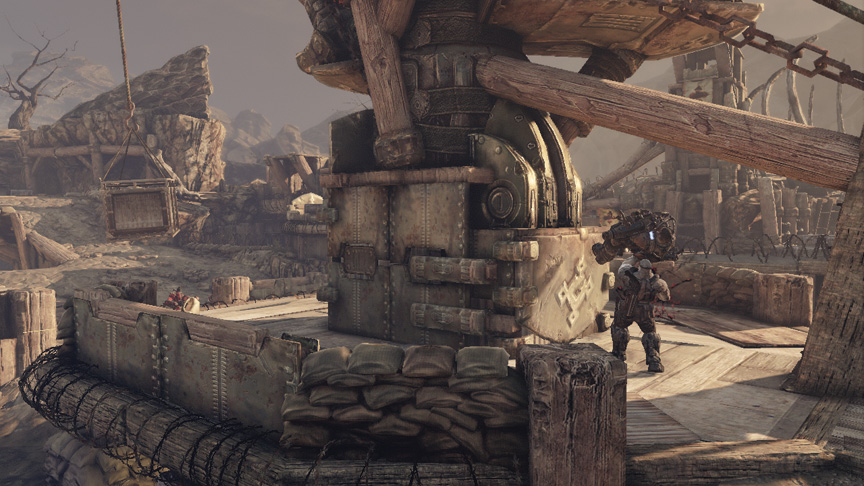
Cover sliding is a vital skill to master, and it’s a key part of rapid movement through Gears maps. It’s important for close-range combat, where cancelling cover slides can make you an unpredictable target.
Dodge
>Tap the A Button while you press any direction on the Analog Stick.
Dodging causes you to go into a combat roll in any direction. It’s very useful for quickly evading into cover, or eluding certain weapons. Dodging is also useful for breaking up your movement profile when you progress from cover to cover in the open.
Be careful about dodging in close-quarters combat. Players are very attuned to the roll’s speed and recovery. Trying it against a skilled opponent armed with a shotgun is a good way to die.