
Tales of Zestiria Guide Game System
Start/Save
Title Screen - First choose which audio language you would like the game to play (English or Japanese). You choose this every time you start up Tales of Zestiria.
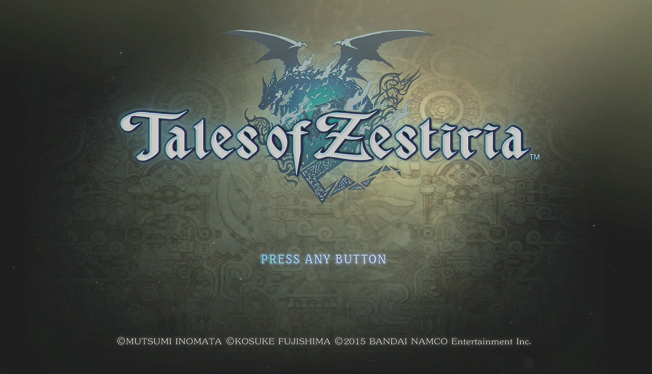
- New Game
- New Game+ (unlocked after first completion of the game. Use your Blessing Level points to carry over or add new features)
- Continue (access save files and continue adventure)
- Downloadable Content
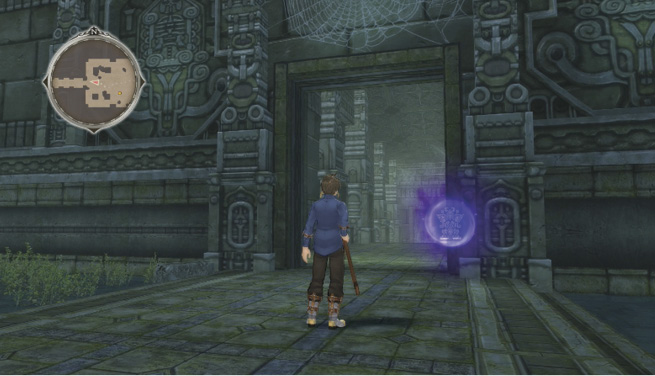
Save points
Save points can be found in fields, dungeons, and towns. Stand on one to save your game, find Skits, or access the Lord of the Land menu when available. Touching a save point will count your Grade toward that area’s Blessing Level if there is a Lord of the Land present. After activating a save point, you can travel between save points when the game plot allows it.
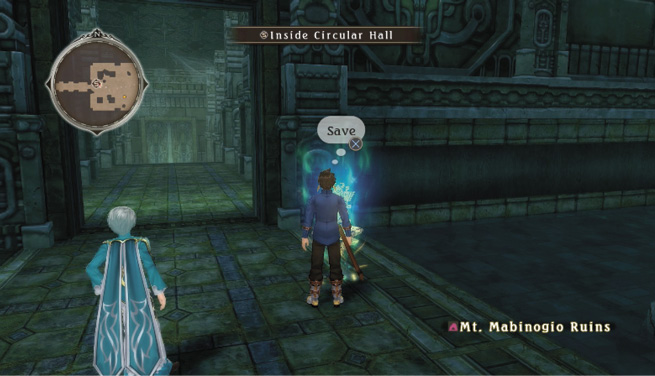
Quick Saves
If you’re in an area with no Save Points, you can use the Quick Save function in the Pause Menu by pressing OPTIONS.
You can store only one Quick Save file at a time, so this should only be used as a temporary way to save your game.