
Gears of War 4 Guide Basic Training
Campaign Modes & Difficulties
Gears of War 4 includes three unique gameplay modes that are sure to test every ounce of your skill. This portion of the book focuses on Campaign mode which can be played either solo or with a friend cooperatively. The game’s robust Multiplayer and Horde modes are covered in their own chapters in this book. Nevertheless, it is recommended that players try the Campaign first to become proficient with the game’s basic tactics before making the leap to Multiplayer. The tips and concepts detailed in this chapter will not only help you in Campaign mode, but prove useful in every mode you play.
Campaign
The main story Campaign contains a single player option and a Co-Op mode that allows you to play with one other person online, in split-screen, or via LAN. Campaign mode is divided into five Acts, containing a total of 24 chapters. The Campaign contains dozens of Collectibles and Achievements that can be found and unlocked.
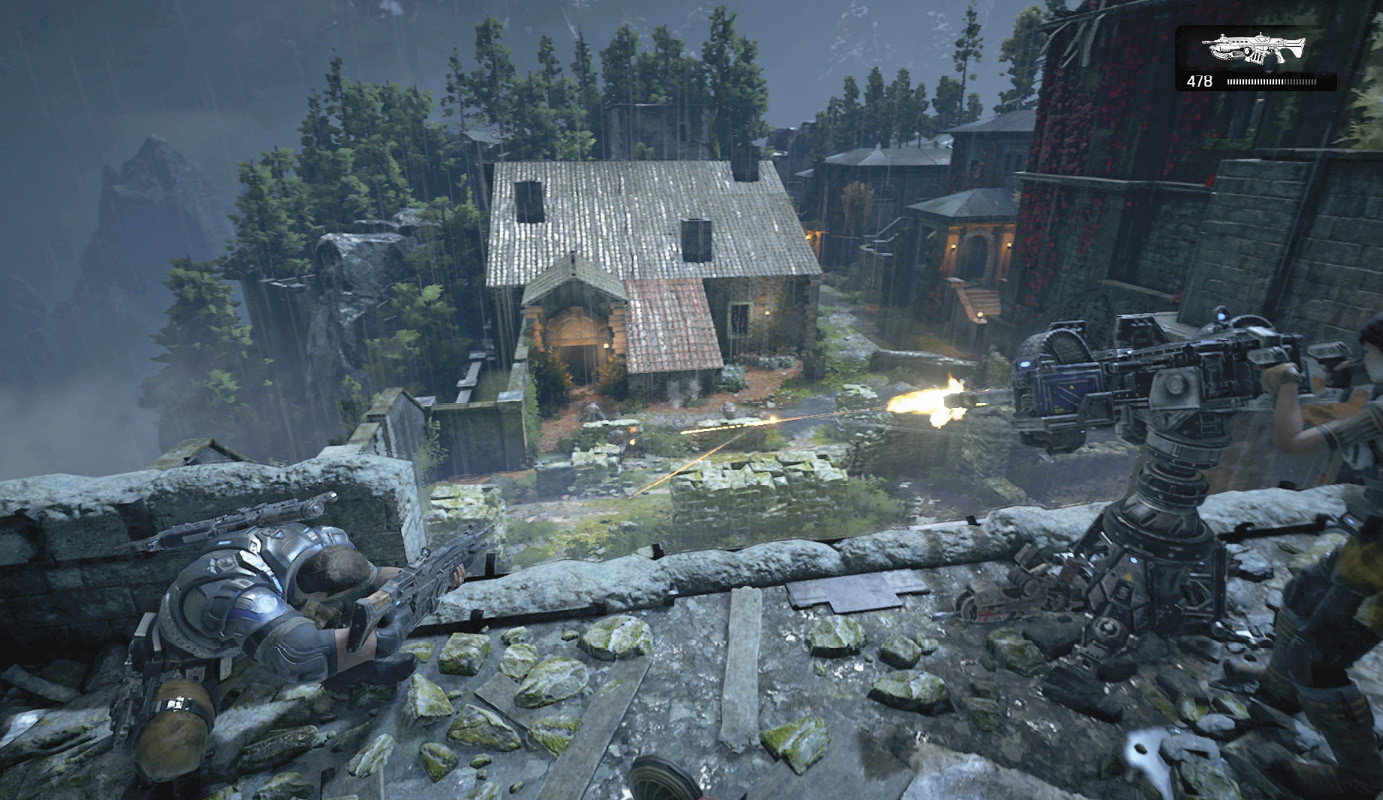
Solo Play: The player controls JD Fenix exclusively. Sometimes you will be paired up with Kait or Del, and other times you may be accompanied by JD’s father, Marcus Fenix. Sometimes you’ll even have a party of four. The rest of the squad is controlled by the in-game AI. They’ll work hard to revive you when you’ve been downed (DBNO), provide covering fire, and are even willing to trade weapons with you. Frequent Checkpoints and auto-saves make it so you never have to replay lengthy portions of the game if you perish in combat or fail a mission objective.
Co-Op: Play with another friend either online, via wired network (LAN), or via split-screen. The player hosting the game will always be JD, but the second player can choose between Kait and Del. Players aren’t required to have played through previously on their own, and each player is free to choose the difficulty setting that suits their skill. The number of enemies and comparative difficulty does not change when adding a second player, making this a great way to finish the game on the Hardcore and Insane difficulty modes.
Difficulty Options
Players can choose between the following four difficulty settings when playing Campaign: Casual, Normal, Hardcore, and Insane. Newcomers to the series may want to give the game’s Normal difficulty setting a try, especially if they have previous action game experience. Those who are brand new to modern videogames should probably go ahead and start on Casual mode, then adjust upwards if it feels too easy. Veterans of the series, depending on skill, should feel at home on Normal or Hardcore mode during their first play through. Hardcore mode offers just enough challenge without getting too frustrating for skilled players. Insane difficulty is best left to very experienced players, or those playing Co-Op mode with an equally talented friend.
Campaign Difficulty Modifiers
| Attribute | Casual | Normal | Hardcore | Insane |
|---|---|---|---|---|
| Player Health | 1410 | 720 | 420 | 210 |
| Player Damage Scale | 2.25 | 1.7 | 1.3 | 1.0 |
| Can DBNO? | Yes | Yes | Yes | No |
| Can Self-Revive | Yes | No | No | No |
As the accompanying chart shows, things get very, very tough on Insane difficulty. For starters, there is no DBNO, only death. Also, players have less than one-third the amount of health they do on Normal difficulty and inflict considerably less damage. As a rule of thumb, there are no global behavioral differences throughout the Campaign from one difficulty to the next. The differences are almost entirely statistical. In short, the player does less damage and has less health on the harder difficulty settings. This not only reinforces the need to stay in cover and keep your enemies at a distance, but it also forces the player to not waste ammo. Pick your shots carefully and aim for the head.