
Menus
Press Touchpad/View to summon the menu. From here, you can check out the Map, Gear Mods, Leaderboards, and your overall progress in the game. Switch between the different sections by pressing L1/LT or R1/RT.
Map
The map lets you quickly view liberated areas, as well as find challenges, resupply points, missions, and collectibles once they are discovered. You can toggle what’s visible on the map by pressing Square or X to open the Legend and select which options you’d like to see.
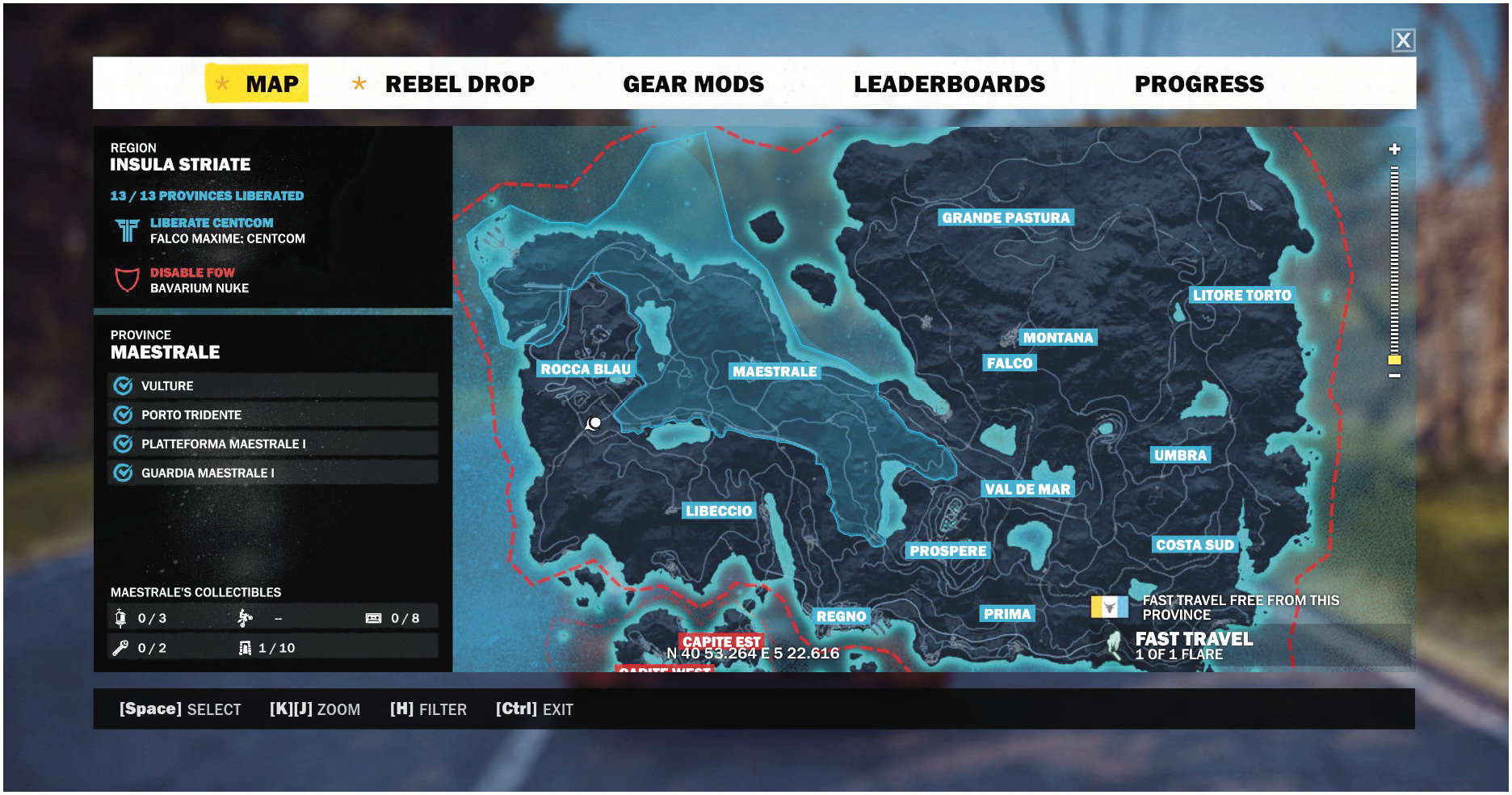
Move around the Map with Left Stick and zoom in with Right Stick Up/Down.
Liberated areas of the map appear as blue, with the oppressed areas showing up as red. Challenges are accessible only in liberated areas.
Fast Travel
You can fast travel from the Map, assuming you have a flare on hand. To do this, press X/A on a challenge, settlement, or base, then select Fast Travel. Once the load to your location completes, you will be standing on the side of a helicopter.
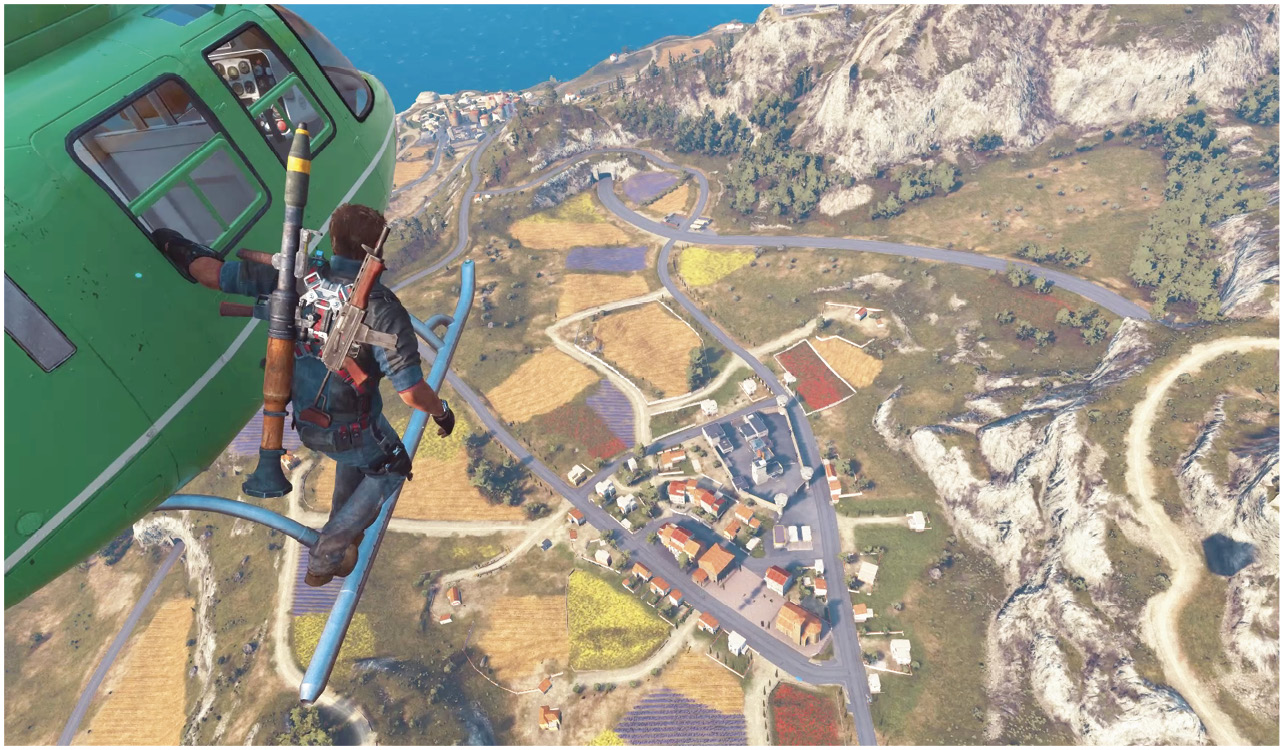
Flares can be resupplied by picking them up at different resupply points, which are marked on the map and unlocked by liberating areas and completing random encounters.
Setting a Waypoint
Set a waypoint by pressing X/A and selecting Set a Waypoint.