
Evolve Official Strategy Guide HUNTER TRAINING
Swapping Between Hunters
When playing with computer-controlled teammates, or if a player drops out of your game, you can switch to an open class by pressing one of the directional-pad buttons. A graphic representing these buttons is shown in the lower-left corner of the screen. Press the following buttons to switch to the corresponding Hunter.
Quick Switch
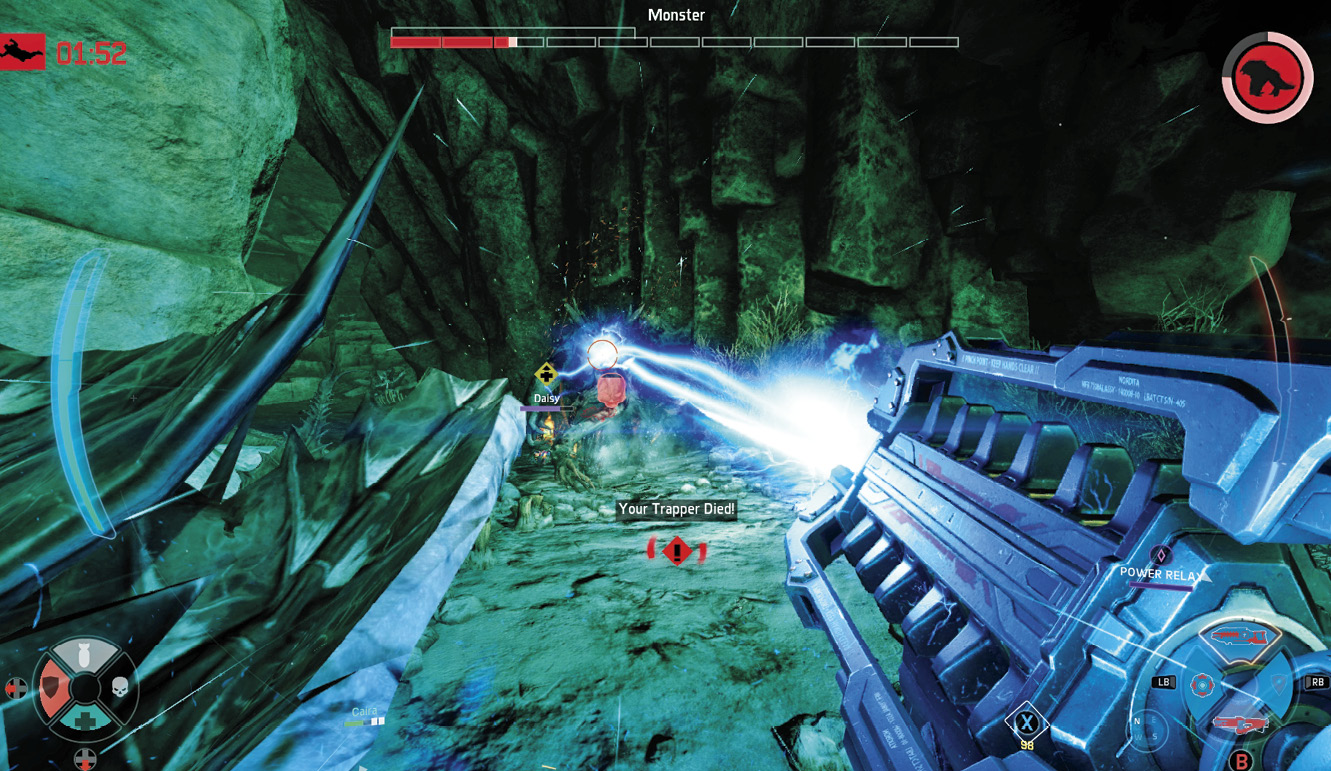
The blue background on the swap graphic shows the Hunter’s health. Once it is depleted, a skull icon appears to indicate that he or she is dead and no longer available to be swapped to.