
Mario Party 9 Guide Walkthrough 1-vs.-Rivals Minigames
Pix Fix
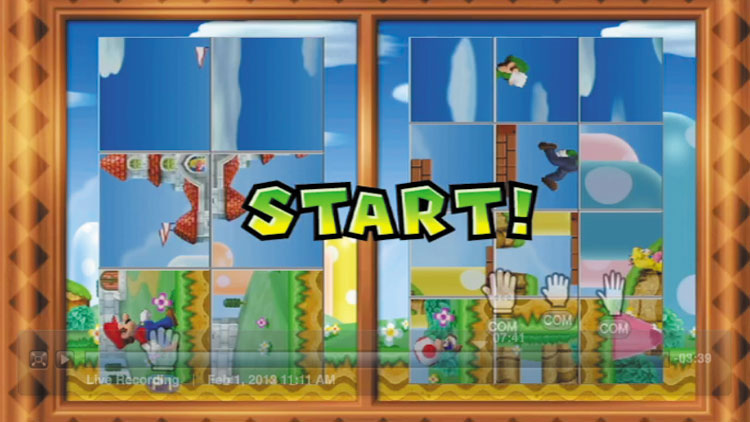
Pix Fix satisfies your craving for fast-paced puzzle solving. In this nifty minigame, the solo player races against the team of rivals to restore their respective portraits to rights.
The first side that manages to complete their portrait wins by stroke of genius!
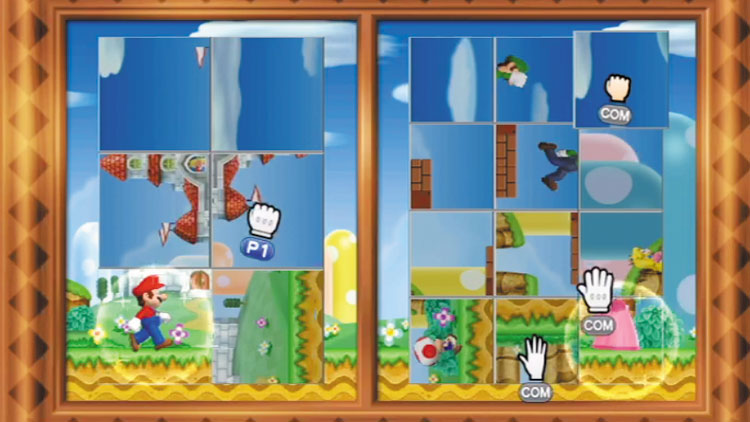
The controls for Pix Fix are identical for both the solo player and the team of rivals.
Whichever side you’re on, your goal is to reform your side’s mixed-up portrait by pointing at each of its panels, pressing and holding A, and then twisting the Wii Remote to spin the panel back to its proper position.
You can spin the panels clockwise or counterclockwise. Some panels need to be turned only once (90 degrees), while others need to be spun twice (180 degrees) to make them line up.
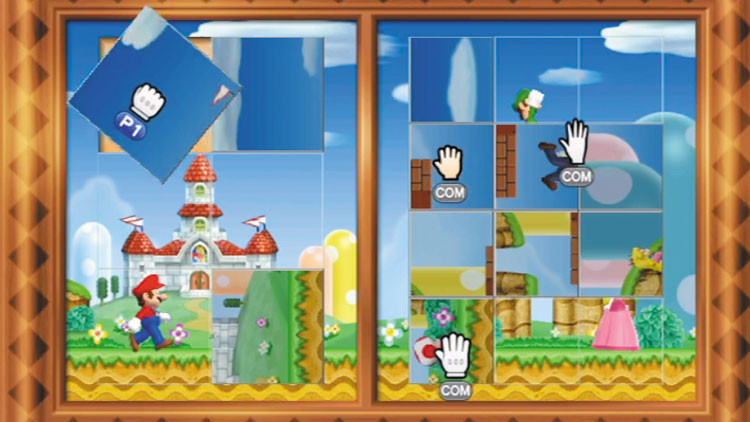
It may sound unfair to have one player working against a whole team, but not to worry—this event is balanced by the fact that the solo player has only six panels to rotate, while the team of rivals must align many more.
No matter which side you’re on, begin by spinning the panels that have easily identifiable images, such as characters or buildings—it’s much easier to get these ones right from the get-go, because it’s usually obvious to see which way is up.
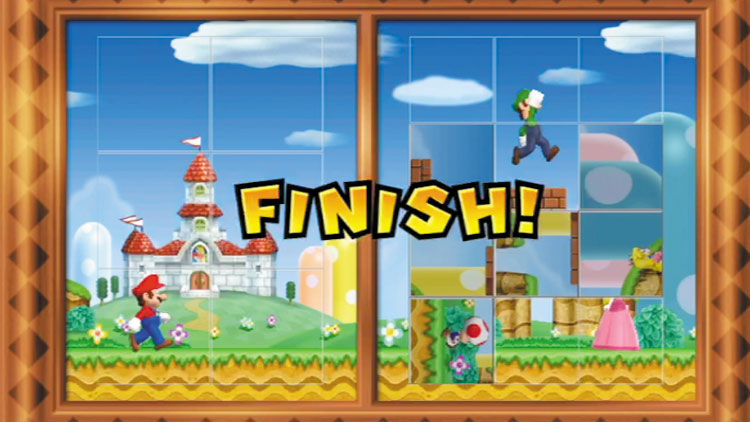
After you spin the more obvious panels to their proper position, start working on those head-scratchers.
With some of the panels already lined up, it’s easier to tell which way the more vague panels should face.
In a pinch, just keep flipping a problematic panel by 90 degrees until it locks into place. Now that pic is fixed!