
World of Warcraft: Warlords of Draenor Signature Series Strategy Guide GARRISONS
Missions
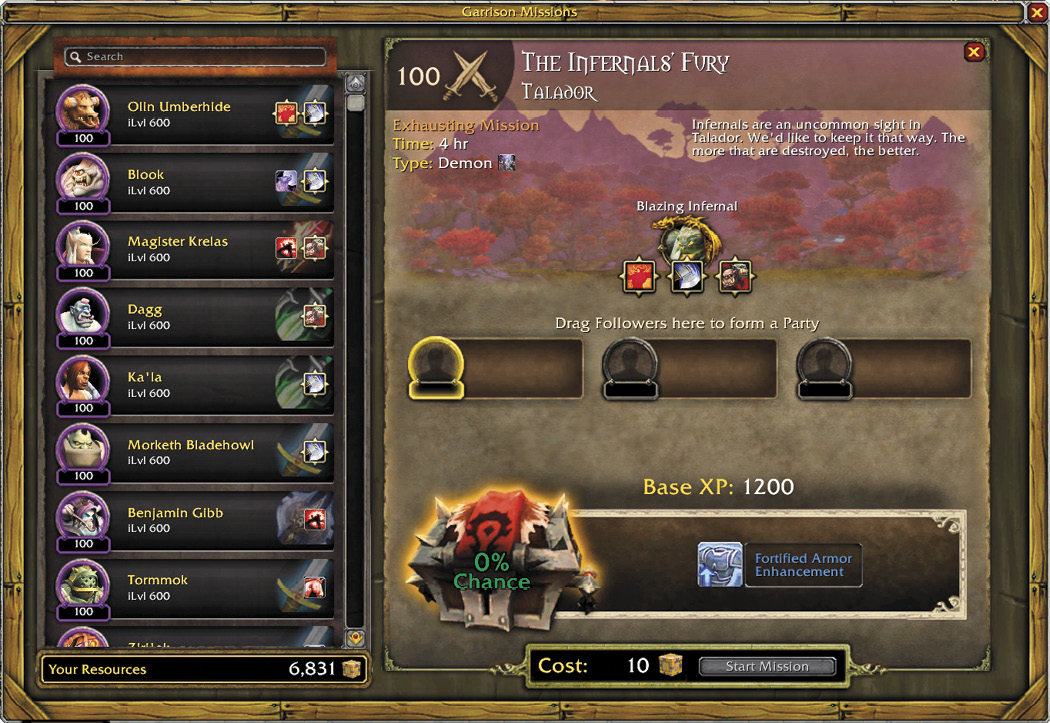
Missions are the main way your followers will gain XP and level. But Missions aren’t just for the benefit of your followers. When followers successfully complete Missions, you are rewarded as well, with gold, special items, armor, and more. To begin a Mission, click on the table in your character’s Town Hall. This will open the Mission interface, which will not only show you the Missions you have available, but also a full list of your followers as well, on the left-hand side.
Missions vary in complexity. Some Missions will require multiple followers to complete, or have multiple enemies that your followers will face. Missions take time to complete—some as short as 15-30 minutes, and some that take hours to complete. Generally speaking, the longer a Mission takes, the higher its difficulty. There are a few key points you want to pay attention to with Missions.
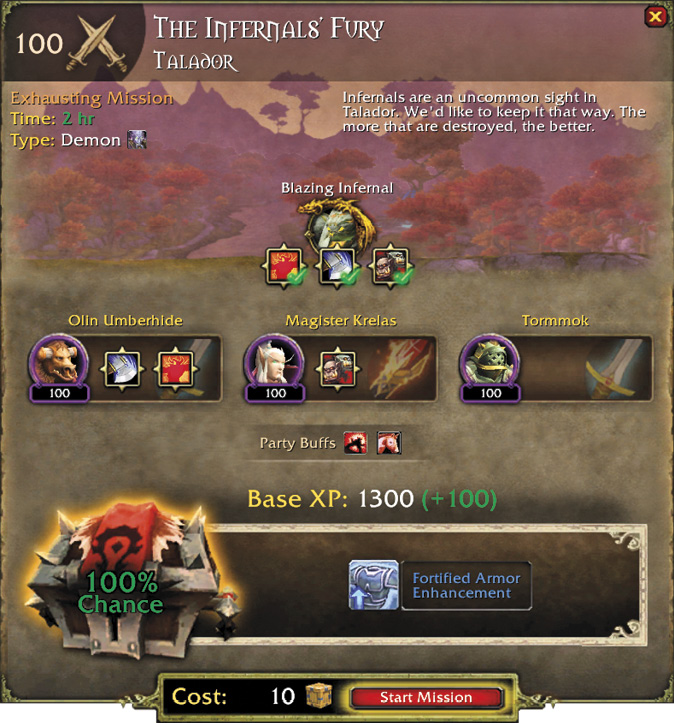
To complete your Missions with the best possible chances of success, you’ll want to carefully choose who to assign based on these key points. When you open a Mission, you’ll see that your follower list automatically has icons next to followers that are suitable for countering specific enemy abilities and mission types.
In Due Time
To assign a follower to a Mission, simply click and drag the follower’s icon to the blank portrait on the map. Pay attention to the success percentage chance—it should go up when you assign a follower. If the percentage chance isn’t raised, you might want to find a follower that is better suited for that particular Mission. Once you’ve filled out your roster, click Start Mission to send your followers on their way.
At that point, you simply go about your day doing your own quests, crafting, dungeons, or whatever it is you need to do. Your followers will go and complete their Mission on their own, with no help required. To check on a Mission’s status, click on the icon on your minimap to open the Garrison UI. From that pane, you can easily see who is still out on Missions, and who has successfully returned.
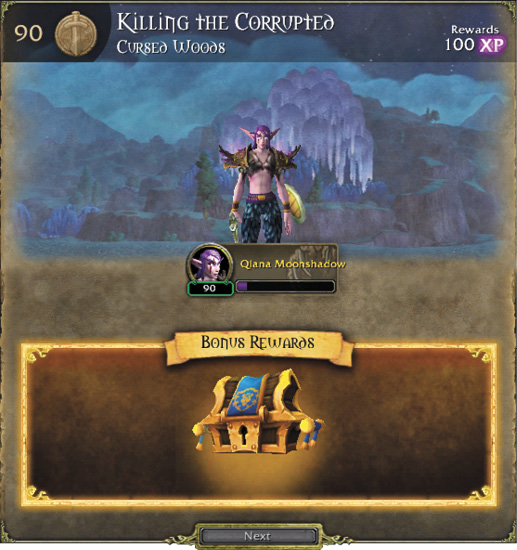
Once a Mission has been completed, return to your Town Hall to see if it was successfully completed, what your followers earned, and to claim any rewards they might have brought back with them.