
Batman: Arkham Knight Guide Game Play
Display
The heads-up display shows several useful pieces of information at a glance. Aspects of it fade away to clear your view when the info isn’t needed.
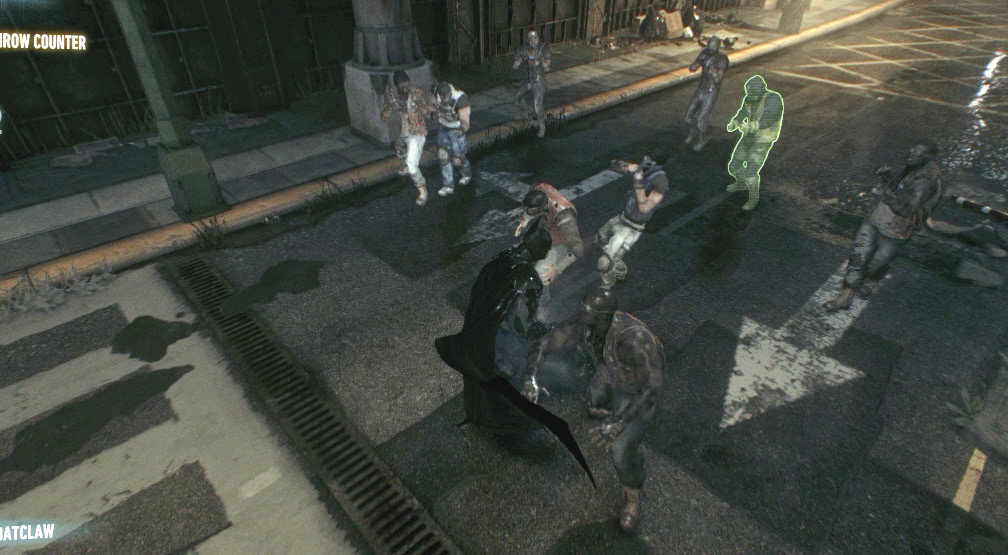
Batman’s health is visible on the top-left corner. Other indicators display the currently equipped Gadget and any currently available contextual controls.
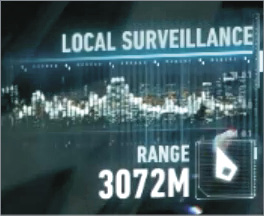
When you’re prowling above Gotham’s streets, a Local Surveillance indicator on the right points the way toward a looter or militia member below who’s up to no good.
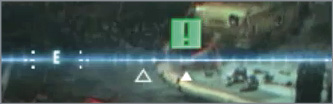
The compass atop the screen helps orient you and can point the way to current targets and waypoints. Target Details can show up onscreen when you’re near an objective and facing it.
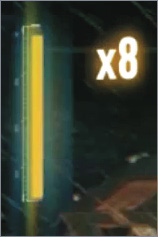
When you’re actively brawling with baddies or engaging in a tank skirmish, the Combo indicator appears on the left.