Batman: Arkham Knight Guide Game Play
Choosing Objectives
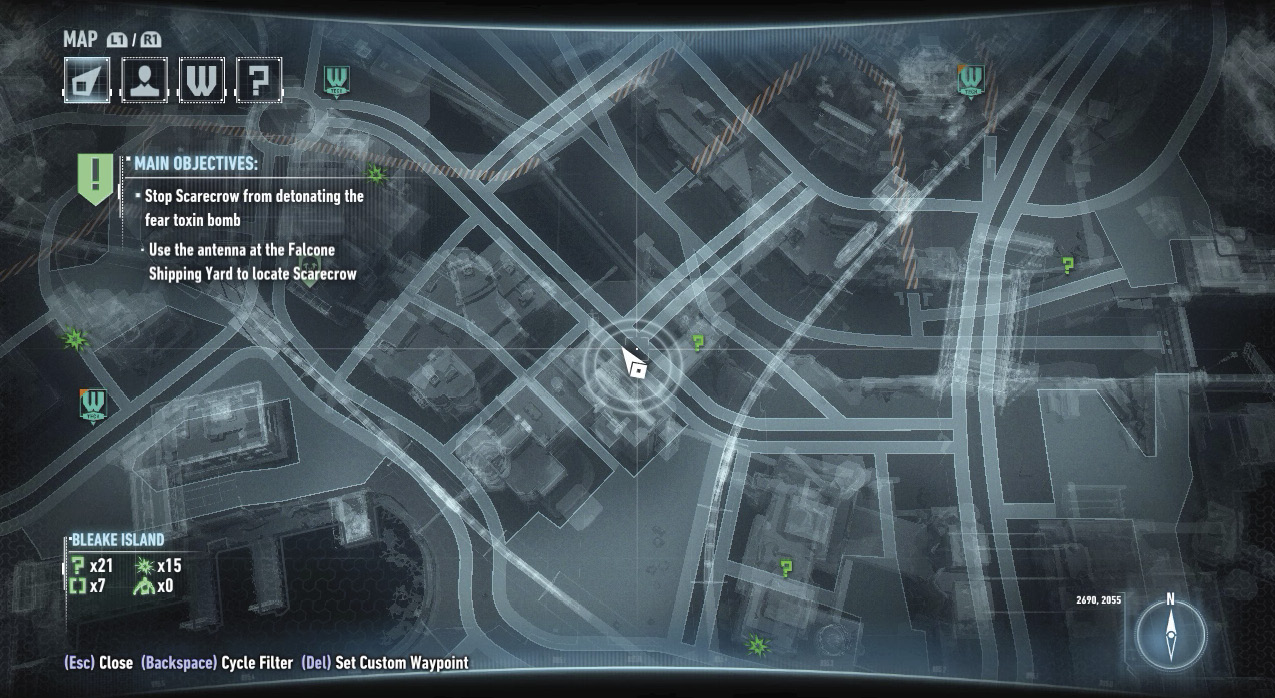
From the Most Wanted screen (Right on the D-Pad), you can choose between the main path or a side mission as your current focus. Waypoints for the current objective appear on the map screen and the HUD. These waypoints guide you to the vicinity of your objective. The map screen, provided remotely by the Batcomputer, can also be used to set waypoints of your own and to view any collectible locations you’ve shaken down from Informants. The locations of any AR Challenges available are also displayed. You can filter between types of targets to help prioritize your effort. Initially, you’re restricted to exploration on Bleake Island, but quickly enough the other two islands are accessible as well.