
Dead Rising 2 Guide Gameplay Brain Food
Menus and Interface
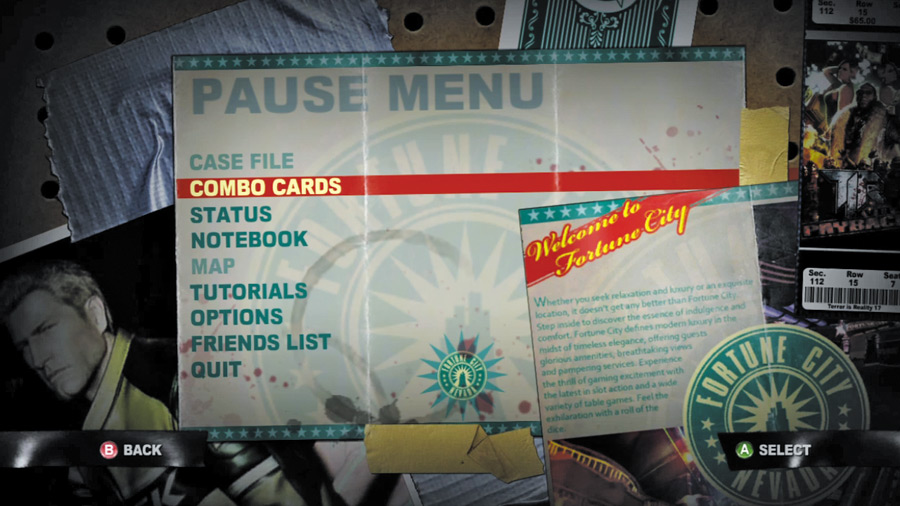
Is your brain feeling fed? Good. Let’s wrap things up with a look at the Pause menu options.
CASE FILE
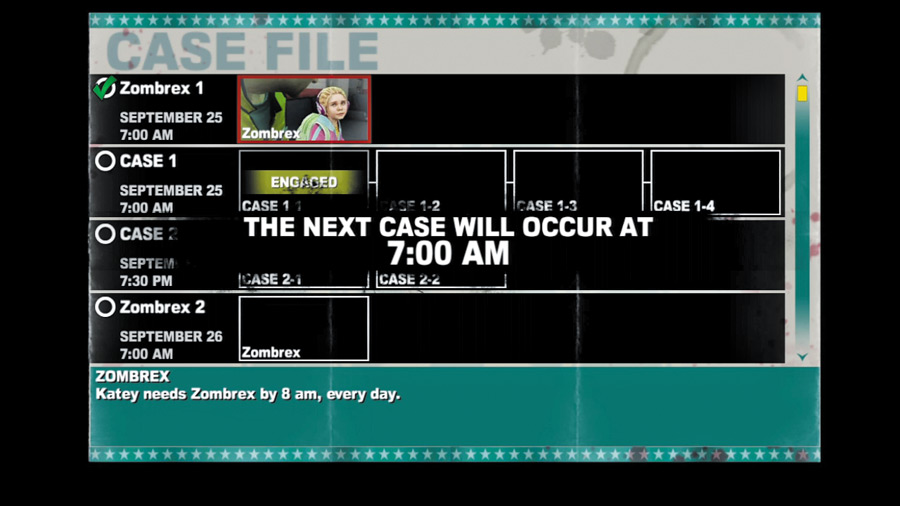
Much more is going on in Fortune City than meets the eye, and Chuck Greene is determined to get to the bottom of the horrendous outbreak. The Case File lists all mandatory missions that Chuck must complete to discover the truth.
Failing to meet any of these objectives does not end the game—you’re free to keep playing to explore, destroy, and level Chuck up if you wish. But you’ll never uncover the truth of what’s happened in Fortune City unless you meet these vital objectives.
COMBO CARDS
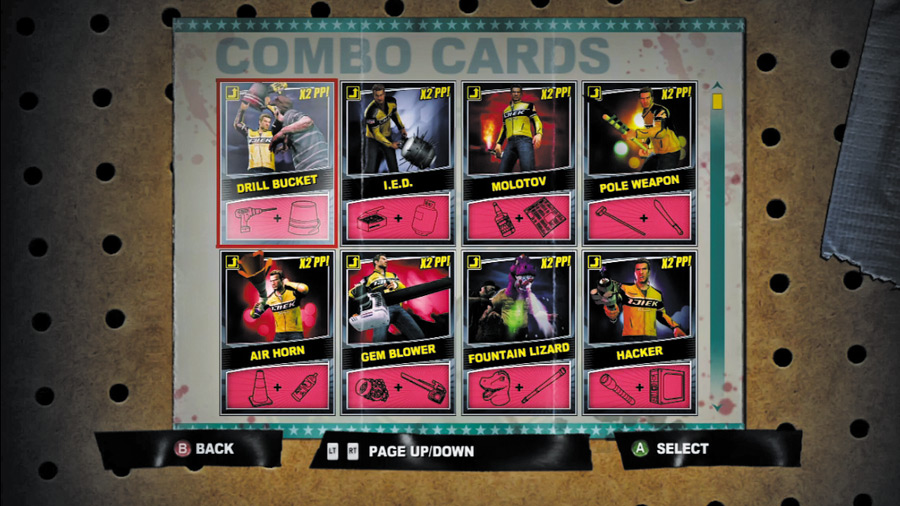
All of the scratch and combo cards that Chuck has acquired are listed under this section of the Pause menu. Here you may review the cards at any time to see what you need to build the ultimate tools of zombie destruction.
Refer to the next chapter, “Skills, Weapons, and Combos,” for a complete list of combo cards that includes informative descriptions of their weapons and where to find them.
NOTEBOOK
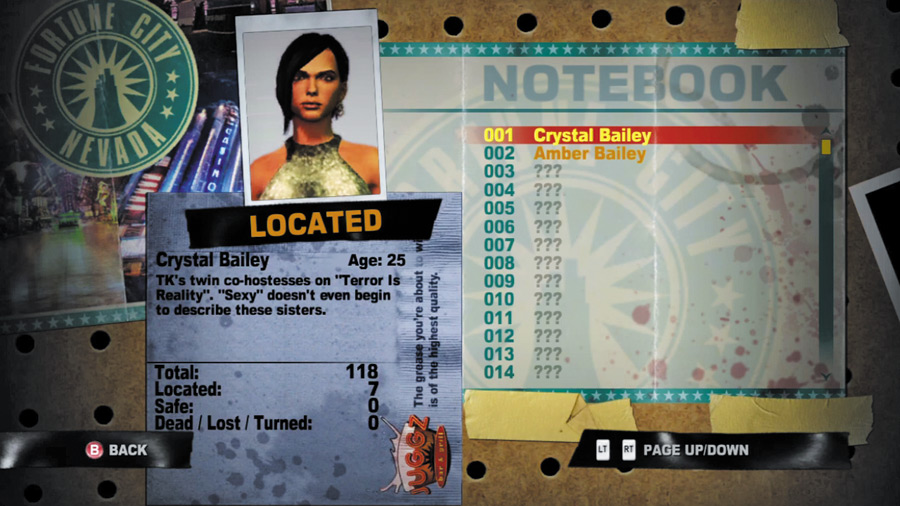
Chuck’s a surprisingly detail-oriented guy — he keeps a faithful record of every named character he encounters during his time in Fortune City. Review this list of characters at any time by calling up the notebook.
Here you can see who Chuck has met, who’s safe at the Safe House, and who has been tragically killed in the outbreak. Not every name on the list is someone that can be saved, mind you—psychopaths count as named characters as well!
STATUS
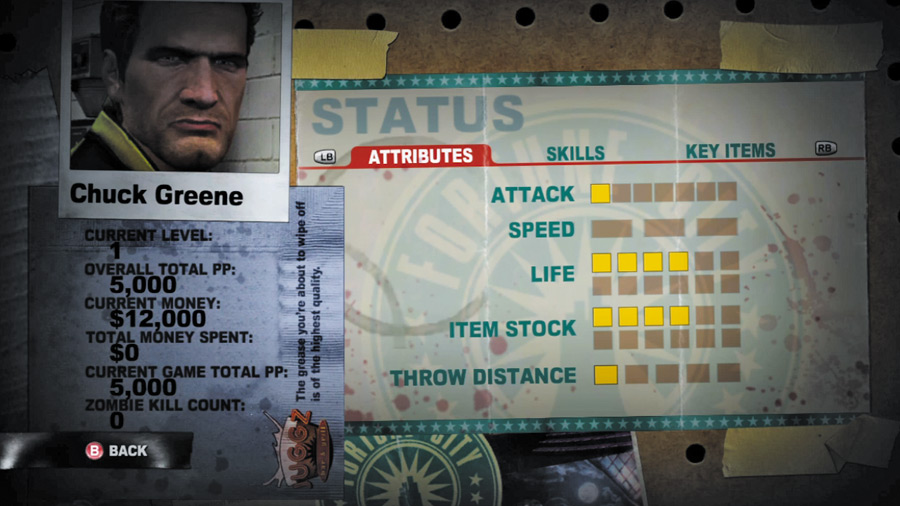
Call up the Status menu whenever you’d like a look at how far Chuck has progressed through leveling up. Here, all of Chuck’s current stats, skills, and key items are displayed — flip through the menus to review all of this important info.
LEVELLING UP
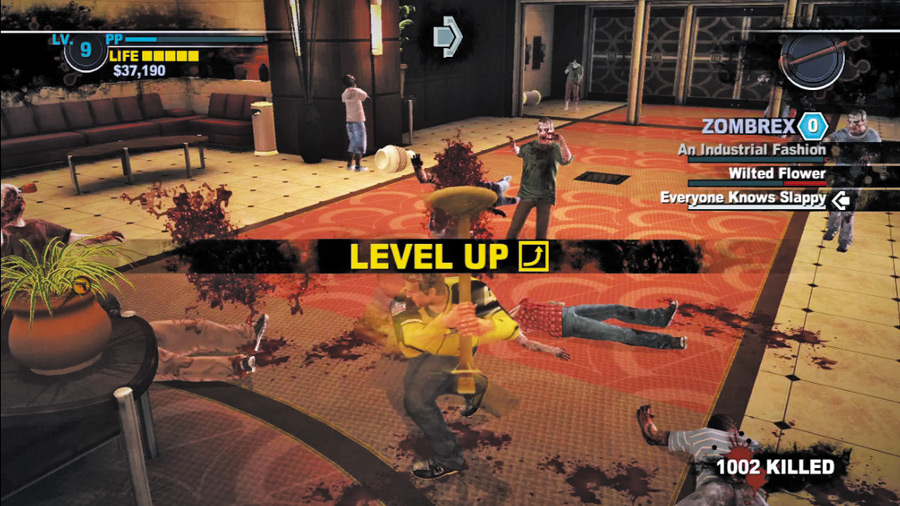
Chuck steadily gains Prestige Points (PP) as he performs heroic deeds, and levels up after accumulating set amounts. Here are the most common actions that cause Chuck to gain PP:
• Convincing survivors to join you.
• Escorting survivors to the Safe House.
• Defeating looters, mercenaries, and psychopaths.
• Obliterating zombies with skills and combo weapons.
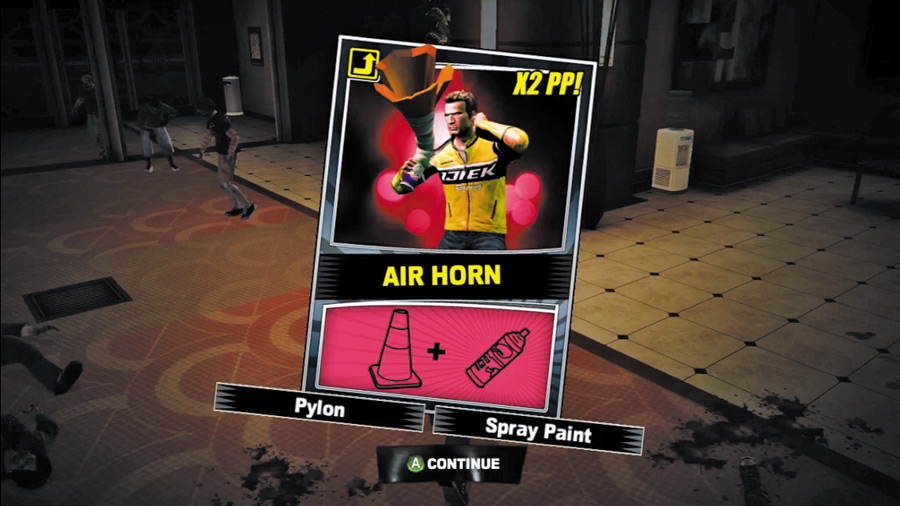
Rewards are bestowed at random each time Chuck levels up—you never know just what he’ll get. It could be a new skill, combo card, or perhaps one of Chuck’s stats will increase—any or all of these can happen when a new level is reached
Rest assured that everything will have unlocked by the time Chuck hits level 50 (the maximum). At that point, he’ll be all the zombie slayer he can be.
CHUCK'S LEVELLING CHART
| Level | PP Required |
|---|---|
|
1 |
0 |
|
2 |
20,000 |
|
3 |
40,000 |
|
4 |
60,000 |
|
5 |
80,000 |
|
6 |
110,000 |
|
7 |
140,000 |
|
8 |
170,000 |
|
9 |
200,000 |
|
10 |
230,000 |
|
11 |
280,000 |
|
12 |
330,000 |
|
13 |
380,000 |
|
14 |
430,000 |
|
15 |
480,000 |
|
16 |
550,000 |
|
17 |
620,000 |
|
18 |
690,000 |
|
19 |
760,000 |
|
20 |
830,000 |
|
21 |
920,000 |
|
22 |
1,010,000 |
|
23 |
1,100,000 |
|
24 |
1,190,000 |
|
25 |
1,280,000 |
|
26 |
1,380,000 |
|
27 |
1,480,000 |
|
28 |
1,580,000 |
|
29 |
1,680,000 |
|
30 |
1,780,000 |
|
31 |
1,910,000 |
|
32 |
2,040,000 |
|
33 |
2,170,000 |
|
34 |
2,300,000 |
|
35 |
2,430,000 |
|
36 |
2,580,000 |
|
37 |
2,730,000 |
|
38 |
2,880,000 |
|
39 |
3,030,000 |
|
40 |
3,180,000 |
|
41 |
3,350,000 |
|
42 |
3,520,000 |
|
43 |
3,690,000 |
|
44 |
3,860,000 |
|
45 |
4,030,000 |
|
46 |
4,210,000 |
|
47 |
4,390,000 |
|
48 |
4,570,000 |
|
49 |
4,750,000 |
|
50 |
5,000,000 |
STAT INCREASE PROBABILITY
The following table lists the likelihood of Chuck’s skills increasing when he levels up. For example, through levels 1 to 10, Chuck is twice as likely to gain health or inventory slots as he is to increase his attack power or throwing distance.
Speed increases are the rarest of all; Chuck is unable to improve this stat during levels 11 to 20, but it’ll be maxed by the time he hits level 40.
|
Level Range |
Health |
Inventory |
Attack |
Throw |
Speed |
|---|---|---|---|---|---|
| 1–10 | x2 | x2 | x1 | x1 | x1 |
| 11–20 | x2 | x1 | x1 | x1 | - |
| 21–30 | x1 | x2 | x1 | x1 | x1 |
| 31–40 | x2 | x1 | x2 | x1 | x1 |
| 41–50 | x1 | x2 | x1 | - | - |
MAP
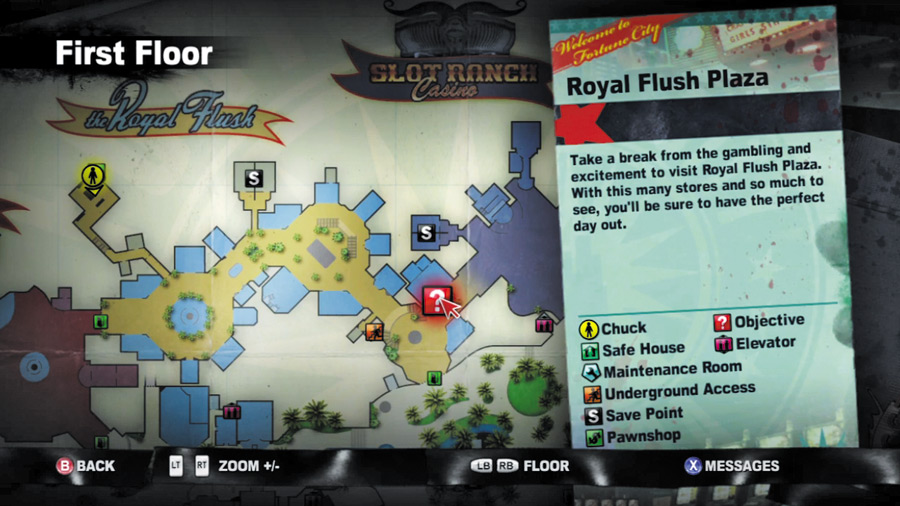
You’ll spend plenty of time viewing Chuck’s map of Fortune City, which provides a complete view of the entire game world.
Pass your cursor over the various shops and locales to call up their names and descriptions. The map is extremely useful; consult it and plan your moves before you make them.
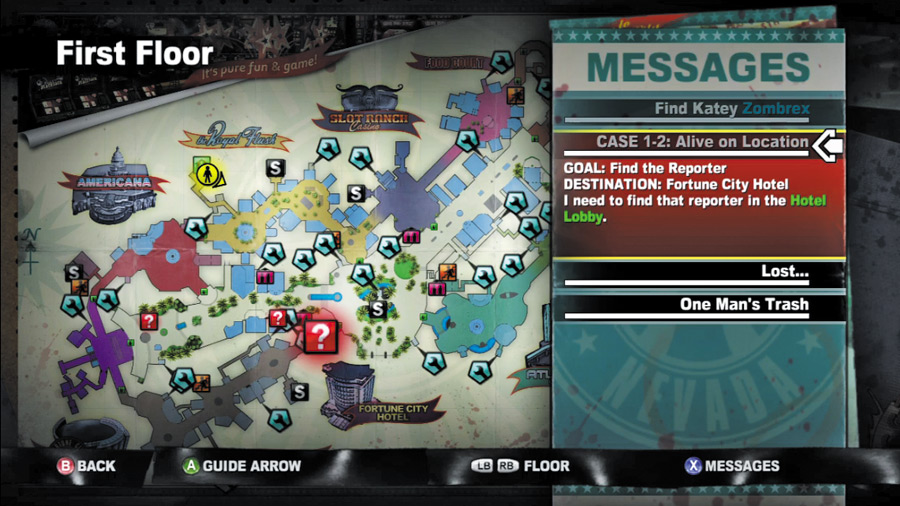
While viewing the map, you can call up your current list of messages — all of the side missions that Stacey has lined up for Chuck. Cycle through these tasks to view details about them, including where you must go to carry them out.
Remember, tasks up top will expire before those at the bottom — the colored bars beneath their titles measures how much time remains.
TUTORIALS
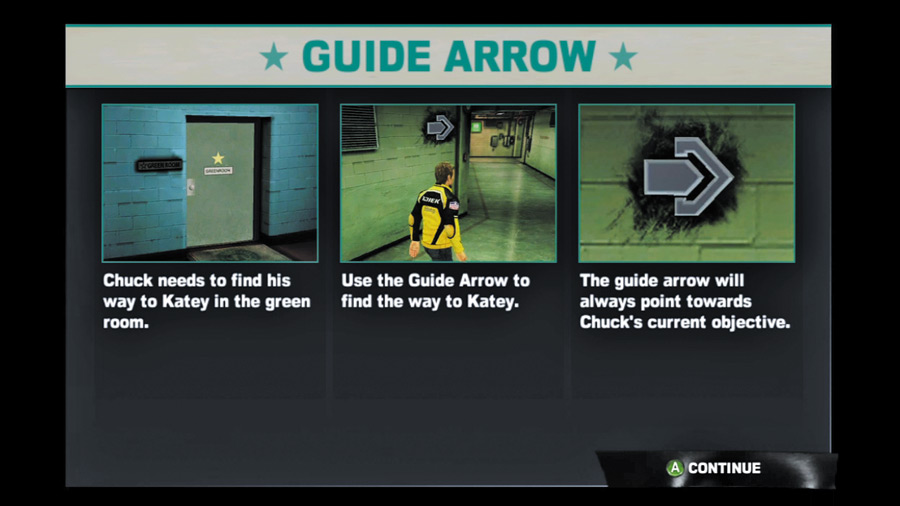
As you encounter new elements of gameplay, handy tutorial screens appear to give you the gist of each one.
You can review these tutorial screens at any time by pausing the game and selecting “Tutorials.” If you’re ever unsure of a certain game mechanic, check through the tutorials to see if there’s something in there that clears things up.
OPTIONS
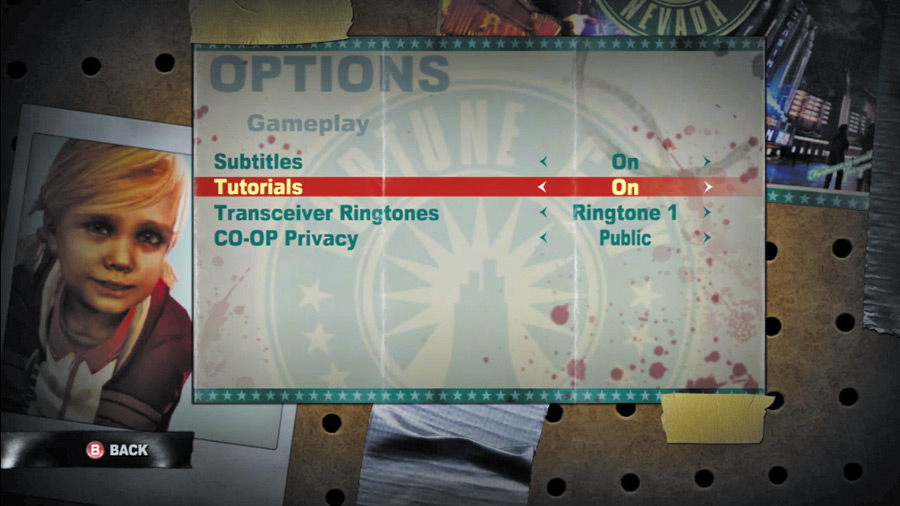
Pause the game and choose “options” to fne-tune your survival horror experience. Here you may adjust various control, audio, and gameplay options, each one being very straightforward.
FRIENDS LIST
The Pause menu gives you fast access to friends who are playing Dead Rising 2. This makes it easy to jump into a friend’s game or ask them to join yours. remember, two Chucks means twice the destruction!
QUIT
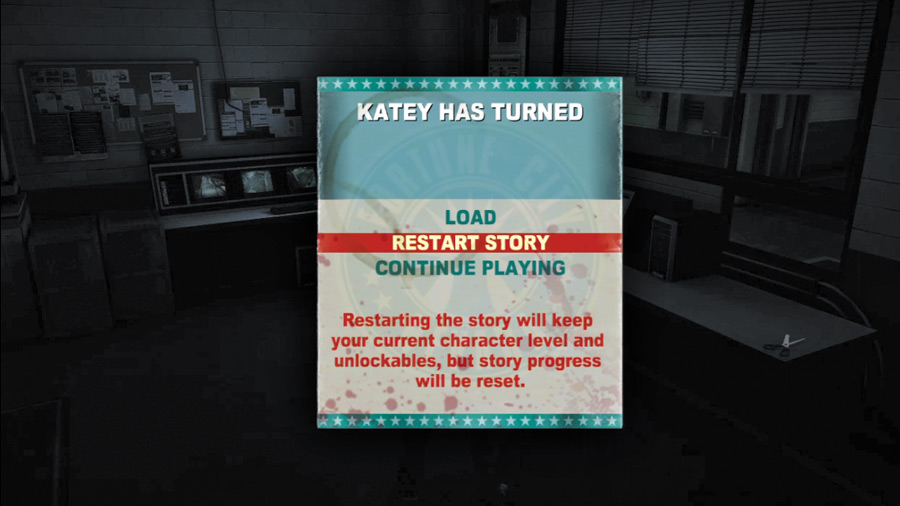
When you’ve had enough awesomeness for the day, go ahead and choose the “Quit” option from the Pause menu. This allows you to exit out to the main menu—but make sure you’ve saved your progress at a restroom frst!
You can also choose to load a previous save from the Quit menu, or to restart the adventure from the very beginning. When you choose to restart, the story is reset, but Chuck retains all of the PP, cash, and combo cards you’ve earned for him thus far.