
Red Faction: Armageddon Guide Multiplayer Battlegrounds Basics
Getting Started
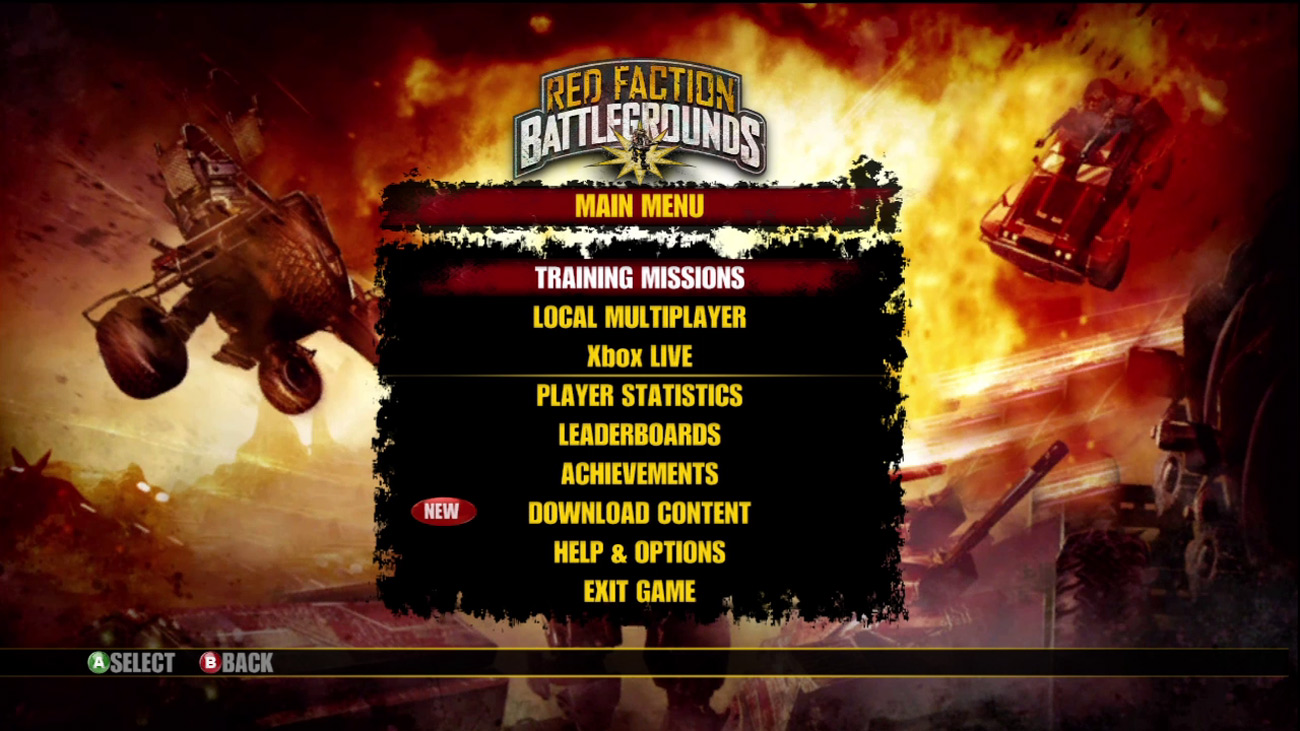
New to the game? Then start with the Training Missions to get familiar with the controls, vehicles, and maps.
The signature destructive gameplay from Red Faction: Guerilla comes to the downloadable arcade with Red Faction: Battlegrounds ! Jump into your favorite tank or walker using your Gauss guns, rocket launchers, and Singularity Bombs to destroy the competition, and the environment along with it.
Battle your way through treacherous Martian deserts, terraformed enclaves, and more in a variety of different multiplayer modes and single-player missions. Rank up by defeating the competition and unlock new content including maps, vehicles, weapons, and even items for Red Faction: Armageddon .
Red Faction: Battlegrounds is a downloadable arcade game available for purchase on Xbox Live and the Playstation Network. If you want to try out the game before purchasing it, you can download a playable demo, giving you a small taste of the vehicular mayhem awaiting you in the full game.
Before you jump into action, take a moment to familiarize yourself with the controls. Most of the action is controlled by simply moving the left and right control sticks. Use the left stick to move your vehicle and the right stick to rotate your vehicle’s turret and to fire. This simple control configuration makes the game easy to learn. The following table lists a summary of the controls.
Controls
| Action | Xbox 360 | PS3 |
|---|---|---|
| Move Vehicle | Left Control Stick | Left Control Stick |
| Aim/ Fire Primary Weapon | Right Control Stick | Right Control Stick |
| Reverse | LT | L2 |
| Fire Primary Weapon | RT | R2 |
| Deploy Secondary Weapon | RB | R1 |
| Detonate Secondary Weapon | LB | L1 |
| Self Destruct |
Hold Y
|
Hold Triangle
|
| Pause |
Start
|
Start
|
| Toggle Fire Mode |
Back
|
Select |