Prima Games eGuides
primagames.com Browse Redeem a code Help
Red Faction: Armageddon eGuide
Sign in My Guides

Sign in or create an account

We'll email you a link. No password needed, and if you don't have an account yet, the link makes one.

By creating an account or signing in, you agree to our Terms of Service and Privacy Policy.

Have a password?

Had an account on the old eGuides site, or a code from a printed guide? Help and troubleshooting

Sign in with a password

By signing in, you agree to our Terms of Service and Privacy Policy.

Check your email

A sign-in link is on its way. It works once and expires in 15 minutes. Open it and you're in, with an account if you didn't already have one.

Contents

  • Essentials
    • Universe
      • The Revolutionary History of Mars
      • Science, Technology, and Culture in Red Faction
      • The Characters of Red Faction: Armageddon
      • Comic Book Prequel
    • Armory
      • Weapons
      • Pre-Order/DLC Weapons
      • Vehicles
      • Upgrades
    • Enemies
      • Adam Hale's Cultists
      • Creatures of the Plague
    • Compendium
      • Red Faction Retrospective
      • Audio Logs
      • Cheats Menu
  • Walkthrough
    • Campaign
      • Prologue
      • Armageddon
      • The Terraformer
      • Dig Site
      • We're Not Alone
      • Outbreak
      • Road to Bastion
      • Bastion Defenses
      • Water Supplies
      • Ice Mines
      • Infection
      • On The Run
      • The Red Faction
      • Relay Stations
      • Heavy Metal
      • The Temple
      • Must Go Faster
      • Marauder Defenses
      • Older Enemies
      • Air Support
      • The Road Less Traveled
      • Knock, Knock
      • The Lair
      • Last Chance
      • Epilogue
    • Infestation
      • Getting Started
      • Infestation Missions
    • Ruin Mode
      • Getting Started
      • Maps
  • Multiplayer
    • Battlegrounds Basics
      • Getting Started
      • Vehicles
      • Pick-Ups
      • Training Missions
    • Battlegrounds Training Levels
      • Level 1: The Quick and the Dead
      • Level 2: Gunslinger
      • Level 3: Standoff
      • Level 4: Metal-Storm
      • Level 5: Badlands Bushwhack
      • Level 6: Snatch and Grab
      • Level 7: Hard Targets
      • Level 8: The Briar Patch
      • Level 9: Badland Showdown
      • Level 10: Wheels of Fire
      • Level 11: Toxic Takedown
      • Level 12: Collateral Damage
      • Level 13: Cold Day in Hell
      • Level 14: Quick and Dirty
      • Level 15: Hothouse
      • Level 16: Final Fury
    • Mulitplayer
      • Game Modes
      • Maps
      • XP and Ranks
      • Player Titles
      • Awards

Red Faction: Armageddon Guide › Multiplayer › Battlegrounds Basics

Getting Started

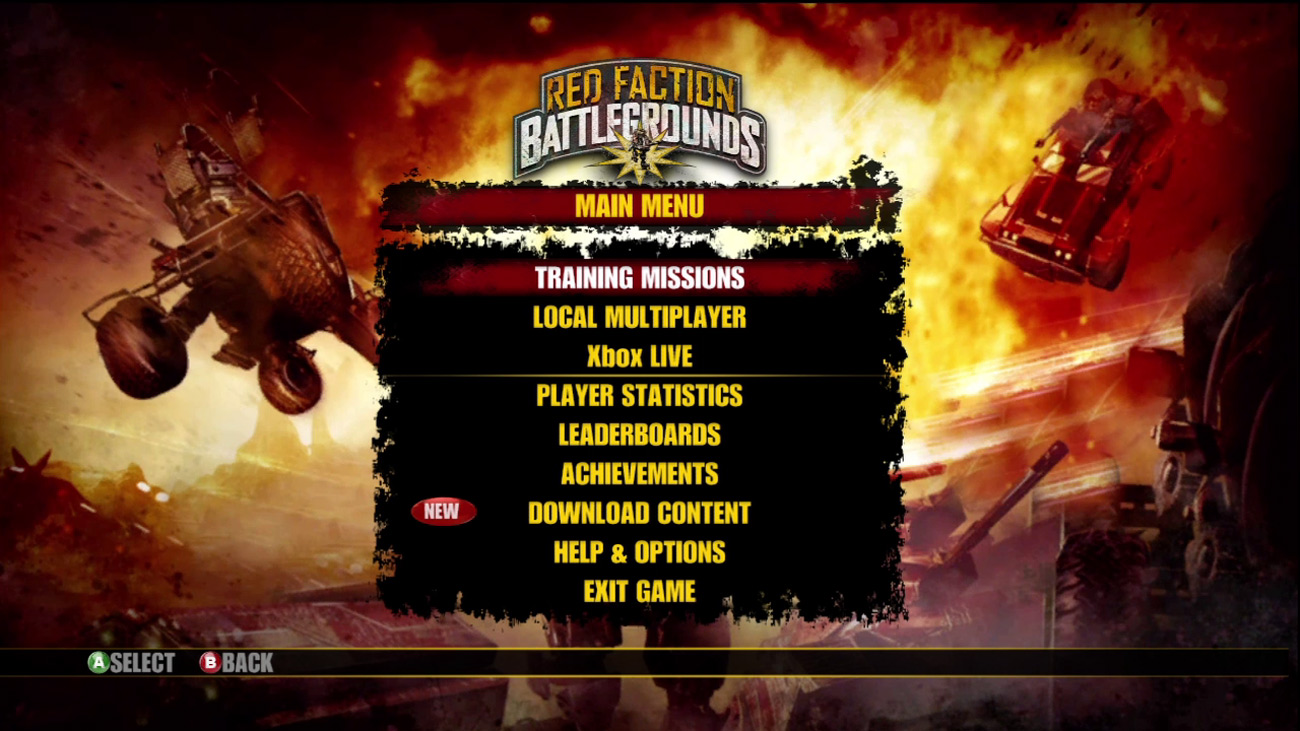
New to the game? Then start with the Training Missions to get familiar with the controls, vehicles, and maps.

The signature destructive gameplay from Red Faction: Guerilla comes to the downloadable arcade with Red Faction: Battlegrounds ! Jump into your favorite tank or walker using your Gauss guns, rocket launchers, and Singularity Bombs to destroy the competition, and the environment along with it.

Battle your way through treacherous Martian deserts, terraformed enclaves, and more in a variety of different multiplayer modes and single-player missions. Rank up by defeating the competition and unlock new content including maps, vehicles, weapons, and even items for Red Faction: Armageddon .

Red Faction: Battlegrounds is a downloadable arcade game available for purchase on Xbox Live and the Playstation Network. If you want to try out the game before purchasing it, you can download a playable demo, giving you a small taste of the vehicular mayhem awaiting you in the full game.

Before you jump into action, take a moment to familiarize yourself with the controls. Most of the action is controlled by simply moving the left and right control sticks. Use the left stick to move your vehicle and the right stick to rotate your vehicle’s turret and to fire. This simple control configuration makes the game easy to learn. The following table lists a summary of the controls.

Controls

Action Xbox 360 PS3
Move Vehicle Left Control Stick Left Control Stick
Aim/ Fire Primary Weapon Right Control Stick Right Control Stick
Reverse LT L2
Fire Primary Weapon RT R2
Deploy Secondary Weapon RB R1
Detonate Secondary Weapon LB L1
Self Destruct Hold Y
Hold Triangle
Pause Start
Start
Toggle Fire Mode Back
Select

Note

By default, firing is mapped to the right control stick. In the Settings menu, it’s possible to switch the default fire mode to Trigger Fire. This enables you to use the right trigger to fire your primary weapon, which some people may prefer since it gives you more control. You can also toggle this option by pressing the Select button during gameplay.

Keep reading with a free account

The first 3 sections of Red Faction: Armageddon are open to everyone. An account opens the rest of it, and every other guide in the archive. It's free, and there's nothing to buy.

Bought guides on the old Prima Games site? Your account and every guide you own moved here, so there's nothing to buy again. Sign in.

Create a free account Or browse our free guides

PreviousMaps NextVehicles