
Halo Wars 2 Guide Multiplayer Multiplayer Atlas
Map Features
Our Atlas section aims to prepare you to tackle the wide array of Multiplayer maps. Here, we reveal key map features, locations of resources, and the various maps’ elevation differences.
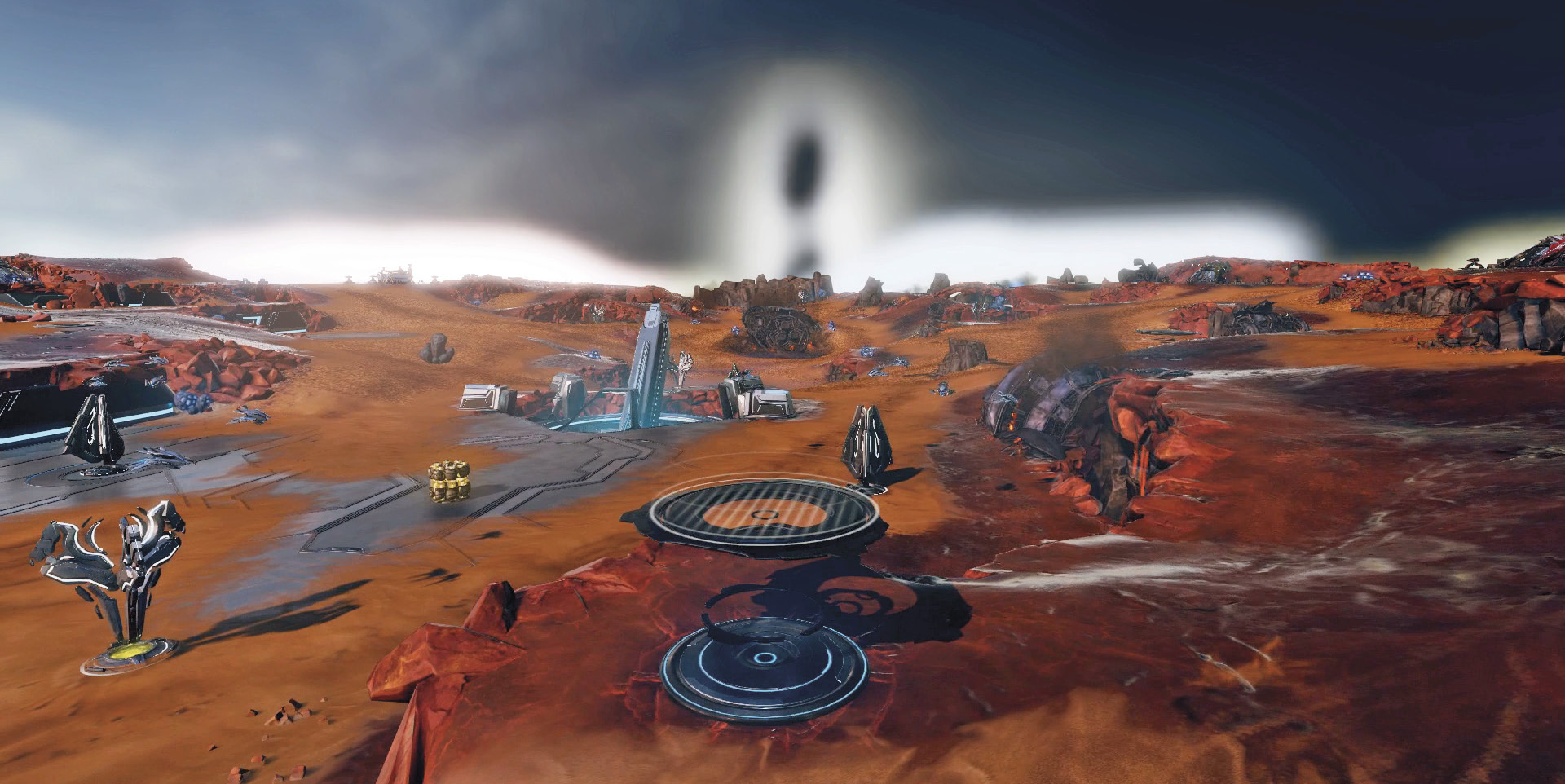
Garrisons: Garrisons come in many different shapes and gain their name from the fact that they can garrison one or two units, depending on the garrison itself. Units inside a garrison gain a defense buff and a line-of-sight bonus.
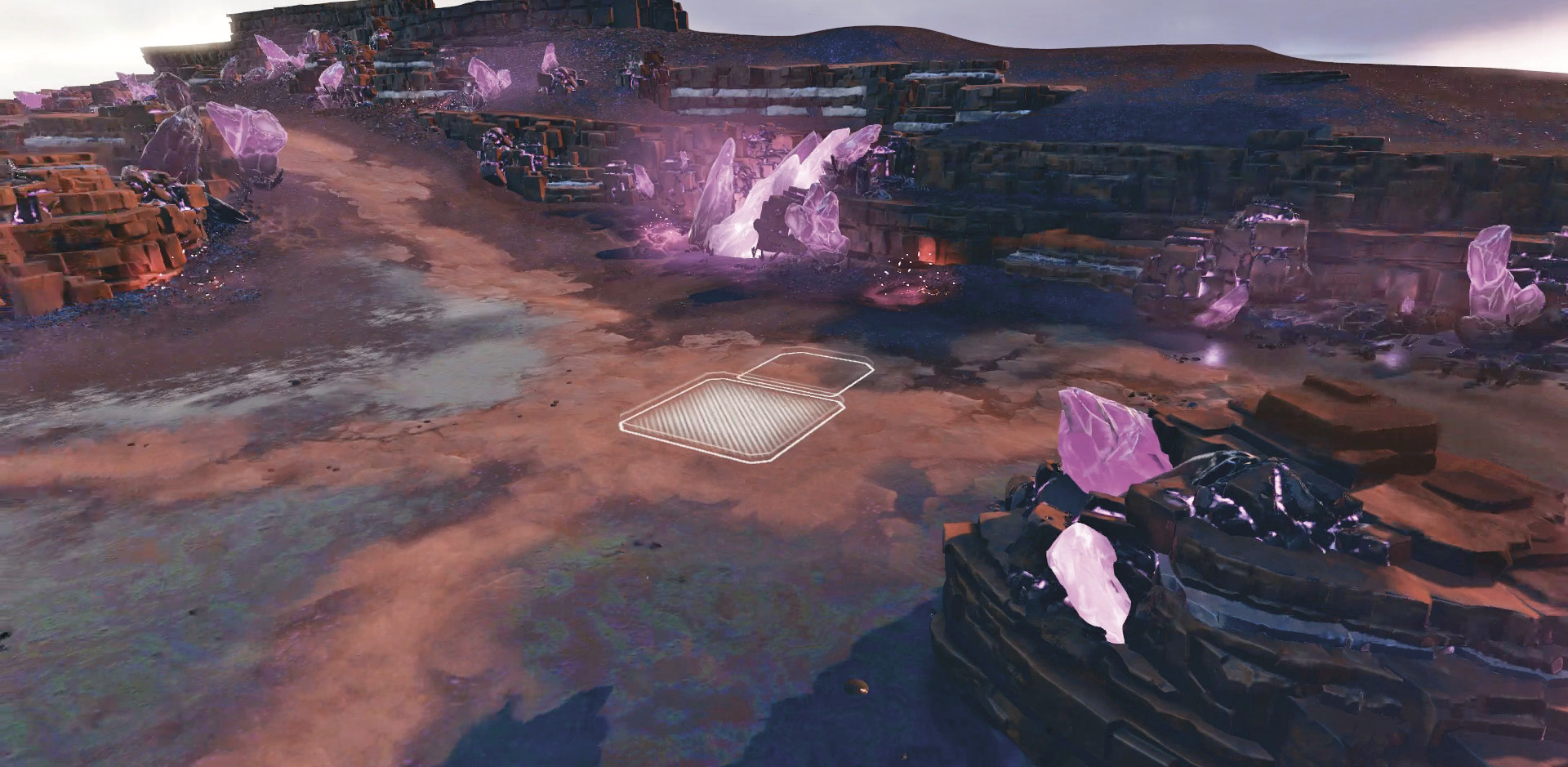
Minibases: Minibases are cheap expansions that cannot be upgraded like standard bases. These come in two varieties, featuring one or two expansion slots. Any structure can be built in the available slots.
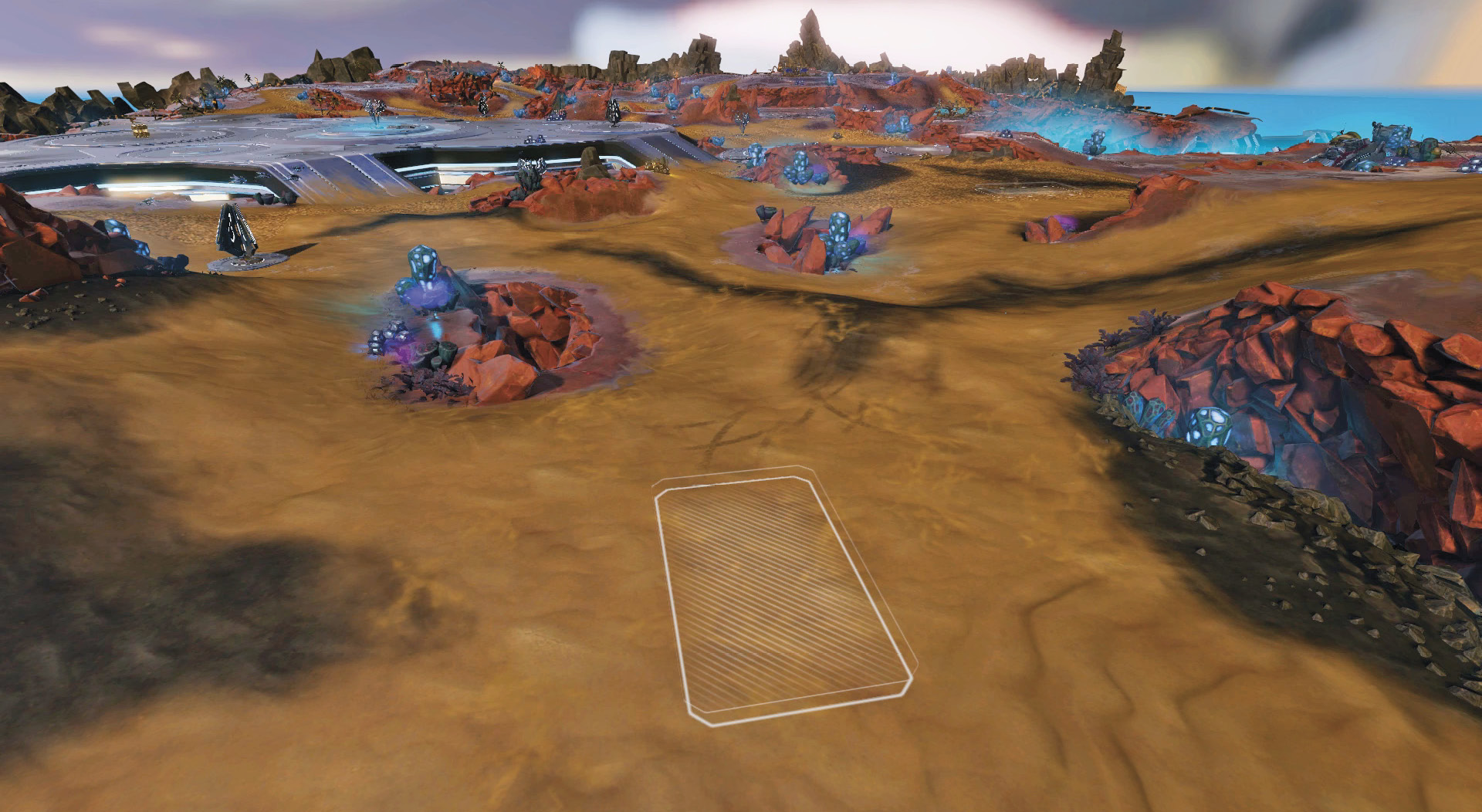
Expansion Base: Expansion bases begin with three structure slots once built. After you’ve completed construction, you can upgrade an expansion base all the way to a Tech Level 3 base, with nine structure slots and four defensive slots.
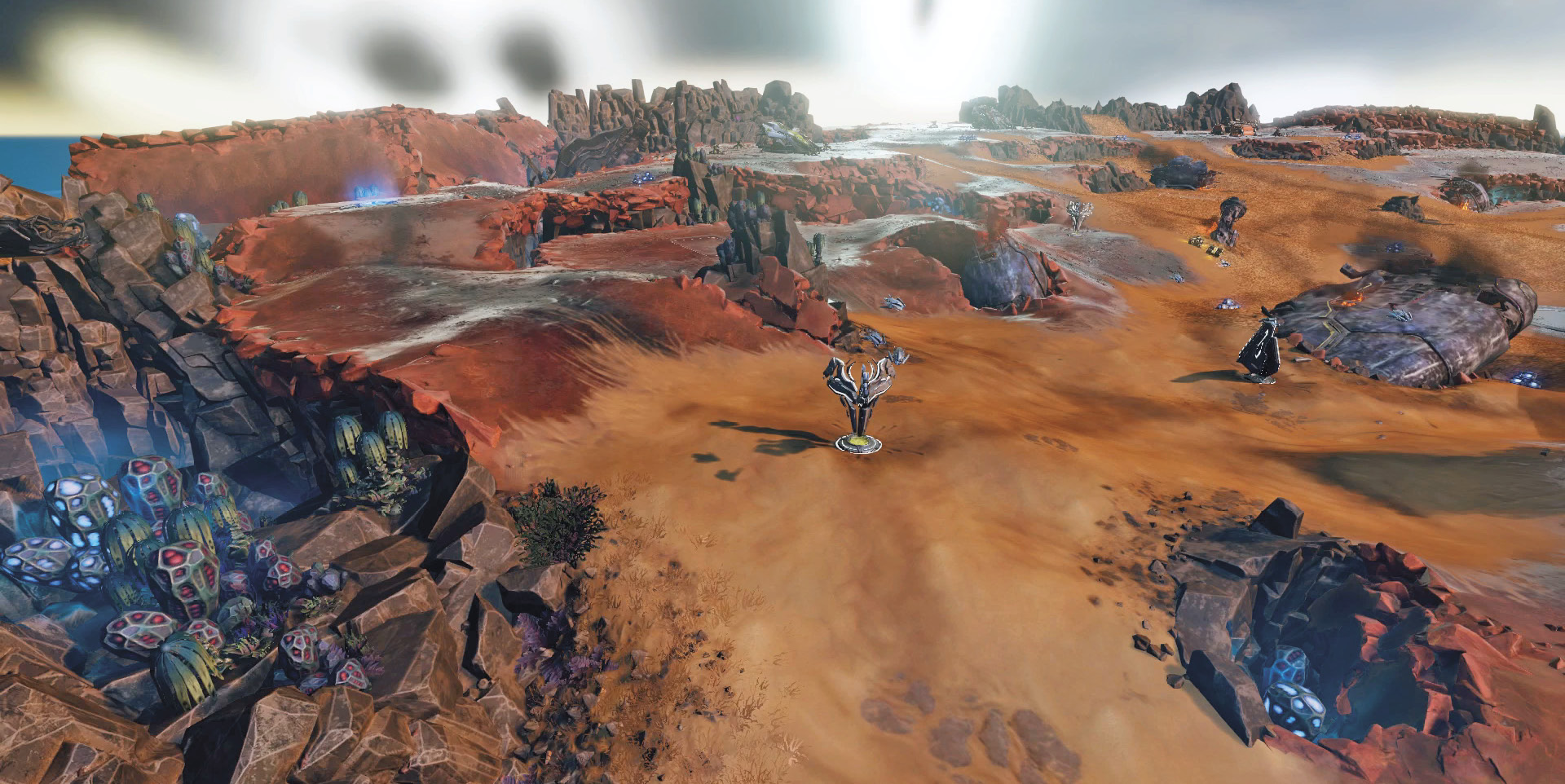
Resource Nodes: Once you’ve cleared the enemy from a Resource Node, you can send in an infantry unit to capture the Node. Once it’s captured, you get Power at roughly half the rate of a standard Generator/Power Extractor.
If you’re playing with a team, the captured Resource Node provides the Power bonus to your entire team.
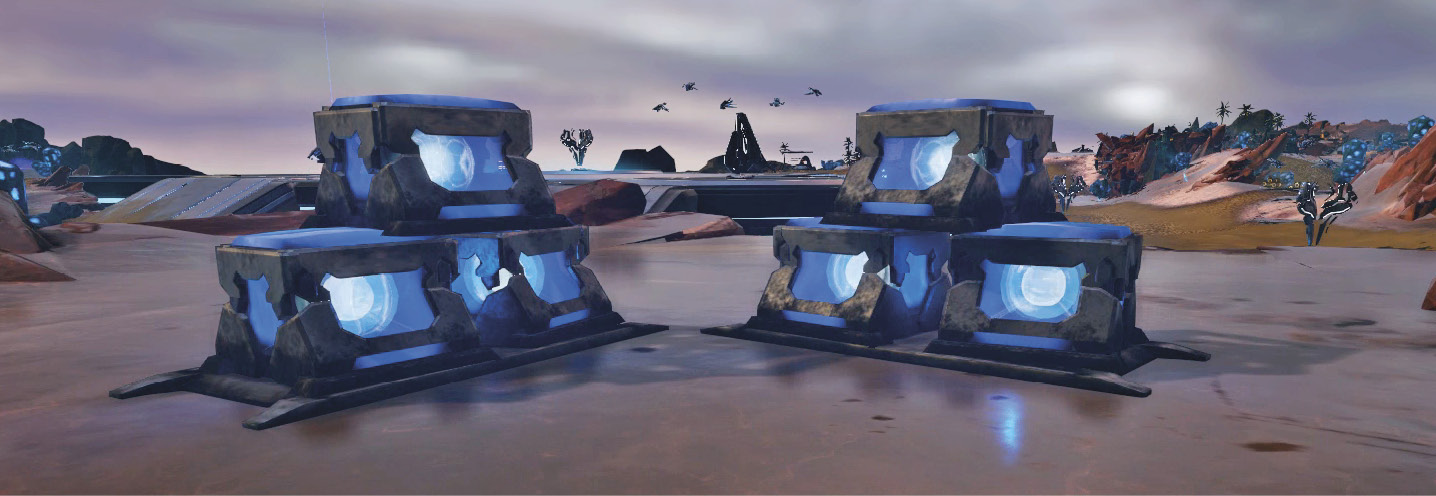
Supply Pickup: Supply pickups are great one-time sources of Supply that can be picked up by infantry units.
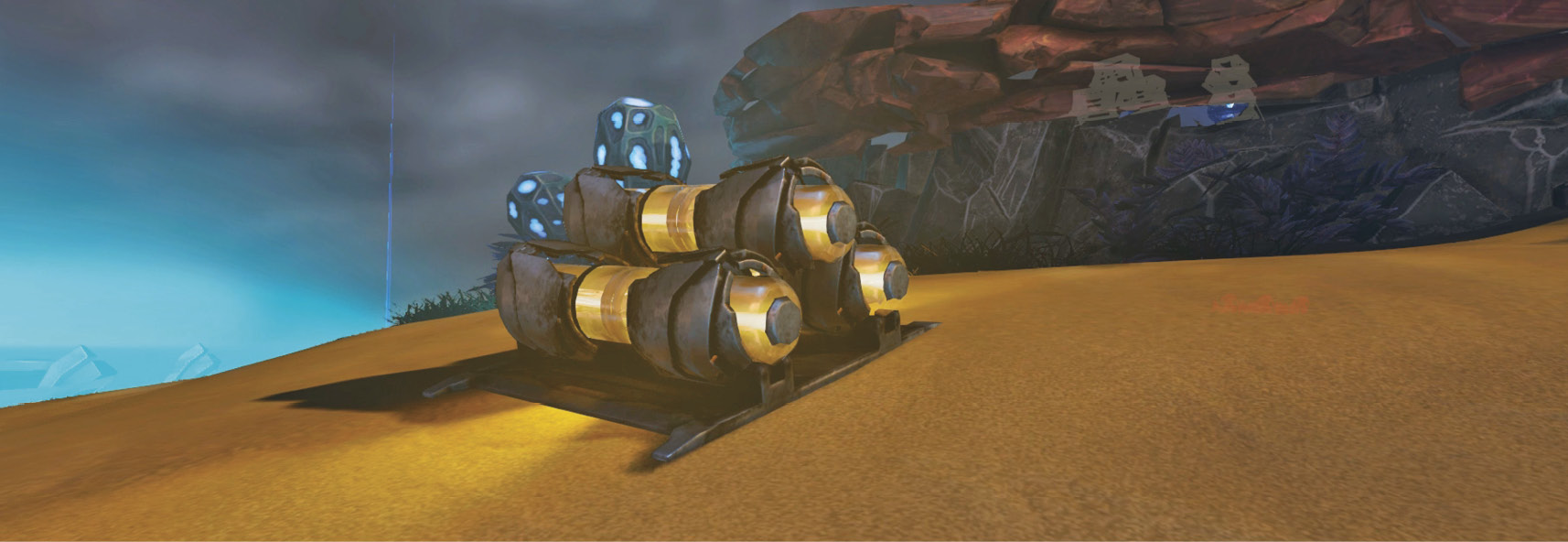
Power Pickup: Power pickups are less common on the maps, but they can give you an early advantage.
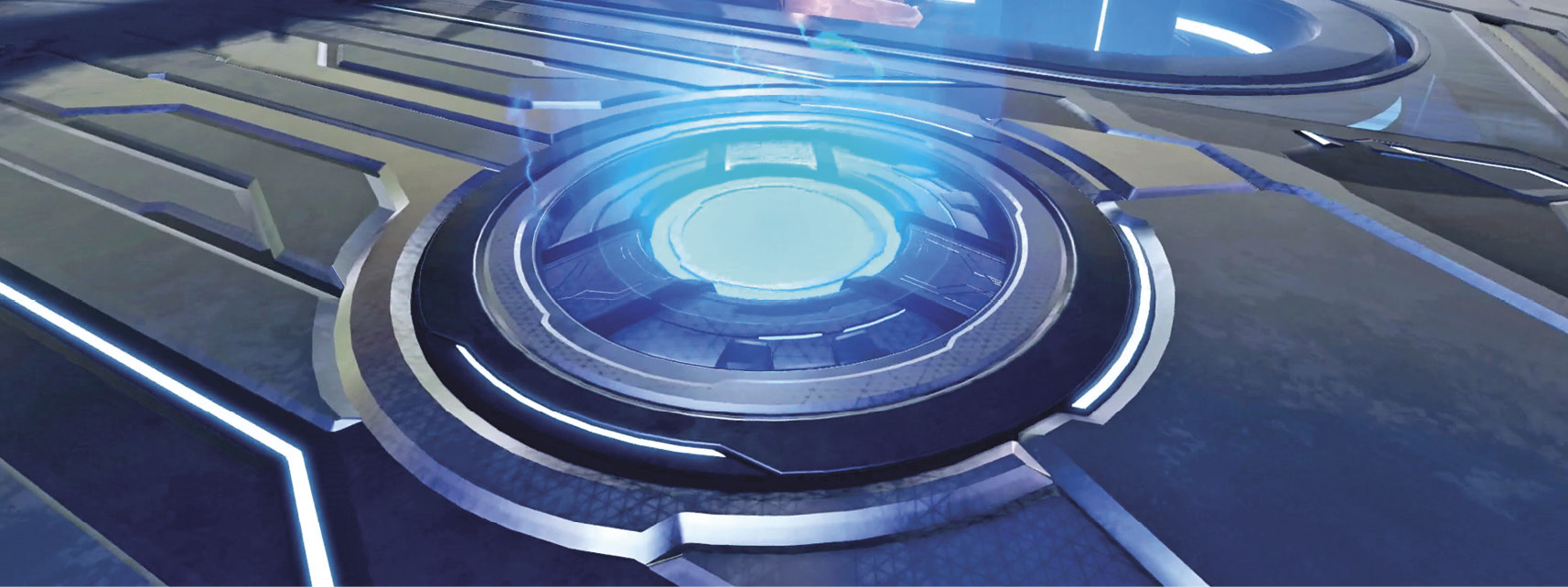
Teleporters: Teleporters work in pairs. Each side operates as an entrance and an exit, and you never teleport to a random slot.
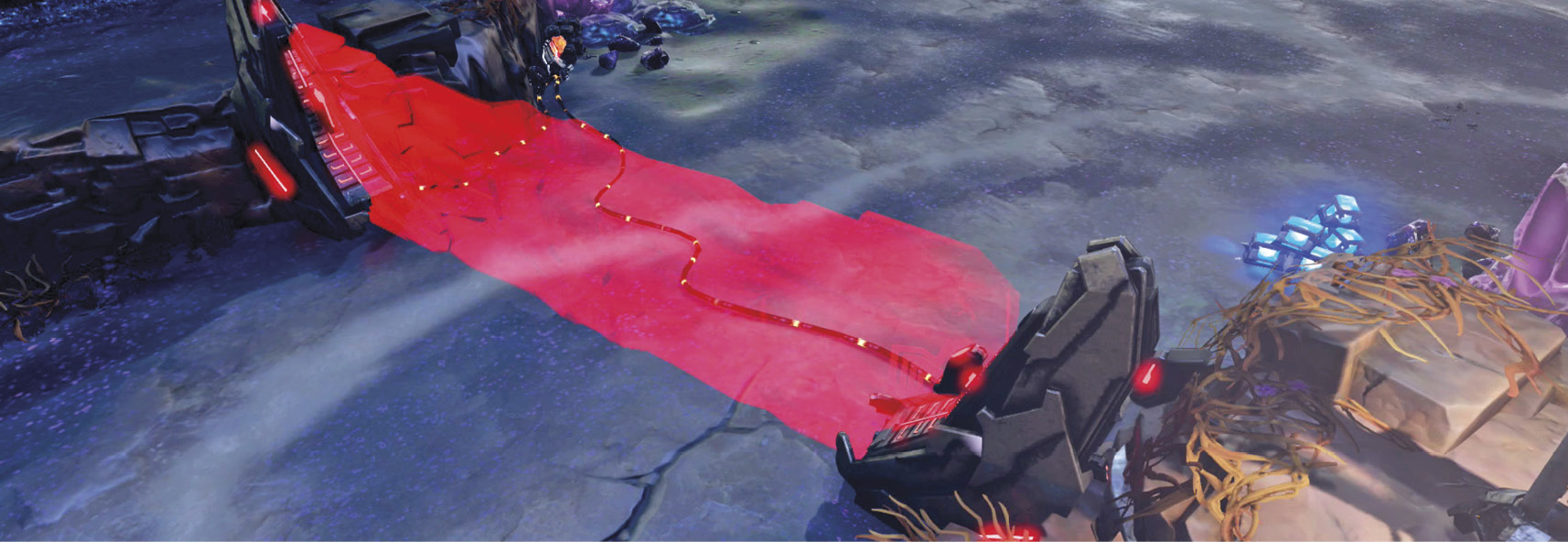
Light Barriers: Light barriers can only be turned on or off from one side. Putting up this wall blocks all land units from passing through.
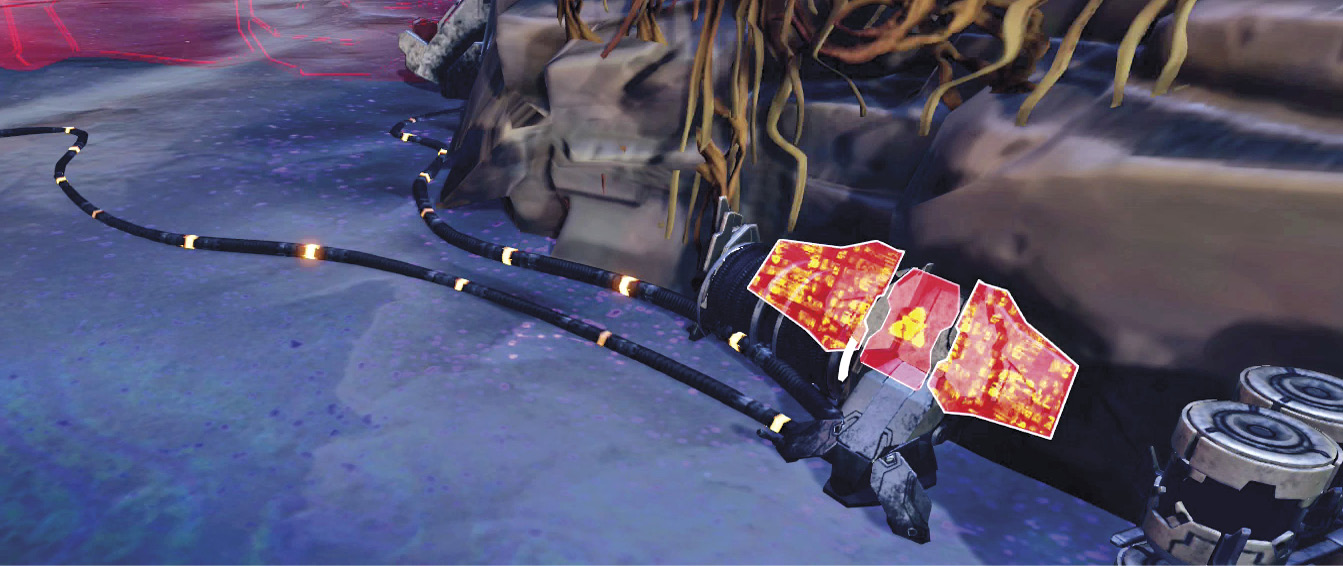
Control Consoles: Control consoles are activated by pressing  on them when they’re within one of your units’ line of sight. Once you’ve selected the console, navigate to the Use option and press again to activate or deactivate the object.
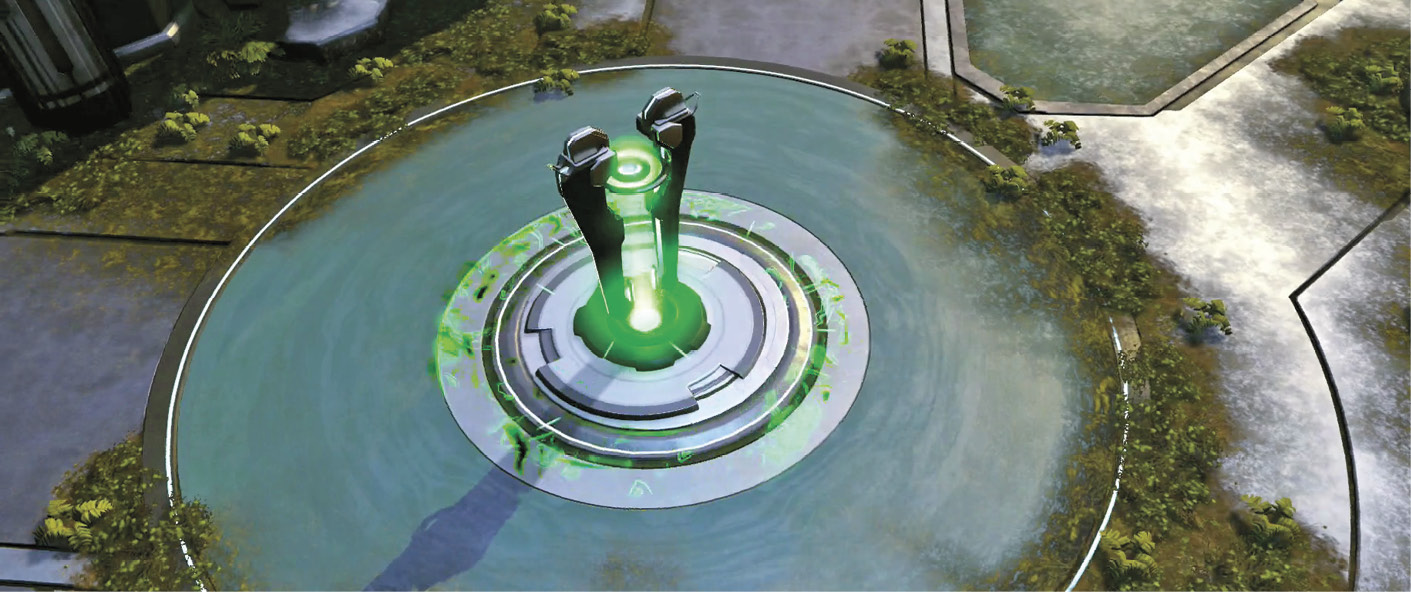
Healing Pylons: Healing pylons instantly begin to heal all units that enter their radius.
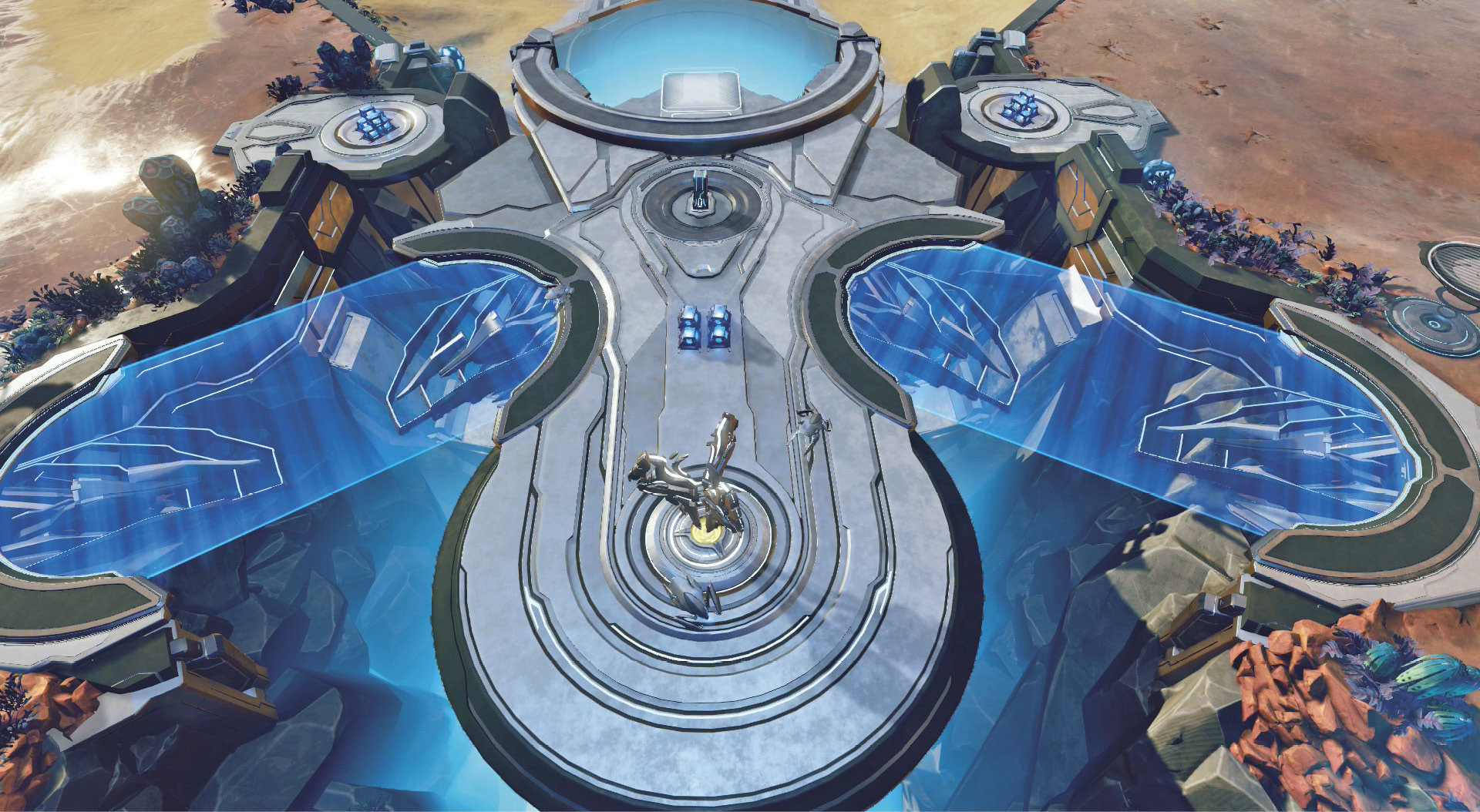
Lightbridge: The lightbridge allows ground units to cross a gap. During a match, the lightbridge may toggle on or off by itself. A nearby control console allows a leader to activate the lightbridge.