
Combat
Rock, Paper, Scissors
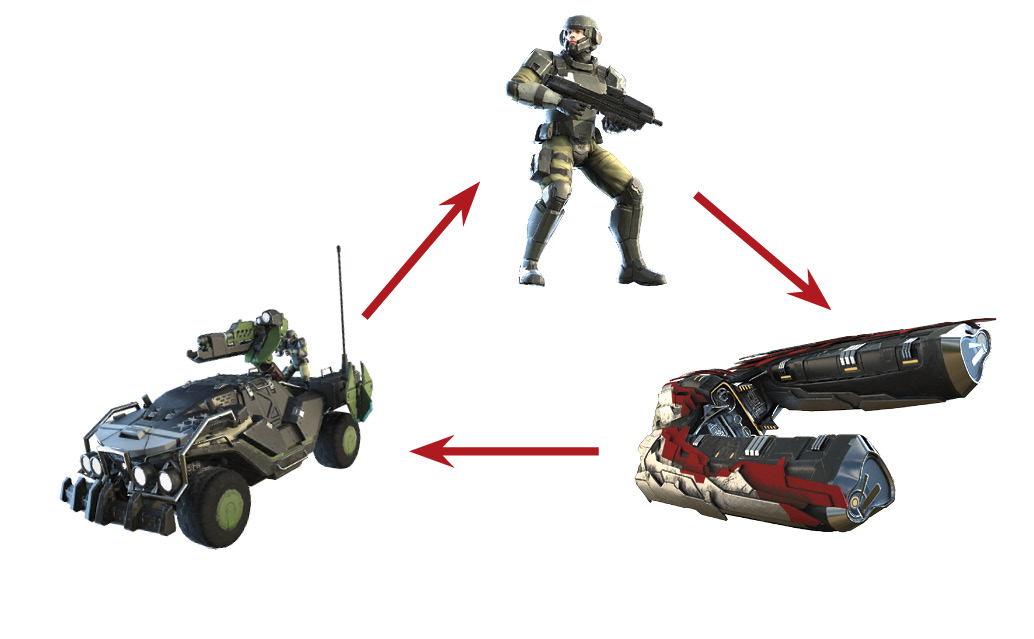
Choosing the right unit to defeat a threat is essential for success on the battlefield. In all RTS-style games, RPS (rock, paper, scissors) must form the foundation of your knowledge when creating any strategy. In Halo Wars 2, by “rock, paper, scissors,” we mean “infantry, air units, ground vehicles.” The goal of the diagram to the right is to help you visualize this idea, as it is, again, the key to your success on the battlefield.
Counter-Units
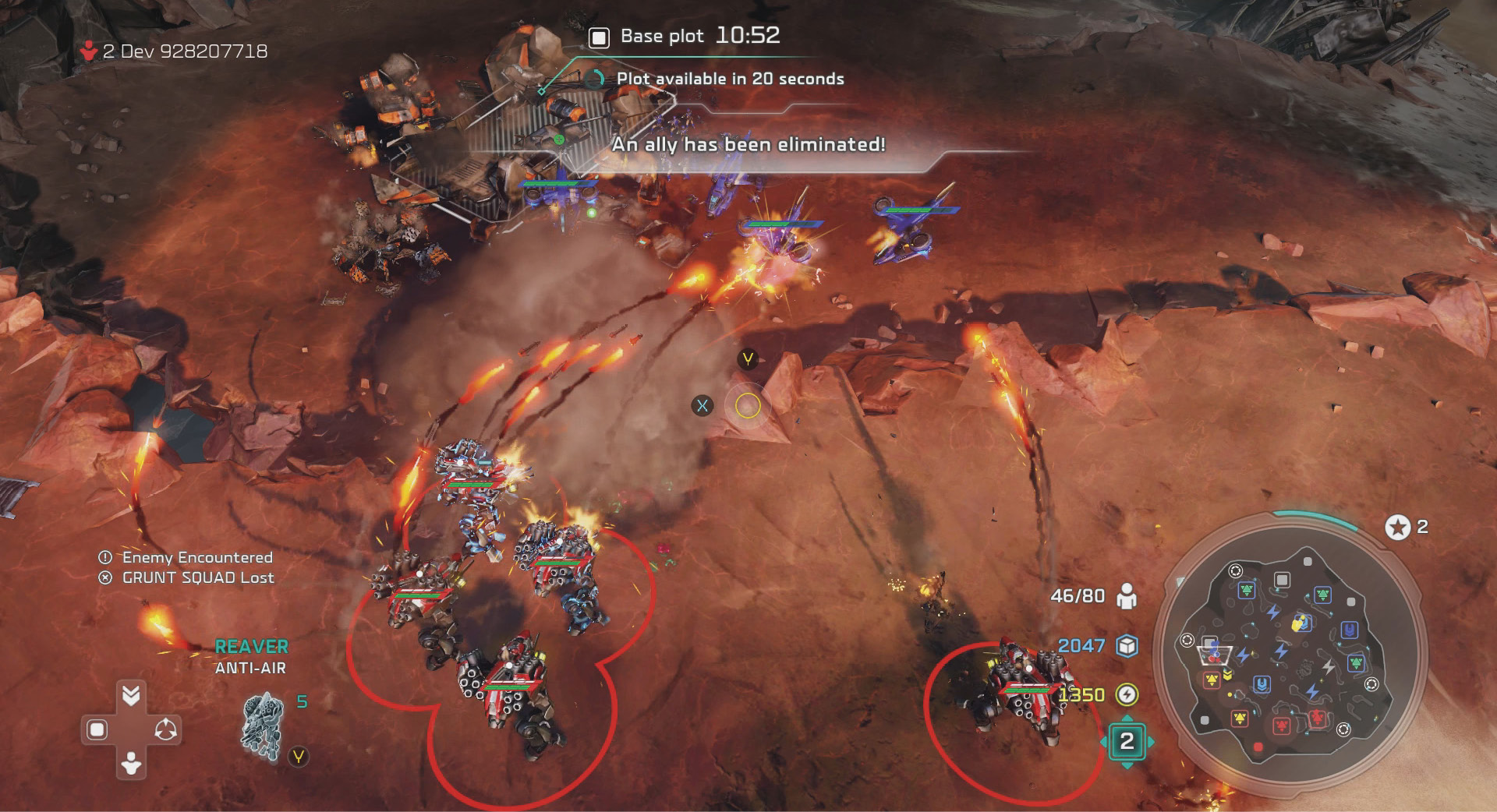
It’s worth noting that counter-units, such as the Banished Reaver and UNSC Wolverine, deal a large amount of damage to air units even though they are ground vehicles. They’re still vulnerable to air units and must be mixed with a well-put-together army, or you’ll find yourself running from a swarm of air units.
Counter-units are weak against all units they’re not meant to counter, which also acts against the standard RPS formula. For example, infantry, although weak versus vehicles, hold their own against the Reaver or Wolverine counter-air units.
This same ideology applies to all counter-units. An army of pure counter-units falls quickly to a well-rounded army featuring multiple unit types.
Traffic Lights
The Traffic Light system provides a great way to determine a unit’s strengths and weaknesses versus any other unit type. This includes a unit’s effectiveness toward buildings.
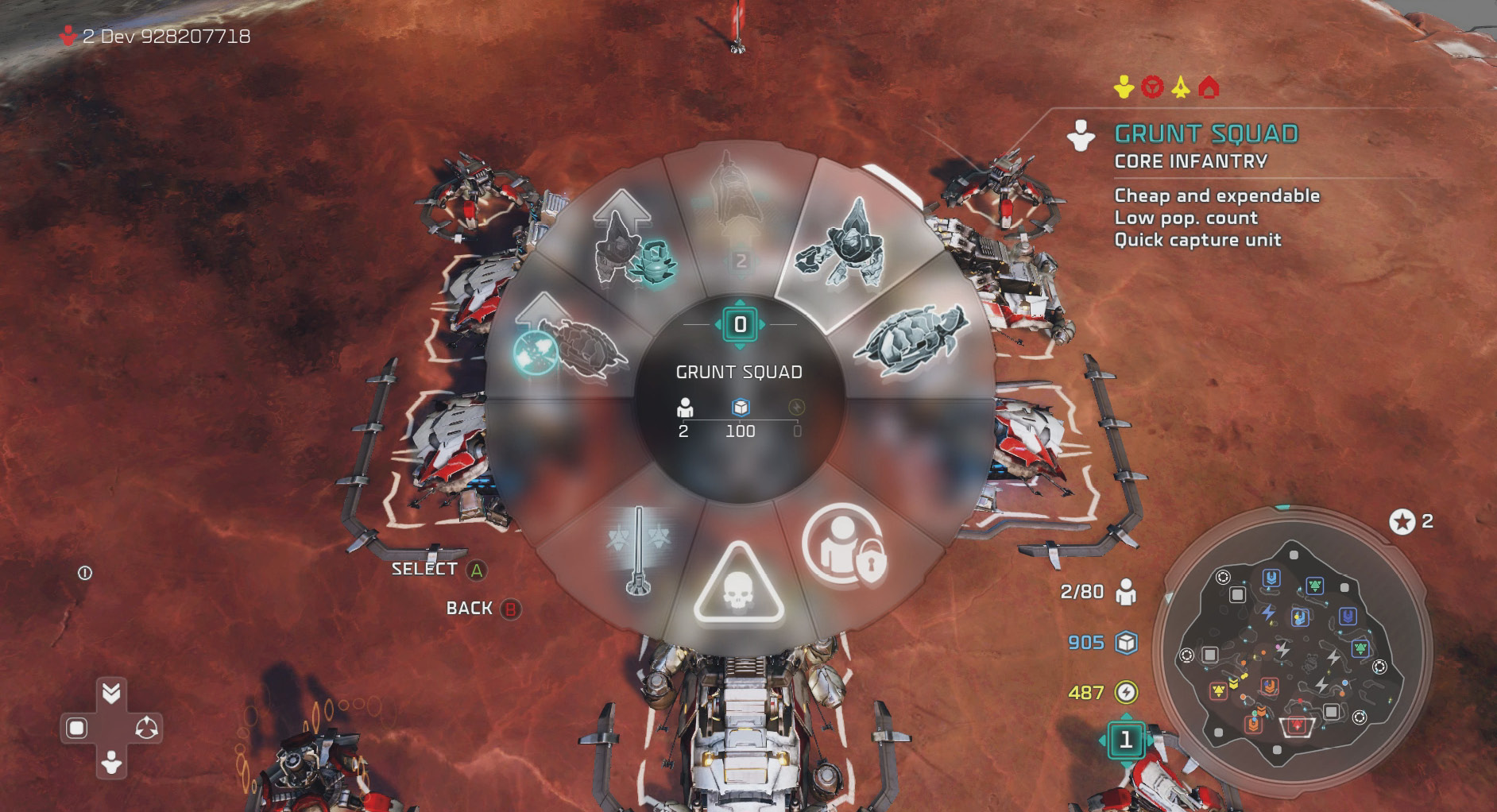
This rating system should be used secondary to the RPS formula, and as a general indicator of unit strength and not as a guarantee for victory. For example, a group of five UNSC Marines may normally be weak against ground vehicles. However, a single ground vehicle that takes on those Marines will quickly lose, especially if the Marines use their unit abilities.
Unit upgrades change the Traffic Light rating for a specific unit without changing the cost. For example, a Banshee begins with a yellow rating against other air units. Once equipped with the Plasma Torpedo upgrade, its rating switches to green.
Global infantry, air, and vehicle upgrades do not affect Traffic Light ratings for any unit.

Green: A green indicator means your unit should gain a decisive victory over a unit of this type. This doesn’t mean you always win against a certain unit, however, as some units may possess special abilities that aren’t accounted for in the Traffic Light rating.
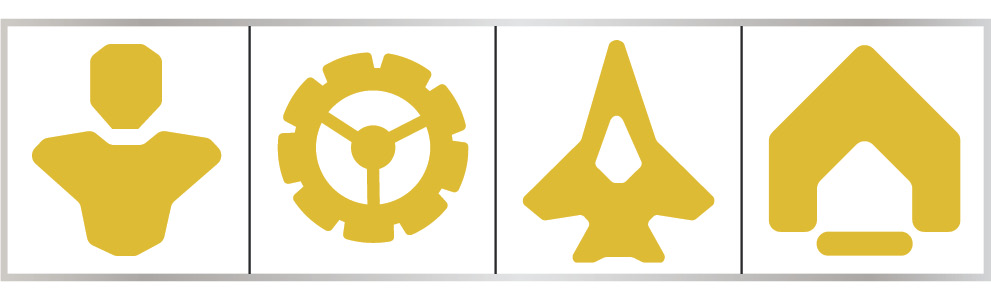
Yellow: Avoid a fight if possible. Engaging a yellow unit indicates you’re not likely to walk away with a lot of health. You’ll need to use your abilities and micromanage you units to come out ahead.
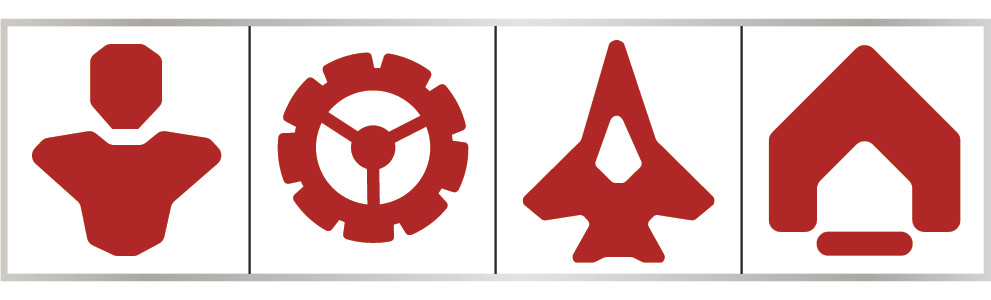
Red: RUN! Avoid attacking a unit type with a red rating at all costs. These units will likely overcome your low DPS quickly, and you’ll have one fewer unit to command.
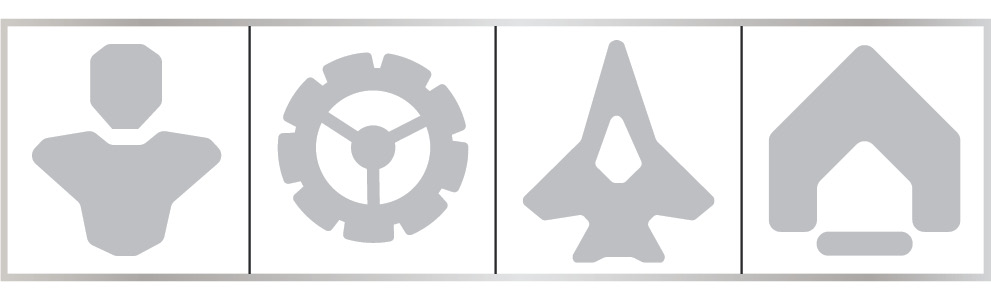
Gray: A grayed-out icon indicates that your unit is incapable of attack against a unit of that type. All support units feature grayed-out icons against every unit type; this shows that they can only heal and perform supporting tasks within your army, while possessing no offensive capabilities.
Veterancy
Veterancy is a great way to increase your army strength. This is only achieved through efficient combat—killing your enemies without having your unit destroyed.
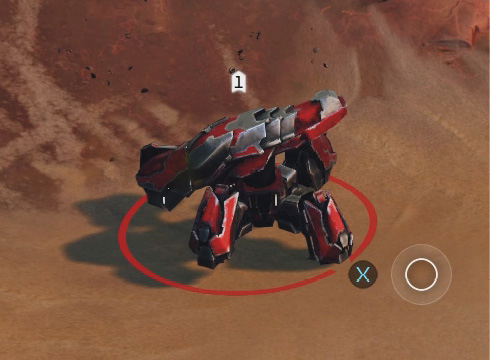
A small icon appears above a unit when it achieves a level of veterancy. This number can continue up to three levels.
| Veterancy Level | Additional Damage Inflicted | Additional Damage Resistance |
|---|---|---|
| 1 | 15% | 13% |
| 2 | 25% | 20% |
| 3 | 35% | 26% |
Units earn XP toward their next level of veterancy by destroying units. The more expensive the unit, the more XP it’s worth. This XP amount is shared with all units that damage the enemy unit during combat.
Upgrades and Abilities
Units are upgraded with different abilities through research.
To activate an ability once researched, highlight the unit ( ) and then press the Ability button (
 ) to activate the ability. Unit abilities range from shields to area-of-effect attacks to cloaking. Using a unit ability at the right time can quickly change the flow of a battle.
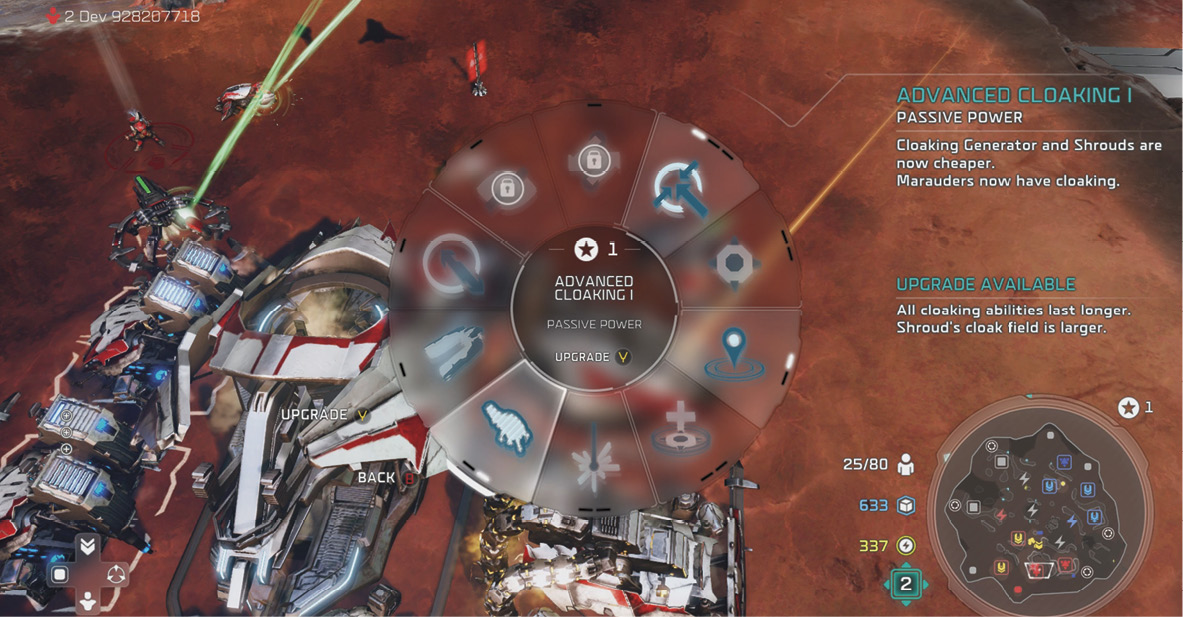
Using unit abilities does not require resources. Each ability does, however, feature a short cooldown, which is visible above the unit or over the ability if the unit is selected.
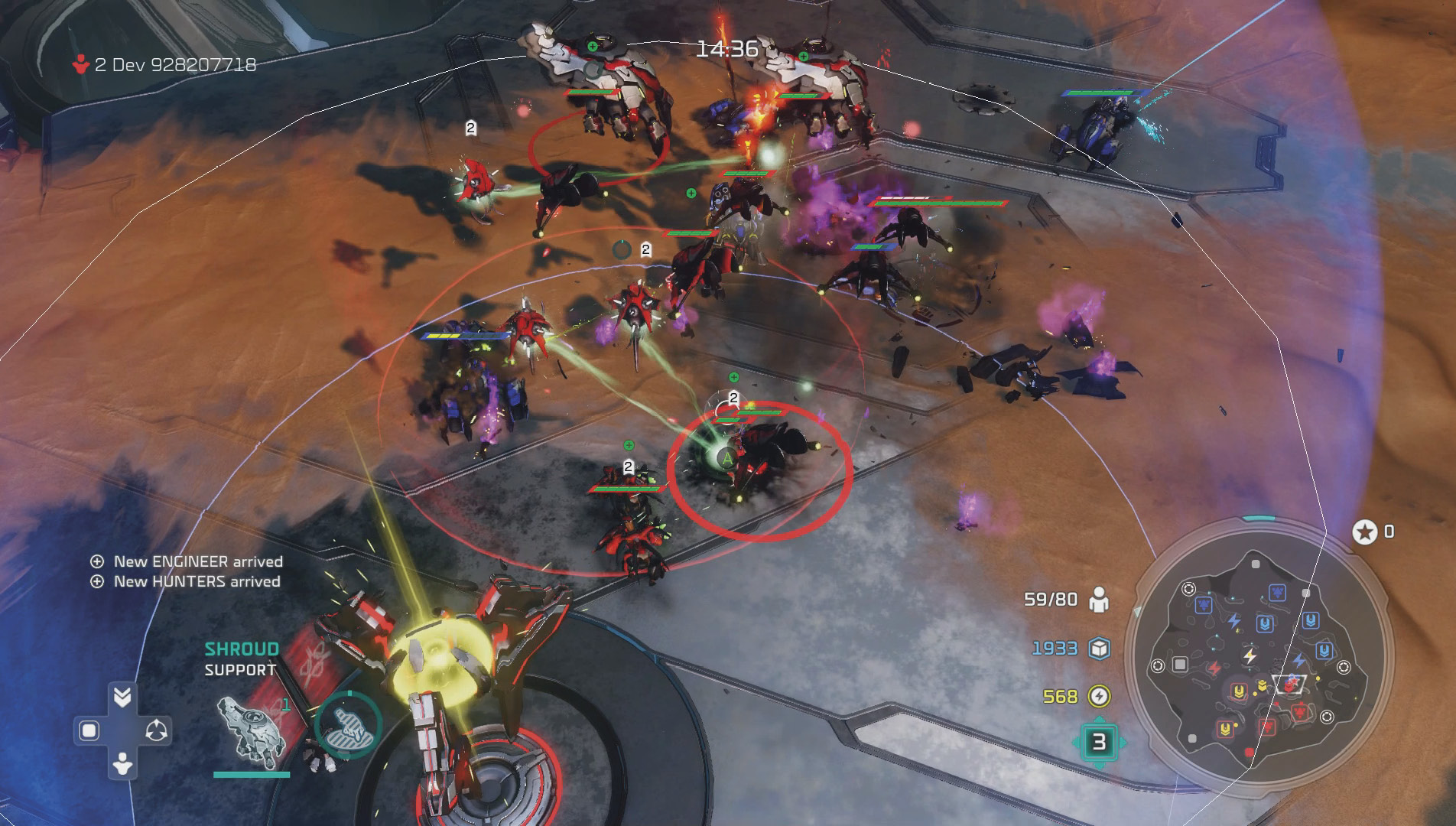
You can also research global upgrades for all infantry, air, and ground vehicles. These upgrades are passive and immediately influence all units that are deployed on the battlefield and future units created of that type.
Leader Points and Powers
Leader Points are used to purchase Leader Powers. With the exception of Strongholds, you begin each match with one Leader Point.
Building, researching, and collecting resources are great ways to continually progress toward your next Leader Point. However, the fastest way to unlock your next Leader Point is through combat.
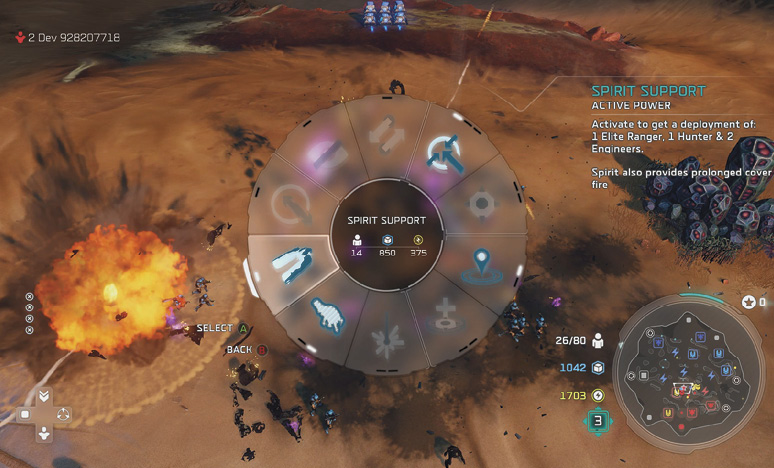
Leader Powers can turn the tide of any battle if used appropriately. For example, say a large enemy force descends on your base before you have a chance to create a comparable army. Using a Glassing Beam or other damaging ability can quickly inflict massive damage to the incoming army while the Turrets finish cleaning up the mess.
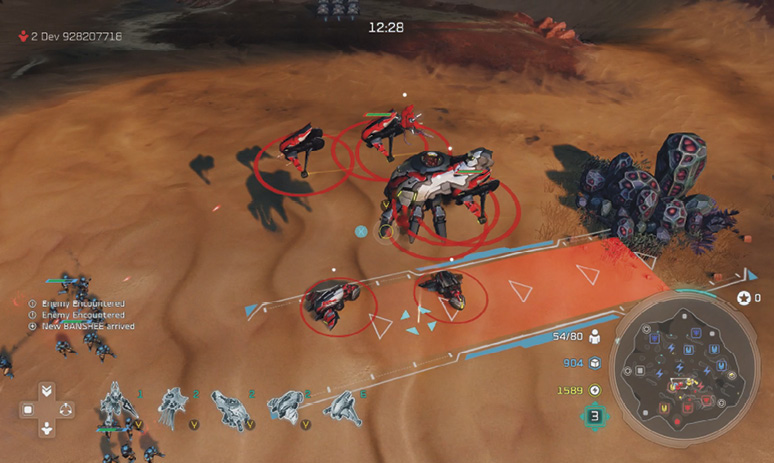
There are five tiers of Leader Powers, which change depending on the leaders. Within each tier are active and passive abilities.
Active: Active Leader Powers require resources upon every use. These include damaging abilities, short-term buffs, and units that immediately drop into the battlefield.
Passive: Passive skills immediately influence all units or buildings described in the Power itself. These require no resources aside from the initial Leader Point investment.