Assassin's Creed Rogue Guide Controls and Gameplay
Interface
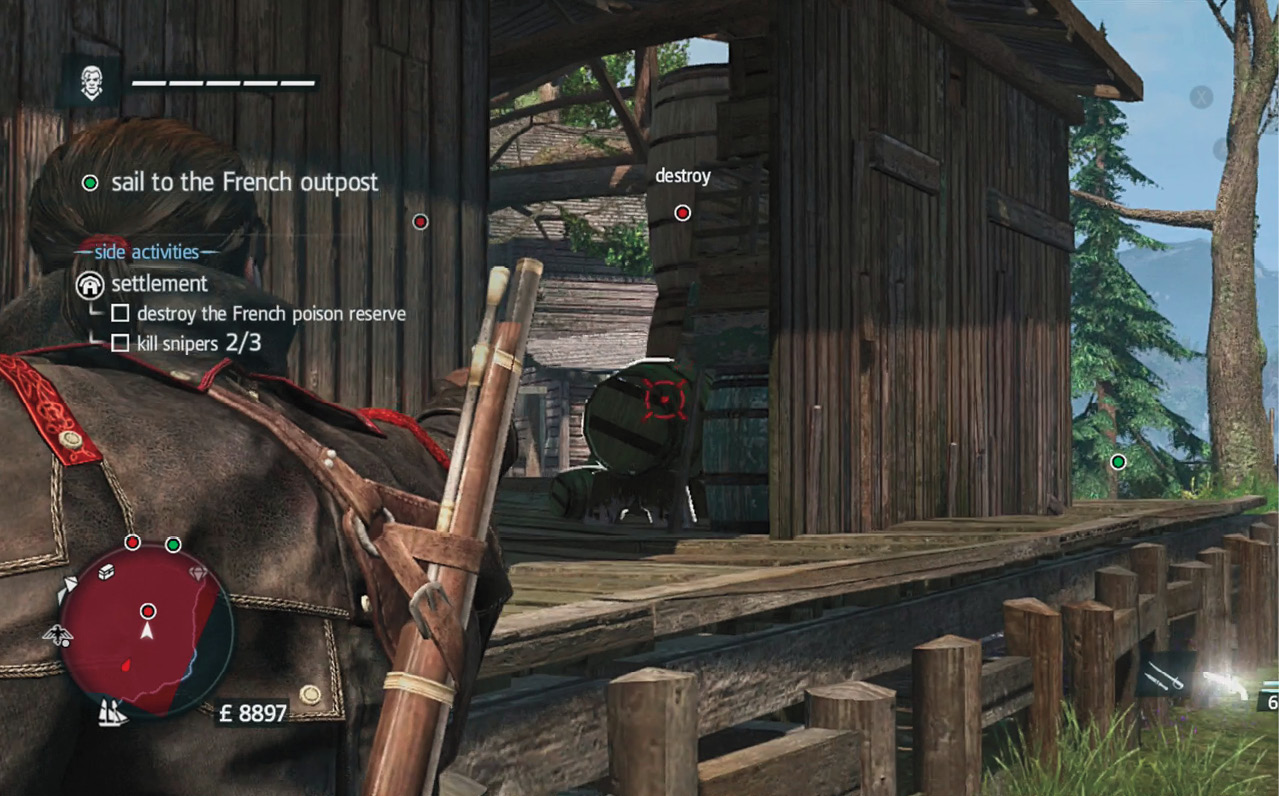
The interface for Rogue is packed with information. It updates quickly to tell you whether you’ve been spotted, how much damage you have taken, what equipment you’re using, and which contextual actions are available. The more you use it, the easier it becomes to get almost any answer you need without having to go into the Options menu.
The following section breaks down the HUD and discusses each item contained within it.
Take a look at the top of the screen. Your icon is in the upper left. Next to it is a bar with several pips. This represents Shay’s health, whether he’s on foot or captaining the Morrigan. Health depletes for a variety of reasons (e.g., sword hits, gunshots, cold, falling damage, etc.). Shay restores his health over time if he gets away from battle, because he’s an Assassin; they’re tough. The Morrigan requires a bit more work to restore its health. Capture other ships by boarding them to get instant repairs or visit a harbormaster and pay a few pounds to get the work done.
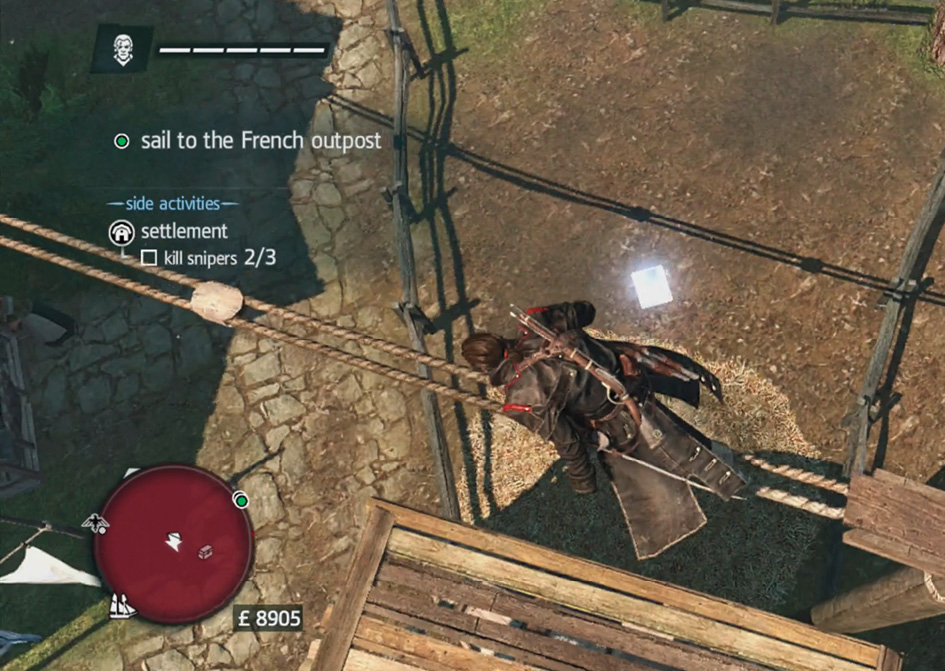
Below your health is the indicator for your current goals. If it says “Go somewhere,” then look on your map to find the location. When it tells you to accomplish something more specific, then get to it! Look in the Pause menu if you have optional goals during the current task. They’ll be listed in there. Optional objectives improve your synchronization for each memory.
The minimap is in the lower left. It shows your position in the center, and it rotates with Shay. Look for objectives, collectibles, and enemy locations there. You can see where to get back to the Morrigan, once you have it, and patrol areas appear there as well. The minimap is an incredible tool, and you use it constantly throughout the game. It even tells you whether you’ve been spotted (the edges turn yellow as a warning when guards are suspicious and red if they’ve made you). A tally of your money is next to the minimap.
On the bottom right are three icons. They show your current equipped weapon, tool, and inventory count for that specific tool.
When you aim a ranged weapon, a reticle appears in the center of your screen. This helps for acquiring and eliminating targets. To make this even more powerful, Shay’s senses are so good that he highlights valid targets whenever they are marked by the reticle.
A contextual menu appears in the upper right whenever there are specific commands available. This lets you know when air assassinations, combat moves, and other tricks are available to you.