Assassin's Creed Rogue Guide Controls and Gameplay Controls and Commands
Advanced Map Use
Advanced Map Use
Assassin’s Creed Rogue has such a strong map system that it’s worth taking a little more time to explain it. The main map and your minimap show everything important that Shay can find or collect, but they have a maximum range for revealing nonstory items. Get Shay closer to targets to reveal them on the minimap, and zoom in on the main map to show everything that you’re looking for.
For example, go to your main map and zoom out. Notice that nonessential items disappear at a specific point as you zoom out. When hunting for items, keep the map a bit closer in so this doesn’t happen
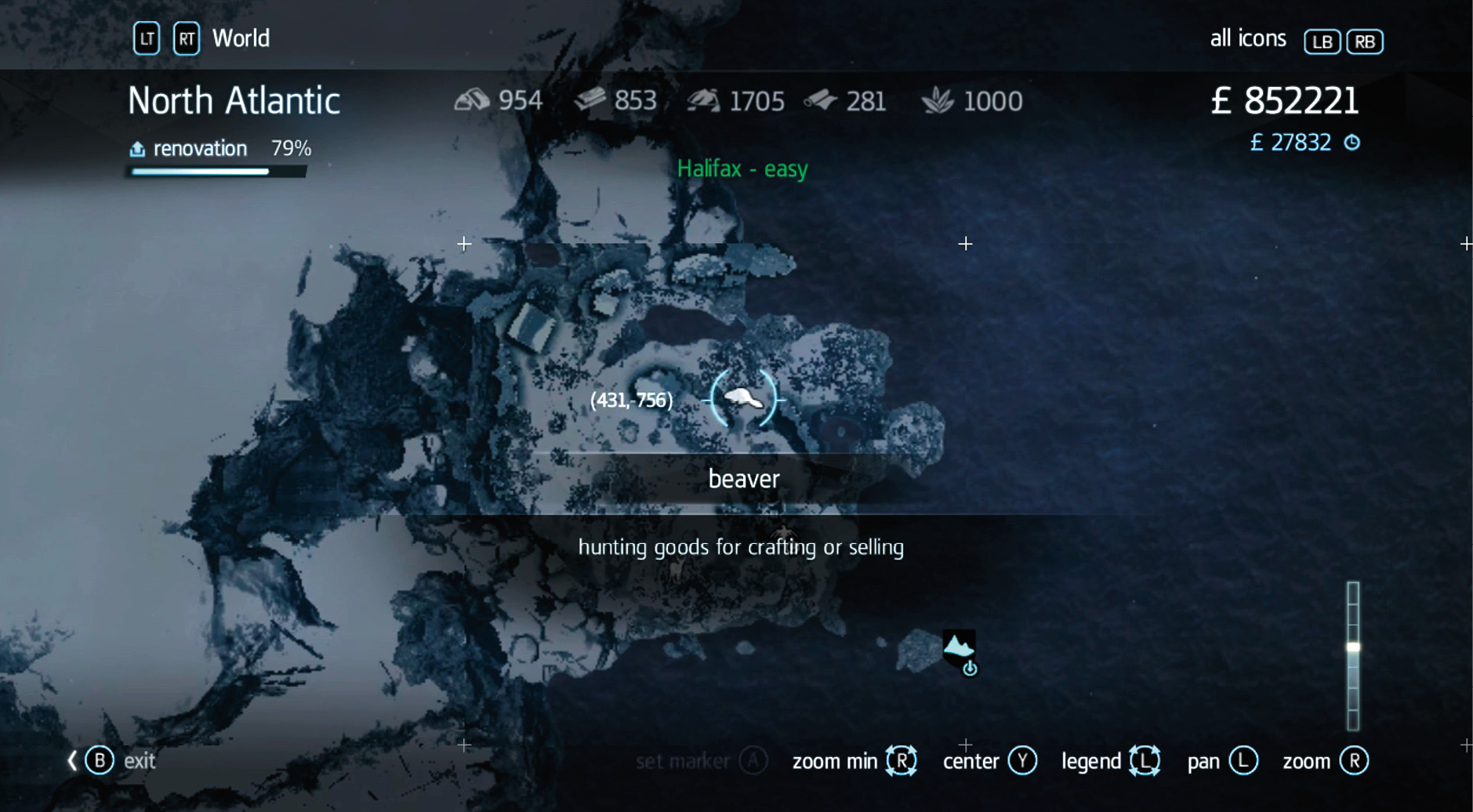
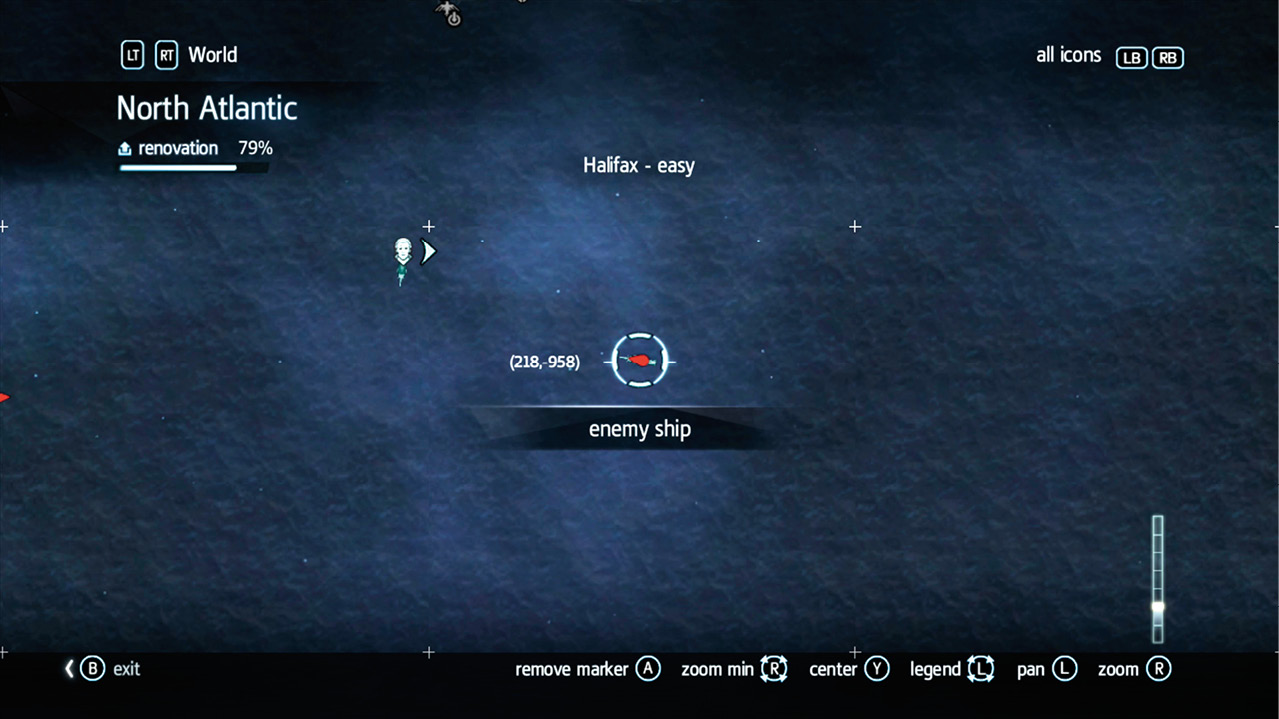
When navigating through the main map, you should see coordinates. These are often unimportant, but they come up when you’re hunting for Templar relics. A couple dozen maps are hidden throughout the world, and each of these has a picture and a set of coordinates. Use that and the map’s coordinate system to locate these buried pieces of treasure.
Another fun tool for collecting items is to use waypoints of your own. Go to the main map and highlight the area or item that you want to find. Click on that and create your own waypoint. This brings it up on Shay’s screen when he’s moving around so that it’s amazingly easy to find. Do this to quickly locate collectible items or fun locations. This makes it much easier to find the Templar relics. Go to the coordinates that the map indicates, create your own waypoint, and then guide Shay right there to get the prize.
Finally, look at the map legend and learn as many of the icons as you can. You don’t need to memorize every animal that’s out there, but many of these symbols are common throughout the game and let you figure out what you’re looking for without wasting any time.
HuD icons
|
icon |
NAVAL |
|
|
Round Shot (cannon) |
|
|
Heavy Shot (cannon) |
|
|
Puckle Gun |
|
|
Mortar Shot (cannon) |
|
|
Explosive Shot (cannon) |
|
|
Sail - Stopped |
|
|
Sail - Half-Sail |
|
|
Sail - Full Sail |
|
|
Crew |
|
|
Harpoon |
|
|
Mines |
|
|
Burning Oil |
| These icons appear in the Naval HUD | |



|
icon |
TOOLS |
|
|
Smoke Bomb |
|
|
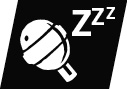
Sleep Grenade |
|
|
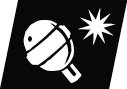
Shrapnel Grenade |
|
|
Berserk Grenade |
|
|
Throw Money |
|
|
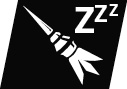
Sleep Dart (air rifle) |
|
|
Berserk Dart (air rifle) |
|
|
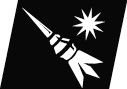
Firecracker Dart (air rifle) |
|
|
Pistol |
|
|
Rope Dart |
|
|
Map Cases |
|
|
Throwing Knife |
|
|
Sing |
|
|
Shut Up |
|
|
Gas Mask |





|
icon |
WEAPONS |
|
|
|
Unarmed | |
|
|
Dual Hidden Blade | |
|
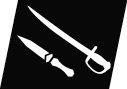
Sword Dagger(normal weapon) | |
|
|
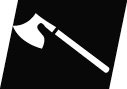
Heavy weapon (axe) (guards) | |
|
|
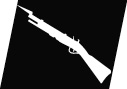
Musket(guards) | |
|
|
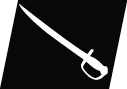
Sword(guards) | |
| These icons appear on the Weapon Quick Select interface and in Shay’s HUD | ||
|
icon |
ANIMATED (cooldown) |
|
|
Loot / Dig |
|
|
Sleep Bullet / Grenade / Barrel |
|
|
Sleep ImmuneBullet / Grenade / Barrel |
|
|
Berserk Bullet / Grenade / Barrel |
|
|
Berserk Immune Bullet / Grenade / Barrel |
|
|
Brute Bomb |
|
|
Agile Smoke Bomb |
|
|
Lock Pickable Door |


|
icon |
NOTORIETY |
|
|
Notoriety |
|
|
Shay Assassin |
|
|
Shay Templar |

|
icon |
NOTIFICATIONS |
|
|
Inventory + Economic Updates |
|
|
Animus Database |
|
|
Abstergo Computers |
|
|
Contextual Tutorials |
|
|
Crafting Update |
|
|
Fleet Missions Update |
|
|
Fast Travel |
|
|
Progress Tracker |
|
|
Clue |
|
|
Abstergo Challenge |
|
|
Community Challenge |
|
|
Animus Training |









MAP ICONS
|
icon |
LOCATION STATES |
|
|
Animals |
|
|
Berserk |
|
|
Key Carrier |
|
|
Bell Ringer |
|
|
Mines |
|
|
Save Citizens |
|
|
Skinnable Dead Animal |
|
|
Harbor Master |
|
|
Ship/Guards Hunter |
|
|
Enemy Ship |
|
|
Morrigan |
|
|
Courier |
|
|
Naval Convoy |
|
|
Survivor |
|
|
Clash |
|
|
Gunner |
|
|
Gang Gunner |
|
|
Rogue Wave |
|
|
Legendary Battle |
|
|
Most Legendary Battle |


|
icon |
OBJECTIVES |
|
|
Target - KILLEnemy Ship (NAVAL) |
|
|
Target - DON’T KILLTail Eavesdropping markers |
|
|
AllyAllied Ship (NAVAL) |
|
|
Destination |
|
|
Secondary Target KILLTemplar Fort CommanderPowder Reserve |
|
|
Assinate Target |
|
|
Powder Keg |
|
|
Tagged |




|
icon |
LOCATION |
|
|
Undiscovered |
|
|
Visited |
|
|
Fast Travel Enabled |
|
|
Undiscovered Land |
|
|
Fischerman House |
|
|
Cave / Native Hills |
|
|
Shop |
|
|
Tavern (unavailable) |
|
|
Tavern Locked |
|
|
Tavern Enabled |
|
|
Viewpoint (RHP)Unavailable |
|
|
Viewpoint (RHP)Naval Viewpoint |
|
|
Dock |
|
|
Crew |
|
|
Shipwreck |
|
|
Supply Camp |
|
|
Supply Camp Crate |
|
|
Native Totem |
|
|
Interception |
|
|
Settlement Friendly |
|
|
Settlement Unfriendly |
|
|
Fort |
|
|
Pass Through |
|
|
Hiding Spots |
|
|
Row Boat |
|
|
Beacon |
|
|
Save Citizens |
|
|
Alarm Bell |
|
|
Warehouse |
|
|
Warehouse (unavailable) |
|
|
Shop (location) |
|
|
World Gate |
|
|
Tower |
|
|
Hidden Locations |
|
|
Renovation |
|
|
Abandoned Ship |
|
|
Friendly HQ |
|
|
Unfriendly HQ |
|
|
Player’s HQ |
|
|
Cave Paintings |
|
|
Templar Armour |



















|
icon |
POINT OF INTEREST |
|
|
Quest Items |
|
|
Collectables |
|
|
Activities |


MAP ICONS
|
icon |
LOCATION (cont.) |
|
|
Minigames |
|
|
Outpost |
|
|
Wood |
|
|
Metal |
|
|
Stone |
|
|
Cloth |
|
|
Boarding |
|
|
Water Spout |
|
|
Buried Reward Location |
|
|
James Gunn Arms |
|
|
James Gunn Outfit |
|
|
Native Armour |


|
icon |
|
|
|
Treasure ChestsUnderwater ChestFloating Chest (dead ship) |
|
|
Animus Fragments |
|
|
Songs |
|
|
Naval Drop |
|
|
Ammo Crate |
|
|
Secret |
|
|
War Leters |
|
|
Templar Maps |
|
|
Viking Outfit (runes) |
|
|
Viking Outfit (final) |
|
|
Prosperity Fragment |


|
icon |
SPYGLASS FACTIONS |
|
|
British |
|
|
French |
|
|
Gang |
|
|
No Faction |


|
icon |
|
|
|
Main Mission |
|
|
Templar Fleet Treasure |
|
|
Save Citizens |
|
|
Fleet Battles |
|
|
Mission Constraint |
|
|
Prisoners of War |
|
|
Clash / Naval Clash |
|
|
Fort |
|
|
Cave |
|
|
Hunting |


MENU ICONS
|
icon |
|
|
|
Wood |
|
|
Metal |
|
|
Stone |
|
|
Cloth |
|
|
Money |
|
|
Tobacco |





|
icon |
PROGRESS TRACKER |
|
|
Main Memory |
|
|
Side Memory |
|
|
Collectibles |
|
|
Activities |


|
icon |
PRESENT DAY |
|
|
Door Opened |
|
|
Door Closed |
|
|
Computer |
|
|
Computer |
|
|
Elevator |
|
|
Player |
|
|
Servers |
|
|
Security |
|
|
Cubicle |


|
icon |
ANIMALS |
|
|
Deer |
|
|
Bear |
|
|
Wolf |
|
|
Black Wolf |
|
|
Arctic Wolf |
|
|
Beaver |
|
|
Fox |
|
|
Arctic Fox |
|
|
Polar Bear |
|
|
Elk |
|
|
Rabbit |
|
|
Arctic Rabbit |
|
|
Lynx |
|
|
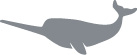
Narwhal |
|
|
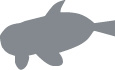
White Whale |
|
|
Humpback Whale |
|
|
Killer Whale |
|
|
Great White Shark |











|
icon |
RETICULE |
|
|
Reticule |
|
icon |
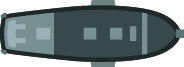
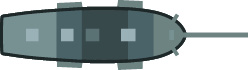
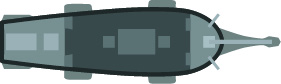
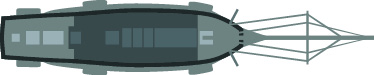
SHIPS (TOP DOWN VIEW) |
|
|
Morrigan |
|
|
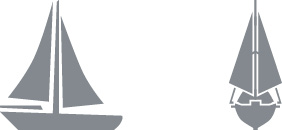
Gun boat |
|
|
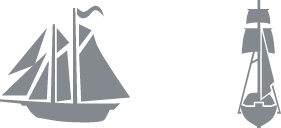
Schooner |
|
|
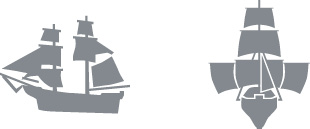
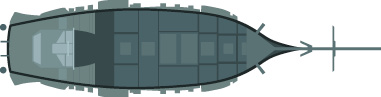
Brig |
|
|
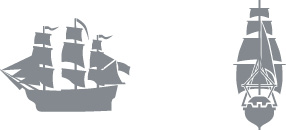
Frigate |
|
|
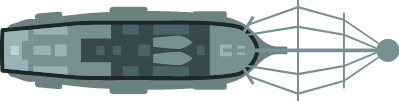
Man o’ War |
|
icon |
SHIPS (SILHOUETTE) |
|
|
Gun boat |
|
|
Schooner |
|
|
Brig |
|
|
Frigate |
|
|
Man o’ War |