
The Legend of Zelda: A Link Between Worlds Guide How to Play
Save Data Management
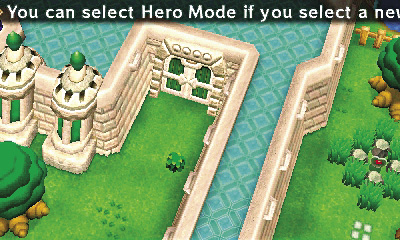
From the File Select screen, you can select a new save file, and then name it. Be advised that whatever you name the file, that’s what your hero will be called throughout your adventure. So if you name your file Doughnut, Link will be stuck with that moniker for the duration.
Saving Your Adventure
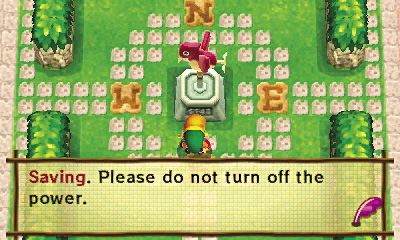
Throughout the game, you can save the game using weather vanes. These chirping, bird-shaped weather vanes are scattered throughout Hyrule and Lorule near important locations. To save, simply select the weather vane with  and follow the prompts to save your file. Save every time you come across a new weather vane! Once you discover and interact with a new weather vane, it becomes an icon on the map and can be selected as a fast-travel location. Whenever you locate a new weather vane, be sure to save!
Copying and Saving Progress
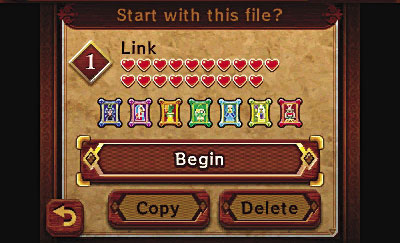
The game allows for copying your save file to another file slot. Select the file that you wish to copy, then select the file slot you wish to copy to.