
Rise of the Tomb Raider Guide Guide to Survival
Menus
Now that you know the game’s commands, let’s quickly run through the menu systems.
Main Menu
The Main Menu comes up when you boot the game. To begin playing, select New Game or Continue, if you already have a file started.
Continue
Once you have a save file, this command takes you back into the game using the most recent save file that you used.
Load Game
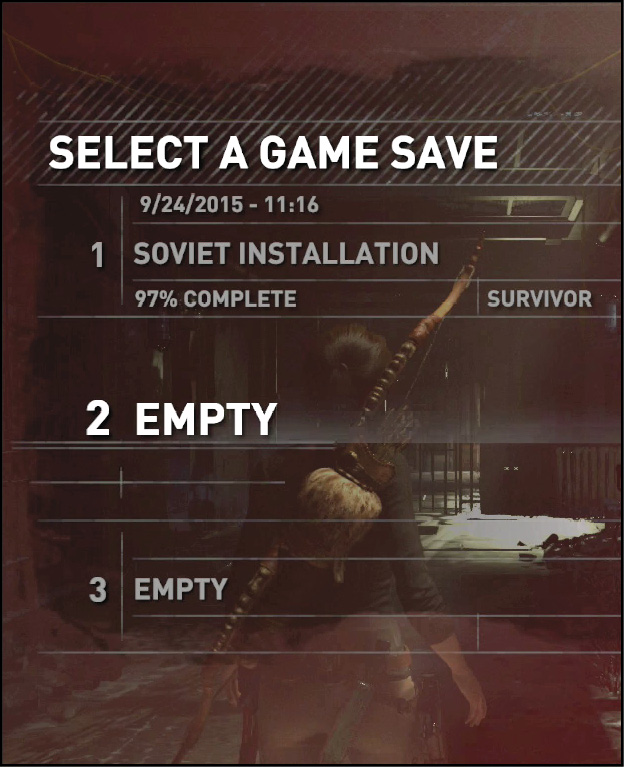
If you’d like to access a different save file, or if you simply want to see more about your progress, select load game. You can see the status of all your save files in one place by doing this.
New Game
Start a new game whenever you like. You get to choose from four difficulty levels, and then things kick off. There isn’t a New Game+ in Rise of the Tomb Raider, so going after higher difficulty levels is a wonderful way to enjoy the entire story another time!
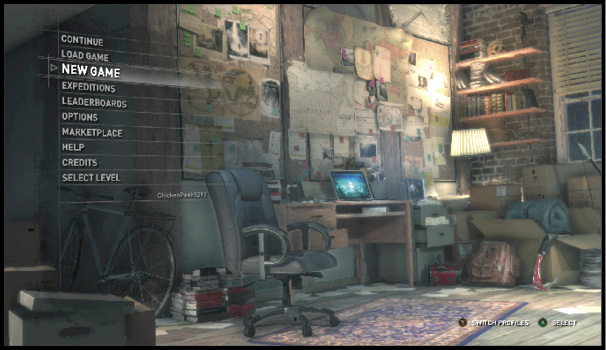
Expeditions
Expeditions are individual map areas that you get to run through with either a timed point system or a variety of challenges and modifiers to worry about. Once you complete an area in the main story, an Expedition for that location is unlocked. In Expedition mode, you can also just replay through an area with either your original or current gear loadout.
Your progress throughout these Expeditions is tracked and put onto the leaderboards. This is the number one place to compete and have fun pushing yourself online. Note that this is not a multiplayer mode; it’s a single-player challenge that lets you compete with other players for the highest scores. It’s pretty darn awesome.
Leaderboards
The leaderboards track your best scores in the Expedition system. You don’t need to worry about your ranking if that’s not your thing. But if you like to see how you stack up and it encourages you to play even harder, then this is a perfect way to see how well you’re progressing.
Options
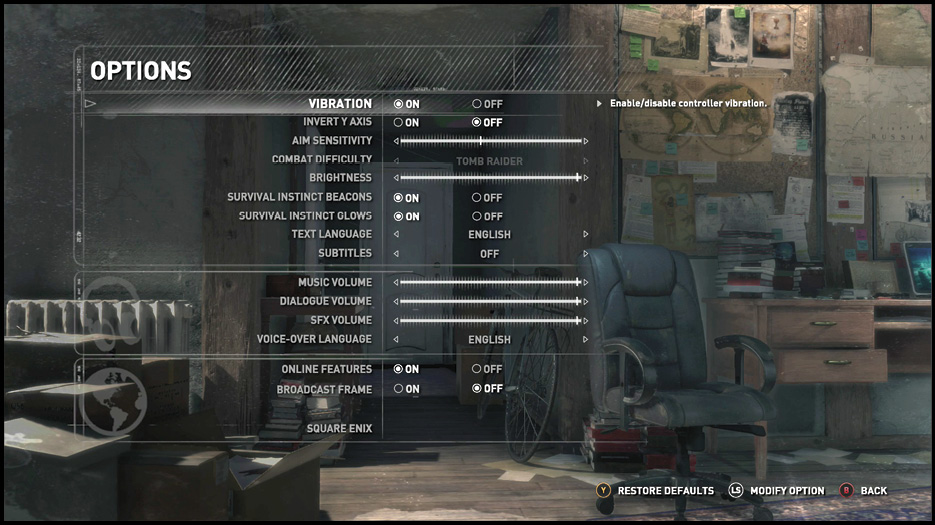
Take a look in this submenu to see if there is anything that you need to change. Language settings are here, if you’re not a native English speaker. Volume settings are also prevalent.
The most important commands for pure gameplay are the aim sensitivity and the combat difficulty. Change your sensitivity if you’d like to have a more (or less) responsive system while you’re aiming. Run-and-gun types often want very responsive controls so that they can flank targets, spin around, and nail their victims without taking much time. Snipers actually want to have a bit less sensitivity. They want fine control so that headshots are easy to pull off without a lot of adjustments, counter-adjustments, and missed opportunities.
Marketplace
Take a look in the Marketplace if you’d like to expand your inventory of cool Tomb Raider goodies.
Help
This brings up the Xbox Help system if you’re having any issues.
Credits
To see the great people who brought this game together, click on the Credits.
In-Game Menu
While you’re playing, press the Menu button on your controller to pause the game and see this menu.
Resume
Choose resume to return to the action when you’re done with this menu.
Reload Checkpoint
This automatically returns Lara to the last automatic save point that she passed. If you’re unhappy with your performance in a particular battle, use this to jump back and give it another go.
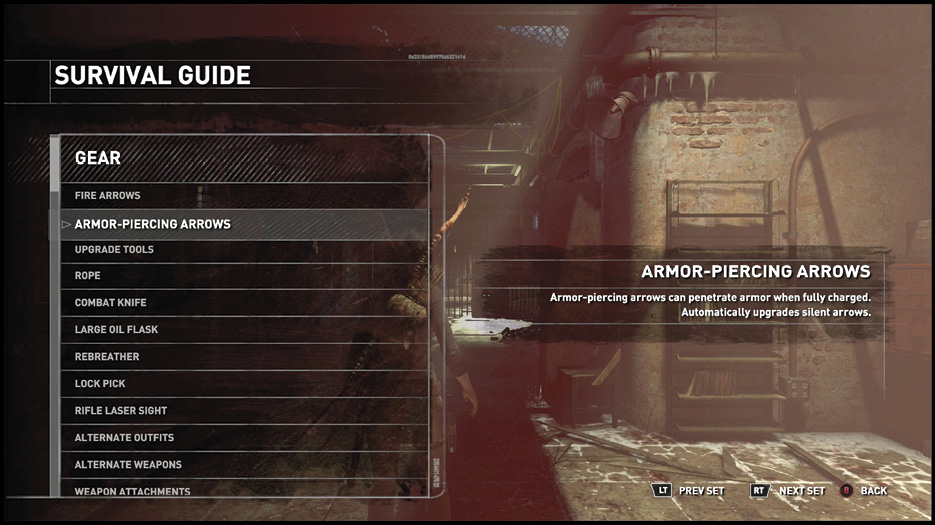
Survival Guide
Explanations about your weapons, tools, crafting, combat techniques, and skills are all recorded here. Check them out at any time for a refresher on how everything works.
Options
This brings up the same submenu that you already saw back in the Main Menu.
View Controls
Look here to see a copy of your controller with all of the commands called out!
Change Save Slot
Copy your current game into an extra slot if you’re worried about going forward or if there is a spot coming up that you’d really like to show people later on.
Exit to Main Menu
This returns you to the game’s Main Menu. You lose any progress that you’ve made after the last save point, so be careful of selecting this too casually.