
Rise of the Tomb Raider Guide Guide to Survival
Controls
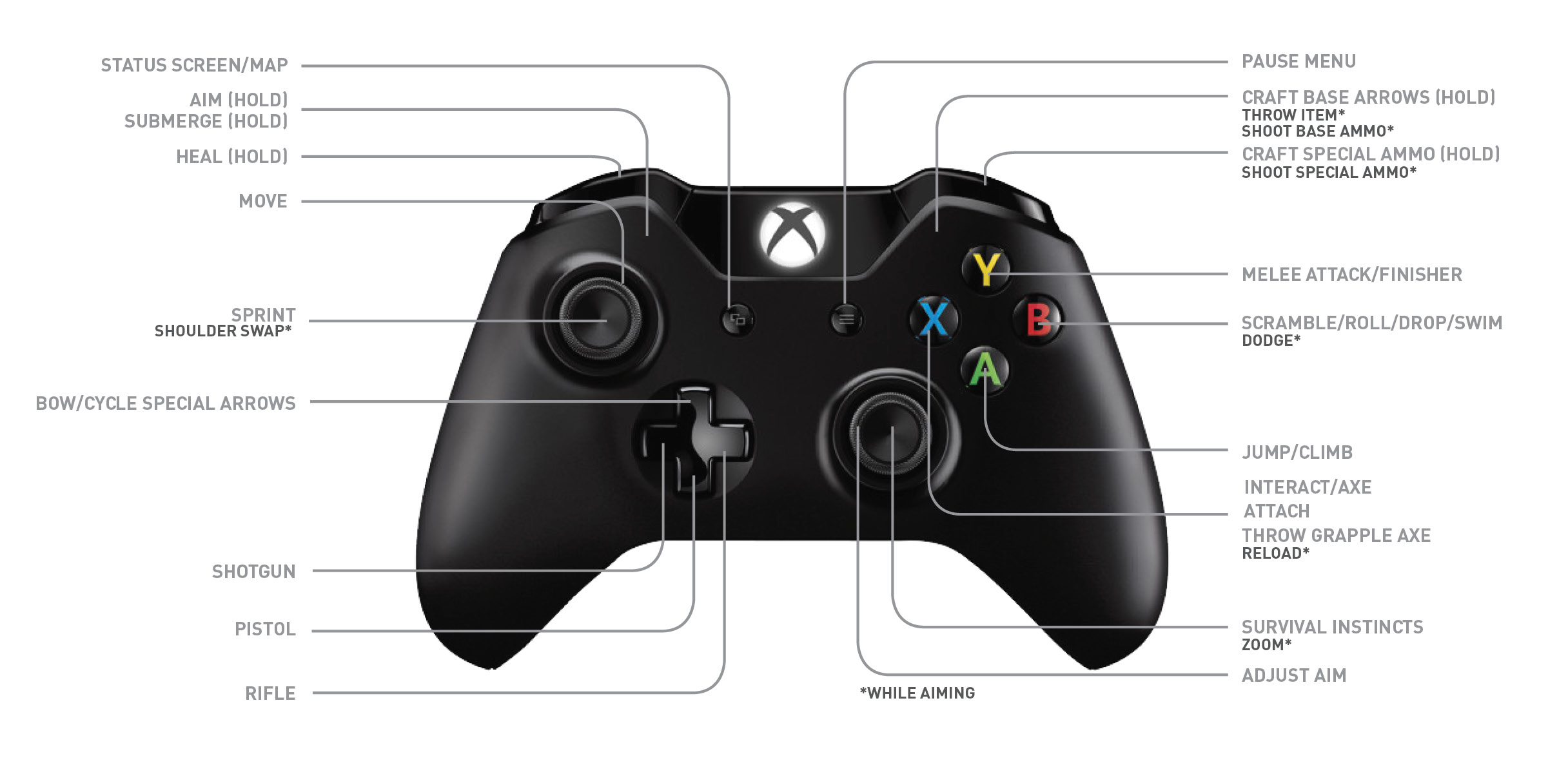
Many of this game’s buttons are contextual, so one button might be responsible for several different commands. We’ll go over all of them. Don’t worry; it’s really intuitive once you start playing.
Map
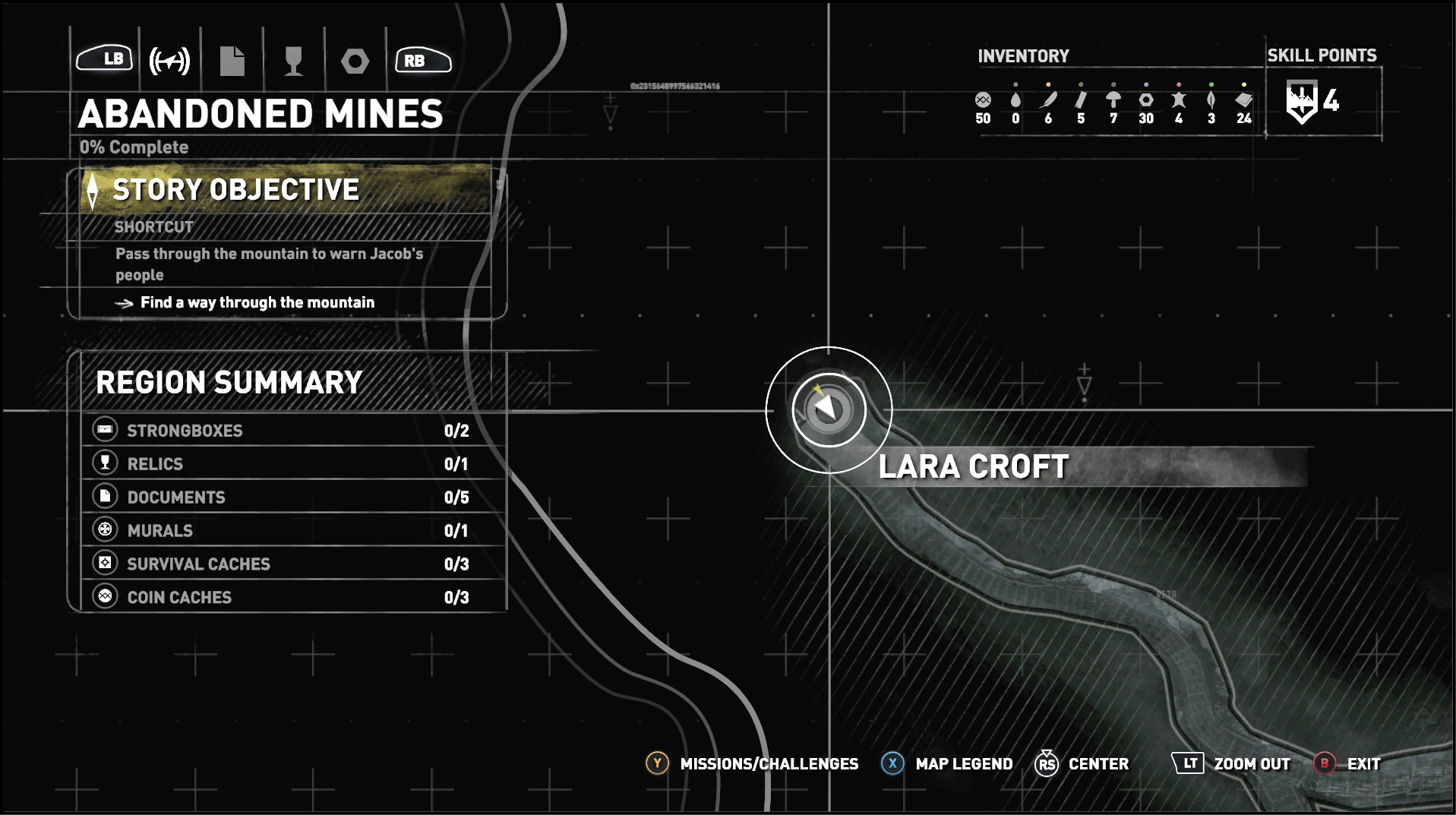
Press the View button to bring up a map of the world. This isn’t available in the first section of the game, but it doesn’t take long to access the map. When you’re in the map system, you can look at the legend, turn individual icons on or off, and even scan around to look at other maps that you’ve discovered.
Resources that you’ve discovered but not picked up appear in bright white. Items that have already been collected show up in grey, so you still know where you get everything.
Movement
The left control stick is responsible for Lara’s movement around the world. The harder you push in a given direction, the faster she moves that way.
Push down the left control stick to get Lara to sprint. This helps her move quickly when you’re not worried about making extra noise or getting spotted.
Camera Control
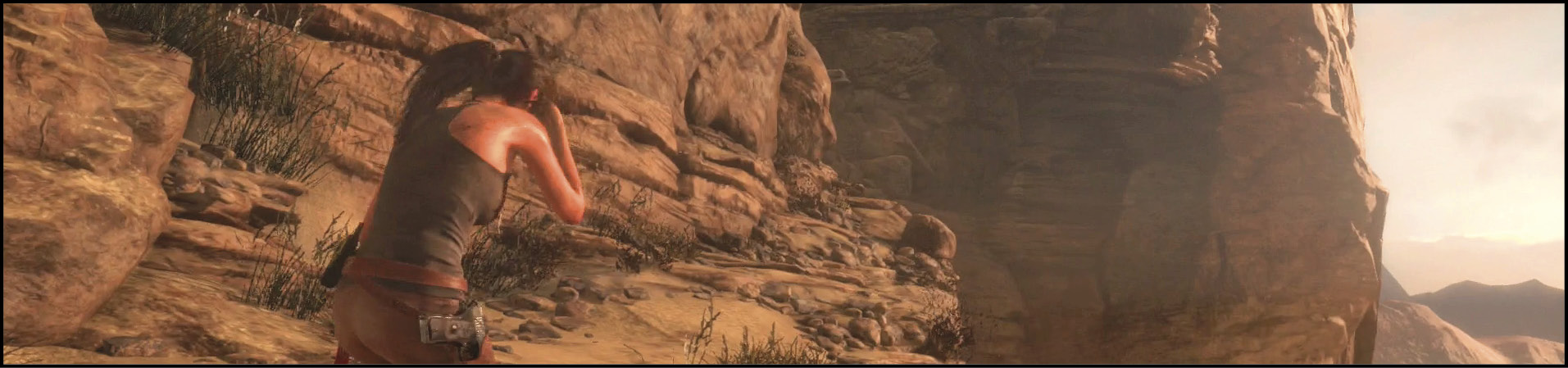
The right control stick swivels the camera, allowing you to look at the action from a variety of angles. This also helps you aim your weapons without forcing Lara to move.
Aim
Hold down the left trigger to raise your equipped weapon. This prepares it for firing and also engages the zoom system (pressing in the right control stick while aiming lets Lara zoom in and get a better look at her targets).
Submerge
You can’t aim while you’re swimming in the water. Instead, the left trigger contextually switches into a submerge command. Lara dives under the water and can swim underneath obstacles or search for sunken entrances. Note that you have limited air until you find a Rebreather, so don’t keep Lara under the surface for too long!
Heal
The left bumper is a healing button. Lara uses Cloth and Herbs to patch herself up, restoring all of her lost health after a short delay (this process doesn’t work if you interrupt it, so hold that button down until Lara heals). There are skills that improve the time it takes to heal and the effect that you get after healing.
Shoot
While aiming, use the right trigger to fire your current weapon. Fully automatic weapons continuously fire as long as you keep the trigger down. Semi-automatic weapons require a tap of the button every time you want to fire another shot.
Shoot Special Ammo
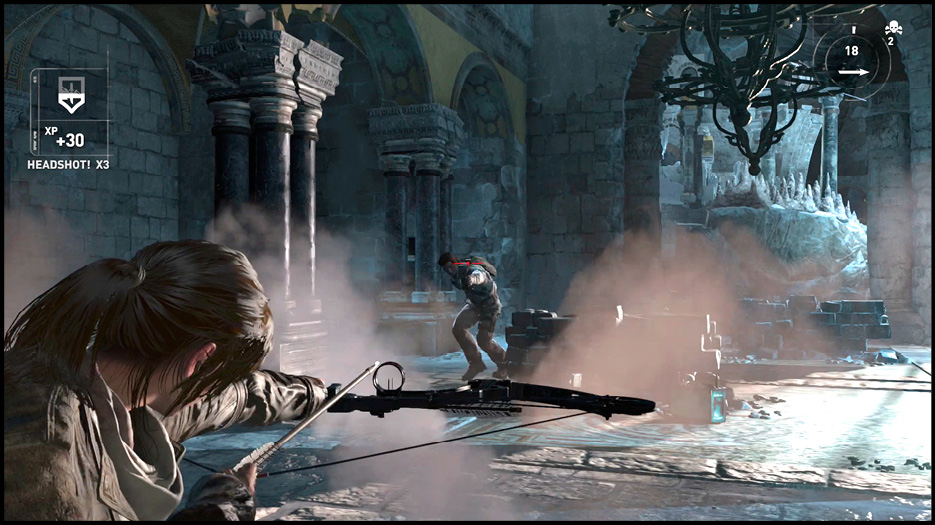
The right bumper tells the game that you want to perform a special attack instead of a normal one. This uses Specialty Arrows (Poison, Fire, or Grenade) for the Bow or special ammo for the guns. You need to take specific skills to learn how to make superior ammo.
Throw
The right trigger becomes a throw command if Lara picks up various objects (Bottles, Lanterns, Radios, etc.). Throw explosive items to injure or kill your opponents. Use flammable objects to destroy cloth barricades. Or, simply throw items to make noise and distract your foes so that you get the drop on them.
Craft Arrows
If your Bow is equipped, the right trigger lets Lara craft additional Arrows even when she’s out in the field. You need to have Hardwood and Feathers to do this, but they are both found frequently in the wilderness.
Craft Special Ammo
Similarly, the right bumper crafts Specialty Arrows if Lara has her Bow equipped. She needs Arrows and specific additional ingredients to make each type of Specialty Arrow.
Scramble
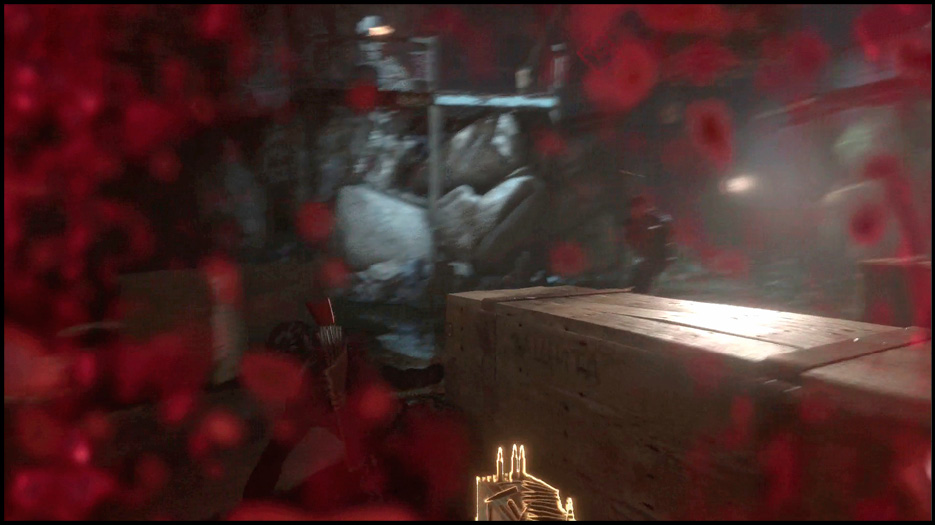
When Lara is on solid ground, press  to scramble. This causes her to duck down and quickly move in the direction that you’re pushing with the left stick. Scramble to get to cover when enemies are shooting at you! This reduces the chance that Lara will be killed by her enemies. Scramble between two types of cover if anyone throws a grenade in your direction. That way, you aren’t out in the open for long, and you have a smaller profile while you’re exposed.
Roll
If you have the right skill, Lara can roll as she lands from a long fall. This dramatically improves her chance of avoiding damage. With this skill, she only gets hurt from extremely high falls. In terms of momentum, you also recover from the fall faster when rolling. Lara can also roll at any time by pressing  and then quickly pressing
  again. It’s easy to keep moving and get to your goals faster once you master this technique.
Drop
Press  to drop off of a handhold, rockface, or ledge that Lara is hanging onto. You can control her fall to some extent, but it’s always a risky process. Only do this if you have to reach a lower ledge, a different rockface, etc.
Swimming
Lara moves around using the left stick while she’s in the water. To swim as quickly as possible, press  while swimming. It’s basically your aquatic sprint!
Dodge
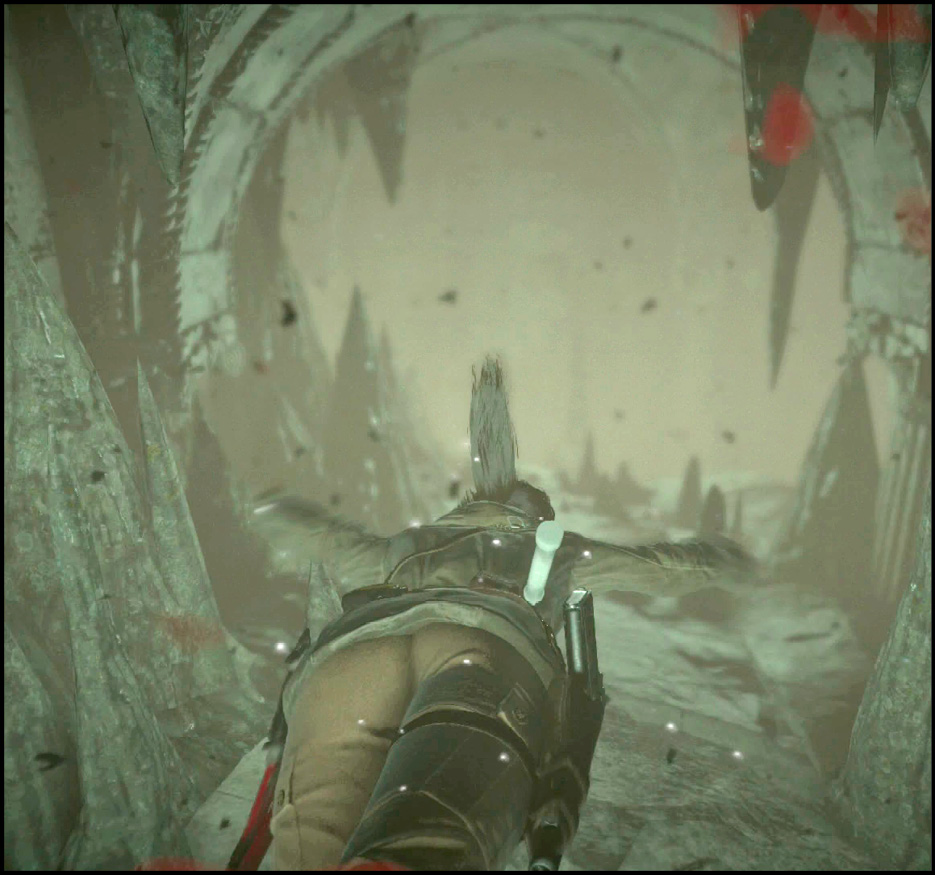
During specific action sequences, Lara is able to dodge incoming attacks if you press  . This is indicated by a prompt that appears onscreen, so you’ll know when to do this.
Jump
Press  to jump. You are going to do this very frequently. Lara has to jump to reach platforms, handholds, climbable areas, and to cross many gaps.
Interact
Use  to interact with objects in the areas. Lara picks up special items (Coins, Relics, Documents, etc.). She gathers crafting supplies from the wilderness, and opens lockers and door with this too. If you think that something can be used, try to interact with it.
Interact also picks up items from the environment that can be crafted into weapons. Do this with Bottles, Cans, and other potentially dangerous toys.
Grappling
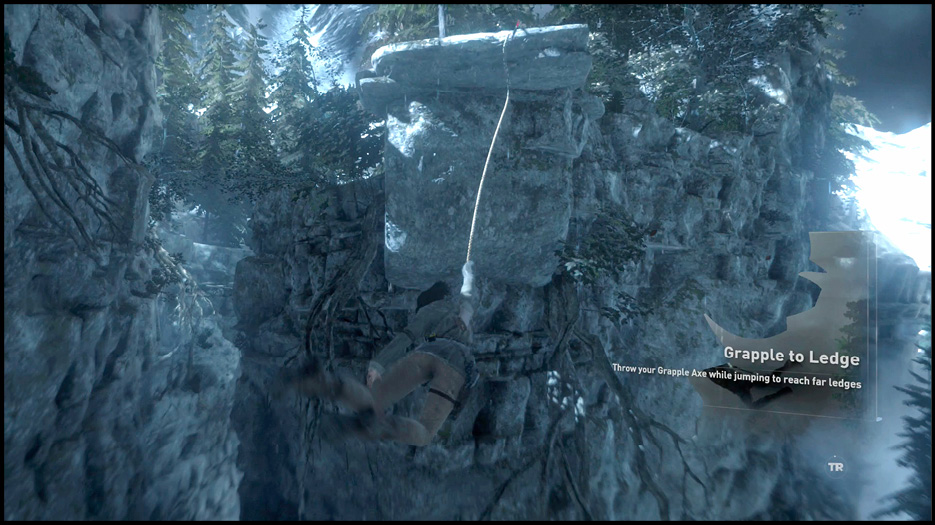
You receive a Wire Spool a bit later on in the story. Lara learns how to use this as a grappling device. While airborne, tap  to throw the grapple in the direction that you’re pushing with the left control stick. This grabs ledges, and climbable areas.
Reload Weapon
If you have a weapon selected that can be reloaded (and needs to be reloaded), press  to do so. Remember to reload when you’re out of battle or have decent cover so that enemies can’t capitalize on Lara’s distraction.
Survival Instincts
Press down the right control stick to engage Lara’s Survival Instincts. The game highlights objects around you that are usable. This includes collectible items, crafting supplies, challenge targets, enemies, and so forth.
Hostile targets that can see each other show up as red. You can’t take them out without being spotted by someone in the group. However, hostile targets that are isolated appear with a yellow glow. It’s safe to take them out, as long as you use quiet attacks or weapons to do it!
Other items of importance glow with a yellow light.
If you move while using Survival Instincts, it ends the ability. Things continue to glow briefly, but that only lasts a moment. Use this while running through an area to quickly assess what’s around you. You can also select something while using you map. Click on it there, and then that object will show up with a blue light when using Survival Instincts. Objectives for the story show up as a yellow diamond.
Zoom
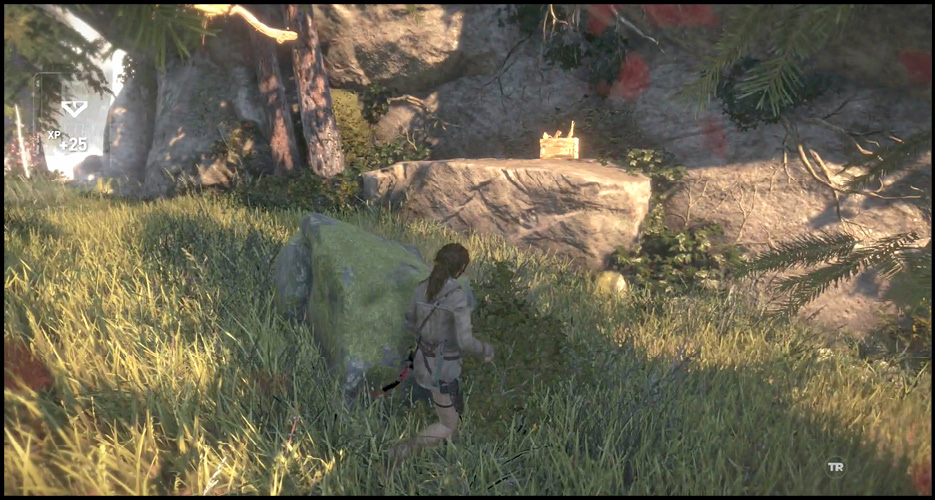
While aiming, press down on the right control stick to zoom in. You get a better view of your targets, so it helps with your accuracy. If you have the right skills, your Bow shots are able to lock onto targets when you zoom.