
Mass Effect (PC) Guide Essentials Spectre Orientation Department
Transportation
Interstellar Travel on the SSV Normandy
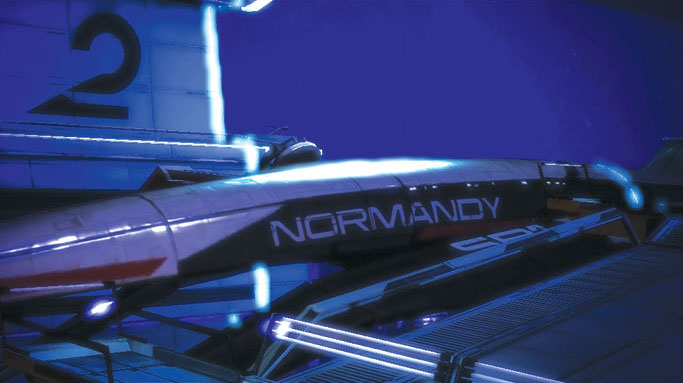
You are commanding officer of the prototype Systems Alliance starship SSV Normandy, with unique stealth technology to allow the ship to disappear from scanners against the deep cold of space.
Developed in cooperation with the turians, the Normandy is equipped with state-of-the-art navigation systems and mass effect FTL drives. Using the mass relays, it can travel to far-reaching sectors of Citadel Space in mere moments.
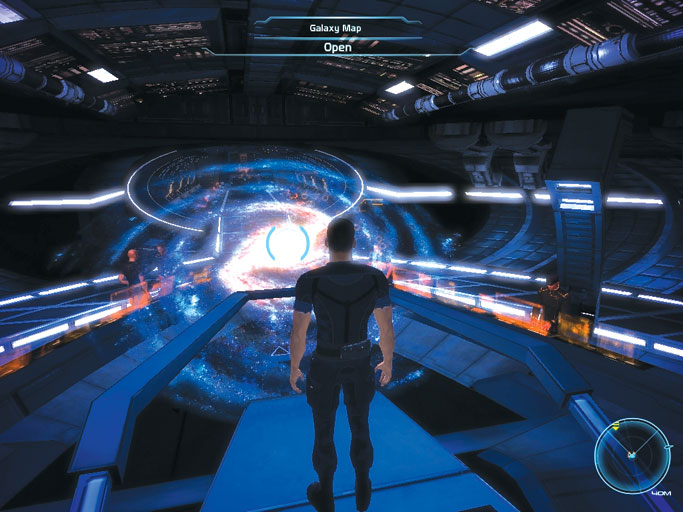
SSV Normandy’s Galaxy Map Interface in the Combat Information Center.
The Galaxy Map is where all navigation coordinates are determined and confirmed by the Commanding Officer, or CO; orders are then automatically sent to the Normandy’s pilot, Joker, for execution. All levels of galactic navigation information are available from this deck, including separate views for galaxy, cluster, system, and orbital.
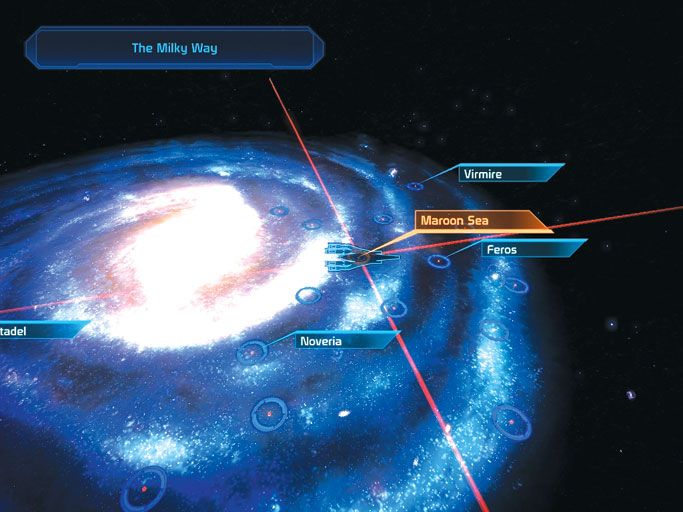
Galaxy View—Displays all currently known star clusters.
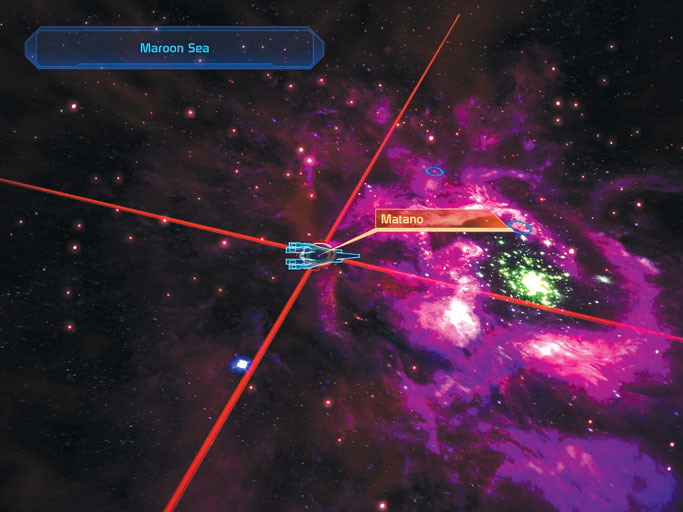
Cluster View—Displays all currently known solar systems within the selected star cluster.
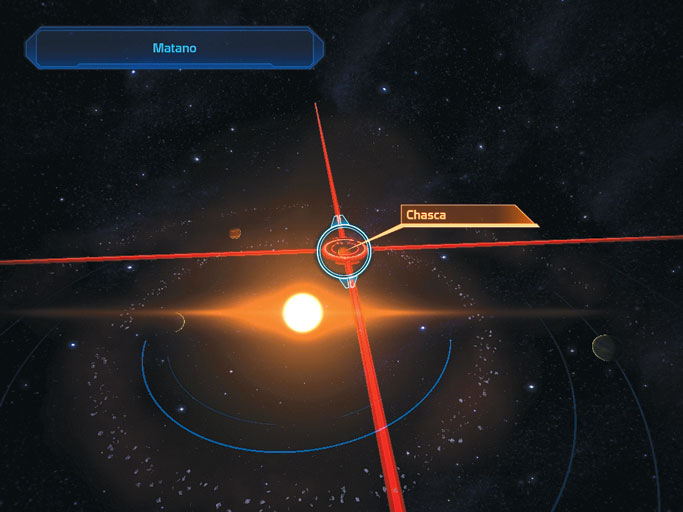
System View—Displays an overview of an entire star (solar) system and all the orbiting planetary bodies, asteroid belts, or vessels.
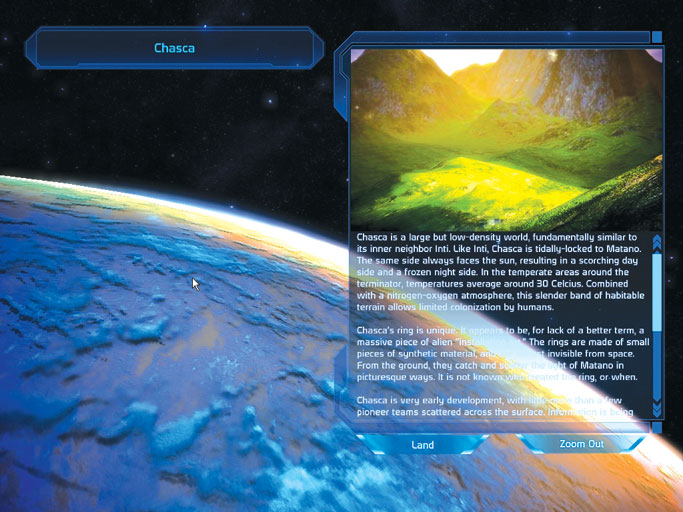
Orbital View—This is the highest level of detail viewable from orbit, alongside background information from the Alliance’s database.
Citadel Rapid Transit
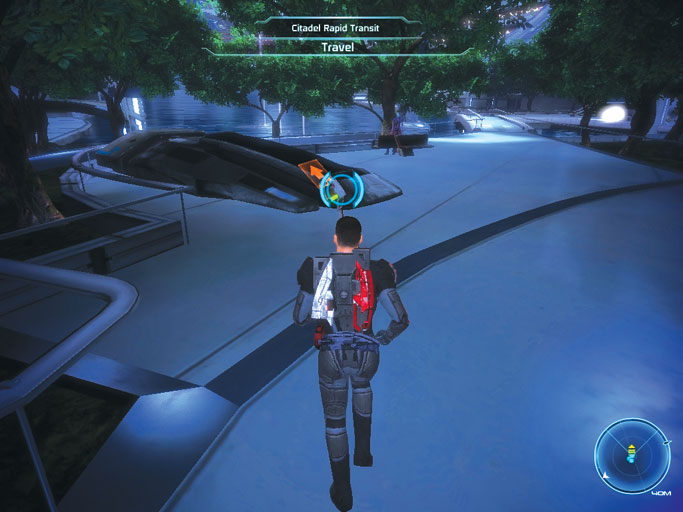
While on the Citadel, the squad should take advantage of the Rapid Transit System. After the stations have been located, you can quickly travel between them, thus decreasing wear and tear on Alliance standard-issue footwear.
Transit terminals can be found in the following locations:
Presidium Stations:
Citadel Tower
Embassies
Consort Chambers
Wards Access
Financial District
Wards Stations:
C-Sec
Flux
Chora’s Den
Med Clinic
Markets
Ground Transportation
Many planets in the known galaxy are considered "safe" to land on, but ground teams are always advised to use caution when exploring new territory due to various levels of environmental hazards.
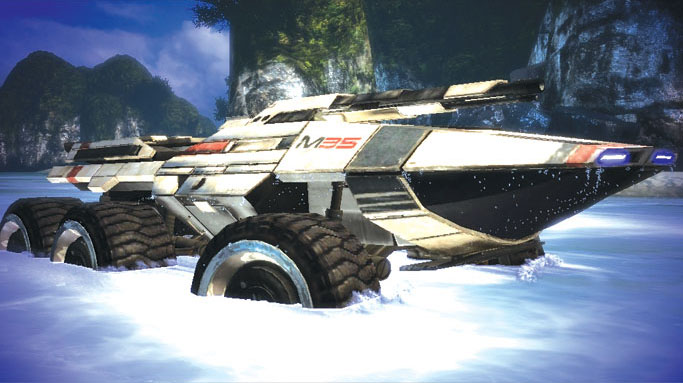
To ease ground transportation and expedite planetary exploration, your squad is given access to the M35 Mako, a highly advanced all-terrain troop transport armed with both a long-range Gatling gun and a scoped, high-velocity cannon for eliminating opposition from a distance.
The Mako is controlled with [W], [A], [S], [D] for direction and acceleration/braking. The mouse controls the camera that aims the vehicle’s gun sights to engage enemy targets.
The right mouse button fires the Mako’s cannon and the left mouse button fires the Gatling gun. Use [shift] to zoom, allowing the Gatling gun and cannon to fire on distant targets accurately.
The Mako is outfitted with aggressive internal gyroscopes to assist in keeping it "wheels down." Even in the most harsh conditions, it’s nearly impossible to flip a Mako on its roof.
Its inherent self-righting capability is also improved by the addition of six booster rockets that deploy limited bursts of high intensity-short duration blasts to lift the Mako up to approximately 20 feet off the ground.
The booster rockets (sometimes known as "jump jets") are ignited by pressing [spacebar] and using them effectively can help you get through rough terrain and, during confrontations, can maneuver more defensively to avoid enemy fire.
When the squad arrives at its destination—be it enemy outposts, alien artifacts, or survey locations—press [Q] to exit the Mako and continue toward your objectives.
When ground operations are completed, the squad must re-enter the Mako by pressing [E] to prepare for extraction by the Normandy. To signal for extraction while inside the Mako, press [N] to have Joker touch down and pick you up.