
Mass Effect (PC) Guide Essentials Spectre Orientation Department
Mini-Games
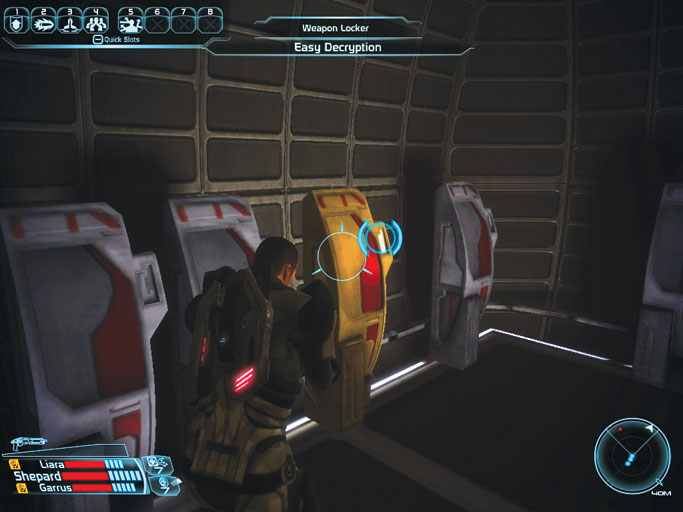
In addition to a wide diversity of missions and assignments, agents discover various types of tasks/games that must be completed to achieve certain objectives (or that may just have pure entertainment functionality) in such forms as:
- Electronic Locks
- Security Systems
- Gambling Machines
- Mineral Surveys
- Recovering Artifacts
- Salvaging Wrecks
- Critical Mission Objectives
When presented with a mini-game, a separate HUD interface displays on screen. There is a series of concentric rings around a central timer.
A triangular blue cursor sits outside of the rings, and stationary orange blocks and moving red blocks line the rings. Use the arrow keys or move the mouse to maneuver the cursor past the blocks and into the timer before the timer expires.
The orange blocks only impede the cursor’s progress, while the red blocks will return the cursor to the outer ring.
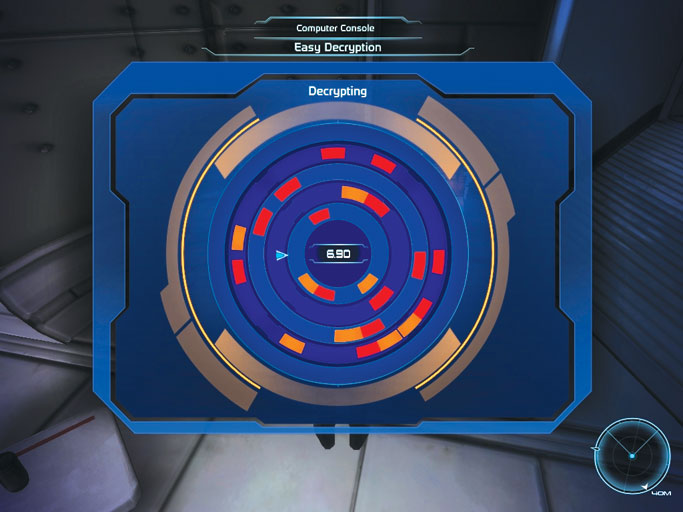
If you’re successful, the task is completed and you collect a reward. If you fail to complete the task, you can usually gain a second chance by overriding the system with omni-gel.
The second chance is only available if you have enough omni-gel in your possession, so always keep a healthy supply on hand.