
World of Final Fantasy Guide The Mechanics of Grymoire
Menu Mechanics
Behind the menus of World of Final Fantasy are several options designed to make your life in Grymoire easier. The most important menus are the ones at the title screen and the one accessible during gameplay by pressing  .
.
Title Menu
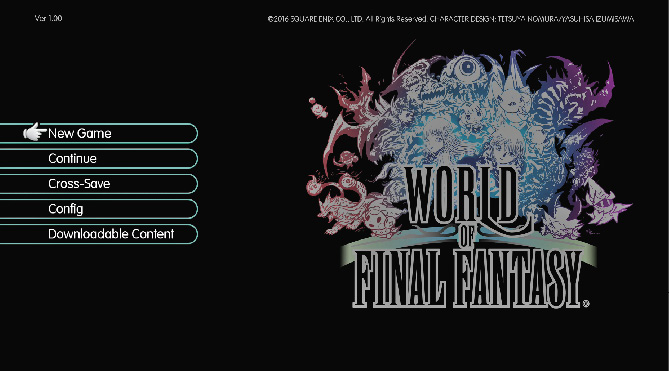
New Game
Begin a new game.
Continue
Resume your game from your last save.
Cross-Save
Gain or utilize data between the PlayStation® 4 and PS Vita versions of the game.
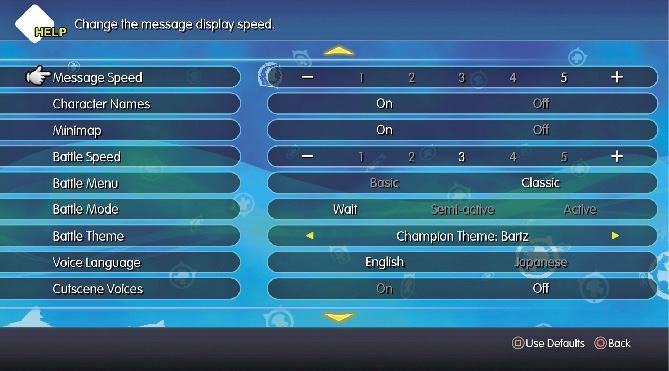
Config
Here, you can set a wide variety of options to customize your World of Final Fantasy experience.
- Message Speed: Change the speed at which messages (such as NPC dialogue) are displayed (1 is slowest, 5 is fastest).
- Character Names: Choose whether to display character names above subtitles.
- Minimap: Choose whether to display the minimap that appears at the corner of the screen.
- Battle Speed: Change the speed at which battles proceed (1 is slowest, 5 is fastest).
- Battle Menu: Choose the menu layout that you start battles with: Basic or Classic. You can read more about both styles further in this chapter.
- Battle Mode: Change the game’s battle mode: Wait, Semi-active, or Active. You can read more about these three styles further in this chapter.
- Battle Theme: Choose the music that
- plays during battles. Choose from the standard battle and boss themes, or pick special themes that become unlocked once you unlock different Champion Medals.
- Voice Language: Change the language of voices spoken in the game between English and Japanese.
- Cutscene Voices: Turn voices during cutscenes on or off.
- Voice Volume: Set the volume of spoken voices.
- Music Volume: Set the volume of the background music.
- Sound Effect Volume: Set the volume of sound effects.
- Automatic Cross-Save: Create versions of your save file for both the PlayStation 4 and PS Vita versions.
Downloadable Content
Obtain downloadable content for the game. An Internet connection is required.
In-Game Menu
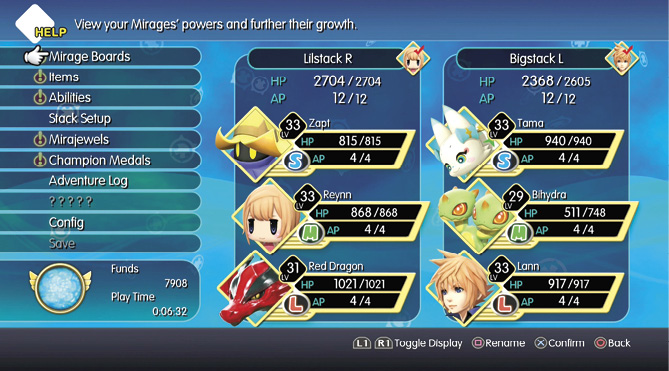
From managing your Mirages and stacks to keeping track of your items and progress, the in-game menu is your base of operations. You can access the menu by pressing  during just about any moment Lann and Reynn are free to move around. Here’s what’s on offer.
Mirage Boards
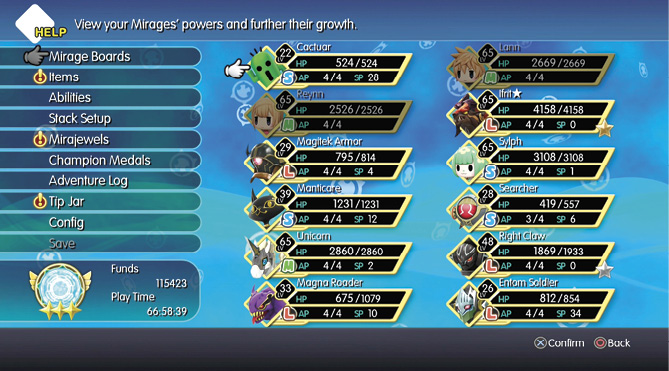
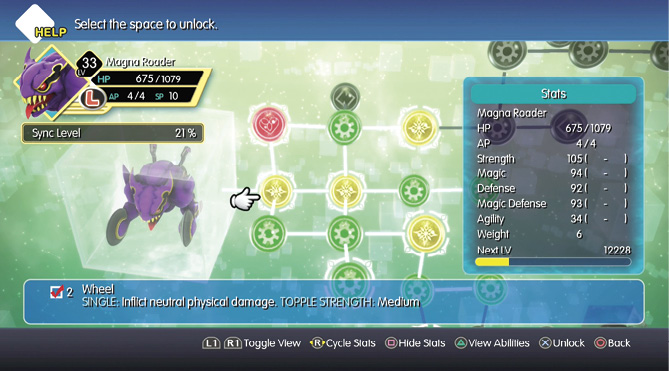
View the powers of the Mirages in your party and further their growth via their Mirage Boards. You can learn more about Mirage Boards later on in this chapter, as well as in the Mirage Manual chapter itself.
Items
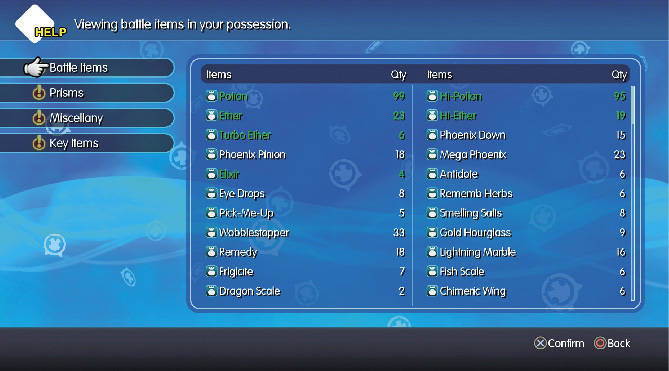
Here, you can find all of the items that you’ve acquired over the course of the game.
Abilities
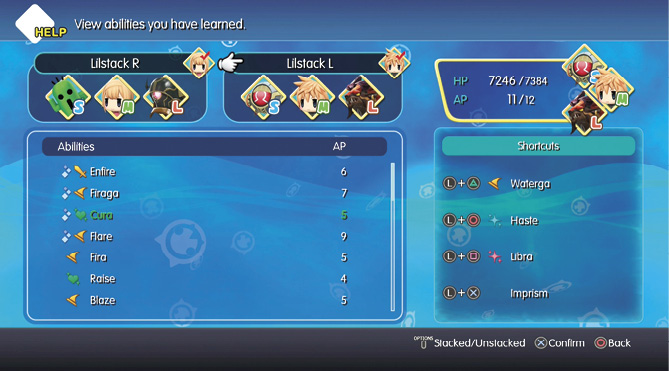
Assign abilities to button shortcuts. If you’re a big Basic battle menu user, you’ll be spending a decent amount of time here.
Stack Setup
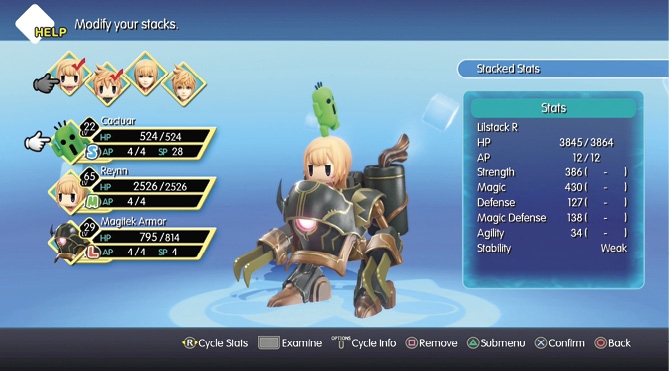
Modify your stacks and note their effects and granted abilities on this screen.

Mirajewels
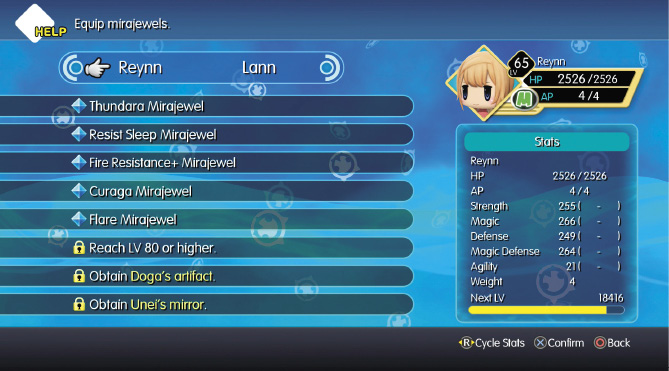
Equip mirajewels to Lann’s and Reynn’s mirajewel slots, and keep track of the objectives required to unlock more slots.
Champion Medals
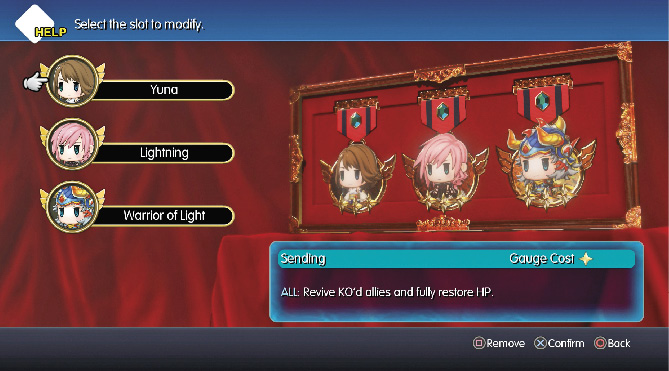
Manage, equip, and unequip your Champion Medals here. You can read more about Champion Medals at the end of this chapter.
Adventure Log
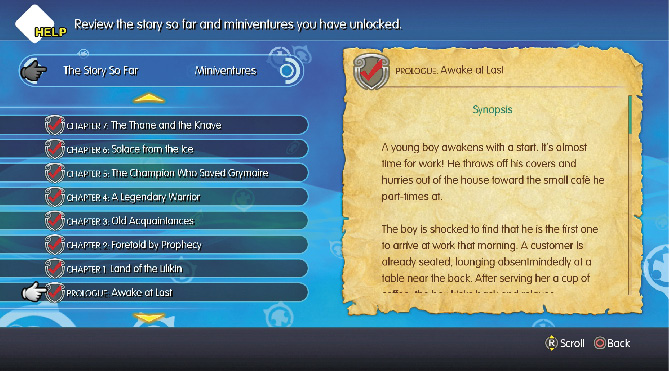
Review the story so far, as well as the miniventures (side quests) you have unlocked. You can read more about the Adventure Log further in this chapter.
Tip Jar
Gain valuable insights into the world and inner workings of the game. You can read more about the Tip Jar in the next section of this chapter.
Config
Enter the same Config screen as the one accessible from the Main Menu. Note that the Voice Language cannot be changed here; it can only be changed in the Config Menu accessible from the Title Screen.
Save
Save your game at an eligible point, such as Save Crystals.