Getting Started
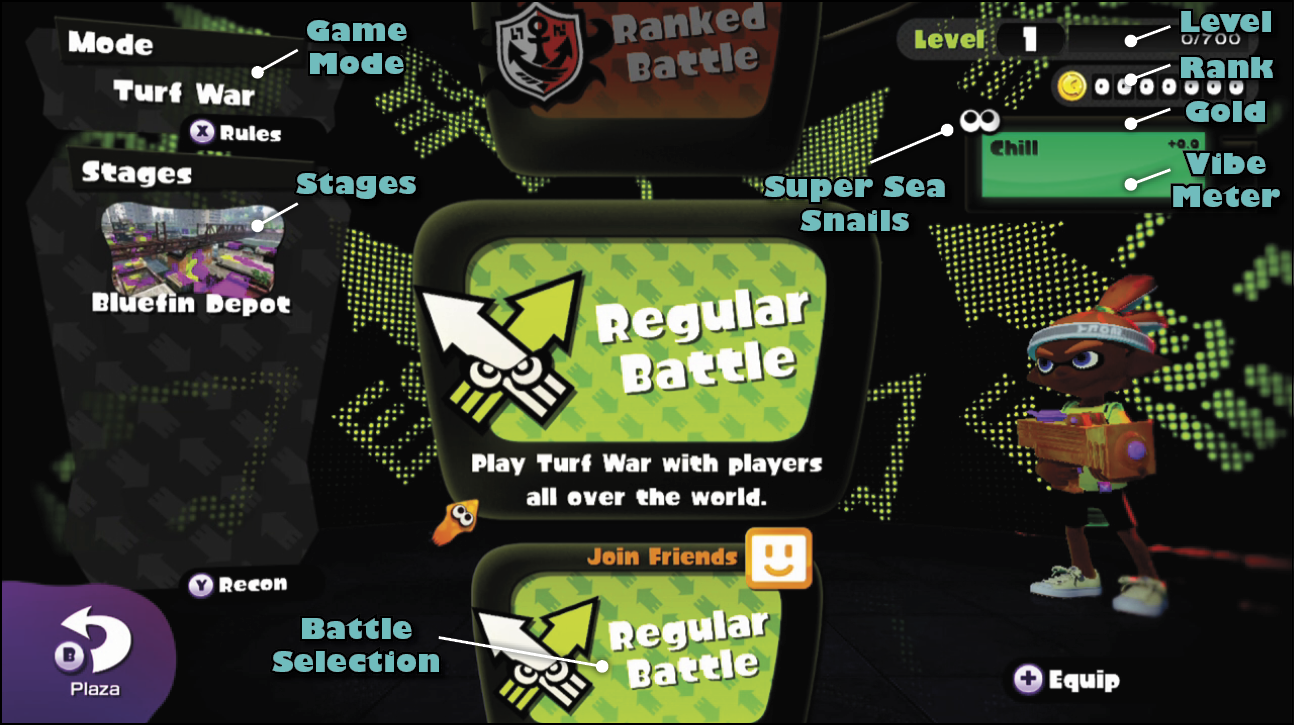
Upon entering Inkopolis Tower, the following screen greets you, detailing your status while prompting you to join a battle. There’s a wealth of information here, so let’s take a closer look.
Level
This is your current level. You can level up by earning Battle Points, or BP. BP is awarded by participating in ink battles. The accompanying meter shows how much BP is required to reach your next rank. The level cap is twenty.
Rank
Starting with a rank of C-, win more ranked battles to increase your rank all the way to A+. But if you lose ranked battles, your rank can decrease. So keep winning to avoid losing progress. The number next to your rank shows how much rank experience you have—you need 100 rank experience to advance to the next rank.
Gold
As you earn BP, you also earn gold. There is a 1:1 relationship between BP and gold earned. So score as much BP as possible in a match to walk away with the same amount in gold. Gold can be used to purchase new weapons, clothing, shoes, and headgear.
Super Sea Snails
Super Sea Snails are only awarded during Splatfest events. Visit Spyke and use your Super Sea Snails to add sub ability slots to your gear. If your gear already has three sub ability slots, you can pay Spyke a Super Sea Snail to reroll all three sub abilities.
Vibe Meter
You gain and lose flags based on how many matches you win or lose, and this meter is reset each day. Winning a match always awards one flag. Losing a match will take away flags based on your current vibe. There are four ranks: Chill, Toasty, Smokin’, and SO HAWT!! Visit Judd (in the Plaza) to receive a gold reward—the higher your vibe meter status, the more gold you’ll receive.
Game Mode
Here you can see the current game mode: Turf War or Splat Zones. Press X to get a quick summary of the game mode’s rules.
Stages
Here’s a list of active stages. Press Y to enter one of the stages in Recon mode. This allows you to walk around the stage by yourself, ideal for exploring and strategizing before a battle.
Battle Selection
Here you can choose to participate in one of three different battle types: a regular battle, a ranked battle, or a regular battle with friends. If you want to play Turf War, choose a regular battle or regular battle with friends. If you want to play Splat Zones, choose ranked battle. Regardless of choice, you’re immediately sent to a matchmaking screen where you’re joined by teammates and opponents.
Ink Battle Interface
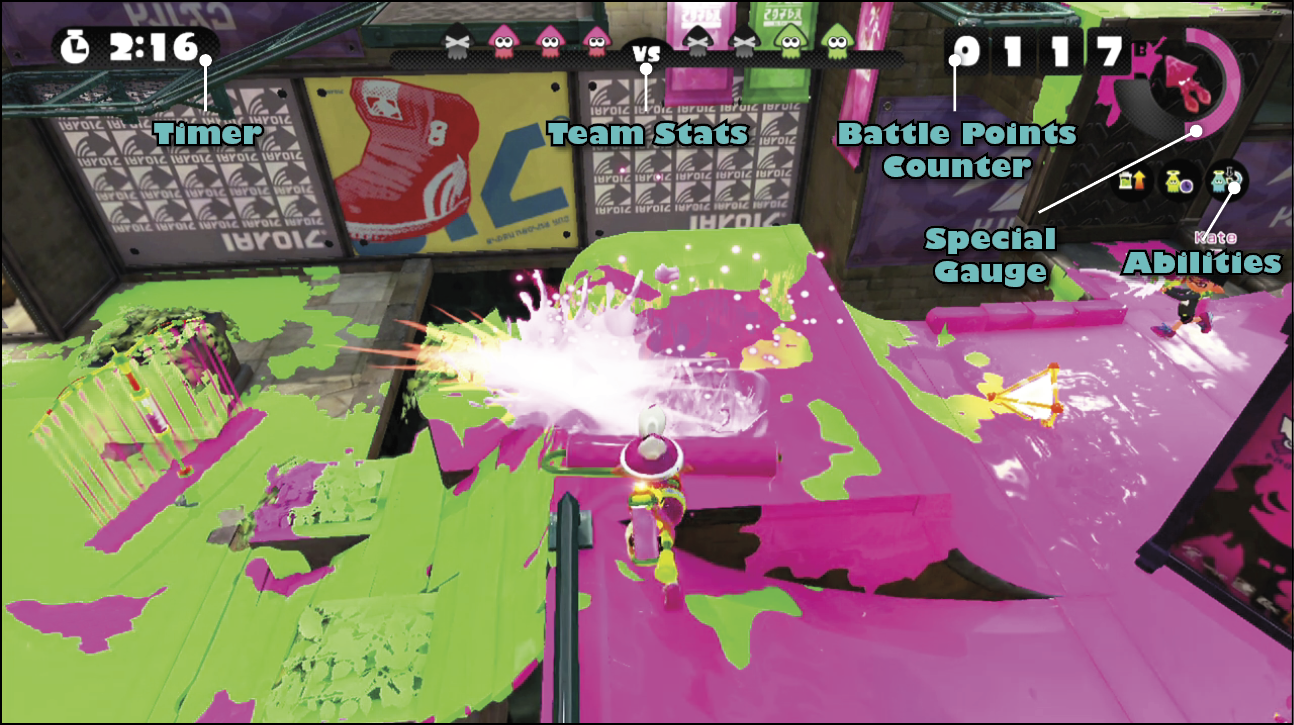
Once you’ve joined a match, you’re thrust into an ink battle. Before you start inking territory and splatting opponents, take a moment to study these various on-screen elements.
Timer
The timer shows how much time is remaining in the match. Turf War battles last a full three minutes. Splat Zones matches can last as long as five minutes, but can end early if victory conditions are met.
Team Status
Each squid icon represents a different player. Colored icons represent active players on the stage while grayed-out icons represent splatted players in the process of respawning. These icons change size based on a few factors:
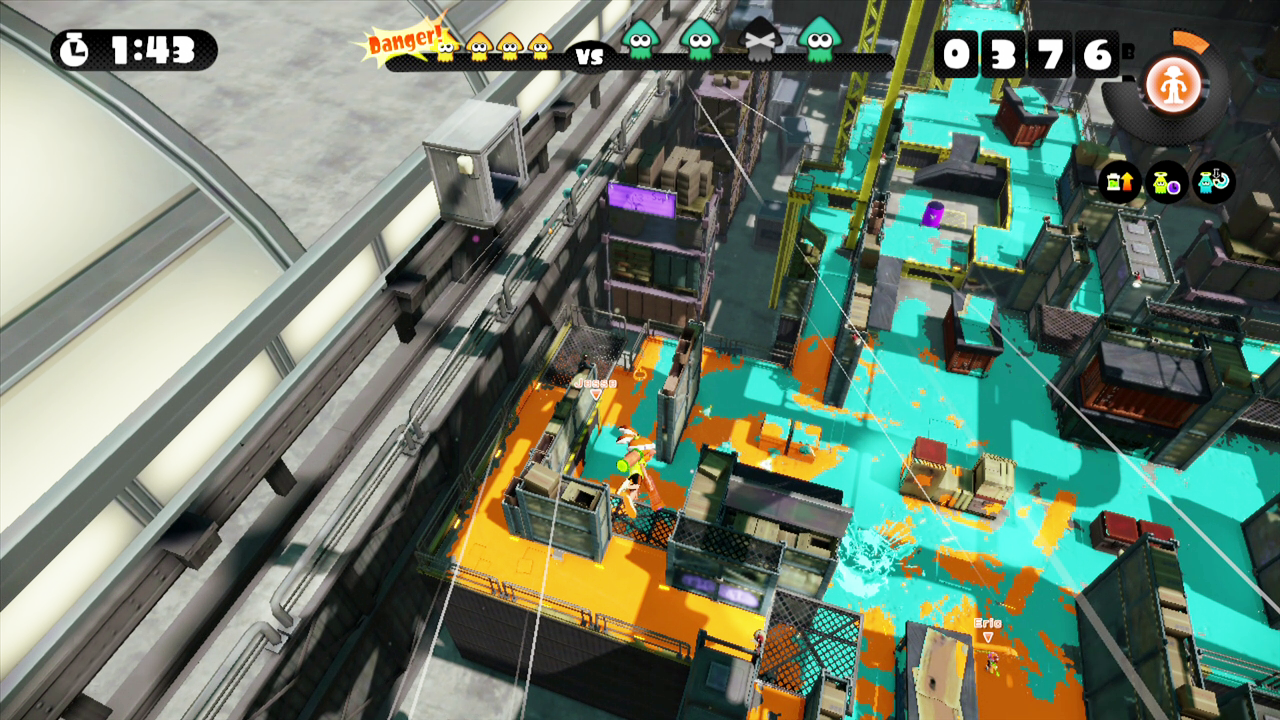
- In Turf War, if it is a close match, both team’s squid icons will be the same size. If one team is winning slightly, their Team Status icons become slightly larger. If one team is winning by a substantial margin, their Team Status icons get even larger and the losing team will have a “Danger!” icon appear.
- In ranked battles, if no one controls the objective, the squid icons are the same size. If one team controls the objective but isn’t making progress towards a win, their Team Status icons become slightly larger. If one team controls the objective and is making progress towards a win, their Team Status icons become even larger and the opposing team will have a “Danger!” icon appear.
Battle Points Counter
This counter only appears in Turf War and indicates how much ground that you personally have covered in ink. At the end of the match, the amount of BP that you earn is this number plus a victory bonus of 300 if your team wins. For example, if you have covered 1,000 BP worth of ground and your team wins, you earn 1,300 BP. If your team does not win, you just earn this number in BP, with no bonus.
Special Gauge
The Special Gauge fills as you cover ground in your ink. Once it is full, the gauge will start sparkling and the “Press Right Stick” icon appears. Pressing the Right Stick activates your special. Once the special is activated, the gauge drains at a rapid pace, indicating how much time is left for your special. If you get splatted, you lose half the progress in your special gauge.
Abilities
These three icons represent the main abilities associated with your character’s clothing, shoes, and headgear. Abilities affect your character in various ways. These icons light up when a sub ability is in use. Flip ahead to the Weapons and Gear chapter for more information on abilities.
GamePad: Turf Map and Super Jumps
While competing in ink battles, don’t forget to look down at your GamePad from time to time. Here you can see the Turf Map. This map displays a live feed of ink coverage on the stage, allowing you to see where friendly and enemy ink is being spread. If you see a fresh patch of enemy ink appearing, you can determine where opponents are. The GamePad is also necessary to perform Super Jumps. Using the stylus, select a teammate (or friendly Squid Beakon) on the Turf Map to perform a Super Jump. This launches your character high into the air before landing next to your teammate—this is ideal for applying pressure on hotly contested areas of a stage. But exercise caution when performing Super Jumps. Jumping to a teammate who is engaged in a heated battle can put you at a major disadvantage upon landing.
Weapons
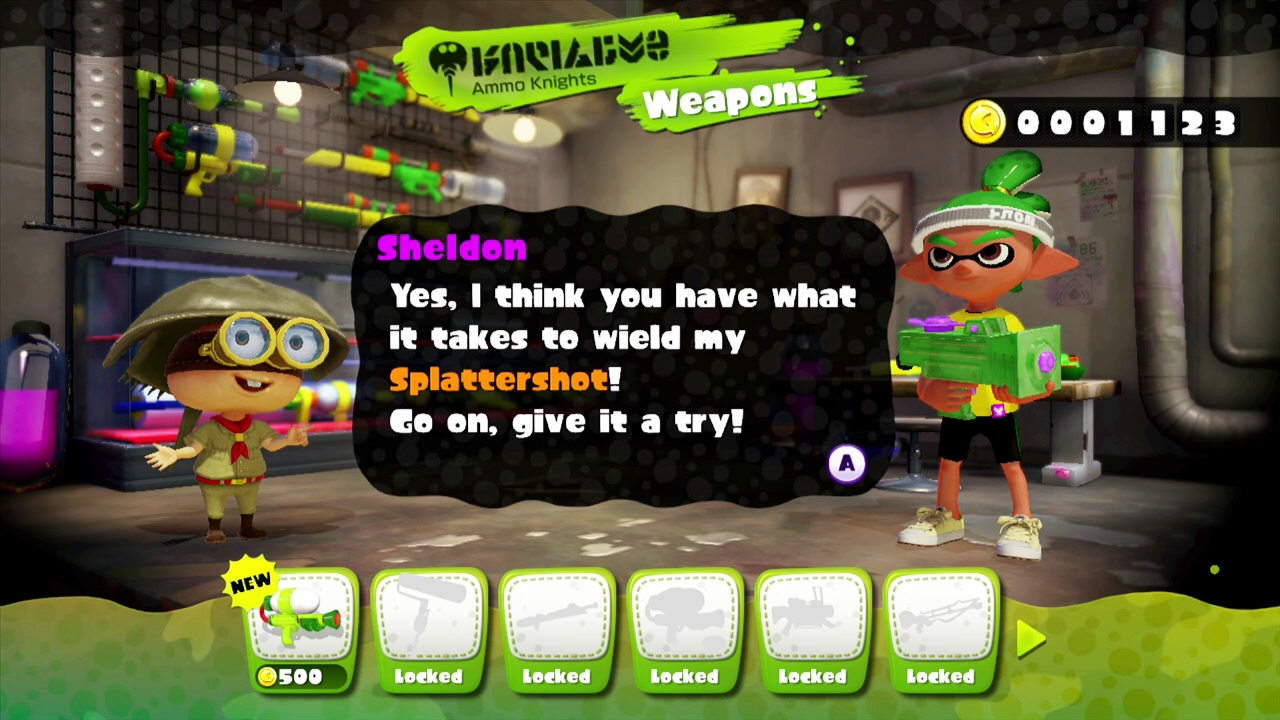
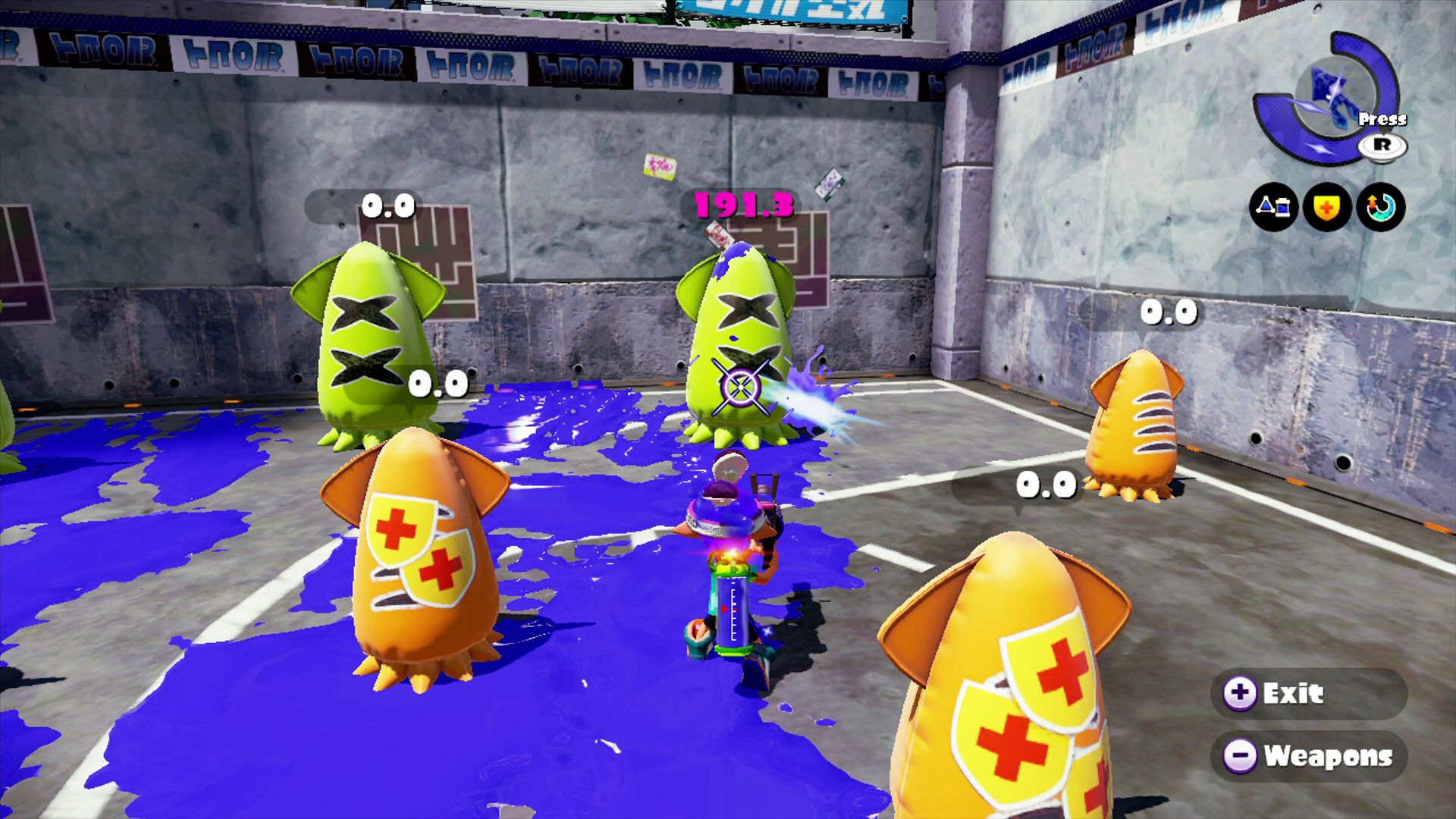
Initially, your Inkling comes equipped with the Splattershot Jr. main weapon, which includes the Splat Bomb sub weapon and Bubbler special—this is an excellent, versatile loadout for new players and veterans alike. As you level up, you can purchase new weapons from Sheldon at Ammo Knights. There are four different types of main weapons, each with their own strengths and weaknesses. Instead of purchasing every weapon that becomes available, focus on weapon types that best match your style of play. Here’s a quick glimpse at the different types of weapons. For more information on weapons, sub weapons, and specials, reference the Weapons and Gear chapter.
Weapon Types
| Weapon | Type | Description |
|---|---|---|
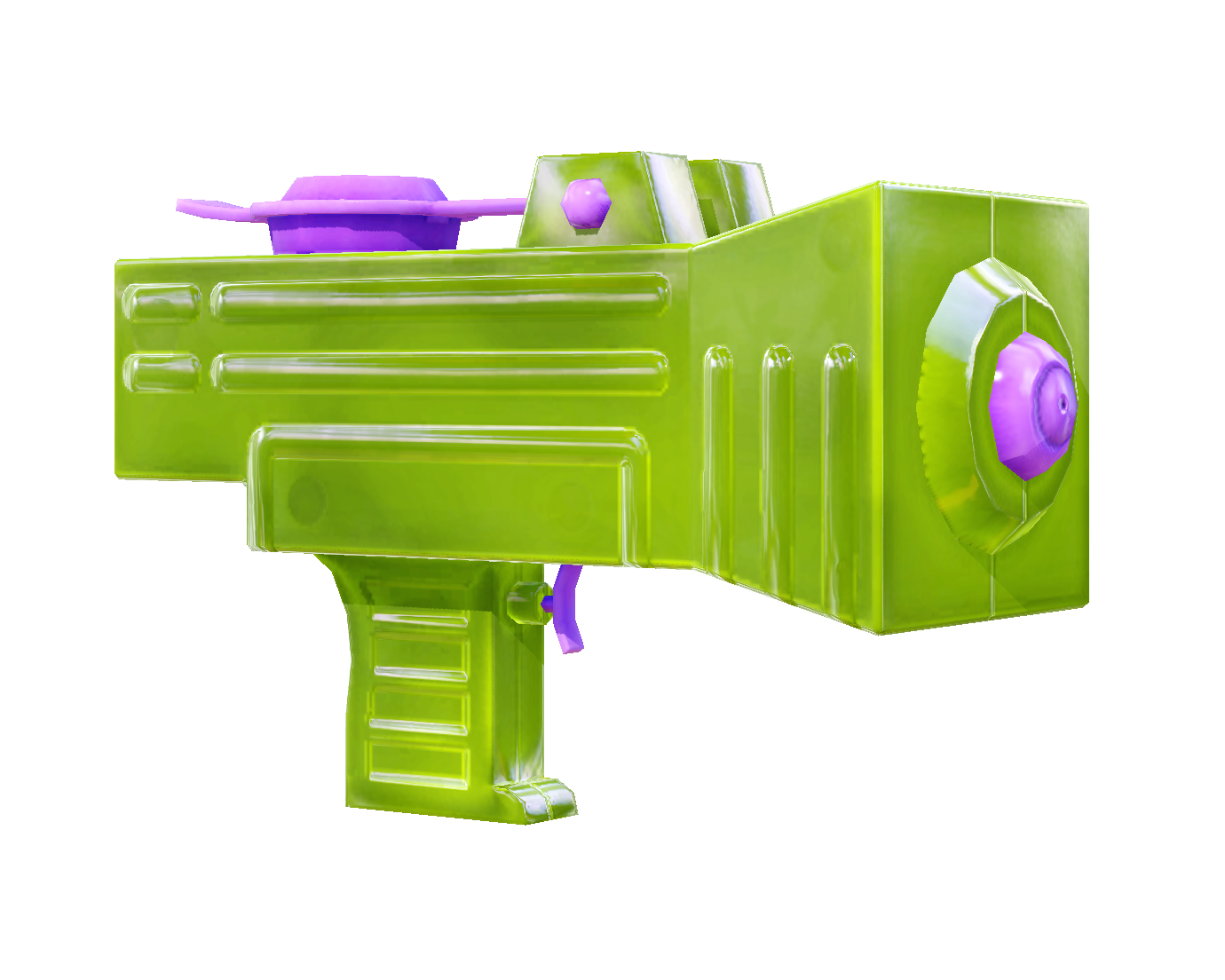 |
Rapid | Rapid-firing weapons are the most well-rounded, making them well-suited for spreading ink in Turf War or splatting opponents in any game mode. |
 |
Charger | These weapons must be charged before firing to reach their high-damage, long-range. They’re better suited for sniping opponents than for spreading ink. |
 |
Roller | Rollers are ideal for rapidly spreading ink along flat, horizontal surfaces. They can also be swung to fling ink over wide areas or smack opponents. |
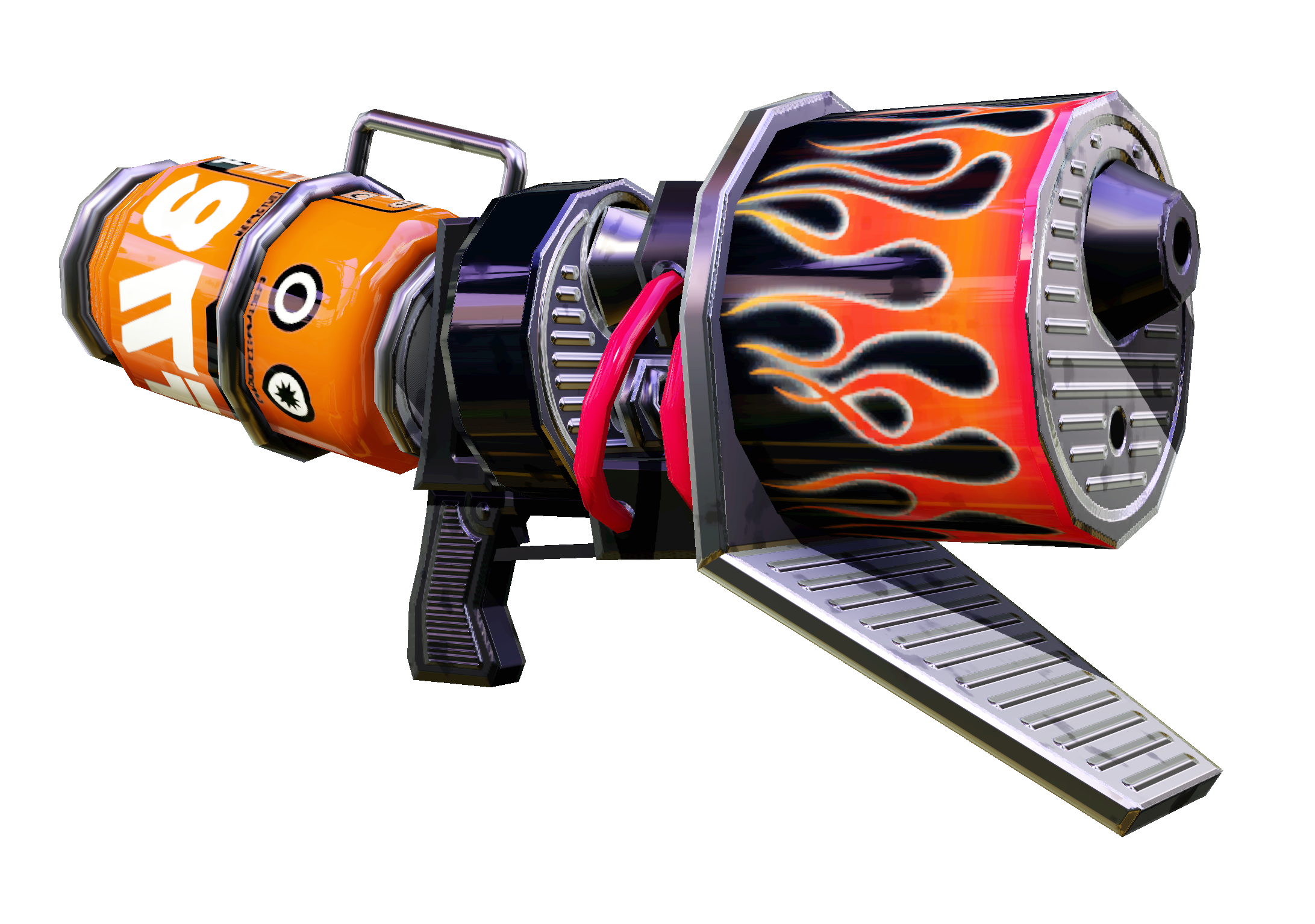 |
Blaster | These slow-firing, high-damage weapons fire ink-filled projectiles that explode in mid-air or upon impact. Their lack of range can make them difficult to use, but there’s no denying their effectiveness in spreading ink. |
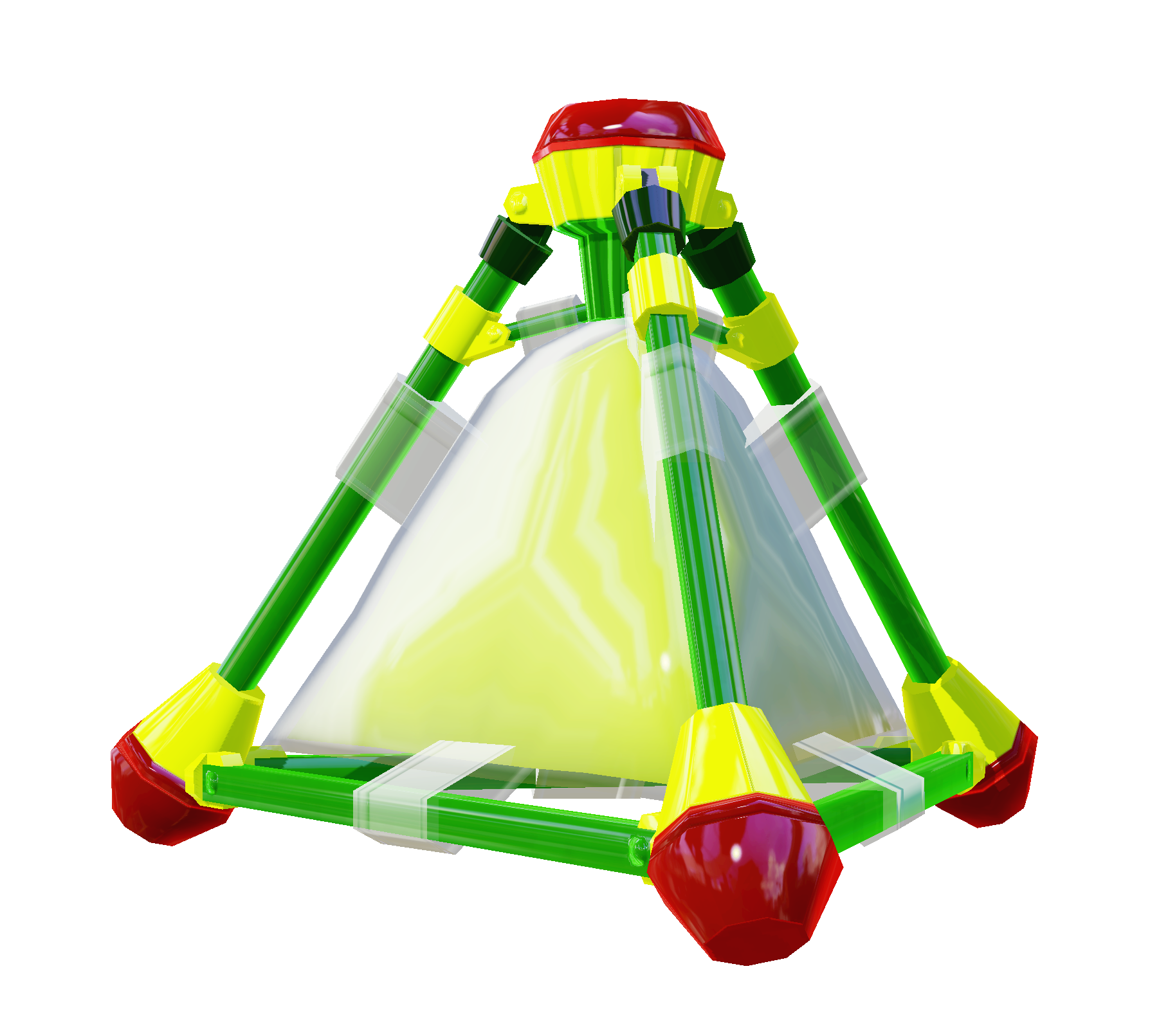 |
Sub Weapon | Each loadout comes equipped with a sub weapon, such as Splat Bombs. These weapons provide some welcome benefits, but they also consume a lot of ink. |
 |
Special | Each loadout also includes a special, like Bubbler. Fill the special gauge by covering the stage with ink. Once the gauge is filled, you can activate the special. |
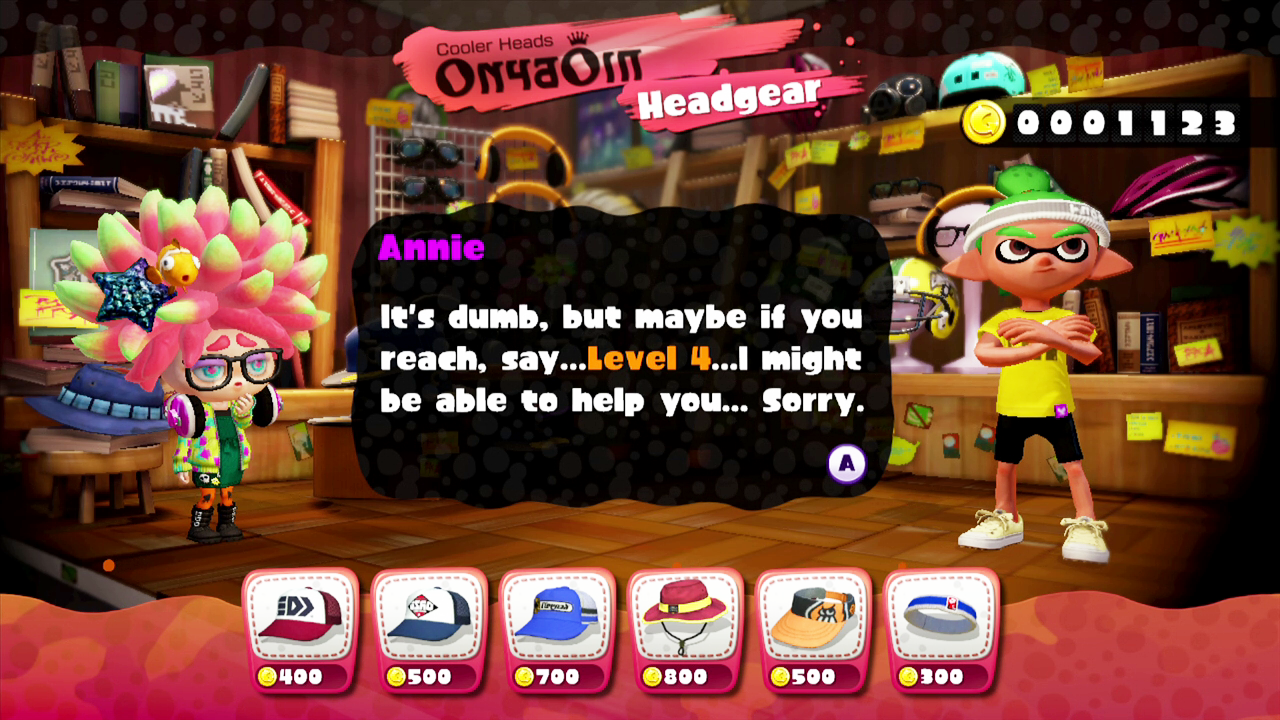
Gear
The clothing, shoes, and headgear worn by your Inkling function like armor. Each piece of gear has a fixed main ability, which benefits your character in various ways. For example, the Damage Up ability increases the damage output of all your weapons. Since you have to wear clothing, shoes, and headgear at all times, you always have three main abilities active. Each piece of gear can also have up to three sub abilities. These lesser abilities aren’t as effective, but since all abilities can be stacked, they work together to enhance the performance of your character during ink battles. New gear can be purchased with gold from Jelly Fresh, Shrimp Kicks, and Cooler Heads, located in the Plaza—check back regularly because their stock changes daily. For more information on abilities and gear, reference the Weapons and Gear chapter.