Skylanders® SuperChargers Guide Racing
Get Ready to Race
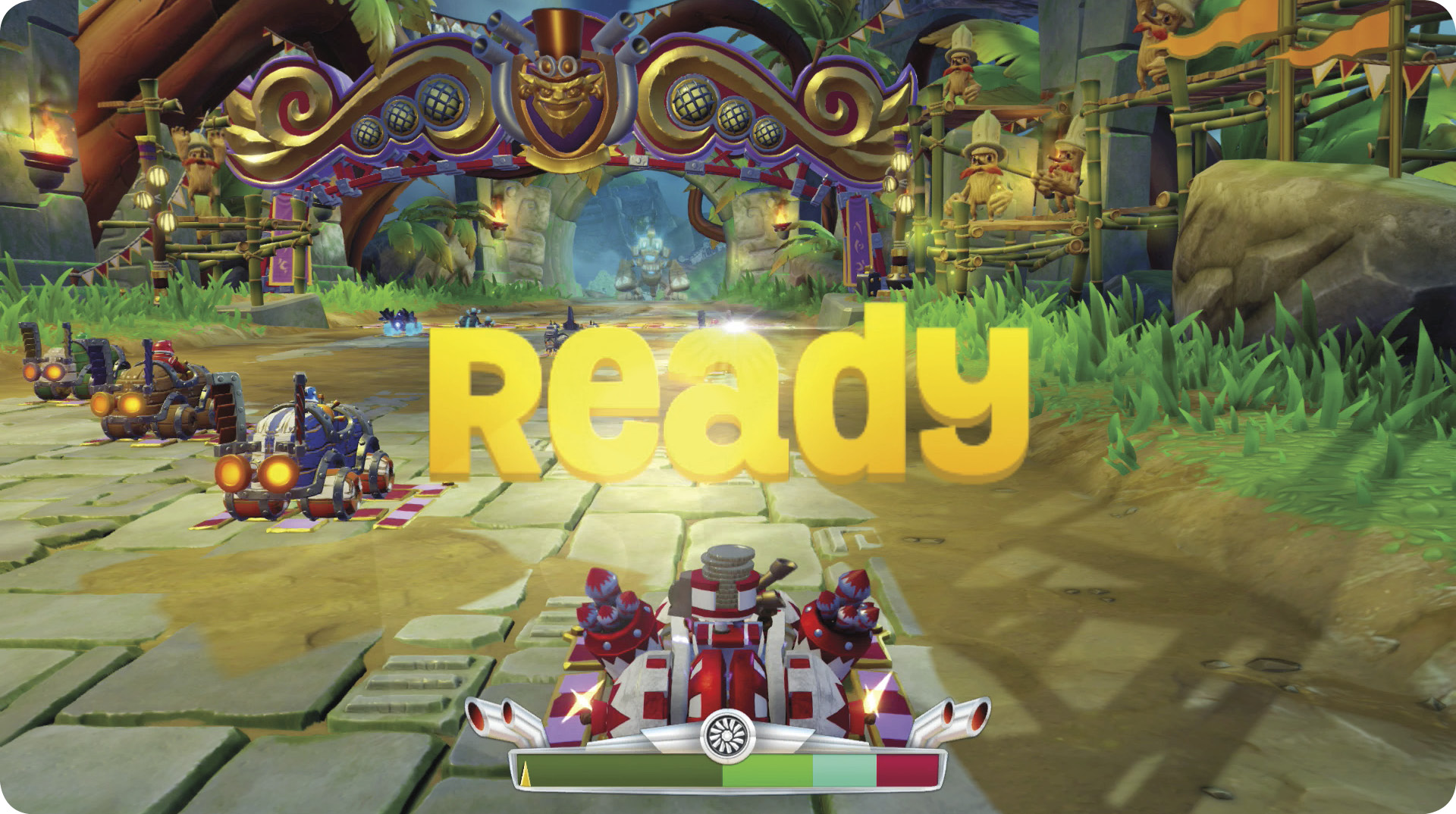
Every trip to a track begins with a countdown and a meter at the bottom of the screen. Hit the accelerator button to rev your engine and note the needle in the meter moving to the right. For a boosted start, that needle should be in the light blue area. The light green is a slightly less powerful boost. The dark green area provides no boost, while the red area means an overheated engine and a stalled start.
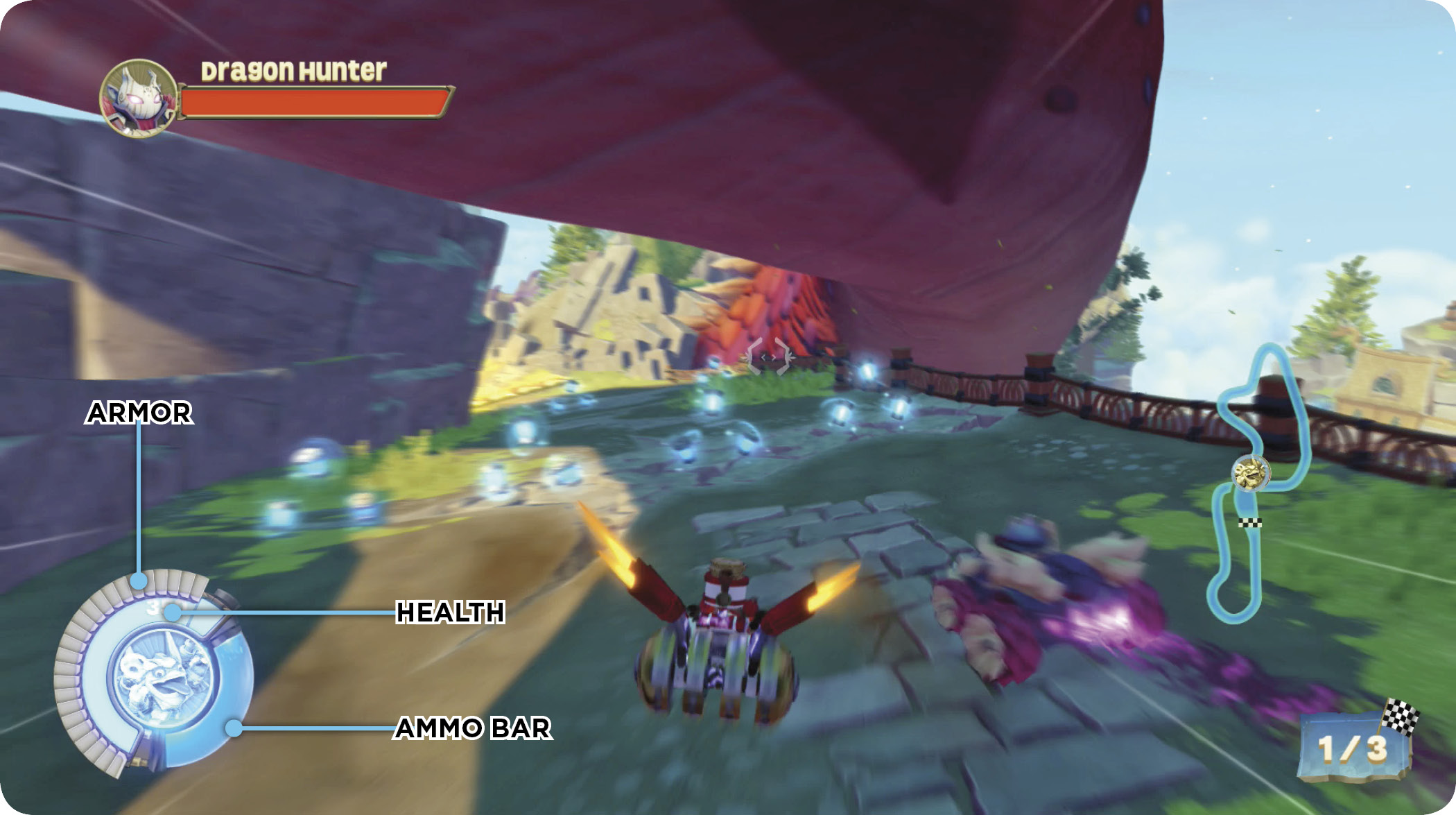
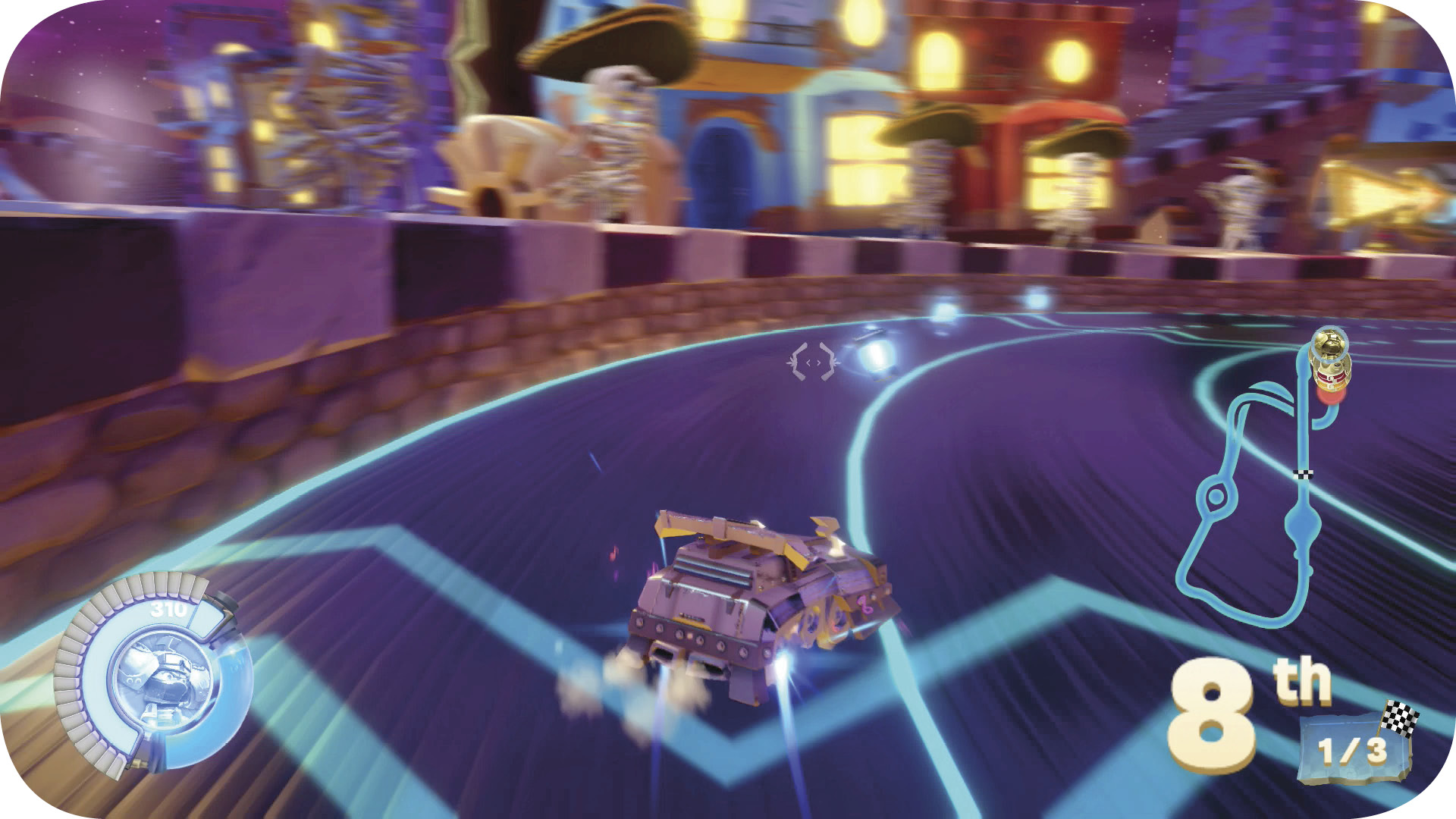
After the start, a portrait appears in the lower left corner of the screen. It has three different meters. First, the vehicle’s armor, shown in segments. As your vehicle takes damage, these segments fall away. Below the armor segments is your driver’s health. If your vehicle’s armor and driver’s health are both depleted, your vehicle spins out and comes to a rest until both are restored. When that happens, the image of another driver appears on the screen. That driver is either who spun you out, or who you managed to spin out.
The final meter is the Ammo Bar. Drivers use the energy displayed here to use their attacks or other abilities. It slowly recharges over time but not all modes allow for the use of attacks and abilities, so it may remain empty.
Ammo Pods and Magic Item Boxes
For competitive race modes, blue cylinders, called Ammo Pods, appear on the track. These pods fill your Ammo Bar when you run over them. The multicolored boxes with exclamation points on them are Magic Item Boxes, which provide a randomly-determined power up when you touch one. Both Ammo Pods and Magic Item Boxes respawn a short time after being picked up. Memorizing their locations on each track is vital to racing success.
Power Ups
 Groove Machine increases your speed and makes you invulnerable.
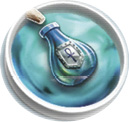 Healing Elixir regenerates your life and shield.
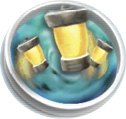 Powered Pods increase attacks’ damage and give infinite ammo.
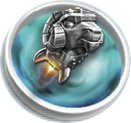 Rocket Ram morphs you into an invulnerable, high-speed machine.
 Sky-Iron Shield blocks attacks for a short time.
 Tiki Speaky strikes your enemies with lightning.
 Time-Twister Hourglass slows down everyone…except the person who uses it.
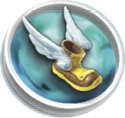 Winged Boots give you a boost of speed.
Racing on Land: Drifting
Land Vehicles have two special controls: brake/reverse and drift. You may need brakes while racing, but reverse (holding down the brake button) should be saved for the Adventure.
Drifting is an invaluable skill for cutting seconds off each lap time. To begin drifting, hold down the appropriate button (default is Jump and one of the controller’s front buttons) and turn. As long as the drifting button is held down, the wheels are locked (minor adjustments are possible) and the vehicle slides. Look for red flames to appear under the tires. That means when you release the Drift button, your vehicle gets a speed boost. Hold the drift a bit longer to turn the flames blue for an improved boost.
Racing at Sea: Diving
Racing primarily takes place above the water but there are long stretches in each track where you can dive beneath the waves. Tapping the Jump button causes your vehicle to hop into the air slightly, about the same as hitting a small wave. Holding the Jump button plunges your vehicle underwater.
Being underwater does not slow down your vehicle but you can’t use abilities or attacks while submerged. Not every stretch of water is deep enough for your vehicle, so you may be forced to the surface. If you release the Jump button and your vehicle doesn’t climb, that means you’re in an area, like a cave, where there’s not enough space above water for your vehicle to surface.
Racing in the Sky: Barrel Roll
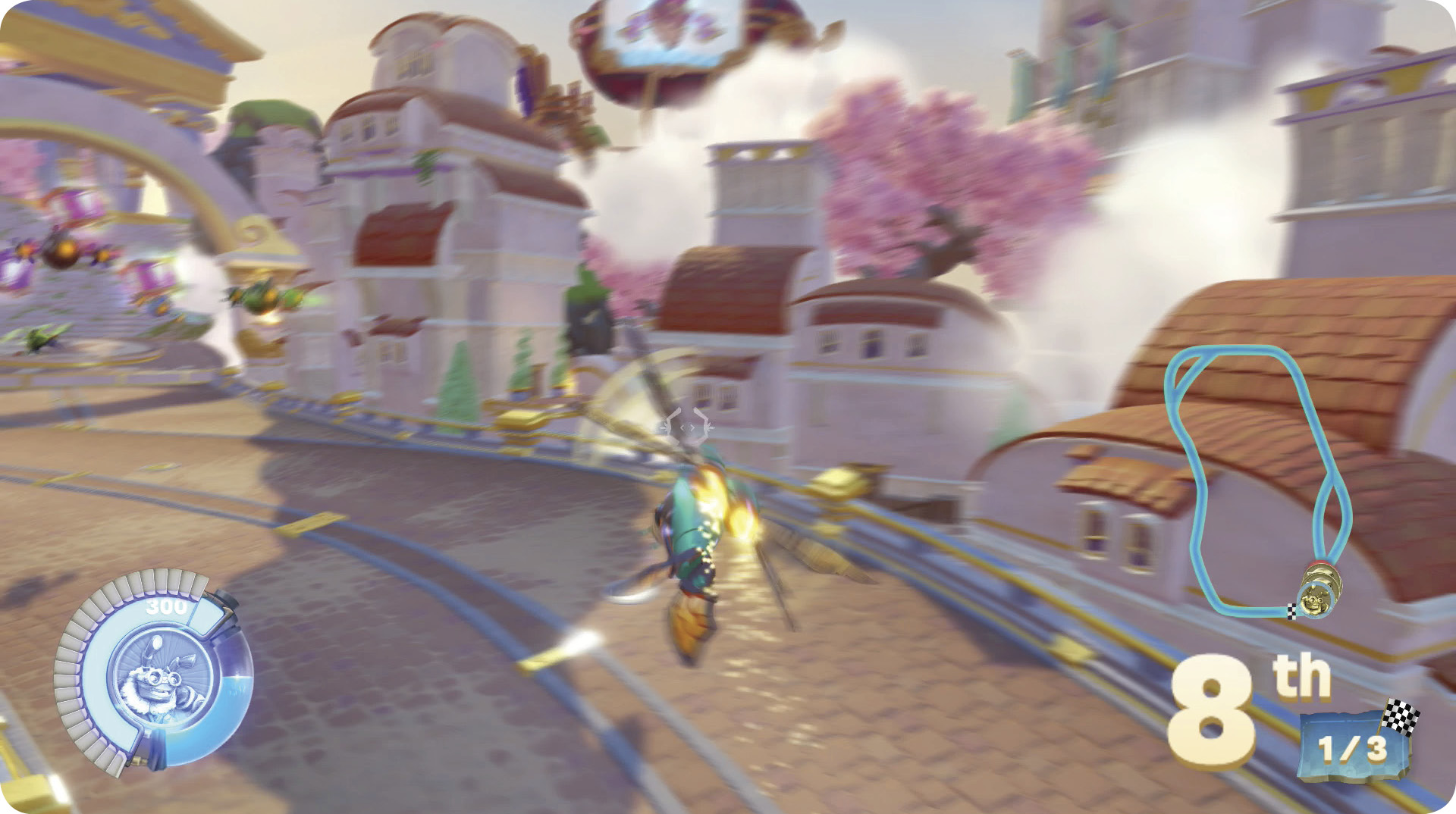
Like Land Vehicles, Sky Vehicles have a way to slow down (Sky Vehicles can’t come to a complete stop, however) that should be used sparingly, if at all. Sky Vehicles can make sharp turns to the left or right through the use of a barrel roll. To barrel roll, press the Jump button and the control stick.