Nintendo Playing with Power Guide Playing with Power
An Inside Look at Game Paks
A Blast from Technology’s Past
This is a reboot of an article originally published by Nintendo back in January 1991 about how Game Paks work. We’re presenting it again now for your entertainment, so soak up all the nostalgia it brings back. And, who knows, you might even learn something!
Have you ever wondered how those small cartridges that you stick into your NES called Game Paks create all of those different, incredible and immersive adventures? In the following pages, we’ll tell you everything you need to know about ROMs, RAM, MMCs, and other elements that help create the amazing experiences you find in your NES Game Paks.
It All Began With NROMS
Let’s start at the beginning. Computers like the NES Control Deck are impressive machines. You can do everything with them from designing spacecrafts to rescuing Princess Toadstool from the evil clutches of King Koopa. But even the most powerful super computers are useless without programs to run on them. Game Paks, of course, are really just programs that your NES Control Deck can run. As you also probably know, programs consist of stored bits of data, or memory, in the form of numbers. What you might not know is how that memory is stored in your Game Paks, or that different games use different types of components. Why all the differences? Because the NES was designed so that the latest technology could be used in each new generation of Game Paks. It’s like an RC car: when a faster motor comes out, you buy one and slap it in your old racer. That’s how games can get bigger and better while your Control Deck stays the same.
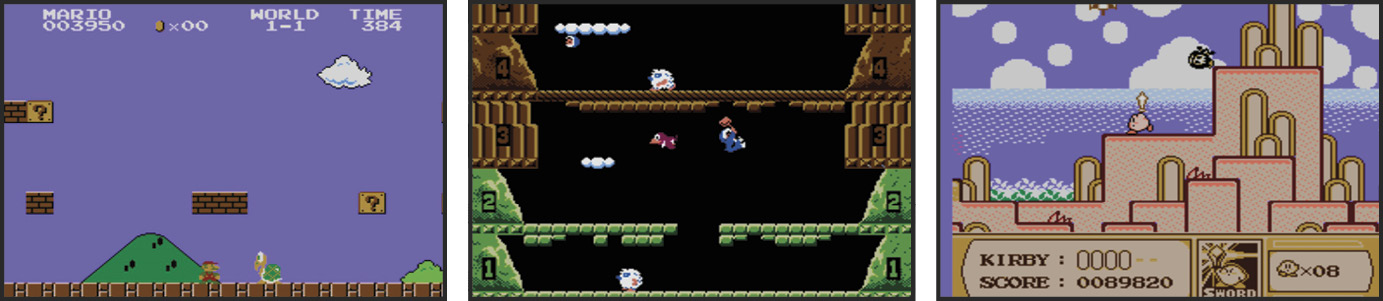
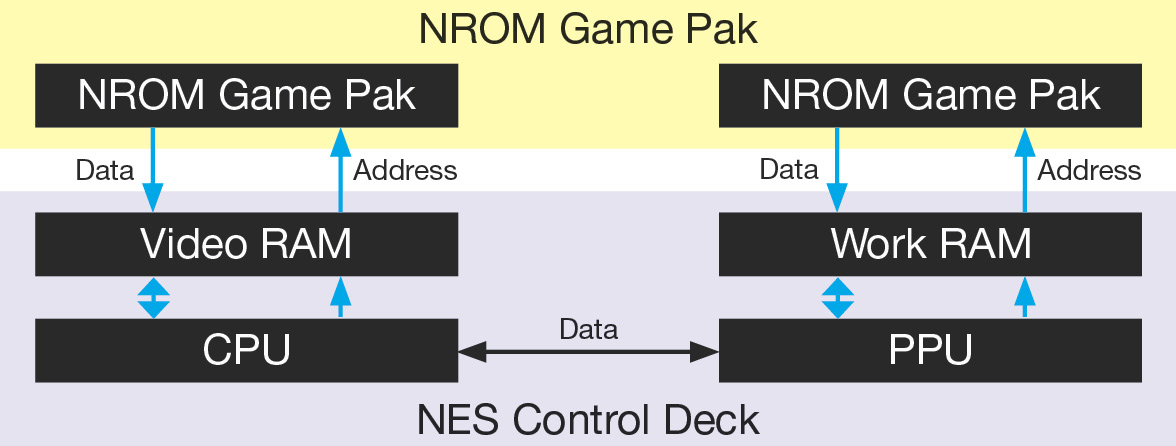
In 1985, the first NES games appeared using the NROM. ROM, which stands for Read Only Memory, is like a book with words that can’t be changed or added to. By today’s standards, the two microchips—one for the program and one for characters—were rather small. The Program ROM’s maximum memory size was 256k and the Character ROM’s max memory was 64k. Of course, small is a relative term. 256k means 256,000 bits of information. Actually, one k equals 1024 bits, so 256k is a bit larger than 256,000 bits. But size isn’t everything.
Down To Basics
Stepping Up With The Unrom
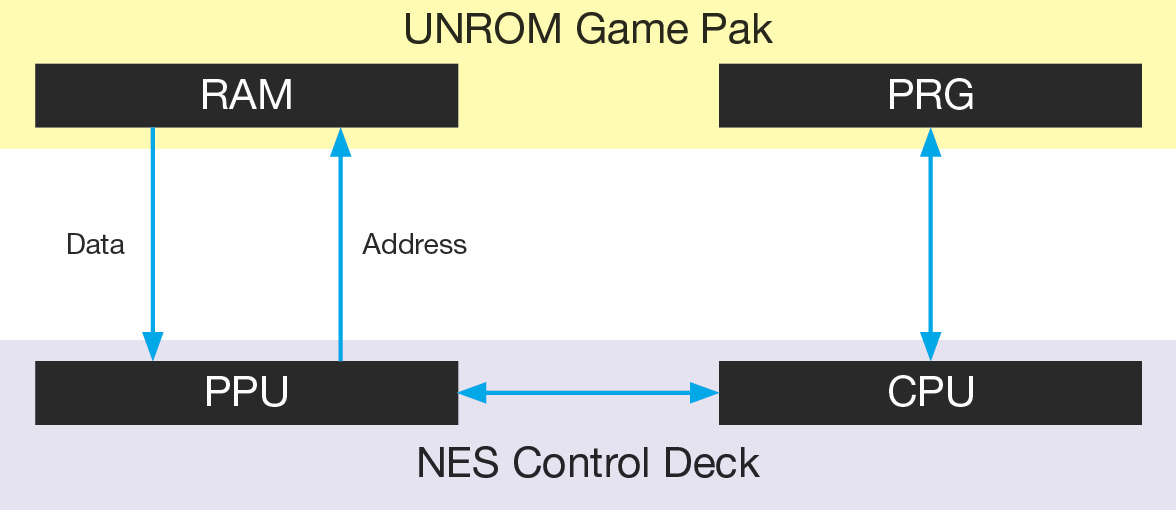
It wasn’t long before Nintendo started looking for ways to expand the capabilities of the NES. The UNROM was one result. The UNROM Game Pak has a PRG ROM and a RAM chip. RAM means Random Access Memory. It’s a place to store information until it’s needed, like a filing cabinet. Background and moving object characters for the current area of the game are stored in RAM, which is a more versatile method than storing everything in a ROM. The UNROM allows greater memory size and a process called Bank Switching, which we will cover next.
MMCs: Custom Crafted Fun
To understand Bank Switching, picture a game program as one page in a storybook. The first thing you’ll notice is that you can only write so much on a single page. A one-page story might be okay, but if you want to expand the story, you’ll need to add more pages. It’s the same with games. Program size is limited, but you can add programs to the chip. Bank Switching allows you to have several programs in one chip. When a new area of the game is reached, you’ll automatically switch to the appropriate program, which is useful in big games with many variations or worlds.
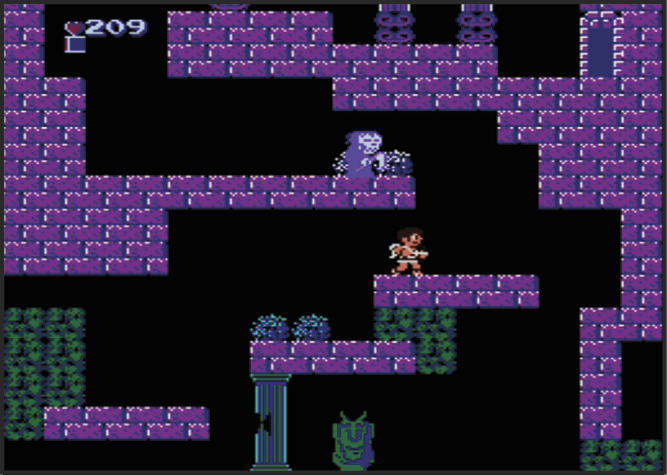
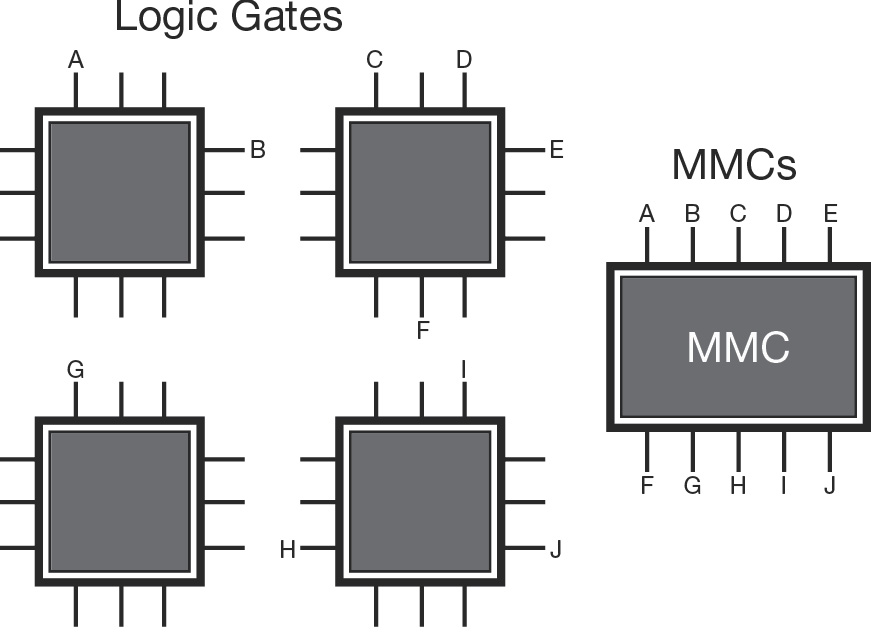
An even bigger revolution came along in the form of Memory Management Controllers, or MMCs. An MMC is a custom designed set of circuits in a chip that allow specialized functions. Some of the circuits, which are also called Logic Gates, increase the speed or efficiency of computations. Others direct the program to specific locations in memory, sort of like doors that open if you have the right key. The UNROM used off-the-shelf Logic Gates, which took up a lot of space. MMCs are more compact, cheaper, and they also allow larger program and character memory size. Some of the other benefits include being able to scroll in different directions and the use of battery backed up RAM, which can save your game progress from one play session to the next. When the first wave of games with MMCs hit, they made quite a splash. The Legend of Zelda, Metroid, and Kid Icarus opened up vast new worlds of NES fun and challenge. Most new games today use MMCs, and newer and better MMCs are under development all the time. Next we’ll show you an encyclopedia of MMCs currently in use and some of their special features.
It’s Only Logical
MMC Encyclopedia
There are several different types of MMC. In this section, we’ll give you a breakdown of each one.
MMC1
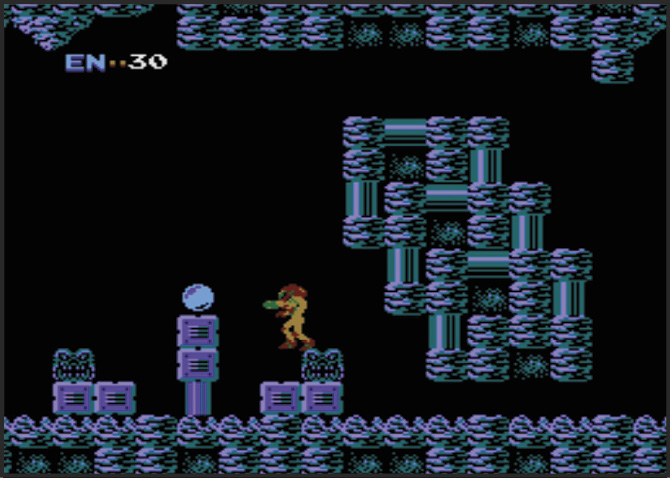
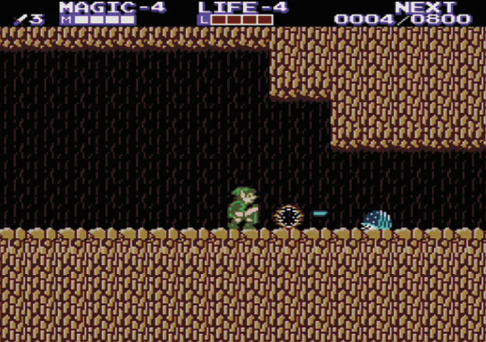
The first MMC chip to be used for the NES is still the most popular today. Many of the classic games like The Legend of Zelda and Metroid became possible only after the MMC1 was developed. In Metroid, for instance, much of the challenge and excitement comes from the ability of the game to scroll both horizontally and vertically. That kind of change of pace keeps a game fresh and exciting all the way to the end. Extra memory can also translate into more worlds and enemies.
MMC2
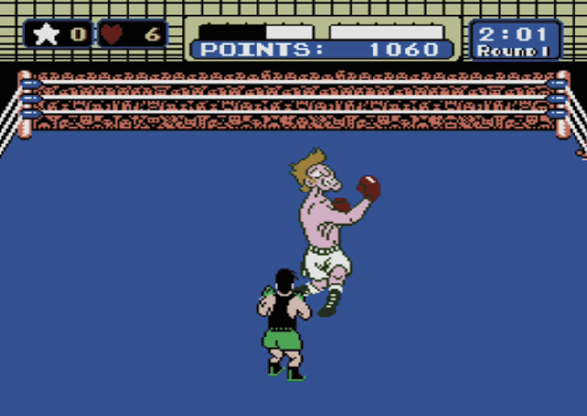
To date, only one game has been designed for use with the MMC2, but that game is one of the biggest hits of all time: Punch-Out!! is unique in several ways. First, the opponents are big characters. You can actually see expressions on their faces or subtle movements of their feet or hands, which are often signals to throw a punch. Second, the game program has a great number of variations, which requires extra memory.
MMC3
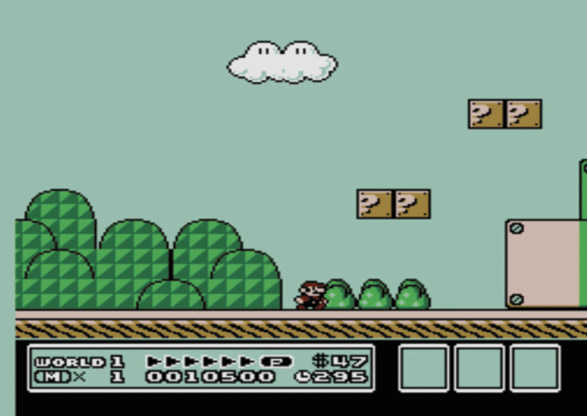
Along with additional memory size, the MMC3 allows some great innovations like the split screen scrolling in Super Mario Bros. 3. The scoreboard at the bottom of the picture is actually a second screen, which stays put even as Mario sprints from left to right. It’s made possible by a timer function that was specially built into the MMC3.
MMC5
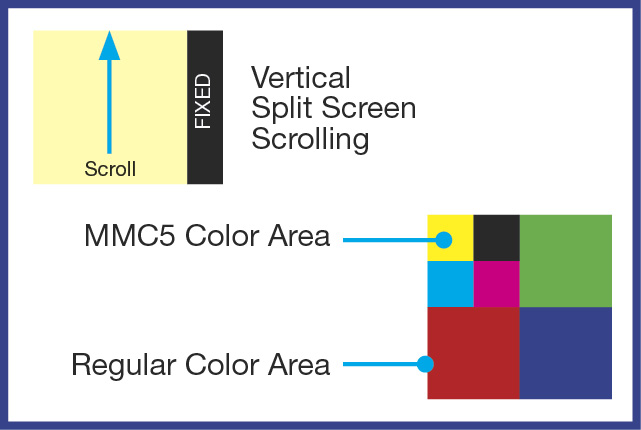
The latest advances, including an improved battery back up system, better color definition, and partial screen scrolling are made possible by the MMC5. Some of these improvements are due to a customized mathematics module that frees up the Control Deck’s CPU from some repetitive functions such as running an internal clock. It also allows a vertical split screen scroll, which means you can have a side bar of information while the scrolling action of the game continues. Memory size for the MMC5 shoots up to 8 Megs. With a single Meg equaling 1,048,576 bits, that’s a lot of memory. As for saving games, with the MMC5 you won’t have to push RESET on your Control Deck while pushing POWER when you want to quit.
Battery Paks
In the early days of NROMs, if you wanted to finish a game you to do it during one play session. That limited the complexity of games, because no matter how good a game is, players are only human and have to stop and eat or sleep every so often. In a RAM chip, where game information is stored, memory takes the form of switches that are either turned on or off. If a switch is on, it represents the digit one, and if it’s off, it represents zero. Together, the ones and zeroes make up numbers, which is how computer information is stored. Without the power turned on, all the switches are deactivated and the information is lost. By putting a battery in the Game Pak, game data can be stored as long as the life of the battery—about five years.
Compression
Compression is a programming technique that allows a programmer to pack as much information as possible into a limited memory space. This is one reason why memory size alone doesn’t tell the whole story.
Putting It All Together: Behind The Mask ROM
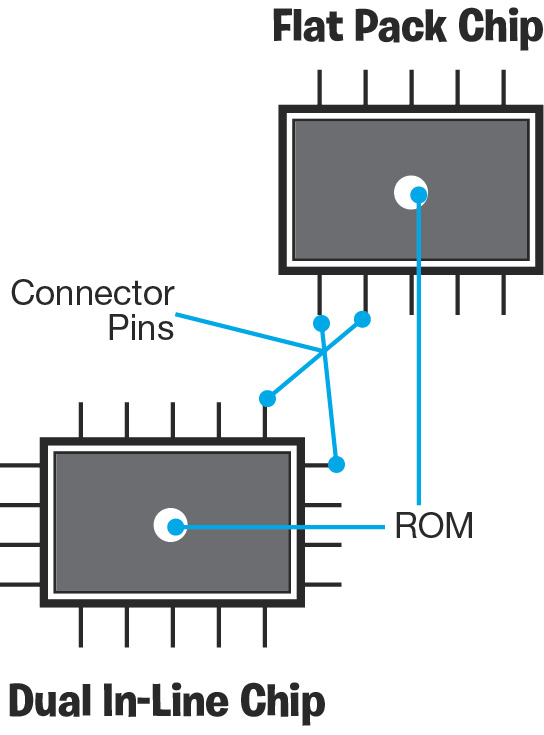
One of the most common misconceptions about NES games is that you can record and erase them like tape cassettes. Erasable and/or Programmable ROMs do exist (EPROMs and PROMs), but they are very expensive and are chiefly used for NES research and development. To reduce costs, NES Game Paks use what is called a Mask ROM. The process begins by converting the game program into an actual integrated microcircuit. Using a photographic process, the circuit is reproduced on thin silicon wafers, so the game information isn’t just stored in the chip, it’s part of the chip. Then the wafers are sandwiched together and attached to connector pins. Below are the two most common configurations of Mask ROM chips. The major difference is that the Flatpack Chip is small and more compact, so it can fit inside Game Boy Paks.
The Bottom Line
As you’ve seen, Game Paks are not all created equal. Some have special built-in features that allow greater variety in game design. But the measure of any great game is not memory size or whether it uses a MMC1 or MMC5. The real test is whether or not it’s fun to play. Dr. Mario, a 256k X 256k game, requires less memory than many other new games, but once you start playing, it’s almost impossible to stop. Remember: it’s the stuff that memory is made of that counts.
The RAM Works