
Madden NFL 17 Guide Top 5 Tips from Clint Oldenburg
Top 5 Running Mechanics With Clint Oldenburg
Tip 5
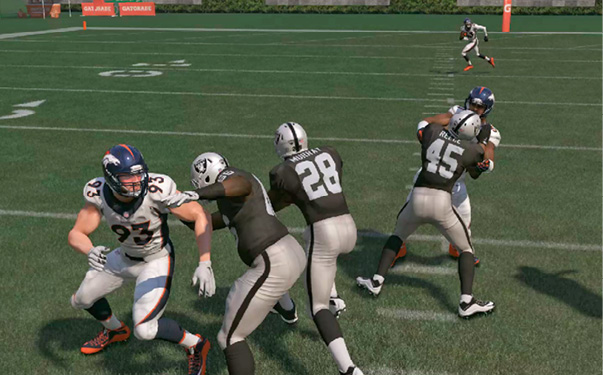
Steerable Moves: For an advanced mechanic, use both modifiers (RT + LT/ R2 + L2) at the same time with a special move button and steer your special moves. This gives you the ultimate control over each move. Remember, though, that when using steerable moves, you won’t get defender fakeouts as you would using just one modifier. You will, however, have complete control over the direction of the move and break down the pursuit of nearby defenders.
Tip 4
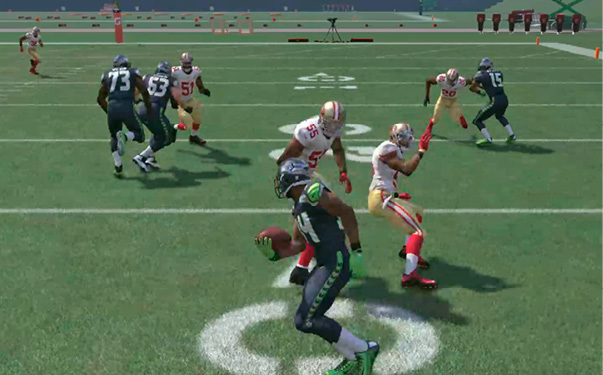
Know your Players’ Skills: The effectiveness and explosiveness of each move is determined by the ratings of your ball carrier. If you have a power back, use more trucks and stiff-arms. If you have a scat back, use more jukes and spins. The better the player’s ratings are, the better animations and fakeout chances that player will get.
Tip 3
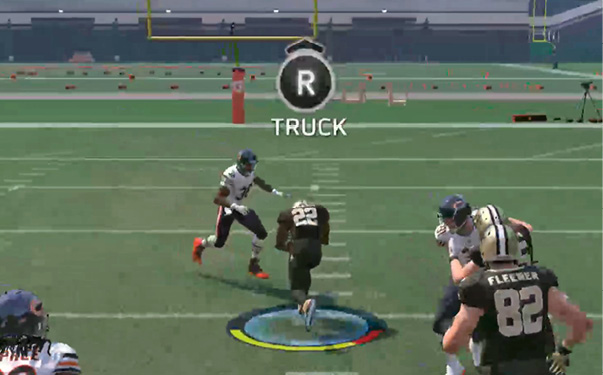
Auto-Move Setting: Don’t be afraid to use the ‘Auto Ball Carrier Special Move’ setting as you start to learn the new run-game mechanics. While you can still perform all the moves you choose, if you prefer to just focus on steering the ball carrier, all the moves will be performed automatically with visual feedback about what move is recommended. It also displays the Ball Carrier visual Path assist that shows you exactly where you are headed relative the direction you are pushing your thumbstick so you can better anticipate obstacles ahead. It’s a great teaching tool to get familiar with all the new features in the ground game.
Tip 2
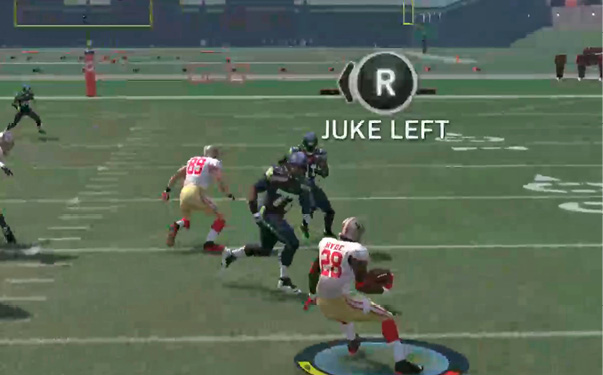
Assist-Move Setting: In addition to Auto-Moves, you can also use the ‘Assist’ setting. This provides all the visual feedback of Auto, plus the Ball-Carrier Threat Cone, which shows you where you are most likely to get a successful fakeout for each move. The difference between ‘Assist’ and ‘Auto’ is Assist will not perform the move for you, but rather shows you the recommended move for your player and the situation, while allowing you to press the corresponding button and perform the move yourself. This setting is for experienced veterans who want to learn the new mechanics without being held back by the CPU doing the work for them. It’s also designed for experienced players who prefer that little bit of help as they might still be learning the advanced game and exactly which moves to use and when.
Tip 1
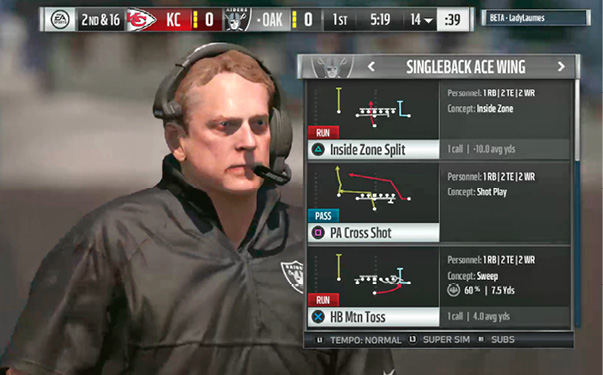
Hat Count: If you bring up the coach-cam art in pre-play, you’ll see color-coded boxes in the tackle box. These boxes show you the hat count—the number of defenders to each side of the line compared to the number of blockers you have. If it’s green, that means you have enough or more blockers than they have defenders to that side. If it’s red, that means you are outnumbered and should check your play to a pass or to the other side of the formation.