
Atari Flashback: The Essential Companion Guide Introduction
AtGames Atari Flashback Series
Founded in 2001, AtGames entered the industry as a pioneer of plug-and-play interactive entertainment. In 2005, AtGames received an exclusive 10-year distribution agreement to make Sega-licensed products. In 2011, Atari officially chose AtGames to lead their Flashback console concept. Every year since establishing their respective partnerships, AtGames has produced popular new products based on classic Sega and Atari properties.
Even in the modern gaming era, the desire for the simple joys of classic gaming remains high—and AtGames has met this demand. Since the fall of 2012 and their release of the Atari Flashback 3, AtGames has been a standard bearer for the Atari 2600 platform. Their latest Atari 2600-centric console and portable releases, the Atari Flashback 8 Gold, Atari Flashback 8 Gold Activision Edition, Atari Flashback Classic Game Console, and Atari Flashback Portable Game Player demonstrate that their support is stronger than ever. What follows are overviews of these consoles and portable releases, including how they function in comparison to the original console.
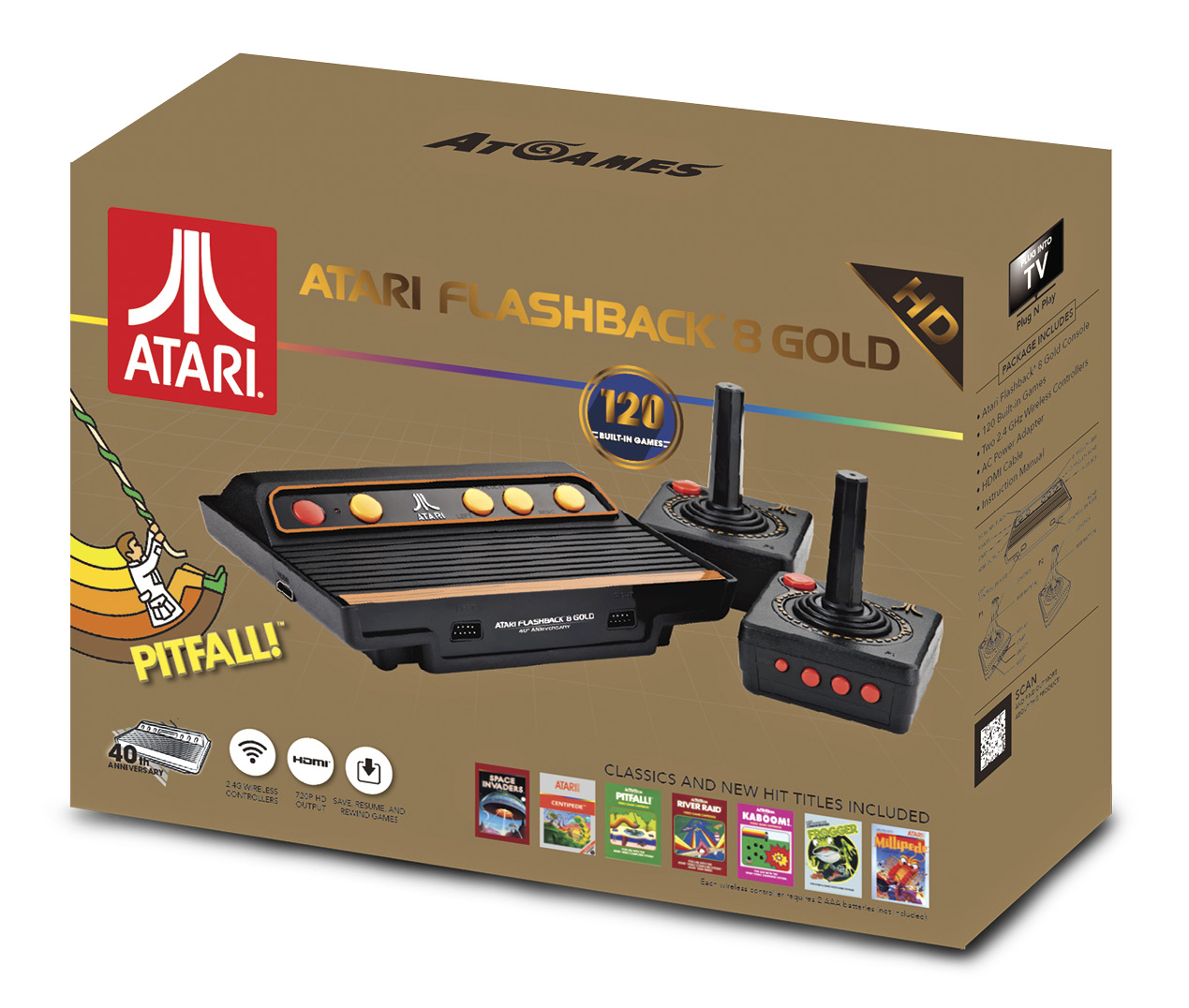
Atari Flashback 8 Gold
For the first time ever, AtGames released a high-definition Atari Flashback that outputs at a resolution of 720p or 1280x720 via its HDMI port. It is optimized for today’s high-definition TVs. The 2.4 Ghz wireless controllers allow for gameplay from up to 30 feet away from the console.
Two legacy controller ports on the front of the console allow newly manufactured AtGames-branded, or original Atari wired joysticks, and paddle controllers to be plugged in.
How it Compares to the Original Console
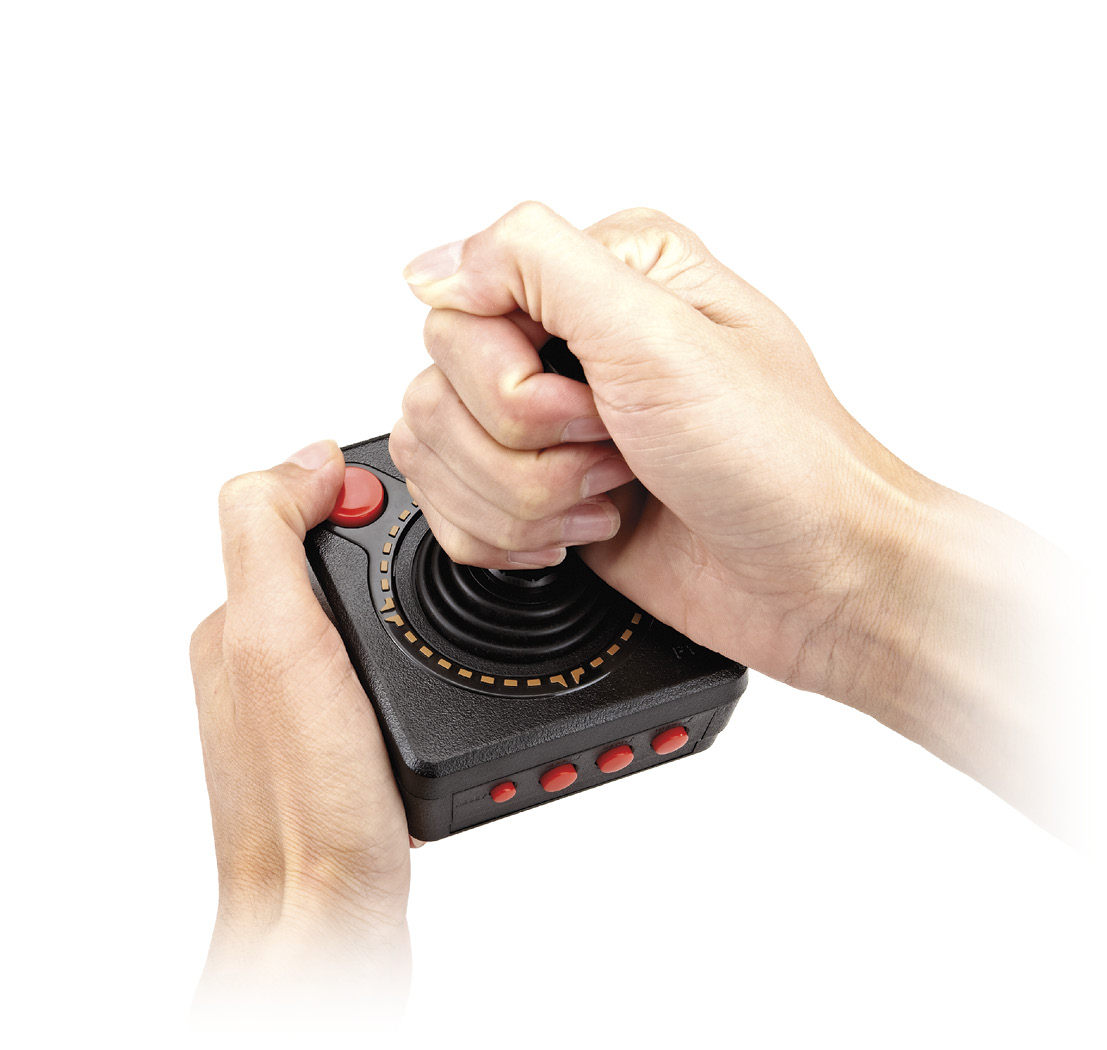
The original Atari 2600 console featured six switches: Power (on/off), TV Type (color/b-w), Left Difficulty (A/B), Right Difficulty (A/B), Game Select (toggle), and Game Reset (toggle). The Atari Flashback 8 Gold replaces most of the original’s switches with buttons, which are partially replicated on the wireless player one joystick.
Console Features
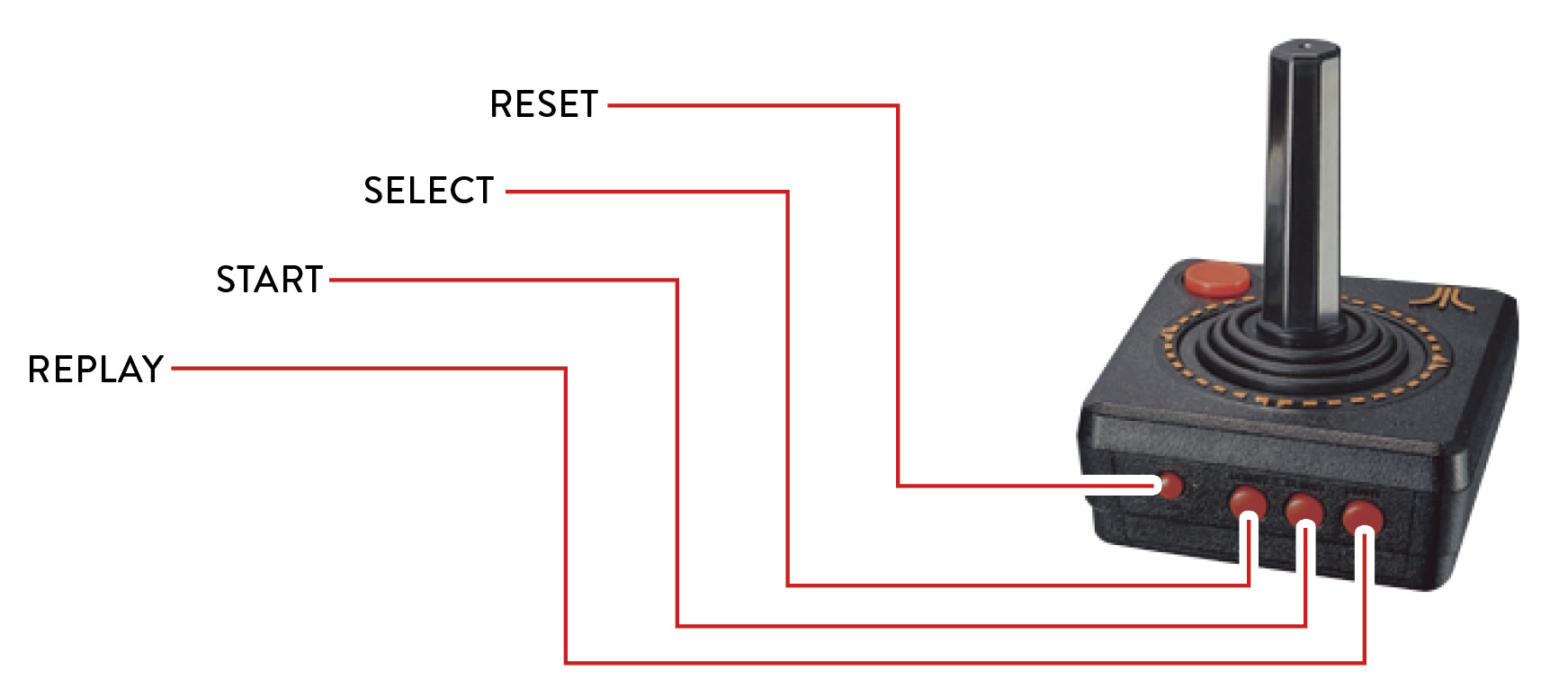
After selecting a game from the Atari Flashback 8 Gold menu, you’re brought to the game’s summary page. This page contains a short game description and play summary. Pressing the joystick button starts the game. The Start button on the joystick is the same as pressing Start on the console. Press Reset on the joystick to return to the game’s summary page.
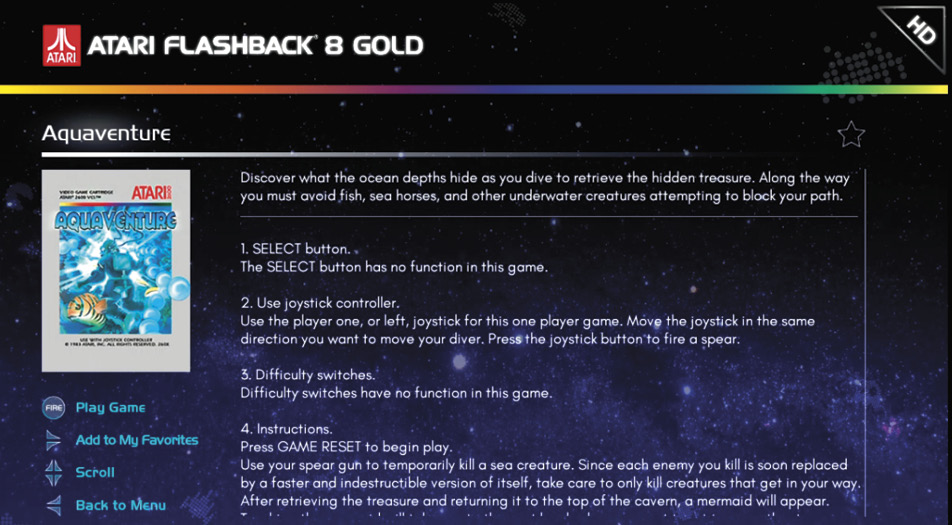
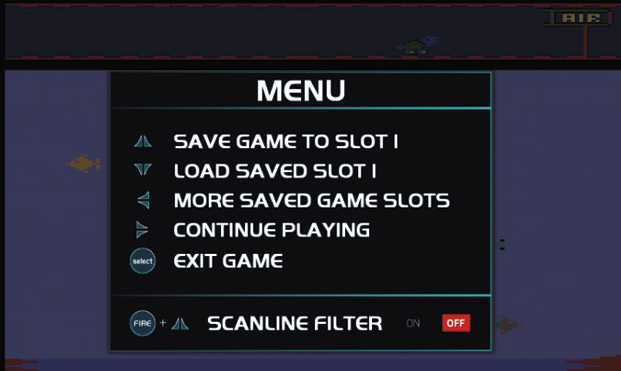
Once inside the game, you can press Up + Select in certain games to toggle the TV type (color/b-w) or Down + Select to access the in-game menu. From here, you can save or load games in progress or activate what’s called a Scanline Filter. This latter option simulates how these games looked on a classic CRT (cathode ray tube) TV by placing subtle horizontal lines across the playfield.
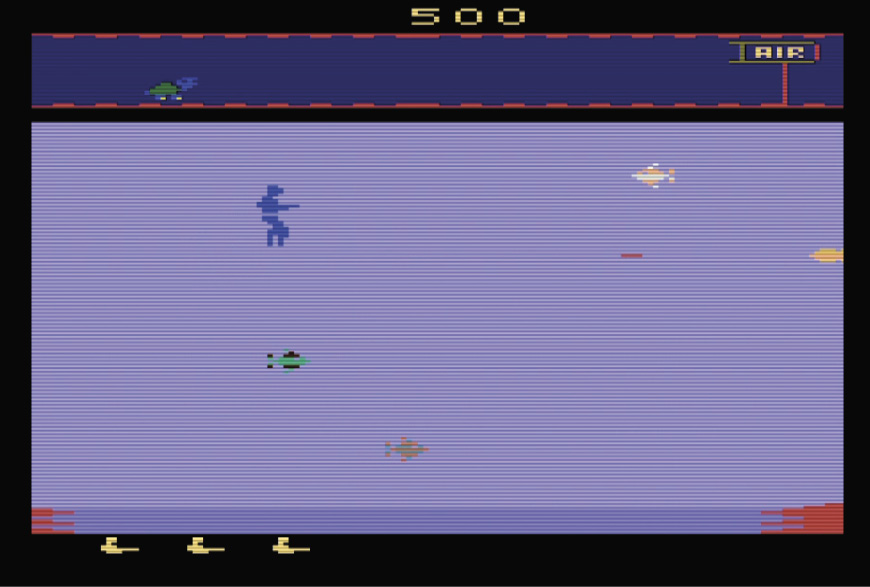
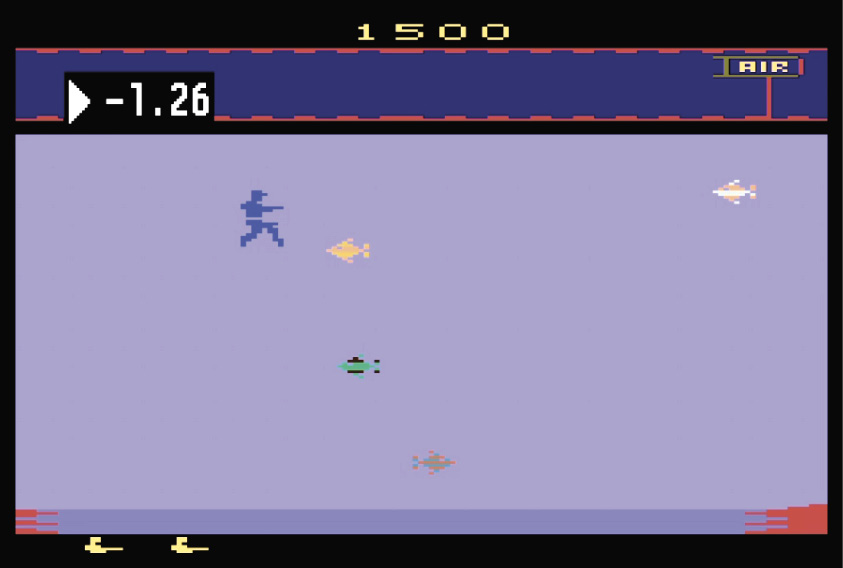
You can also rewind up to seven seconds of gameplay by pressing the Replay button on player one’s wireless joystick. This is a great way to overcome difficult game sections.
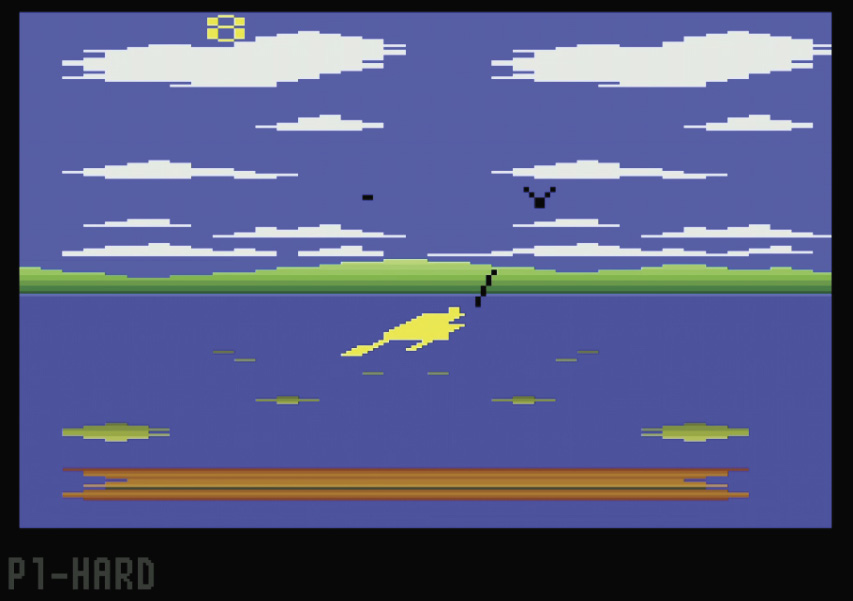
Another unique feature is displaying P1-HARD or P2-HARD on-screen when you press the Left or Right Difficulty buttons, respectively. This is a great way to easily tell when you’re switching between A and B difficulties.
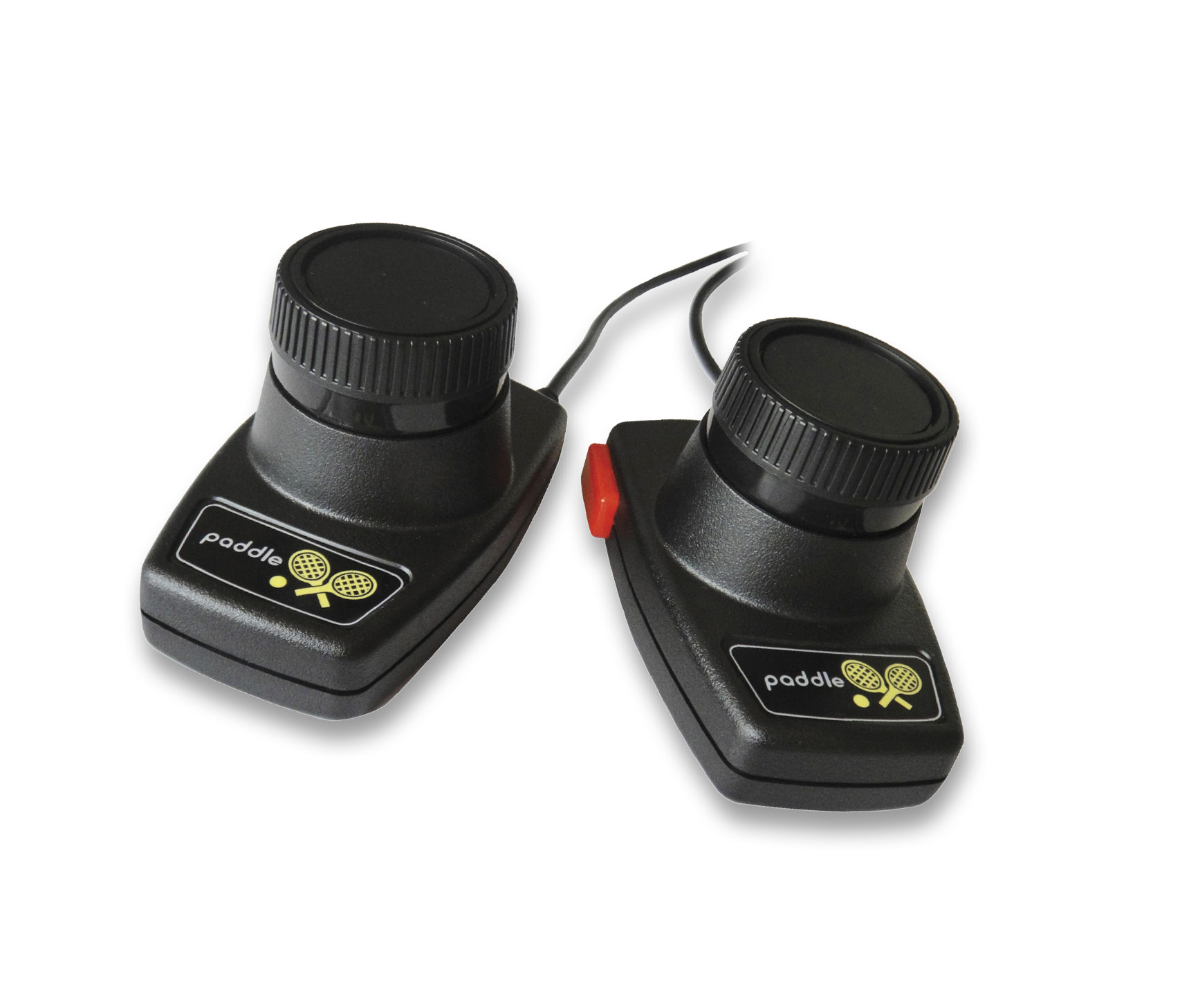
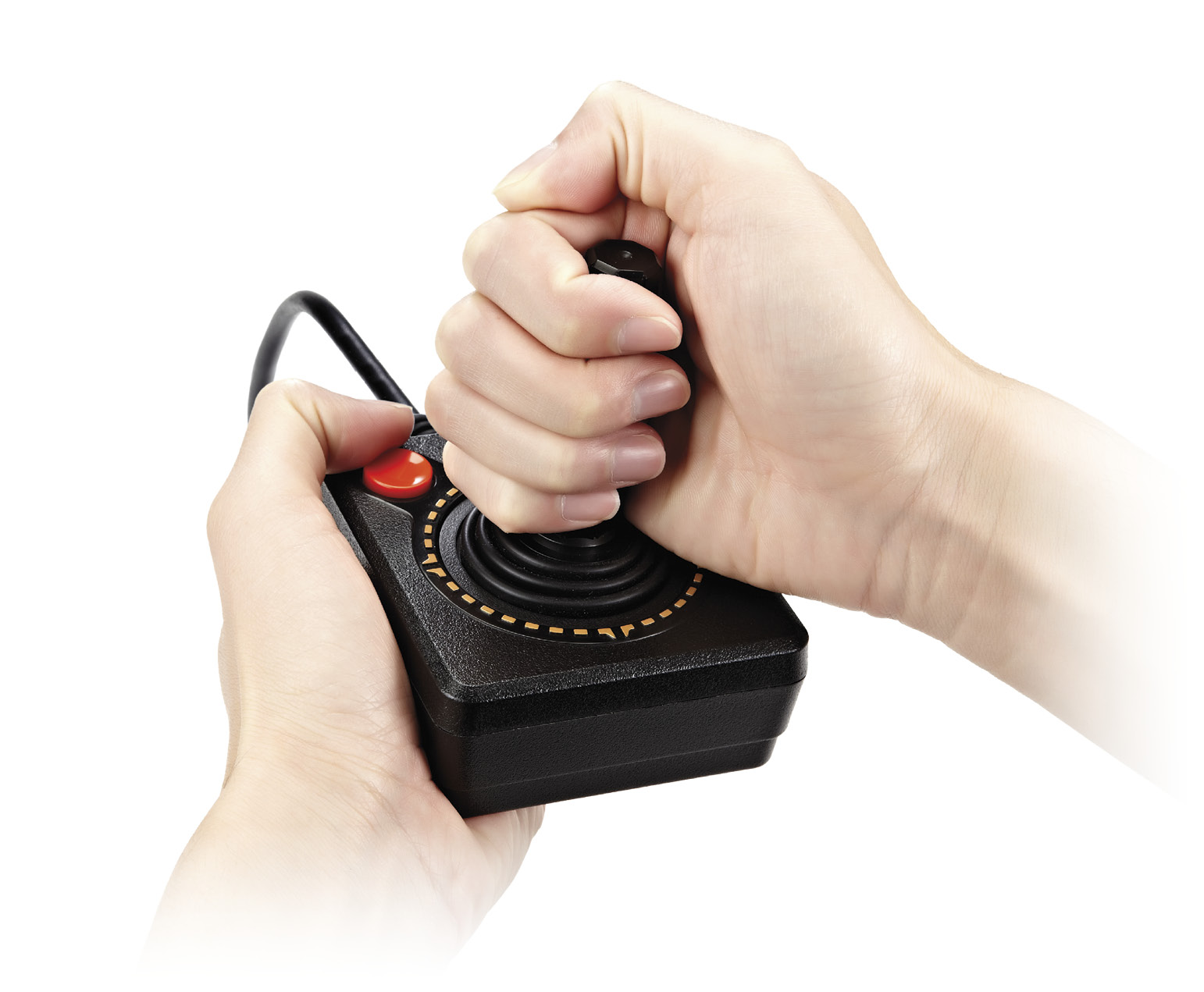
Lastly, when playing on the original console you were limited to playing games that required a paddle controller only with paddles. On the Atari Flashback 8 Gold, though, you can also use joysticks. The only restriction is that player one and player two joysticks can only replicate the functionality of the player one and player two paddle controller pair. Paddle games that support a third and fourth player will require a set of paddles plugged into each controller port.
Game List
There are 120 games on the Atari Flashback 8 Gold:
- 3D Tic-Tac-Toe
- Adventure
- Adventure II
- Air Raiders™
- Air·Sea Battle
- Aquaventure
- Armor Ambush™
- Asteroids
- Astroblast™
- Atari Climber
- Backgammon
- Basketball
- Beamrider
- Black Jack
- Bowling
- Breakout
- Canyon Bomber
- Centipede
- Championship Soccer
- Chase It
- Chopper Command
- Circus Atari
- Combat
- Combat Two
- Cosmic Commuter
- Crackpots
- Crystal Castles
- Dark Cavern™ (Night Stalker)
- Decathlon
- Demons to Diamonds
- Desert Falcon
- Dodge ‘Em
- Double Dunk
- Dragster
- Enduro
- Escape It
- Fatal Run
- Fishing Derby
- Flag Capture
- Football
- Frog Pond
- Frogger
- Frogs and Flies
- Front Line
- Frostbite
- Fun with Numbers
- Golf
- Gravitar
- H.E.R.O.
- Hangman
- Haunted House
- Home Run
- Human Cannonball
- Indy 500
- International Soccer™
- Jungle Hunt
- Kaboom!
- Keystone Kapers
- Maze Craze
- Megamania
- Millipede
- Miniature Golf
- Miss It
- Missile Command
- MotoRodeo
- Night Driver
- Off-the-Wall
- Oink!
- Outlaw
- Pitfall!
- Polaris
- Pong (Video Olympics)
- Pressure Cooker
- Radar Lock
- RealSports Baseball
- RealSports Basketball
- RealSports Soccer
- RealSports Volleyball
- Return to Haunted House
- River Raid
- Saboteur
- Save Mary
- Sea Battle™
- Seaquest
- Secret Quest
- Shield Shifter
- Sky Diver
- Slot Machine
- Slot Racers
- Solaris
- Space Attack™
- Space Invaders
- Space War
- Sprintmaster
- Stampede
- Star Ship
- Star Strike™
- Starmaster
- Steeplechase
- Stellar Track
- Street Racer
- Submarine Commander
- Super Baseball
- Super Breakout
- Super Challenge™ Baseball (Major League Baseball)
- Super Challenge™ Football (NFL Football)
- Super Football
- Surround
- Sword Fight™
- Swordquest: EarthWorld
- Swordquest: FireWorld
- Swordquest: WaterWorld
- Tempest
- Video Checkers
- Video Chess
- Video Pinball
- Warlords
- Wizard
- Yars’ Return
- Yars’ Revenge
Atari Flashback 8 Gold Activision Edition
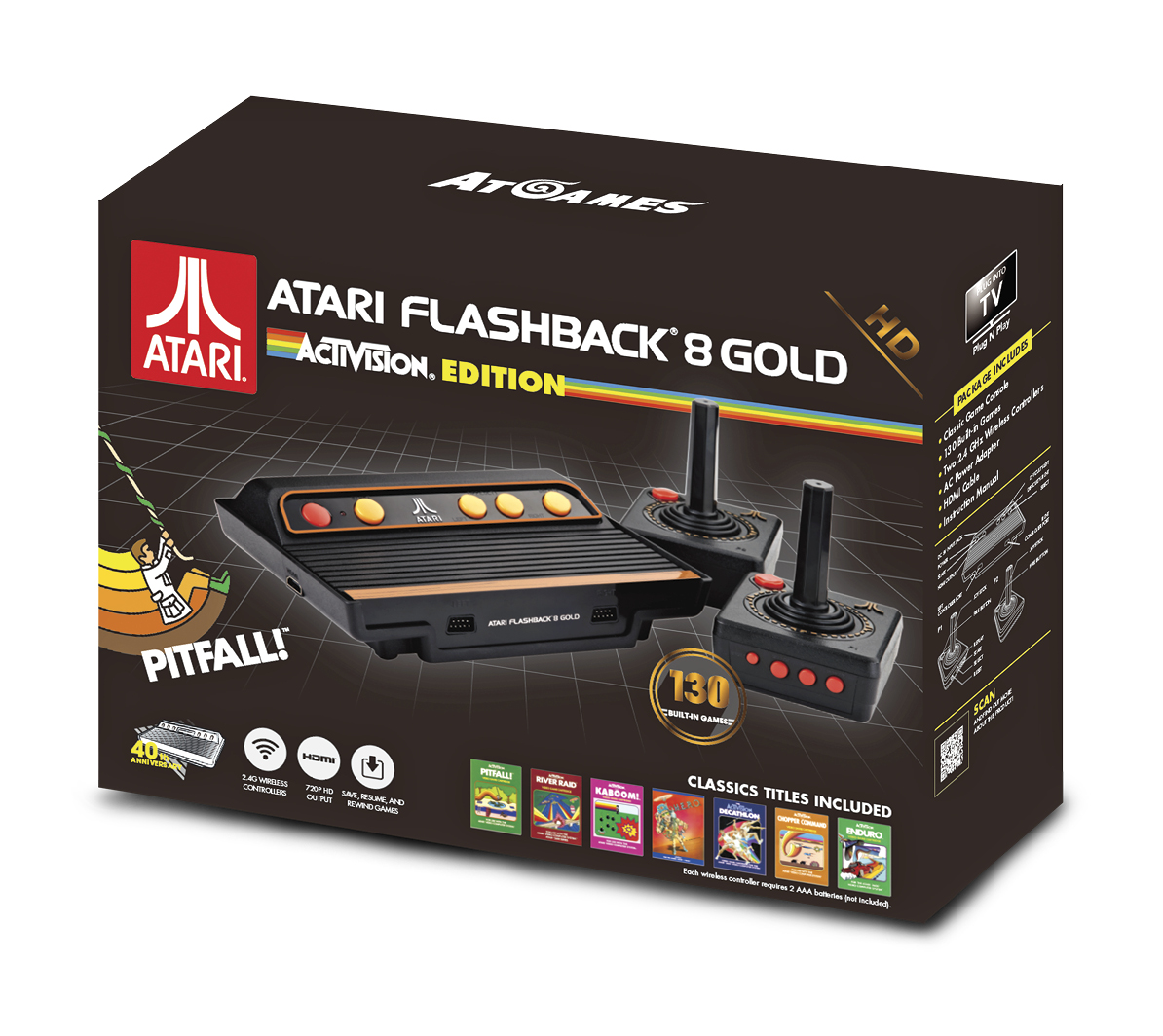
The Atari Flashback 8 Gold Activision Edition takes everything already great about the Atari Flashback 8 Gold and remixes the game list, adding in additional classic Activision games.
Game List
There are 130 games on the Atari Flashback 8 Gold Activision Edition:
- 3D Tic-Tac-Toe
- Adventure
- Adventure II
- Air Raiders™
- Air·Sea Battle
- Aquaventure
- Armor Ambush™
- Asteroids
- Astroblast™
- Atari Climber
- Atlantis
- Backgammon
- Basketball
- Beamrider
- Black Jack
- Bowling
- Boxing
- Breakout
- Bridge
- Canyon Bomber
- Centipede
- Championship Soccer
- Checkers
- Chopper Command
- Circus Atari
- Combat
- Combat Two
- Cosmic Commuter
- Crackpots
- Crystal Castles
- Dark Cavern™ (Night Stalker)
- Decathlon
- Demon Attack
- Demons to Diamonds
- Desert Falcon
- Dodge ‘Em
- Dolphin
- Double Dunk
- DragonFire
- Dragster
- Enduro
- Fatal Run
- Fishing Derby
- Flag Capture
- Football
- Freeway
- Frog Pond
- Frogs and Flies
- Frostbite
- Fun with Numbers
- Golf
- Grand Prix
- Gravitar
- H.E.R.O.
- Hangman
- Haunted House
- Home Run
- Human Cannonball
- Ice Hockey
- Indy 500
- International Soccer™
- Kaboom!
- Keystone Kapers
- Laser Blast
- Maze Craze
- Megamania
- Millipede
- Miniature Golf
- Missile Command
- MotoRodeo
- Night Driver
- Off-the-Wall
- Oink!
- Outlaw
- Pitfall!
- Plaque Attack
- Pong (Video Olympics)
- Pressure Cooker
- Private Eye
- Radar Lock
- RealSports Baseball
- RealSports Basketball
- RealSports Soccer
- RealSports Volleyball
- Return to Haunted House
- River Raid
- River Raid II
- Saboteur
- Save Mary
- Sea Battle™
- Seaquest
- Secret Quest
- Skiing
- Sky Diver
- Sky Jinks
- Slot Machine
- Slot Racers
- Solaris
- Space Attack™
- Space Shuttle
- Space War
- Spider Fighter
- Sprintmaster
- Stampede
- Star Ship
- Star Strike™
- Starmaster
- Steeplechase
- Stellar Track
- Street Racer
- Submarine Commander
- Super Baseball
- Super Breakout
- Super Challenge™
- Baseball (Major League Baseball)
- Super Challenge™ Football (NFL Football)
- Super Football
- Surround
- Sword Fight™
- SwordQuest: EarthWorld
- SwordQuest: FireWorld
- SwordQuest: WaterWorld
- Tempest
- Tennis
- Video Checkers
- Video Chess
- Video Pinball
- Warlords
- Wizard
- Yars’ Return
- Yars’ Revenge
Atari Flashback Classic Game Console
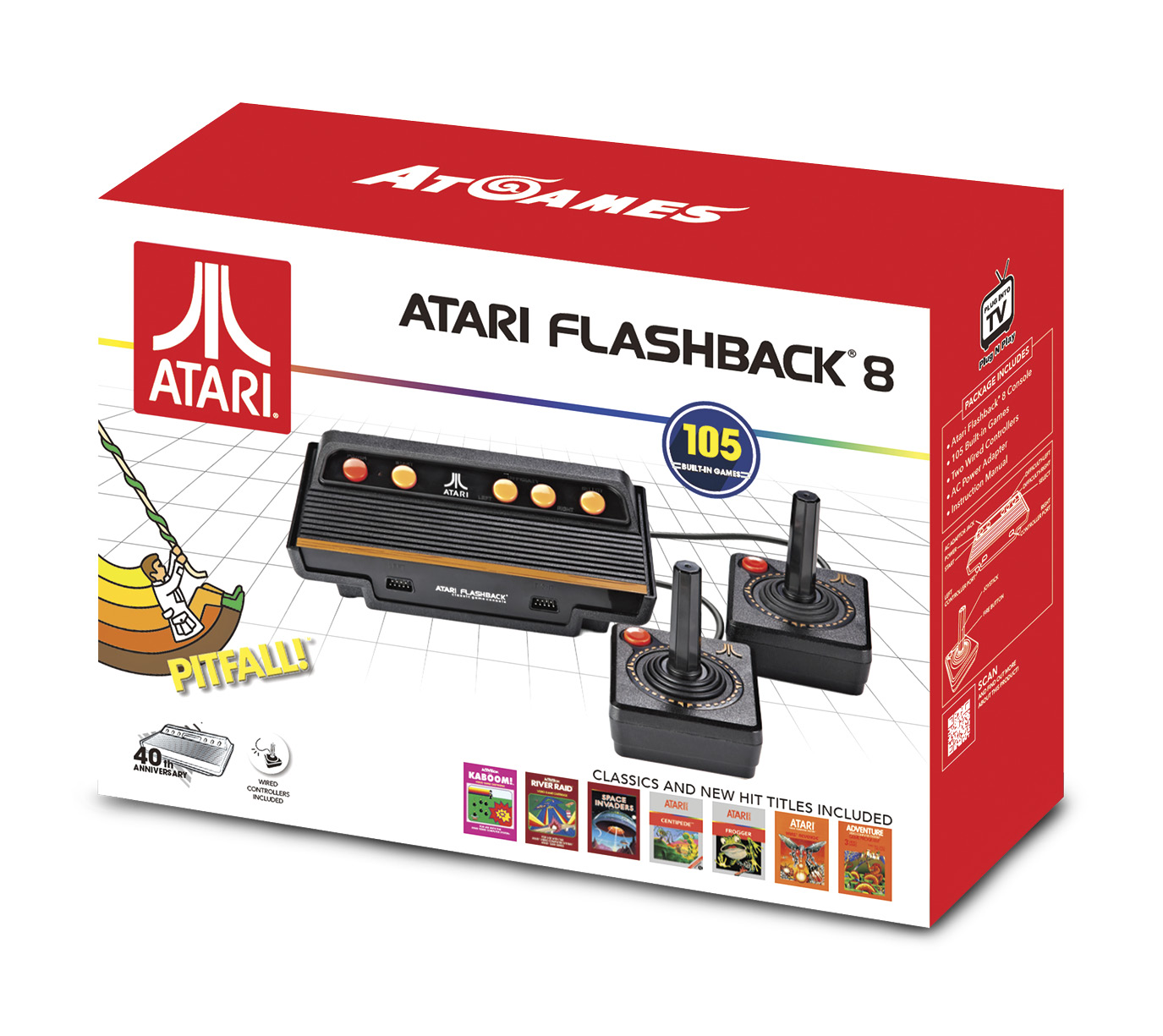
This is the latest in the AtGames value-priced series of Atari Flashback consoles. Instead of HDMI, it features a composite connection (yellow cable for video, white for audio) and standard definition output best suited for classic CRT (cathode ray tube) TVs.
How It Compares to the Original Console
Like the Atari Flashback 8 Gold, the Atari Flashback Classic Game Console replaces most of the original console’s switches with buttons. There’s one switch left off the Flashback console—TV Type. To change the TV Type while playing Secret Quest, press Select on the console and up on the joystick.
Console Features
Just like its premium brethren, you’re also not limited to playing games that required a paddle controller only with paddles on the Atari Flashback 8 Gold; you can also use joysticks. The same restriction applies in that player one and player two joysticks can only replicate the functionality of the player one and player two paddle controller pair. Paddle games that support a third and fourth player will require a set of paddles plugged into each controller port.
Game List
There are 105 games on the Atari Flashback Classic Game Console:
Atari Flashback Portable Game Player
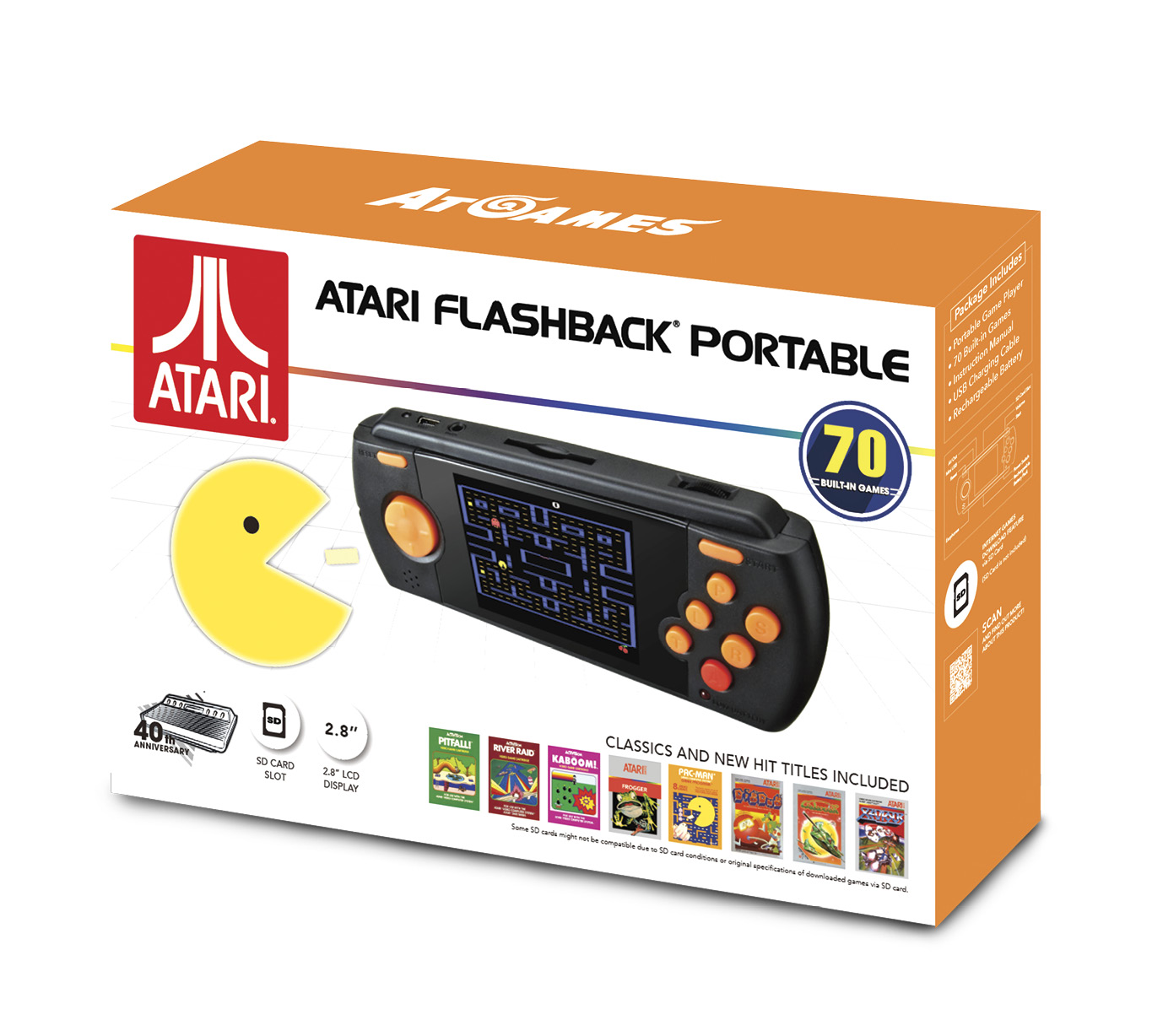
First introduced in 2016, the Atari Flashback Portable Game Player was embraced by fans searching for an easy way to play Atari 2600 games on the go. This latest version tweaked the previous model’s design and revamped the game list.
How It Compares to the Original Console
Unlike the AtGames Atari consoles, the Atari Flashback Portable Game Player replicates all of the original Atari 2600 console’s six switches, and even adds some features of its own.
Here’s the breakdown:
|
Original Atari 2600 Console |
Atari Flashback Portable Game Player |
|---|---|
|
Power |
Power |
|
TV Type |
T |
|
Left Difficulty |
L |
|
Right Difficulty |
R |
|
Game Select |
S |
|
Game Reset |
Start |
|
No function |
Reset (returns to menu) |
|
No function |
P (Pause) |
Portable Features
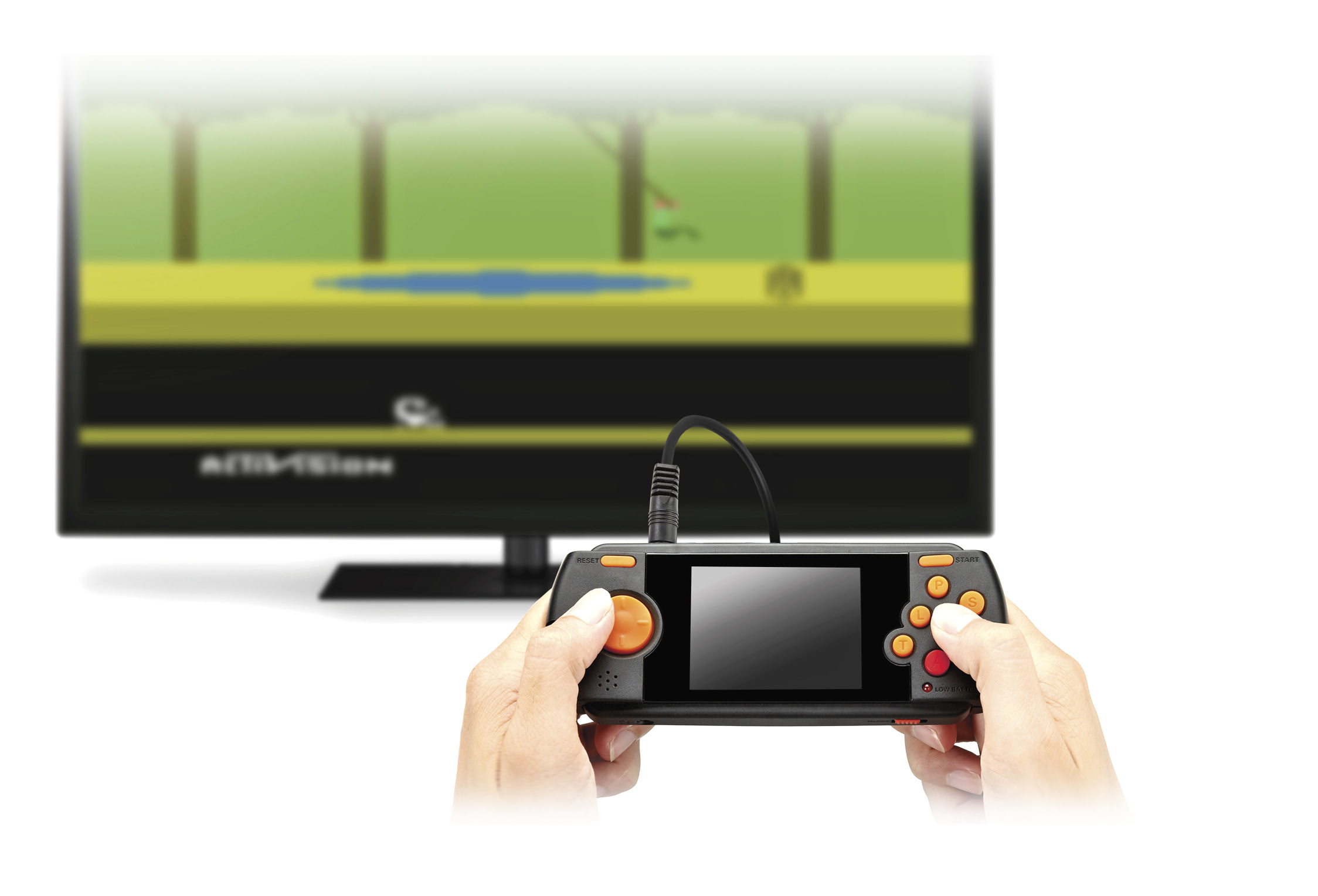
The Atari Flashback Portable Game Player has dedicated TV Type (T) and Pause (P) buttons. The former button works the same as the original console. When pressed, it can display some games in black-and-white or activate features in games like Secret Quest. The latter button pauses any game in progress.
Whenever the T, P, or Left (L) or Right (R) Difficulty buttons are pressed, a handy on-screen pop-up indicates the state. T = Mono; P = PAUSED; L = P1-HARD or P1-EASY; R = P2-HARD or P2-EASY.
Like its console brethren, players can use the directional pad to play paddle games on the Atari Flashback Portable Game Player. The only limitation is that, since there’s only one set of controls, only one-player games are supported, regardless of whether or not they originally used joysticks or paddles.
With an optional TV cable, you can play games on a big screen. The composite cable type and display properties are similar to what you get from the Atari Flashback Classic Console.
Finally, perhaps the best unique feature of the Atari Flashback Portable Game Player is its SD card slot. With an optional SD card, you can download and play many other Atari 2600 games, including some of the great new homebrew creations.
Game List
There are 70 games on the Atari Flashback Portable Game Player: